

Skocz do zawartości
View in the app

A better way to browse. Learn more.

Forum PSX Extreme

A full-screen app on your home screen with push notifications, badges and more.

To install this app on iOS and iPadOS
  1. Tap the Share icon in Safari
  2. Scroll the menu and tap Add to Home Screen.
  3. Tap Add in the top-right corner.
To install this app on Android
  1. Tap the 3-dot menu (⋮) in the top-right corner of the browser.
  2. Tap Add to Home screen or Install app.
  3. Confirm by tapping Install.

Ryuk

image.png.bf26200fab1da270b8914a3a2a94e283.png
Cale 10 dni wytrzymal :dynia:

Josh

Też niczego sobie okładeczka. 

obraz_2023-12-11_211310076.png

k0ntra

No i co chłopcy była ta premia świąteczna od prywaciarza Janusza czy czeka dzień przed świętami by wręczyć te 4 stówki?:kekw:

Daffy

Kiedyś to były okładki


FB_IMG_1702234605534.thumb.jpg.a185258923d05e266c2091549316aef7.jpg

Shen

:nvmnd:

Screenshot_20231211_011615_Instagram.jpg.b9bc4647a46472b6ef73524830f319c6.jpg

czesio83

dziwne uczucie wrócić na forum po latach przesiadywania na ppe;)

Qra

mam kod na 3 miesiące Spotify (dla nowych użytkowników) - chce ktoś?

Ukukuki

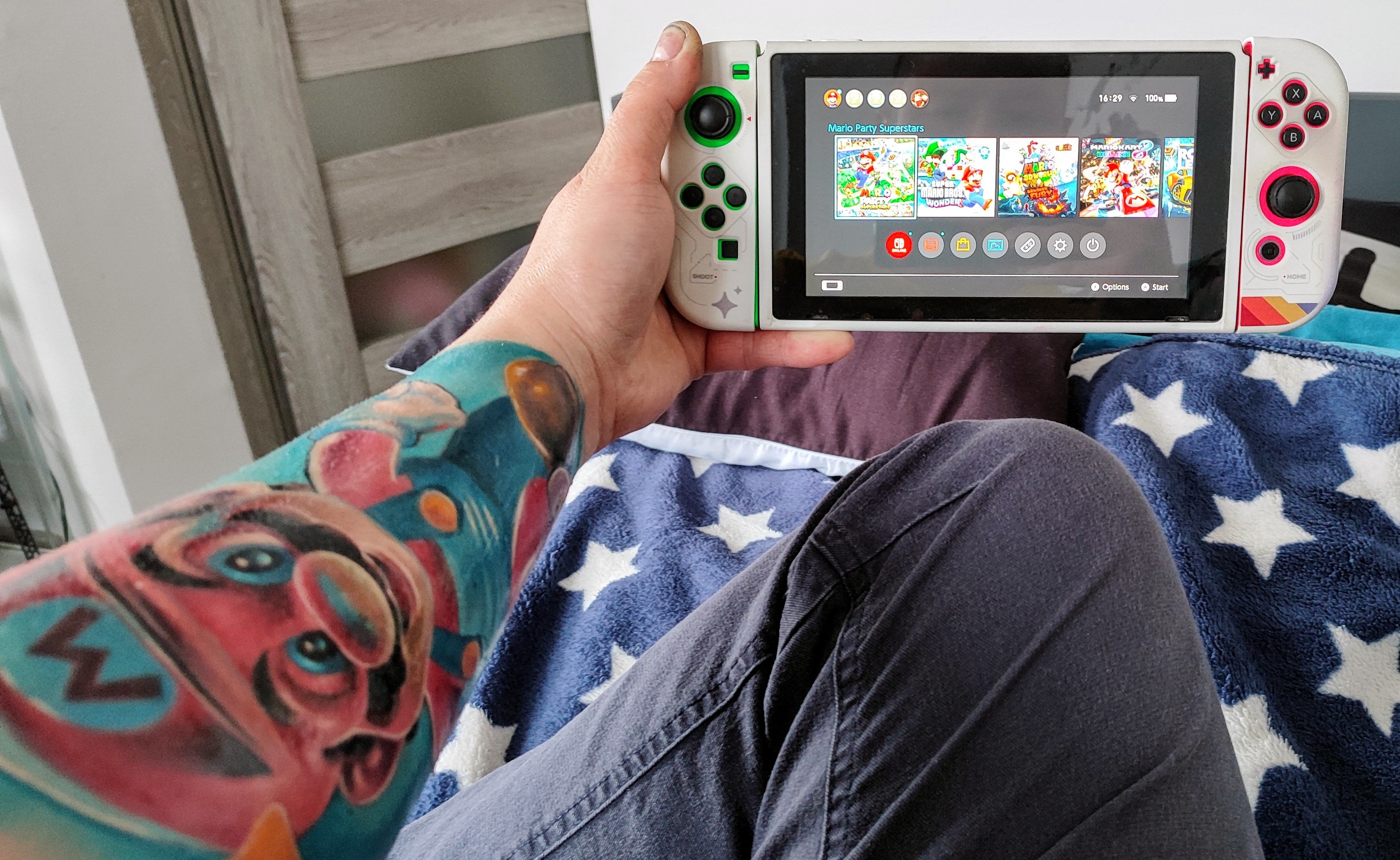
Gram w Catherine na Switchu i powiem wam ,że dobra gierka :wub: polecicie coś podobnego? 

Account

Navigation

Szukaj

Szukaj

Configure browser push notifications

Chrome (Android)
  1. Tap the lock icon next to the address bar.
  2. Tap Permissions → Notifications.
  3. Adjust your preference.
Chrome (Desktop)
  1. Click the padlock icon in the address bar.
  2. Select Site settings.
  3. Find Notifications and adjust your preference.