




Skocz do zawartości
View in the app

A better way to browse. Learn more.

Forum PSX Extreme

A full-screen app on your home screen with push notifications, badges and more.

To install this app on iOS and iPadOS
  1. Tap the Share icon in Safari
  2. Scroll the menu and tap Add to Home Screen.
  3. Tap Add in the top-right corner.
To install this app on Android
  1. Tap the 3-dot menu (⋮) in the top-right corner of the browser.
  2. Tap Add to Home screen or Install app.
  3. Confirm by tapping Install.

BRY@N

Użytkownicy
  • Dołączył

  • Ostatnia wizyta

BRY@N

Przyznać się kto pracuje w Marcos Bis :sonkassie:

Dziś miałem prezentację w firmie i handlowiec powiedział, że mają kolesia uzależnionego od gier i jak wychodzi coś nowego to bierze tydzień urlopu.

BRY@N

Kto ma stare funty to jutro tracą ważność :sonkassie:

BRY@N

Czy awaria forum jest powiązana z tym, że google na chwile padło?

BRY@N

Kiedy reklamy w aplikacji przewidują efekt twoich treningów :yao:
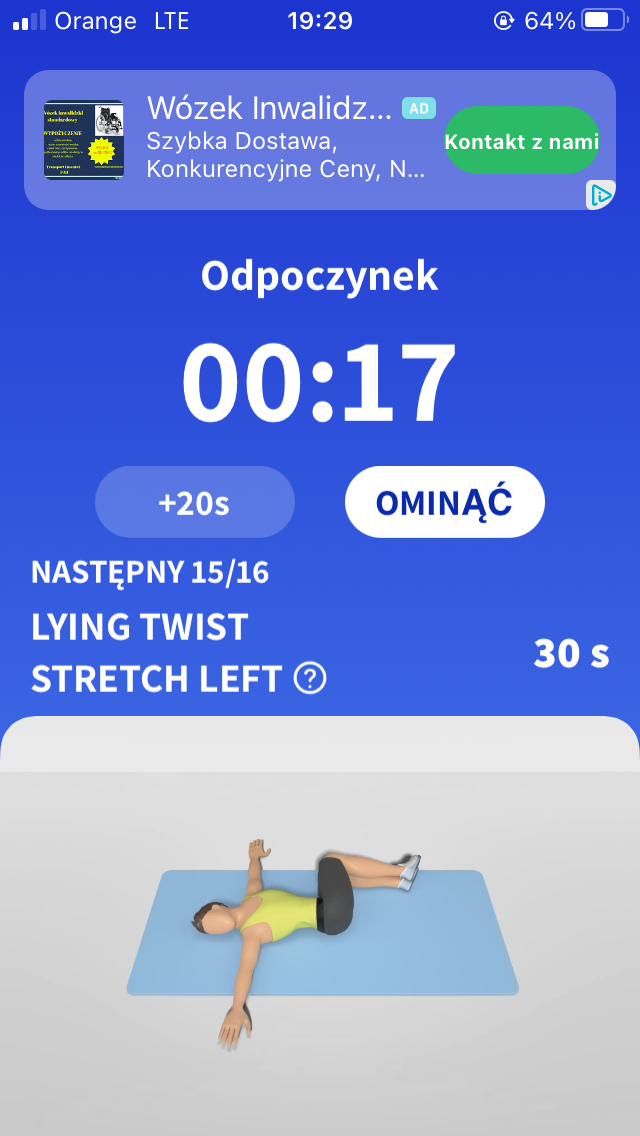
48EF9C7F-DC4E-4FFA-B3A4-8D1BAEB72566.thumb.png.6853ce419c400be7d70ce1d16b5ff3dd.png

BRY@N

Jak można nie dać opcji filtrowania wiadomości w skrzynce :yuno: f**k you WP

Account

Navigation

Szukaj

Szukaj

Configure browser push notifications

Chrome (Android)
  1. Tap the lock icon next to the address bar.
  2. Tap Permissions → Notifications.
  3. Adjust your preference.
Chrome (Desktop)
  1. Click the padlock icon in the address bar.
  2. Select Site settings.
  3. Find Notifications and adjust your preference.

