Skocz do zawartości
View in the app

A better way to browse. Learn more.

Forum PSX Extreme

A full-screen app on your home screen with push notifications, badges and more.

To install this app on iOS and iPadOS
  1. Tap the Share icon in Safari
  2. Scroll the menu and tap Add to Home Screen.
  3. Tap Add in the top-right corner.
To install this app on Android
  1. Tap the 3-dot menu (⋮) in the top-right corner of the browser.
  2. Tap Add to Home screen or Install app.
  3. Confirm by tapping Install.

BRY@N

Użytkownicy
  • Dołączył

  • Ostatnia wizyta

BRY@N


BRY@N

THPS 1+2 to zło, zamiast iść spać wczoraj to jeszcze jeden gap albo teraz mi się uda hard to get. Później rano :morning2:

BRY@N

Wtedy człowiek tego nie załapał 

img_1_1724241375555.jpg

BRY@N

Może ktoś chce zrobić formę przed GTAVI to dieta jak znalazł 
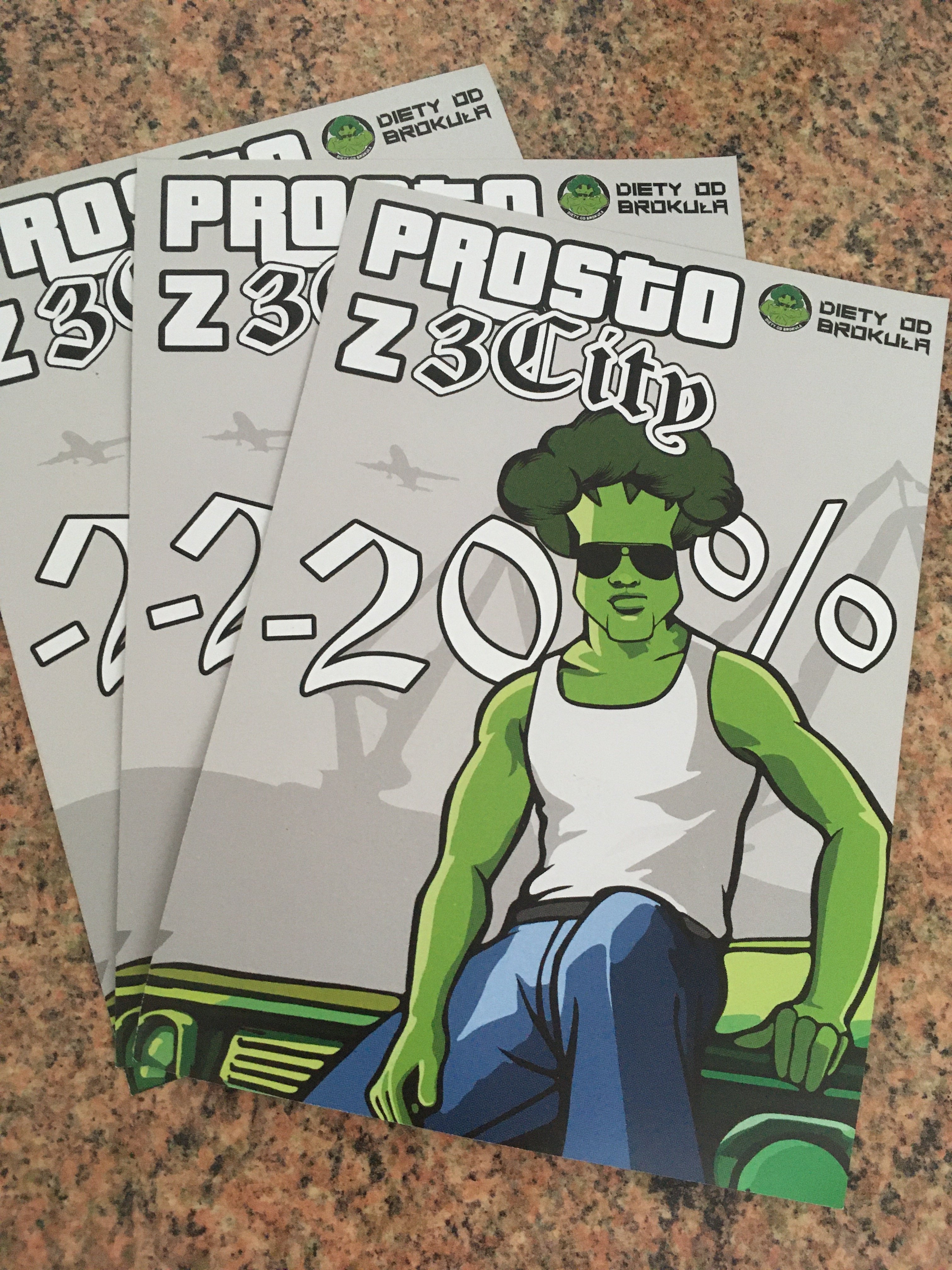
 

6A9B841F-B58B-4DAC-ADD7-35677FE76BAE.jpeg

BRY@N

Woda dla prawdziwych graczy

0_0_productGfx_7415.jpg

BRY@N

Nie wiedziałem, że gumy orbit są tak kaloryczne


BRY@N

Ci od Steamdecka to jacyś chyba krypto pececiarze a udają graczy konsolowych. 

Cały czas coś wgrywają

Account

Navigation

Szukaj

Szukaj

Configure browser push notifications

Chrome (Android)
  1. Tap the lock icon next to the address bar.
  2. Tap Permissions → Notifications.
  3. Adjust your preference.
Chrome (Desktop)
  1. Click the padlock icon in the address bar.
  2. Select Site settings.
  3. Find Notifications and adjust your preference.