Skocz do zawartości
View in the app

A better way to browse. Learn more.

Forum PSX Extreme

A full-screen app on your home screen with push notifications, badges and more.

To install this app on iOS and iPadOS
  1. Tap the Share icon in Safari
  2. Scroll the menu and tap Add to Home Screen.
  3. Tap Add in the top-right corner.
To install this app on Android
  1. Tap the 3-dot menu (⋮) in the top-right corner of the browser.
  2. Tap Add to Home screen or Install app.
  3. Confirm by tapping Install.

MEVEK

Senior Member
  • Dołączył

  • Ostatnia wizyta

MEVEK

fsg

MEVEK

Ponoc Macaulay Culkin ma dostac role w 2 sezonie Fallouta. Sa juz pierwsze poszlaki... " Kevin Sam w Schronie" rofl

MEVEK

Gy3H5vOWkAA-OZL?format=jpg&name=small

Swojskie nie pryskane - smacznego bluber

MEVEK

kania1.jpg

Wlasnie to teraz porabia moj najmlodszy syn. Cieszy sie wiejska natura w gronie seniorow zbierajac smaczne kanie dla tatusia nyam2

MEVEK

To ja juz podziekuje za uwage facepalm

MEVEK

Tekken 4 - pamiętacie? pawel

MEVEK

thats-nice.gif

MEVEK

Romantico w pokoju hotelowym..

Gt5UmE7XQAAdb1h?format=jpg&name=large

wub

MEVEK

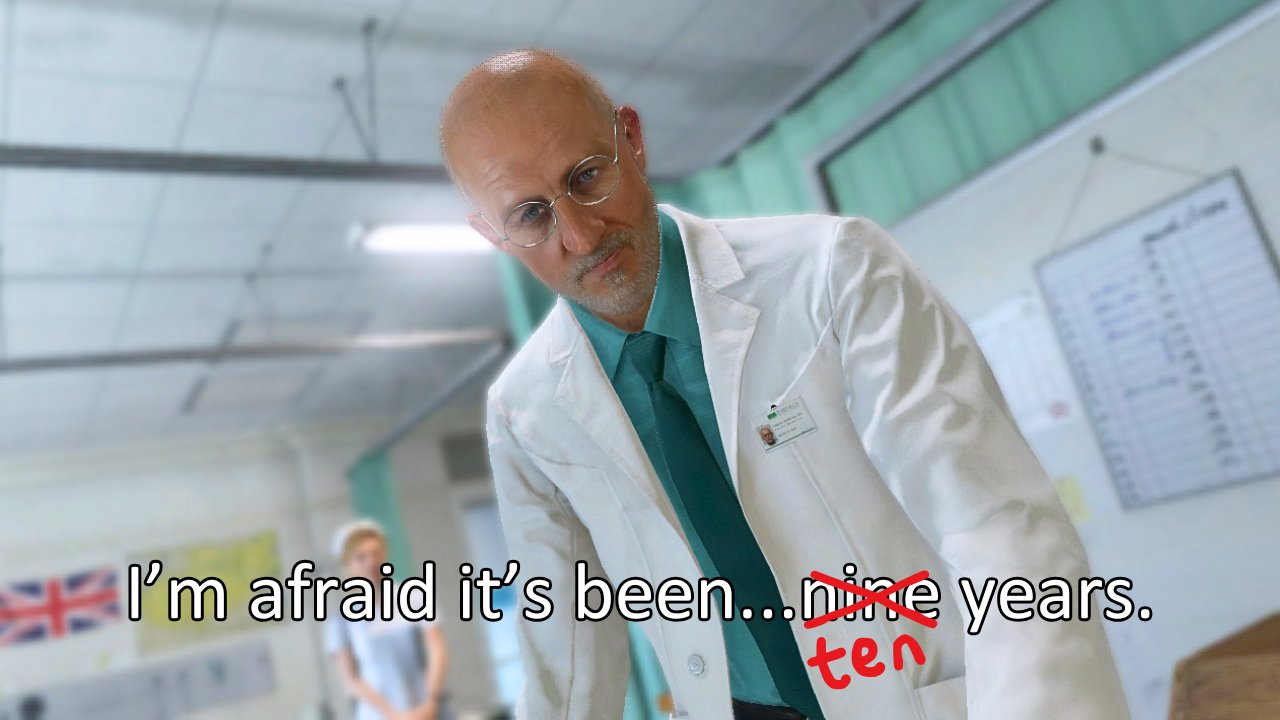
Cos na rozpoczęcie weekendu...

Account

Navigation

Szukaj

Szukaj

Configure browser push notifications

Chrome (Android)
  1. Tap the lock icon next to the address bar.
  2. Tap Permissions → Notifications.
  3. Adjust your preference.
Chrome (Desktop)
  1. Click the padlock icon in the address bar.
  2. Select Site settings.
  3. Find Notifications and adjust your preference.