Skocz do zawartości
View in the app

A better way to browse. Learn more.

Forum PSX Extreme

A full-screen app on your home screen with push notifications, badges and more.

To install this app on iOS and iPadOS
  1. Tap the Share icon in Safari
  2. Scroll the menu and tap Add to Home Screen.
  3. Tap Add in the top-right corner.
To install this app on Android
  1. Tap the 3-dot menu (⋮) in the top-right corner of the browser.
  2. Tap Add to Home screen or Install app.
  3. Confirm by tapping Install.

Pupcio

Senior Member
  • Dołączył

  • Ostatnia wizyta

Pupcio

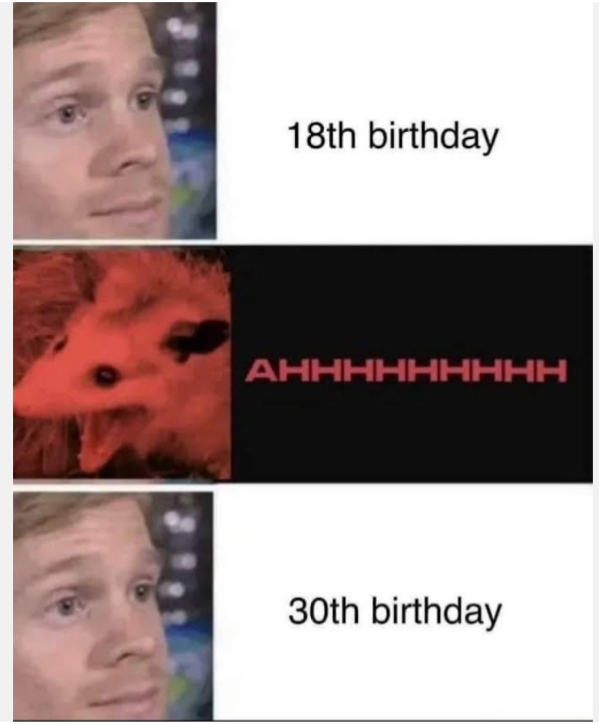
Wybitny pomysł na program 


Pupcio

Marcinie

20220928_151031.jpg

Pupcio

Myślicie że jako ex klap uda mi się przejść deathloopa w 2 dni?? Przecież nie przedłuże abonamentu gamepass za pieniążki

Pupcio

cyberpunk 2077>wiedźmin 3 dla giejów i dzieci lubiących smoki

Pupcio

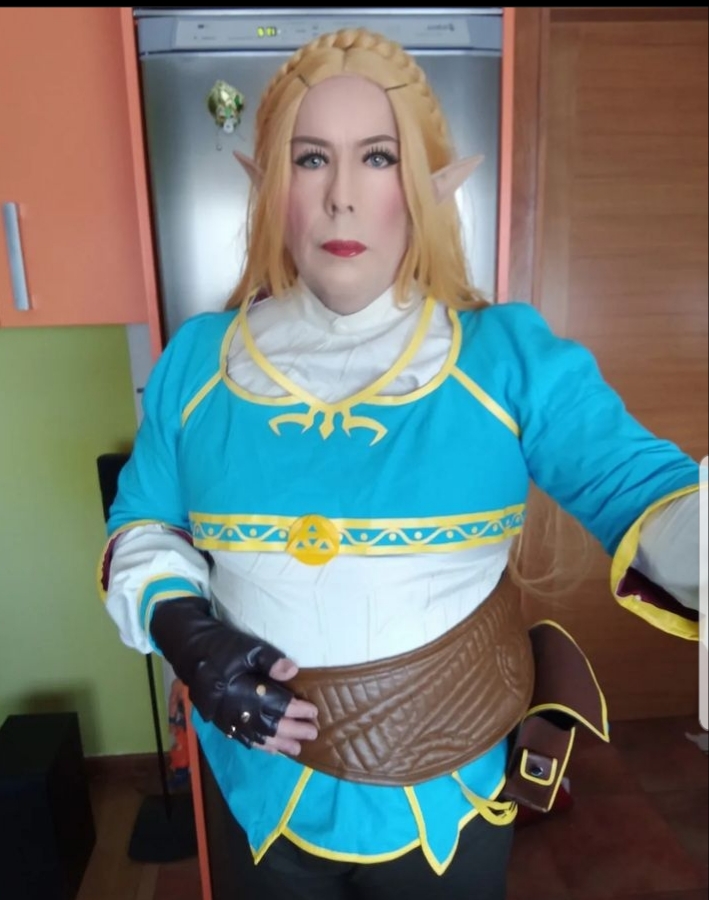
Jestem swego rodzaju romantykiem. Chcesz być moją księżniczką zeldą? Pisz na pw


317a21ca6b3aacf3adcaee5ad30d276dd59d1448

Pupcio

Wrzesień stabilny


Zrzut ekranu 2022-09-13 190914.png

Pupcio

xenoblade-chronicles-3-manana-nopon.larg

Ja pyerdole :) 

Pupcio

Yebać wszystkich grubasów :sonkassie:

Account

Navigation

Szukaj

Szukaj

Configure browser push notifications

Chrome (Android)
  1. Tap the lock icon next to the address bar.
  2. Tap Permissions → Notifications.
  3. Adjust your preference.
Chrome (Desktop)
  1. Click the padlock icon in the address bar.
  2. Select Site settings.
  3. Find Notifications and adjust your preference.