Skocz do zawartości
View in the app

A better way to browse. Learn more.

Forum PSX Extreme

A full-screen app on your home screen with push notifications, badges and more.

To install this app on iOS and iPadOS
  1. Tap the Share icon in Safari
  2. Scroll the menu and tap Add to Home Screen.
  3. Tap Add in the top-right corner.
To install this app on Android
  1. Tap the 3-dot menu (⋮) in the top-right corner of the browser.
  2. Tap Add to Home screen or Install app.
  3. Confirm by tapping Install.

Figaro

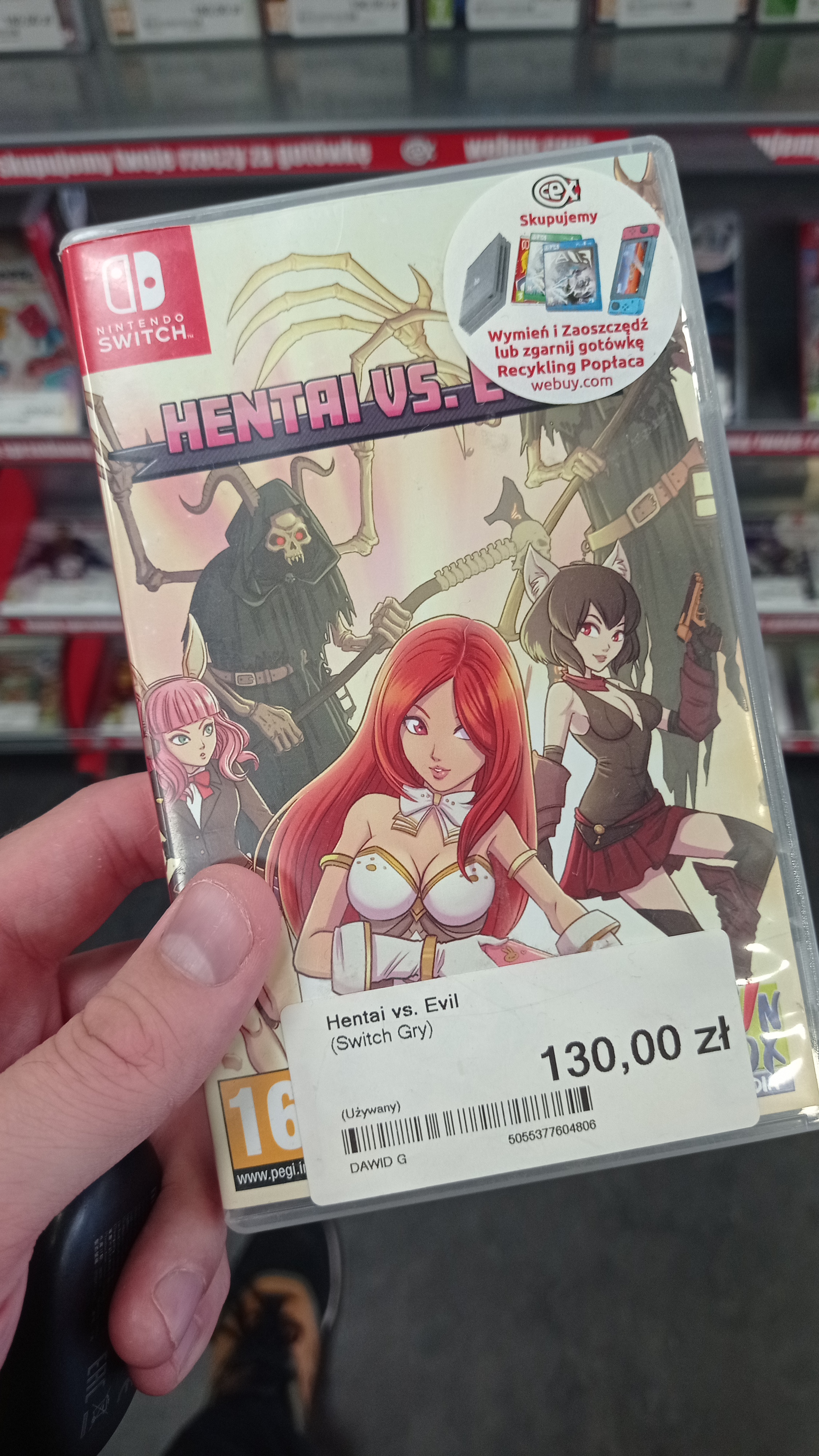
h-hej, mogę wypić z wami piwo?

20inchDT

Ehh człowiek poświęci dwa tygodnie na grę 11/10, a potem nie chce się grać w nic innego :smutas:

Pupcio

Dobrze wuja znalazł dla forumowicza co? :)

298600533_359711422995068_49754703579541


izon

:obama:

Pupcio

Nic nie zapowiadało tragedii :smutas:

XM.


ProstyHeker

o s t r o ż n i e


Dr.Czekolada

image.thumb.png.4d44a5671a4e5e28bc4b8f121009fc3d.png

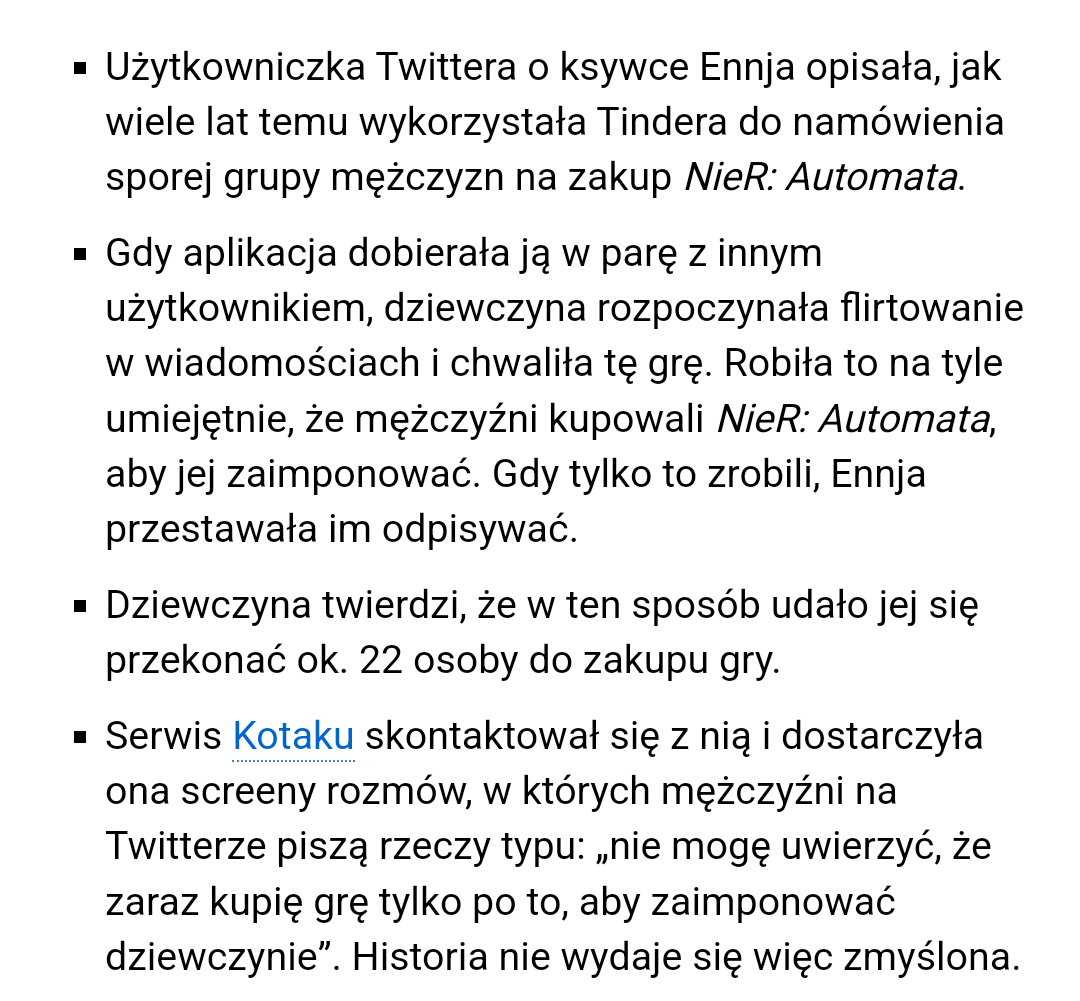
Wy tam lepiej uważajcie. Słyszałem już o lochach namawiających do gry w Gothica.

Account

Navigation

Szukaj

Szukaj

Configure browser push notifications

Chrome (Android)
  1. Tap the lock icon next to the address bar.
  2. Tap Permissions → Notifications.
  3. Adjust your preference.
Chrome (Desktop)
  1. Click the padlock icon in the address bar.
  2. Select Site settings.
  3. Find Notifications and adjust your preference.