Skocz do zawartości
View in the app

A better way to browse. Learn more.

Forum PSX Extreme

A full-screen app on your home screen with push notifications, badges and more.

To install this app on iOS and iPadOS
  1. Tap the Share icon in Safari
  2. Scroll the menu and tap Add to Home Screen.
  3. Tap Add in the top-right corner.
To install this app on Android
  1. Tap the 3-dot menu (⋮) in the top-right corner of the browser.
  2. Tap Add to Home screen or Install app.
  3. Confirm by tapping Install.

kanabis

Ale sie rżno dzisiaj
devilbot

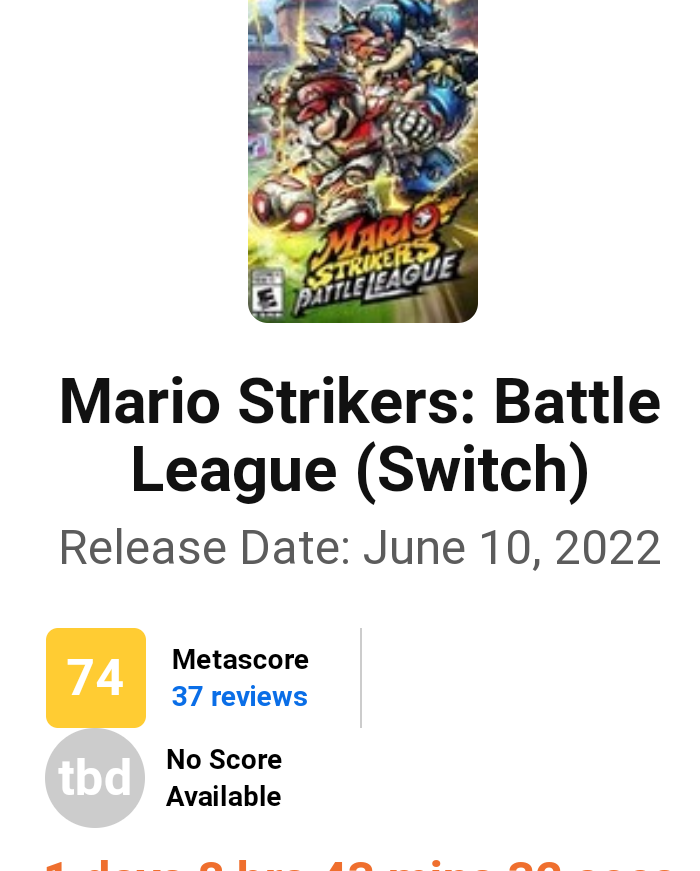
Kupujcie bo zabraknie! Najlepsza piłeczka od czasu PES 6!
Polish_20220608_151924906.thumb.png.b1b13cf0539a0d290559e7a1b8f84e60.png

Daddy

JESZCZE 4 DNI 

FUl8SgOWYAIzis7?format=jpg&name=medium


:banderas:

Paolo de Vesir

UWAGA, ZAGADKA


Jakim mianem określilibyście grę o takiej charakterystyce?


"kojarzona z wydaniem nieskończonej gry i branie za to pieniążków licząc na to że twórcy nie zrobią nas w chuya"


Za poprawne odpowiedzi będą plusiki. :cool: 

dee

comment_1654664308rFUx29KwjVw4jGDWz3ArS3

Shen


Czoperrr

Gamepassowcy, mam nadzieję, że macie trochę RiGCZu i nie gracie w Assassin's Creed Origins

Account

Navigation

Szukaj

Szukaj

Configure browser push notifications

Chrome (Android)
  1. Tap the lock icon next to the address bar.
  2. Tap Permissions → Notifications.
  3. Adjust your preference.
Chrome (Desktop)
  1. Click the padlock icon in the address bar.
  2. Select Site settings.
  3. Find Notifications and adjust your preference.