Skocz do zawartości
View in the app

A better way to browse. Learn more.

Forum PSX Extreme

A full-screen app on your home screen with push notifications, badges and more.

To install this app on iOS and iPadOS
  1. Tap the Share icon in Safari
  2. Scroll the menu and tap Add to Home Screen.
  3. Tap Add in the top-right corner.
To install this app on Android
  1. Tap the 3-dot menu (⋮) in the top-right corner of the browser.
  2. Tap Add to Home screen or Install app.
  3. Confirm by tapping Install.

Czoperrr

O boże jaki Steam Deck jest zayebisty :fsg:

20inchDT

Prywaciarz znowu zaczyna...

dy91Gxx.jpeg

20inchDT

@Shen jednak nie miałeś racji i w dzień dziecka była słaba sprzedaż :smutas:

GearsUp

Jaka jest najlepsza gra świata?

kanabis

W takim stanie przynosza gracze gry.

Oczekujac oczywiscie od sprzedawcy stanu kolekcjonerskiego


Szperma? Gluty z nosa?
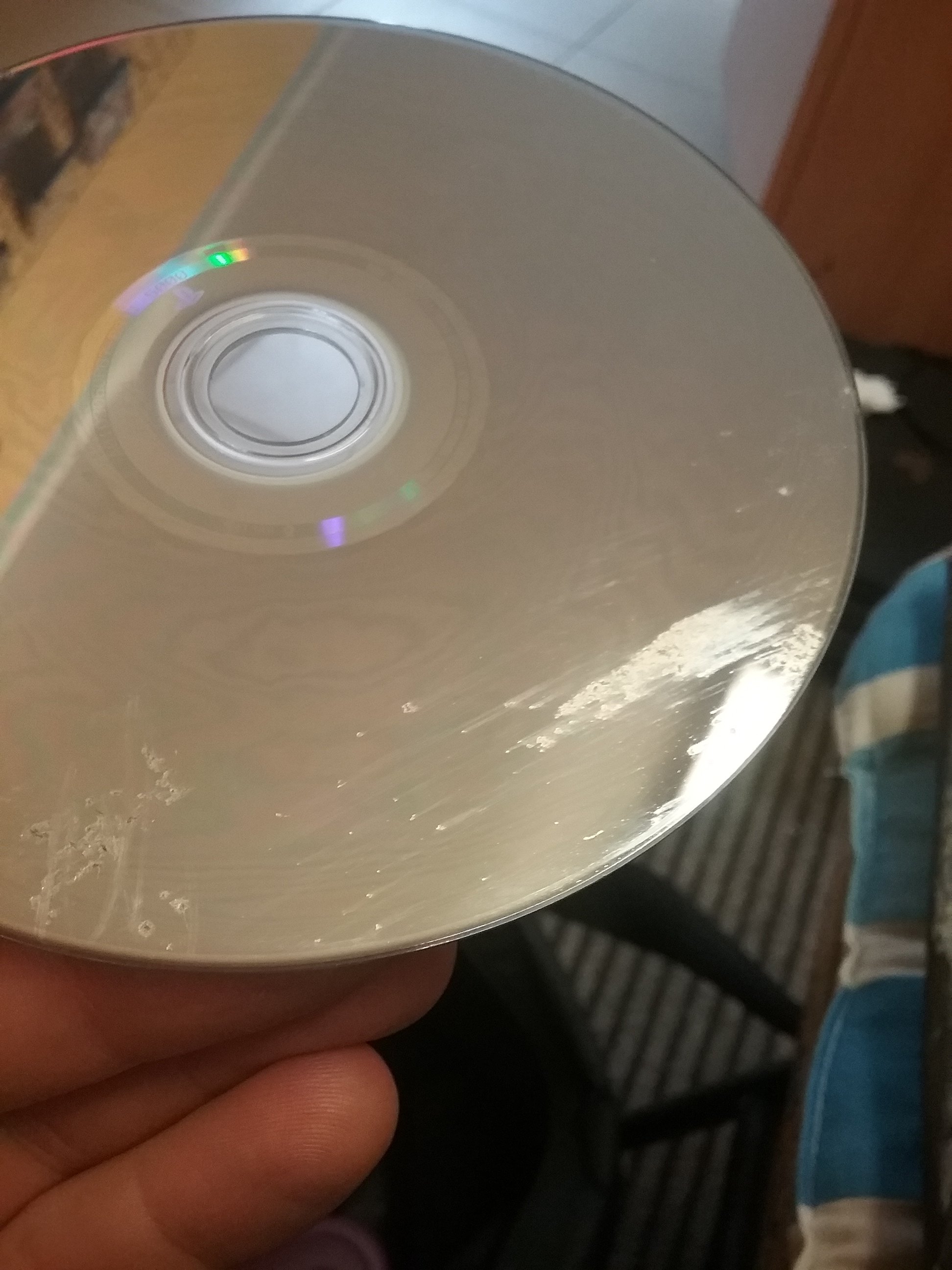
 

20220602_114625.jpg

k0ntra

Lubię grać w gry dla dzieci i oglądać filmy, więc mam telewizor OLED. Lubię pić kawę, więc mam ekspres szwajcarskiej firmy Jura. Czego nie rozumiesz?

Bigby


Pupcio

1b5.jpg

Ta gra wideo ma wszystko. Usiądź mi na morde elfico :)

Account

Navigation

Szukaj

Szukaj

Configure browser push notifications

Chrome (Android)
  1. Tap the lock icon next to the address bar.
  2. Tap Permissions → Notifications.
  3. Adjust your preference.
Chrome (Desktop)
  1. Click the padlock icon in the address bar.
  2. Select Site settings.
  3. Find Notifications and adjust your preference.