.thumb.jpg.186df2e9162342610fd4d2e1d38cdb05.jpg)


Witam,
skonczylem wlasnie Cyberpunka. Mam pytanie do ludzi, dla ktorych jest to jedna z gier zycia. Wy gracie w ogole w inne gry? To jakas prowokacja? O co chodzi? Prosze o wyjasnienie.
Pozdrawiam
Dahaka
-
 2
2
-
 1
1
-
 2
2
-
 3
3
-
 2
2
-
 5
5
-
 1
1

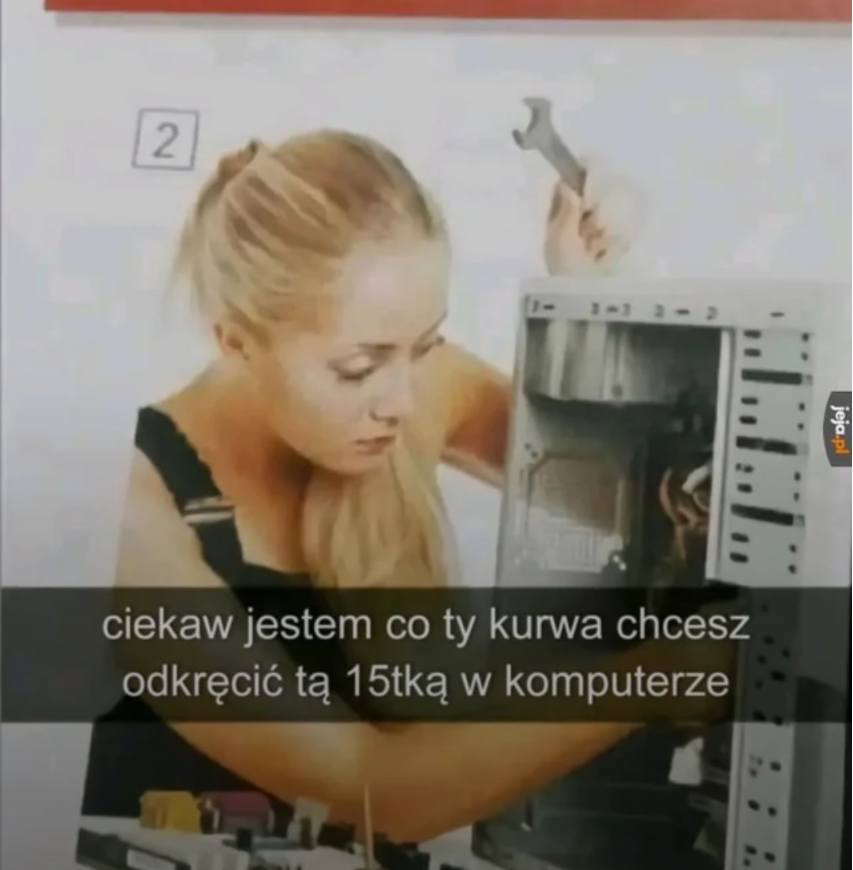
A wy jakim kluczem składacie swoje komputery?

Zabilem na jednym zyciu ponad 20 pokemonow w meczu Pokemon Unite na rankedach. W polowie zaczelo sie juz tylko liczyc zeby ubic jak najwiecej i pasc. Czuje pustke, wielka pustke i czuje ze nie moge ich juz wybijac


dokańczam sobie clear obscure i trzeba było muzykę wyłączyć bo tego wyjca z worldmapy po 10 minutach nie da się słuchać
-
1
-
2

good luck bros


Zawsze gdy tego słucham, z uśmiechem wspominam naszą forumową premierę Nintendo Switch 2.