

Skocz do zawartości
View in the app

A better way to browse. Learn more.

Forum PSX Extreme

A full-screen app on your home screen with push notifications, badges and more.

To install this app on iOS and iPadOS
  1. Tap the Share icon in Safari
  2. Scroll the menu and tap Add to Home Screen.
  3. Tap Add in the top-right corner.
To install this app on Android
  1. Tap the 3-dot menu (⋮) in the top-right corner of the browser.
  2. Tap Add to Home screen or Install app.
  3. Confirm by tapping Install.

Daddy


MYSZa7

Switcher 3? Ale wciągnął, a tutaj Horizonik i Disco do ogrania. Muszę przestać.

k0ntra

Czaicie nie mieć telewizora oled w 2022 roku? Poyebana akcja!

Figaro

nie wierzę, ściągnąłem sobie przez noc Forzę 5, odpalam a tu okazuje sie, że dopiero po włączeniu pojawia się aktualizacja do ściągnięcia xD 

Pupcio

Czaicie nie mieć konsoli nintendo switch oled w 2022 roku? Poyebana akcja!

ASX

20220502_093750.jpg.2c13cb24e8dbb8fdbc3117f152bc6ce7.jpg

Pupcio

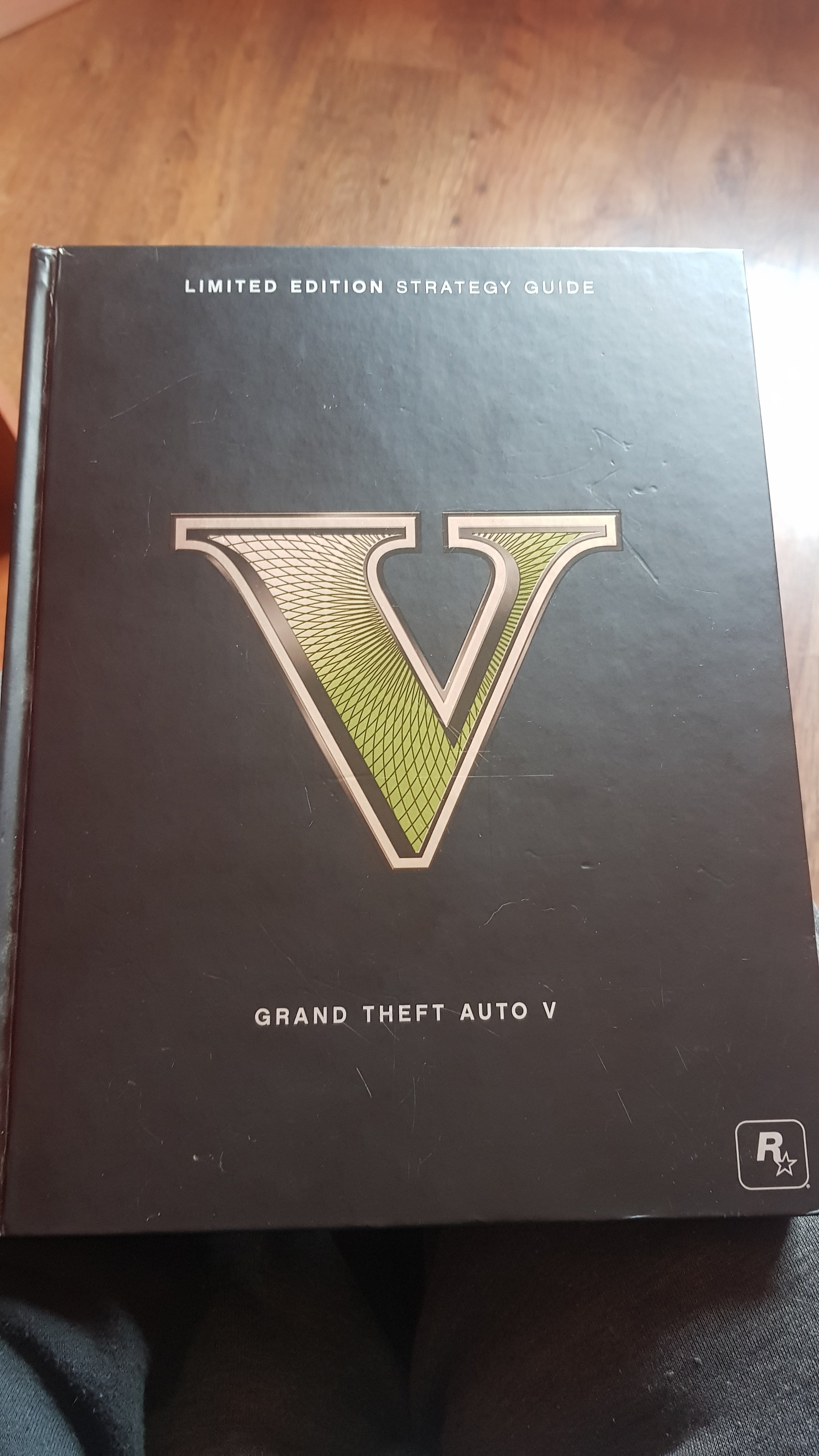
Siema chcecie coś z avonu albo kupić ode mnie to CUDEŃKO??
20220502_112823.jpg

Account

Navigation

Szukaj

Szukaj

Configure browser push notifications

Chrome (Android)
  1. Tap the lock icon next to the address bar.
  2. Tap Permissions → Notifications.
  3. Adjust your preference.
Chrome (Desktop)
  1. Click the padlock icon in the address bar.
  2. Select Site settings.
  3. Find Notifications and adjust your preference.