





Czysta matematyka, GOTY 2021

Musieliby zrobić Dante's Inferno 2

Niby remaster, niby gierka sprzed 14 lat, niby piu-piu w kosmosie, a ja siedzę w pracy i aż mnie skręca, żeby wrócić do domu i włączyć Mass Effecta 
I tu poważne pytanie: najpierw Noveria czy lecieć po Liarę?

Od paru generacji kupuję PS gdy wychodzi jakiś flagowy ex/duża gra na którą czekam. Przypomnijcie co tam jest w produkcji na 2021/22? Jakoś mam zamglony mózg w tym temacie teraz
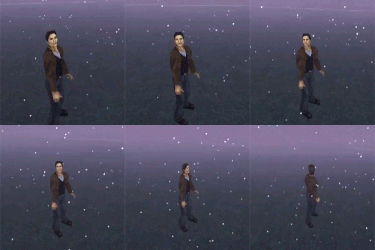
Tenet - nie dość, że słaby film to jeszcze zrzynka z Quantum Break.
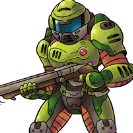
STRONG FEMALE PROTAGONIST

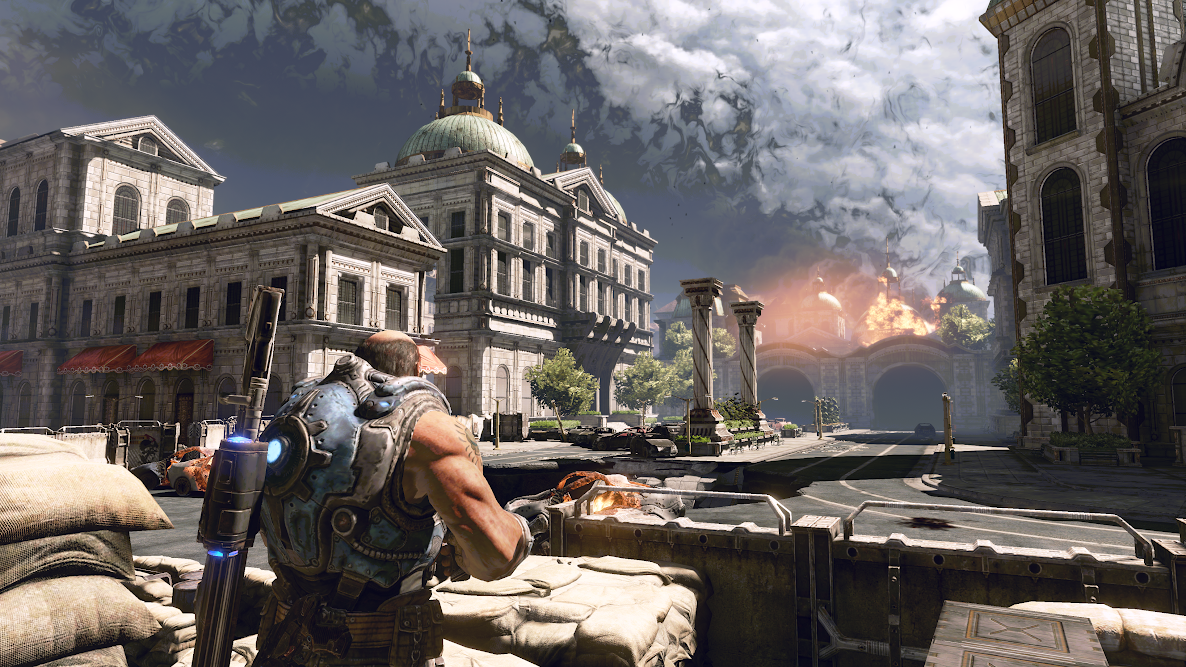
Gears of War 3 - ależ to było dobre 
Zdecydowanie najlepsza część trylogii, pod praktycznie każdym względem - postacie, fabuła, graficzka, muzyka, zróżnicowanie, długość... Nawet dzisiaj to "dyszka" jak nic 

Znajdź niepasujący element.
Cisza, spokój, PS3

cisza, spokoj, dystansik