Skocz do zawartości
View in the app

A better way to browse. Learn more.

Forum PSX Extreme

A full-screen app on your home screen with push notifications, badges and more.

To install this app on iOS and iPadOS
  1. Tap the Share icon in Safari
  2. Scroll the menu and tap Add to Home Screen.
  3. Tap Add in the top-right corner.
To install this app on Android
  1. Tap the 3-dot menu (⋮) in the top-right corner of the browser.
  2. Tap Add to Home screen or Install app.
  3. Confirm by tapping Install.

Sven Froost

Juz jutro bede mial C4 i zobacze co to wizualna eksplozja

mcp

Kiedyś to było...

img_1_1751307584042.jpg

Shago

image.png

Shen

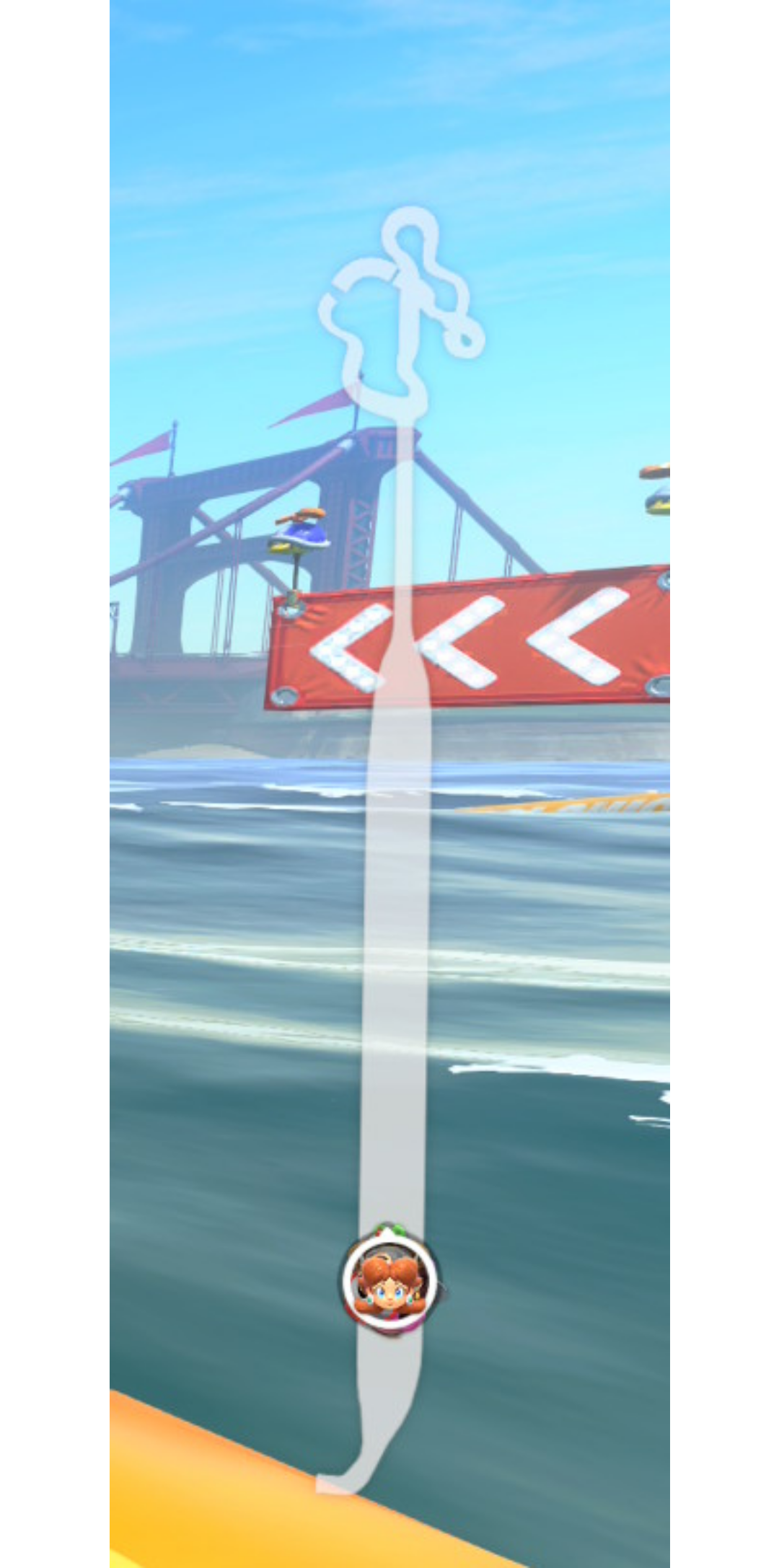
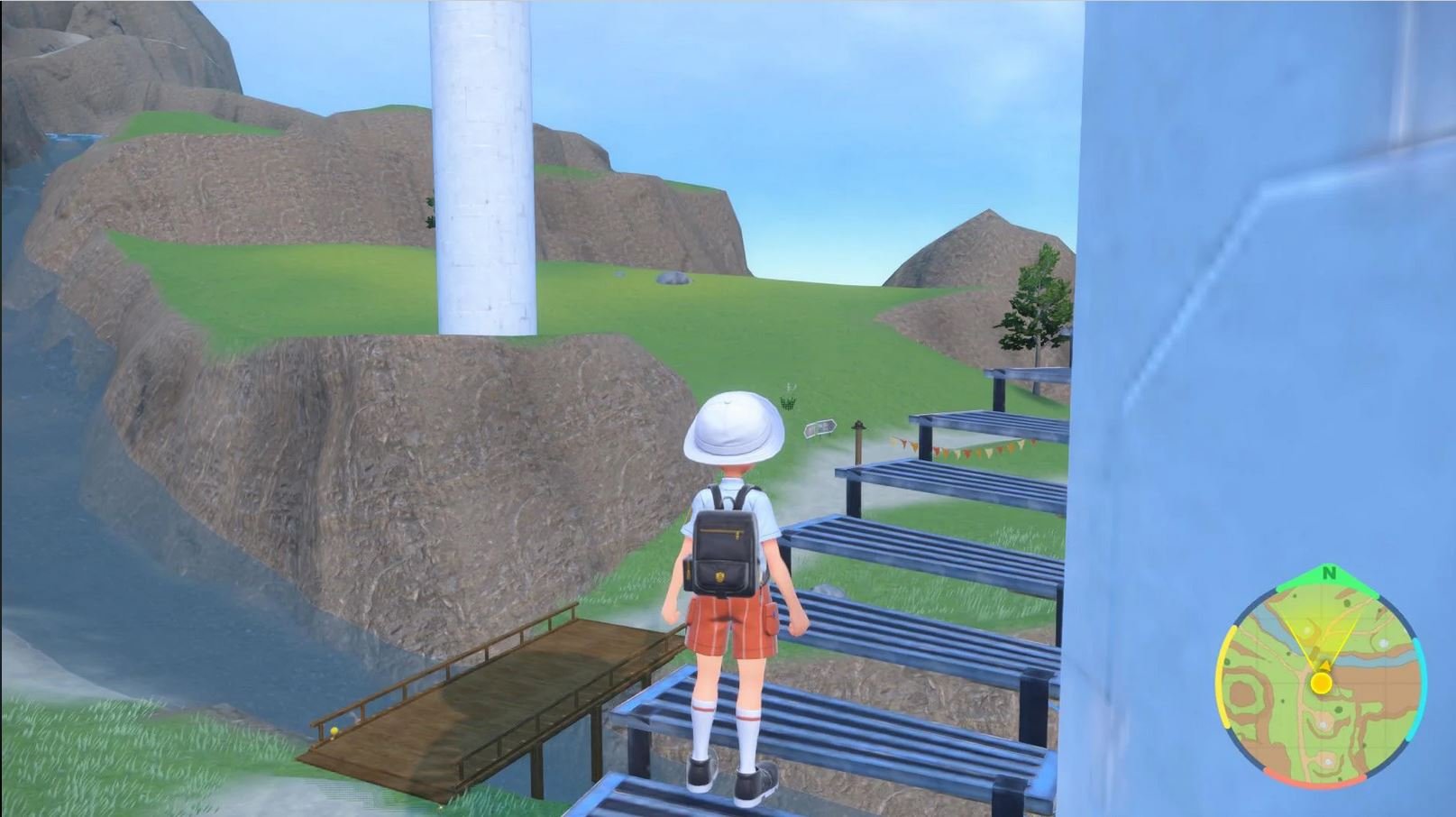
Thanks to the power of Nintendo Switch 2’s hardware, you can enjoy improved image quality with visuals optimized for both the system’s display and high-resolution TVs, as well as an improved frame rate that allows for smoother movement.

banderas

Przechwytywanie.JPG

Czoperrr

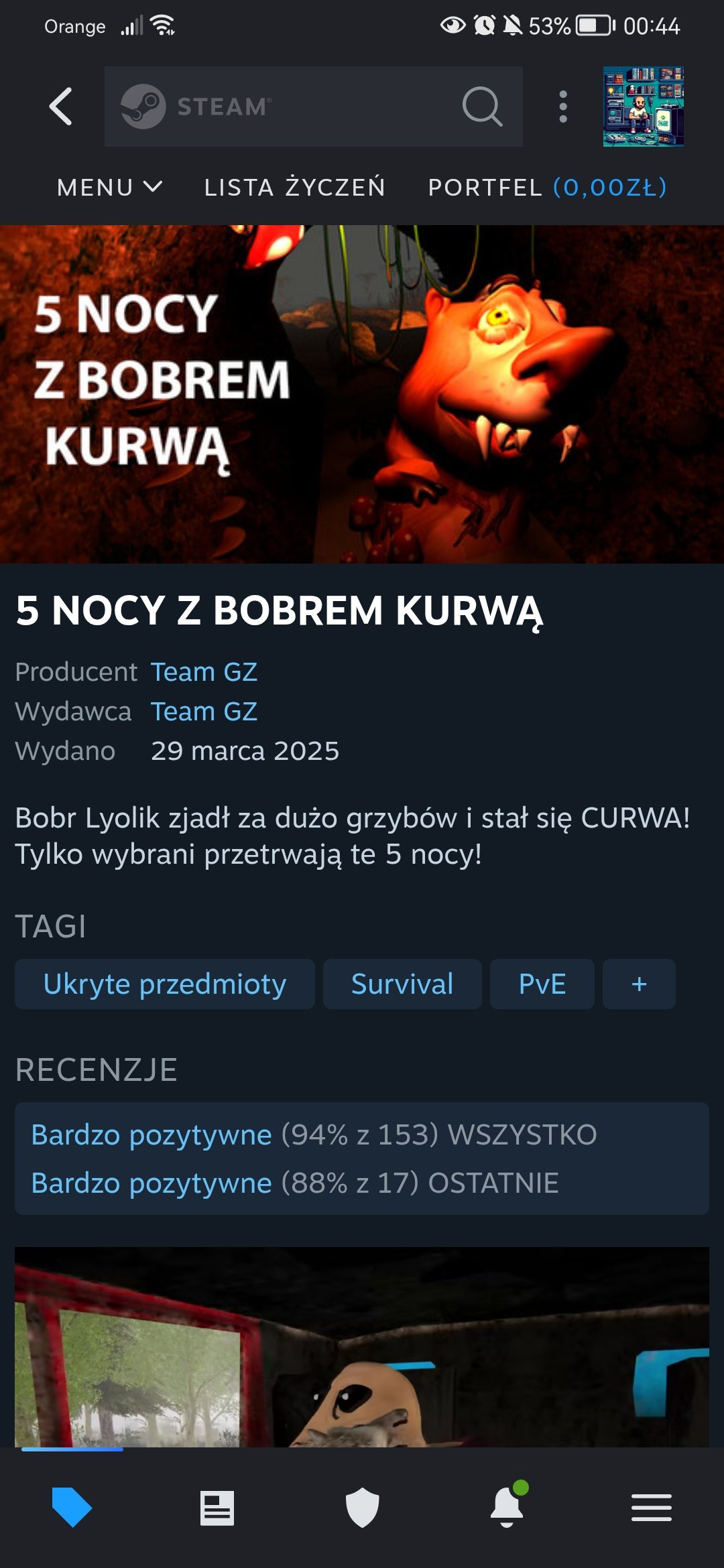
Grał ktoś?

Screenshot_20250630_004408_com.valvesoftware.android.steam.community.jpg

Josh

rdatzgTrAOA9fYCqhODWvOkcrRTxJ5fE.jpg

Josh

image.png

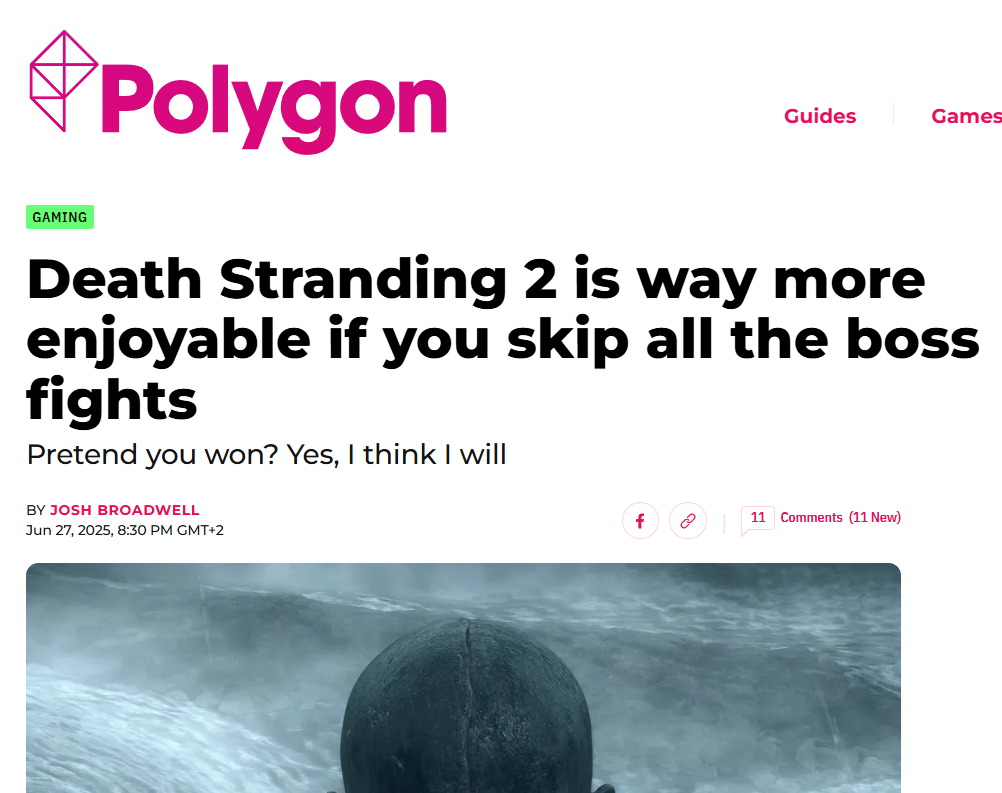
Mam nadzieję, że gracie w DS2 w jedyny właściwy sposób??

Account

Navigation

Szukaj

Szukaj

Configure browser push notifications

Chrome (Android)
  1. Tap the lock icon next to the address bar.
  2. Tap Permissions → Notifications.
  3. Adjust your preference.
Chrome (Desktop)
  1. Click the padlock icon in the address bar.
  2. Select Site settings.
  3. Find Notifications and adjust your preference.