.thumb.jpeg.61f8c1e8e03d4884da35ffe4624012b9.jpeg)
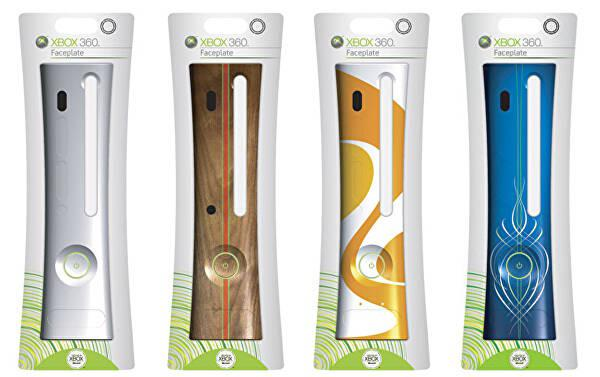



"na Wezyra" - termin określający czekanie na dany tytuł aż pojawi się w usłudze Gamepass. np. zagralbym w Tony Hawka ale czekam "na Wezyra".

Aktorka z Alien Romulus chyba lepiej by się nadawała

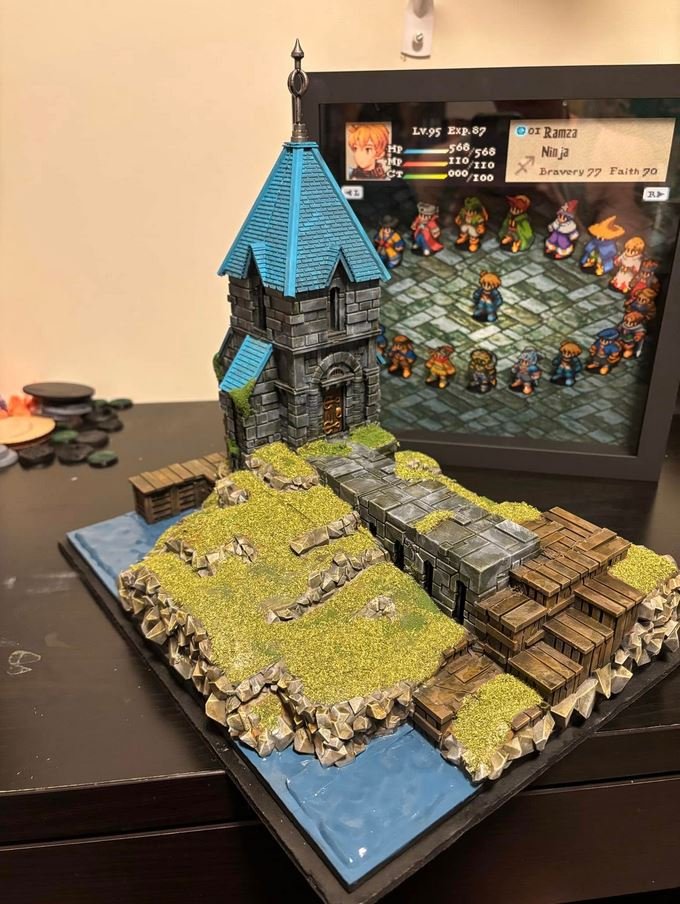
drukarki 3d fajna sprawa

Ktoś jeszcze pamięta to studio?

Kurde brakuje mi arcadówek Segi i EA Big do odstresowania się i kanapowego multi, trochę z powyższego obrazka ograłem + prawie wszystko z Virtua w tytule od Segi + Sega Rally + Crazy Taxi + Jet Set Radio itd.

Seperate Ways do RE4R to jest top tier DLC w kosmosie i historii. Pozdrawiam wszystkich, dobrej nocy 

Kupujecie Assassin's Creed Shadows, wybucha wojna, umieracie na froncie i jest to ostatnia gra, w którą zagraliście.
Lepiej zastanówcie się dwa razy!

30 lat.
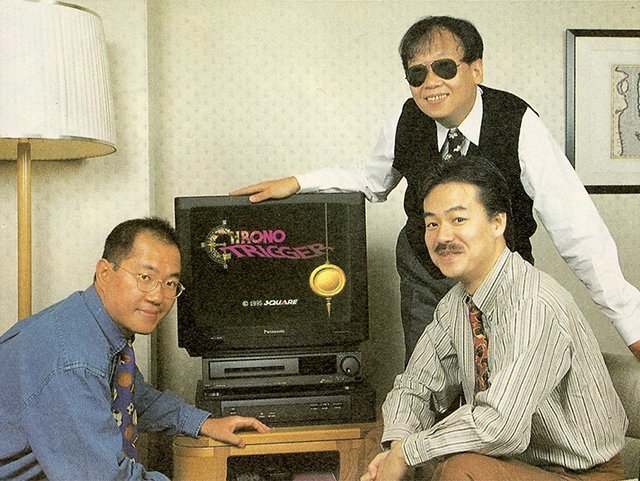

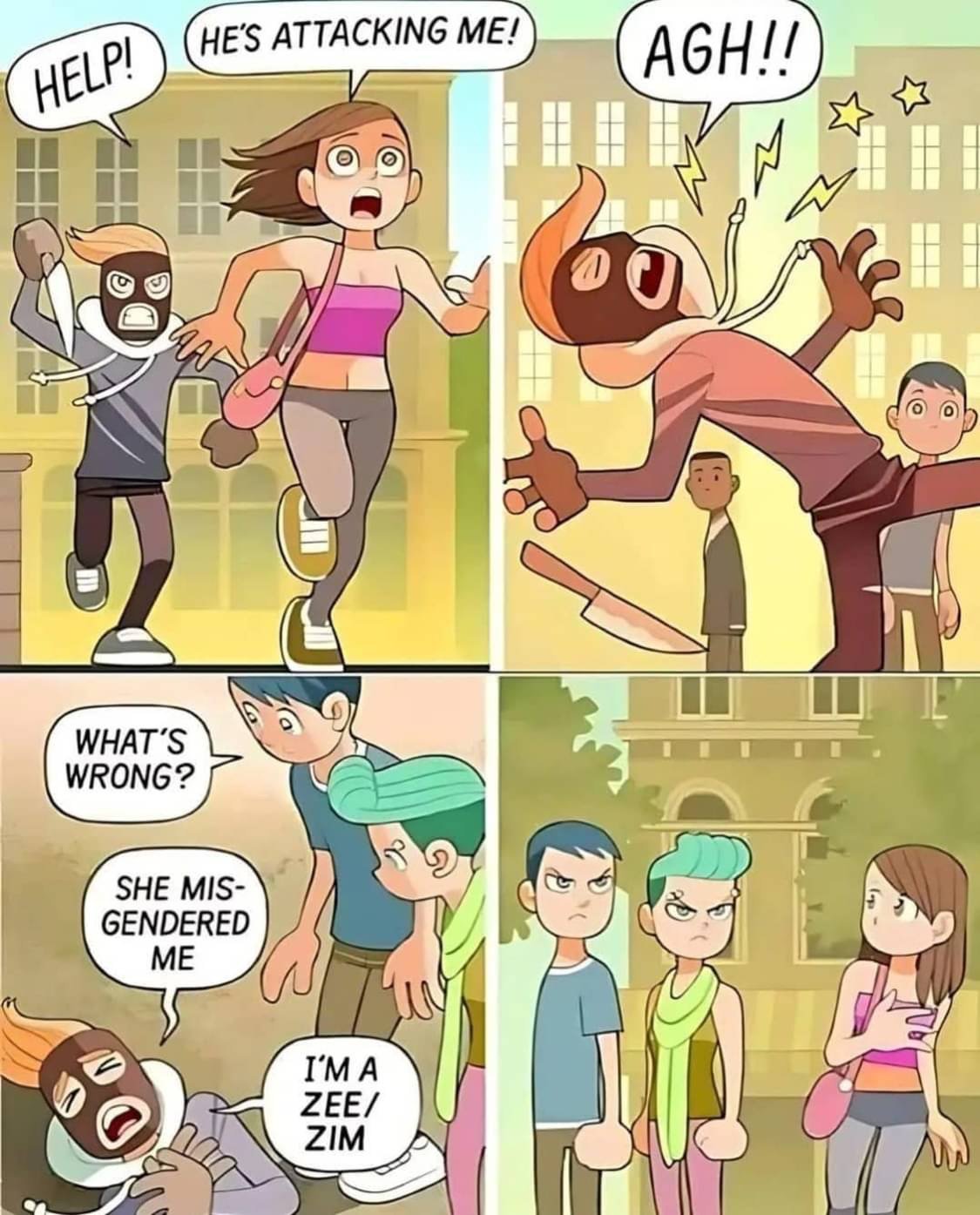
Ciężkie czasy dla przestępców