




Kiedyś było lepiej czy nie bylo? Biorę po 5zł z konta każdej drużyny i słucham państwa

A better way to browse. Learn more.
A full-screen app on your home screen with push notifications, badges and more.


Kiedyś było lepiej czy nie bylo? Biorę po 5zł z konta każdej drużyny i słucham państwa
Postanowilem pojsc za technologia a zatem:
szczoteczka soniczna czy elektryczna - którą wybrać? 
Jonathan znowu dostarcza
Himarsy chcą kupić?
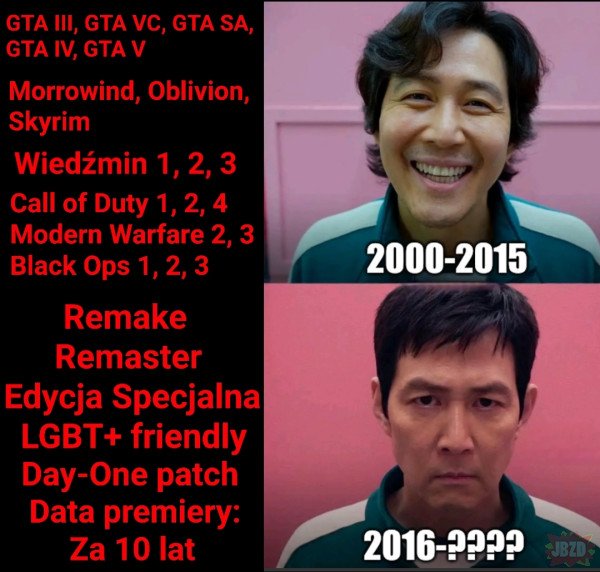
Całkiem fajnie graficznie to pokazuje skalę sukcesu tych 2ch gier na końcu.
Na początku tego roku
doznałem objawienia. Drugi stycznia, nowy rok, nic jeszcze nie kupiłem. Idealny czas, żeby coś zmienić. Postanowiłem zrobić całoroczny eksperyment. Nie kupię w tym roku ŻADNEJ gry na wyprzedaży na zapas. ŻADNEJ. W 2025 będę kupował gry na bieżąco jak będę chciał w nie zagrać, nawet jeżeli będą w pełnej cenie po 350 zł. Tak jak robiłem ponad 10 lat temu. Kończąc jedną grę sobie wybierałem kolejną i ją po prostu kupowałem. Do tego mam masę tytułów w bibliotece.
Zobaczę czy i jak się to przełoży na wydatki. Czy będzie drożej? Taniej? Bez różnicy?
Na razie nie kupiłem Jagged Alliance 3 z bazarku za 15 złotych.
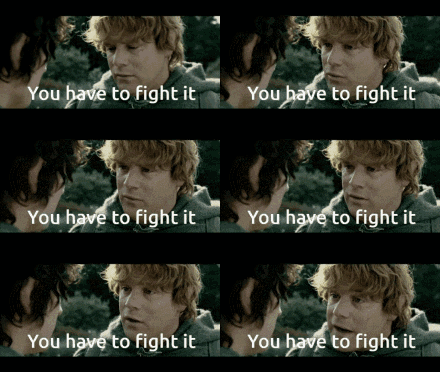
Nagrań, które zbieramy w The Division po 2019 słucha się z trochę innej perspektywy 
Trylogia Władca Pierścieni (rozszerzona) istnieje lepszy film/y (oprócz Chłopców z Ferajny)?
Używanie kur jako lotni 







.thumb.jpeg.61f8c1e8e03d4884da35ffe4624012b9.jpeg)