Skocz do zawartości
View in the app

A better way to browse. Learn more.

Forum PSX Extreme

A full-screen app on your home screen with push notifications, badges and more.

To install this app on iOS and iPadOS
  1. Tap the Share icon in Safari
  2. Scroll the menu and tap Add to Home Screen.
  3. Tap Add in the top-right corner.
To install this app on Android
  1. Tap the 3-dot menu (⋮) in the top-right corner of the browser.
  2. Tap Add to Home screen or Install app.
  3. Confirm by tapping Install.

Resident Debil

Może się wam to nie podobać, ale to był, jest i będzie peak gejmingowego kontentu na YT
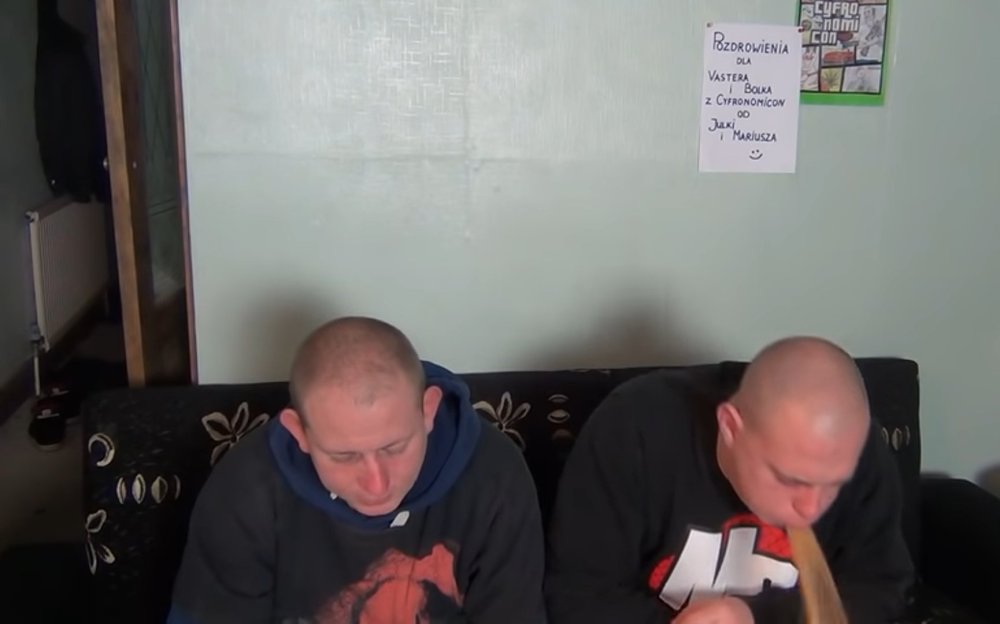
image.jpeg

ASX

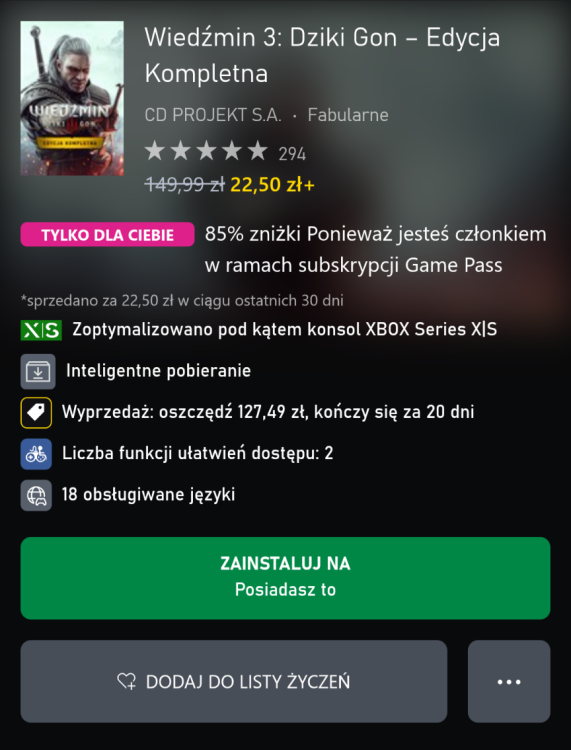
Jak ktoś jeszcze jakimś cudem nie ma Wiedźmina 3, a chce się załapać na darmowy remaster i Play Anywhere to jest teraz na promocji w cenie 4-paku piwaScreenshot_20260901-153816_Opera.png

Josh

T7AGMGtkzW9KNuDXm2i13pyg912jcyY8.jpg

Pupcio

No rdr 2 to z tego nie będzie )

krzysiek923

mieszkasz sobie na wsi, idziesz sobie polną drogą, przechodzisz obok domu sąsiada... widzisz coś z daleka, zaglądasz zza krzaka, a tam...

ASX

Zdjęcie

Account

Navigation

Szukaj

Szukaj

Configure browser push notifications

Chrome (Android)
  1. Tap the lock icon next to the address bar.
  2. Tap Permissions → Notifications.
  3. Adjust your preference.
Chrome (Desktop)
  1. Click the padlock icon in the address bar.
  2. Select Site settings.
  3. Find Notifications and adjust your preference.