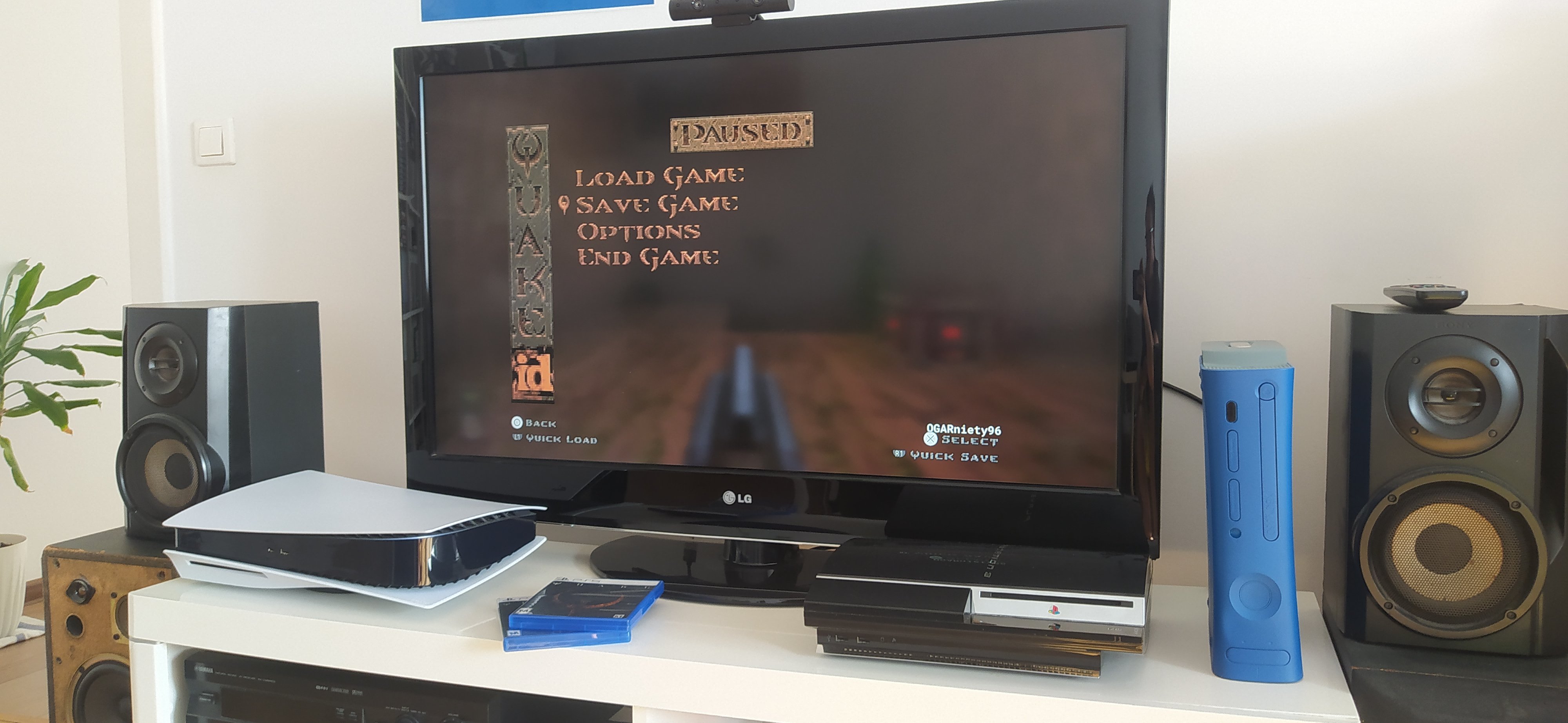
Niedzielne popołudnie z Quake  Koniec już całkiem blisko!

A better way to browse. Learn more.
A full-screen app on your home screen with push notifications, badges and more.


Niedzielne popołudnie z Quake Koniec już całkiem blisko!
Nie rozumiem jak można dawać napiwki. 
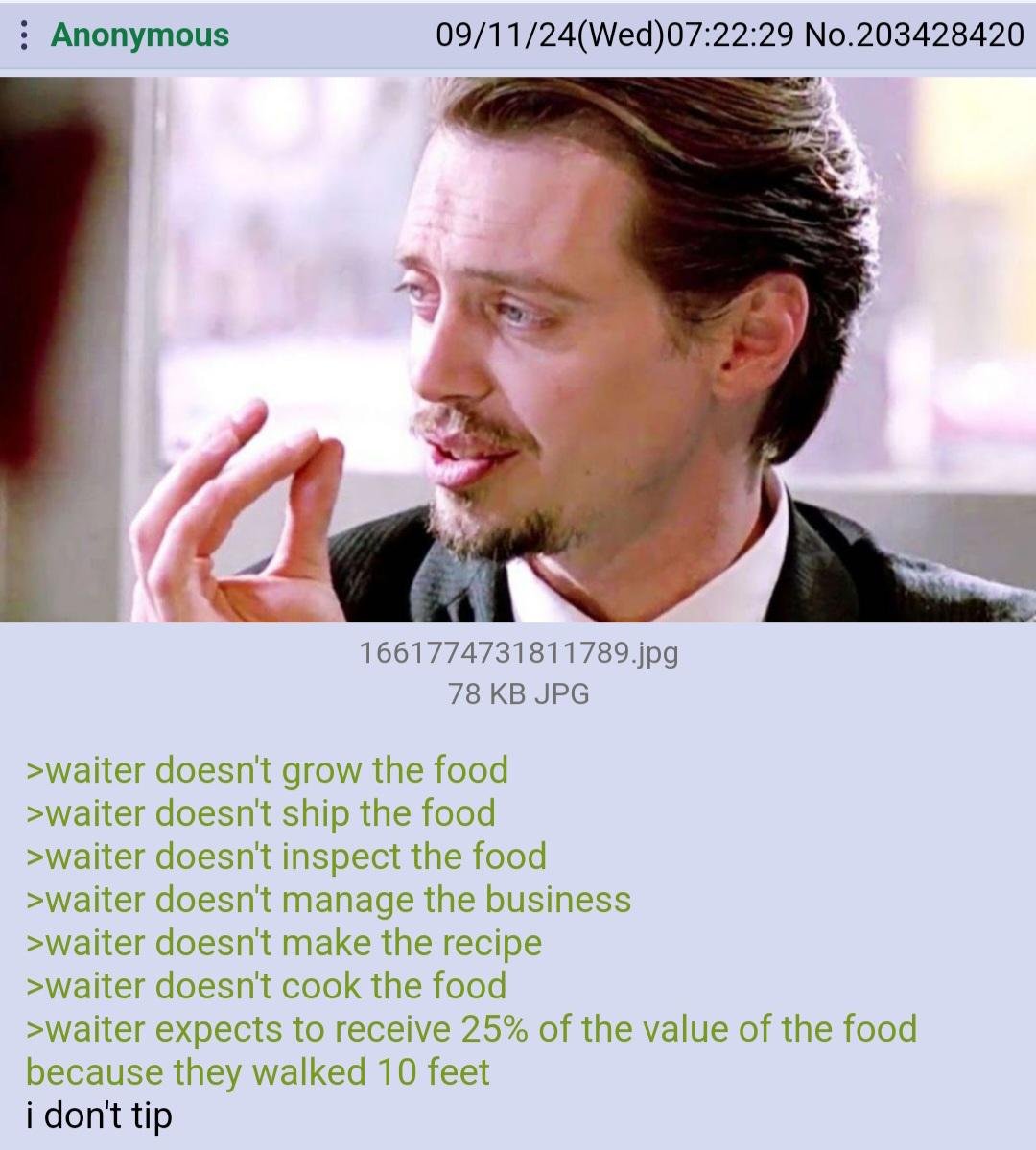
Trzeba było grać
Boomer Dragon - wreszcie postać z którą mogę się utożsamić
Ale screena strzeliłem. Psx Extreme, jak coś to 
.jpg.c5fc6048157a40aa9467abefcc0e21ea.jpg)
Ale kopie ta medyczna, 0.5 ml i niezla faza. PS wjebaliscie sie kiedys do zlego pociagu i musieliscie czekac 1.5 godziny na powrot?
Pomimo swych ułomności, całkiem spoko ten DD Dark Arisen. Czyli ogrywania staroci ciąg dalszy.
.thumb.jpg.186df2e9162342610fd4d2e1d38cdb05.jpg)