








Jutro koncert GnR w Gliwicach - postanowiłem więc uhonorować GOATa i umieścić go na płótnie. Jako totalny amator - samouk efekt uznaję za satysfakcjonujący dla mnie. Panie i Panowie przed Wami "Slash" o wymiarach 60 x 40, techniką olejną.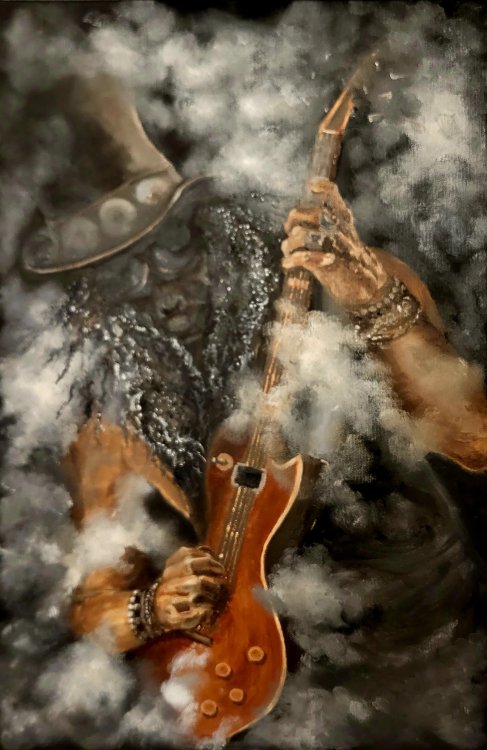
-
 4
4
-
 1
1
-
 1
1

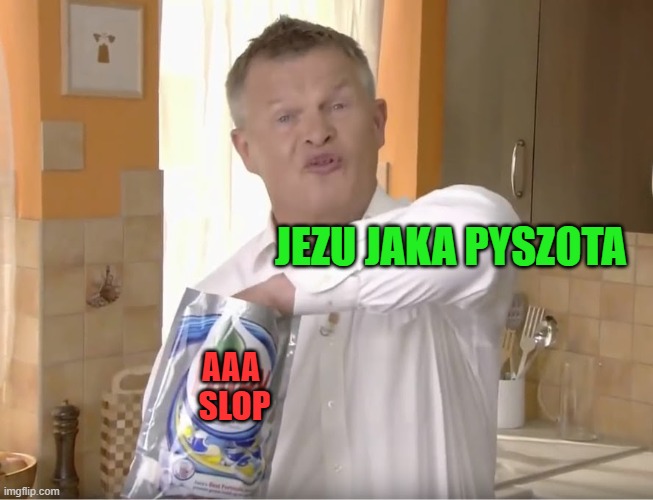


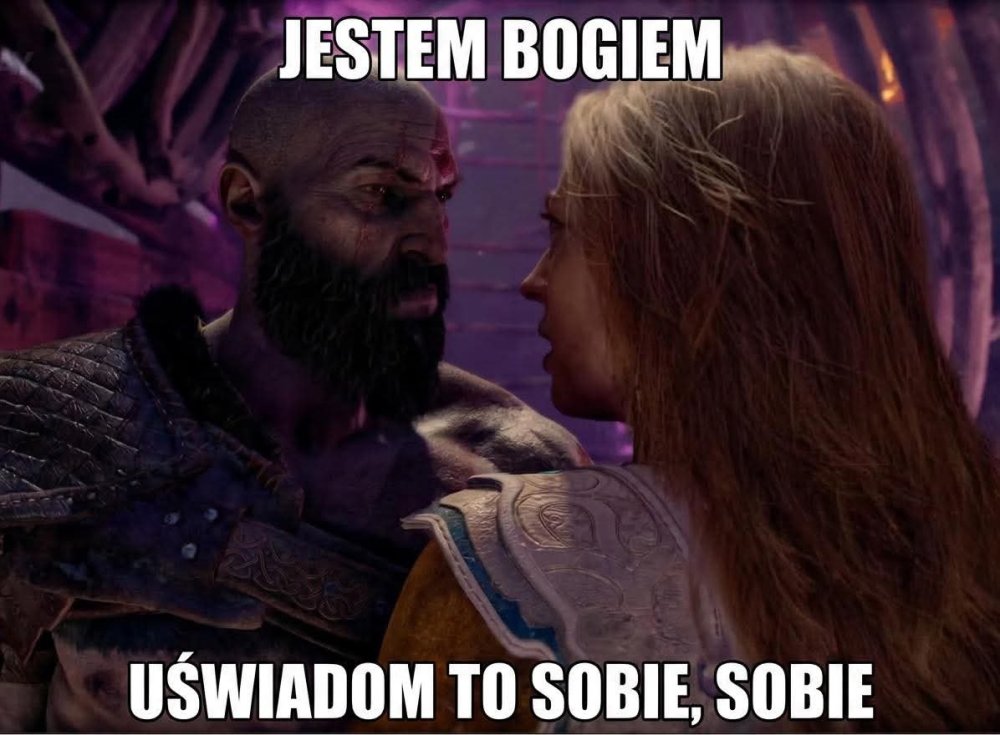




Control Resonant, Ace Combat 8 i Silent Hill Townfall - w ciagu tygodnia tyle zacnych tytulów. Dobrze, że Wolverine okazał się totalnie nijakim reskinem Spidermana i nie trzeba wydawać na niego pieniędzy.
.thumb.jpg.7d25f806a2080287363ad2f903521b16.jpg)
8/10 wstydu nie było, nie było też szału. Czasem wręcz za dużo tej przemocy, brutalności 



wrócił oszust, a już było dobrze
Mini gra z DLC vol 1 "Ethan must die" to najtrudniejszy moment z całego dodatku. Dopiero po kilku godzinach dotarlem do bossa. Udalo sie ja poskromic dopiero za 3 razem  Kawał dobrego kodu