.thumb.jpg.7d25f806a2080287363ad2f903521b16.jpg)



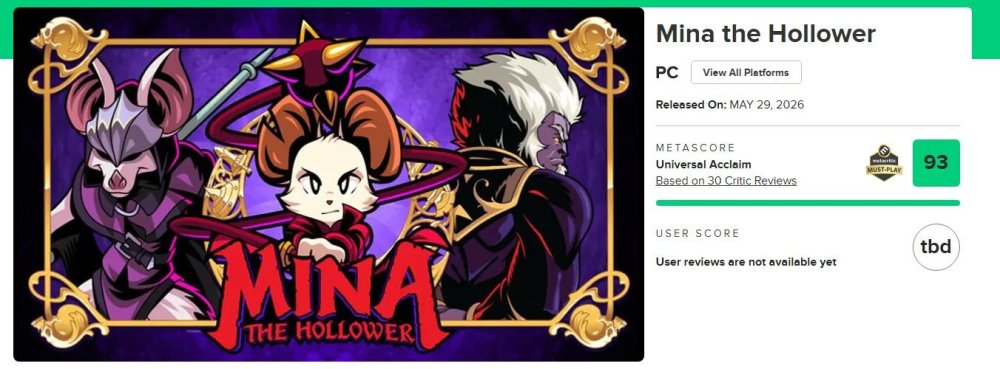
A gra chyba nie ma tematu na forum 






Graczdari, po TYSIĄC kroć czekamy...


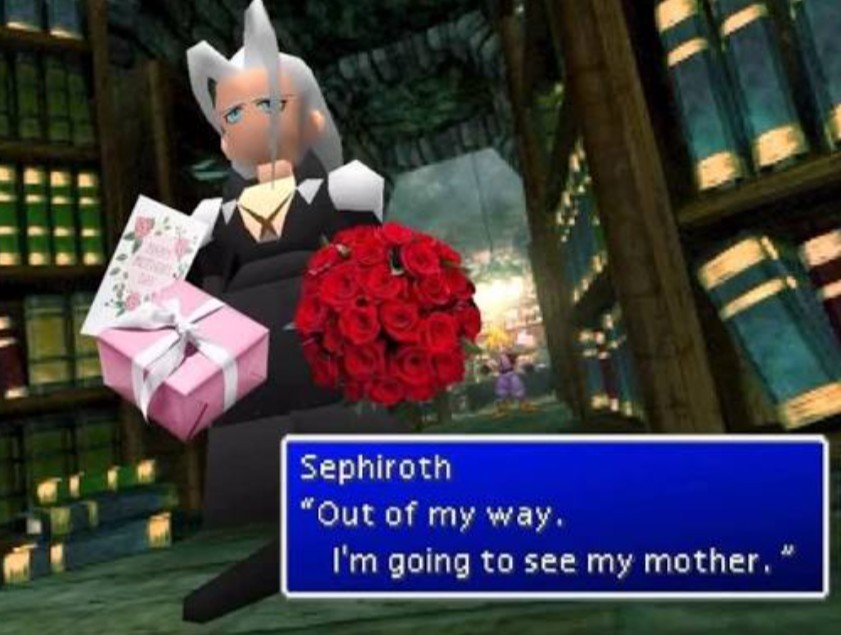
Pamiętacie Gwiezdne Wojny?

Czasem poza grami, na sesję foto wpadały mi książki o tematyce growej, albo takie ciekawostki jak ta poniżej.
Wklejam opis/ciekawostkę, którą wtedy dodałem na swoim instagramowym profilu do tej sesji.
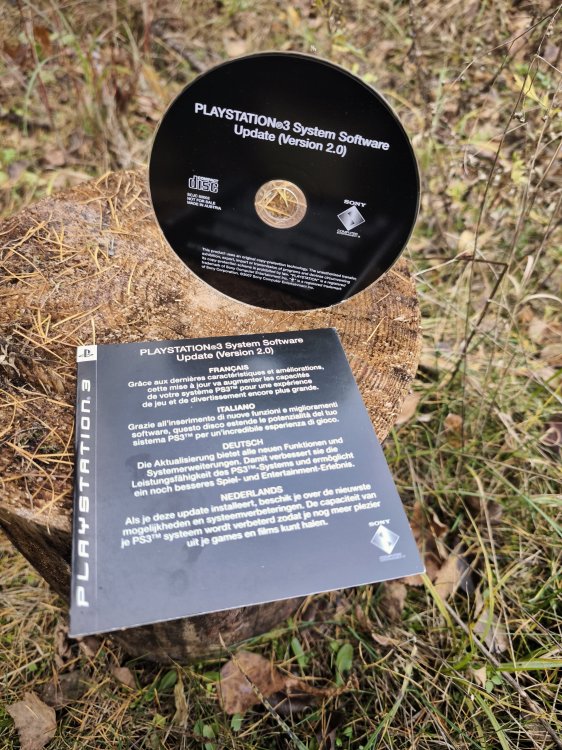
"PlayStation 3 System Software Update Disc. Taka ciekawostka, płyta z oprogramowaniem konsoli PlayStation 3 w wersji 2.0.
Swoją PS3 zakupiłem w 2008 roku. Był to model w wersji 40Go, czyli z dyskiem twardym o pojemności 40 GB. Konsola posiadała software w wersji 1.6, a że to były czasy kiedy nie każdy jeszcze miał szerokopasmowy internet - to do konsoli był dołączony dysk z systemem.
System w wersji 2.0 wnosił dużo dobrego, dlatego nie dziwi, że Sony chciało by jak najwięcej użytkowników posiadało taką wersję. Najważniejszą zmianą między wersją 1.6 a 2.0 była możliwość używania z konsolą kontrolera DualShock 3.
Warto wspomnieć, że na początku konsola posiadała kontroler SixAxis, czyli kontroler bez funkcji wibracji. Dopiero w 2008 roku Sony wypuściło kontroler DualShock 3.
-
 6
6
-
 1
1