

Skocz do zawartości
View in the app

A better way to browse. Learn more.

Forum PSX Extreme

A full-screen app on your home screen with push notifications, badges and more.

To install this app on iOS and iPadOS
  1. Tap the Share icon in Safari
  2. Scroll the menu and tap Add to Home Screen.
  3. Tap Add in the top-right corner.
To install this app on Android
  1. Tap the 3-dot menu (⋮) in the top-right corner of the browser.
  2. Tap Add to Home screen or Install app.
  3. Confirm by tapping Install.

Ryuk

image.thumb.png.62ab523a21d3777f01d42f9538c53269.png

k0ntra

Jesień.

OLED.

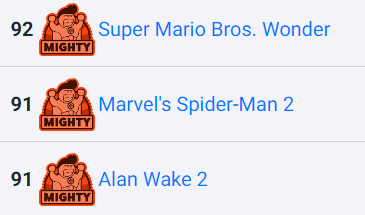
Alan 2.

Amen

KrYcHu_89

fajny tydzień dla gracza premierowego :D 


image.png.c1c23e6c127411126071688b164422c7.png

Tokar

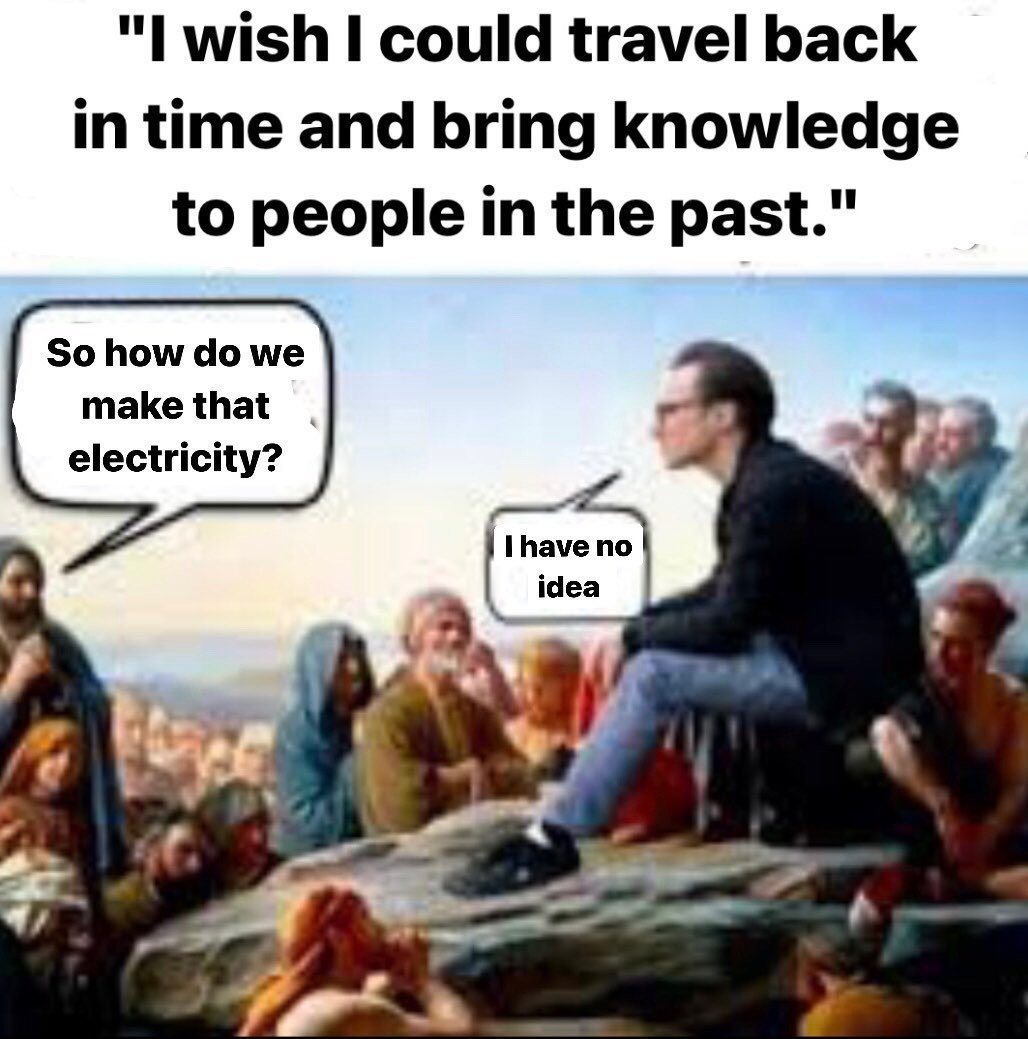
Zastanawialiście się kiedyś czy Judasz pocałował Jezusa z języczkiem? Ja też nie. 

ASX

Trudno w to uwierzyć, ale dziś mija 5 lat od premiery RDR2 

arthur-morgan-rdr2.gif

Daffy

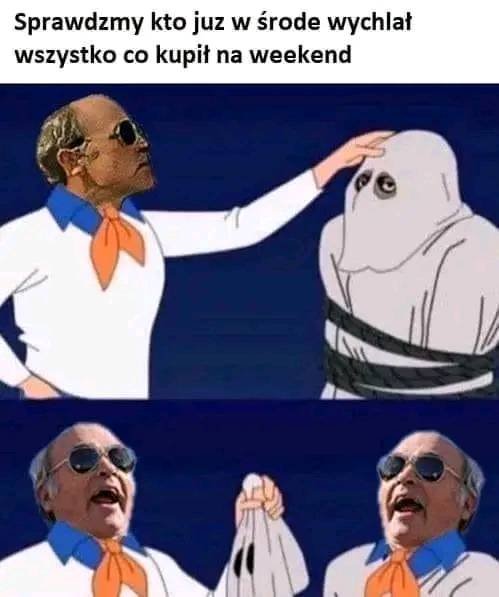
Kto mi wytłumaczy jakim cudem gierka z WiiU wygląda lepiej niż każde xeno ze switcha razem wzięte?
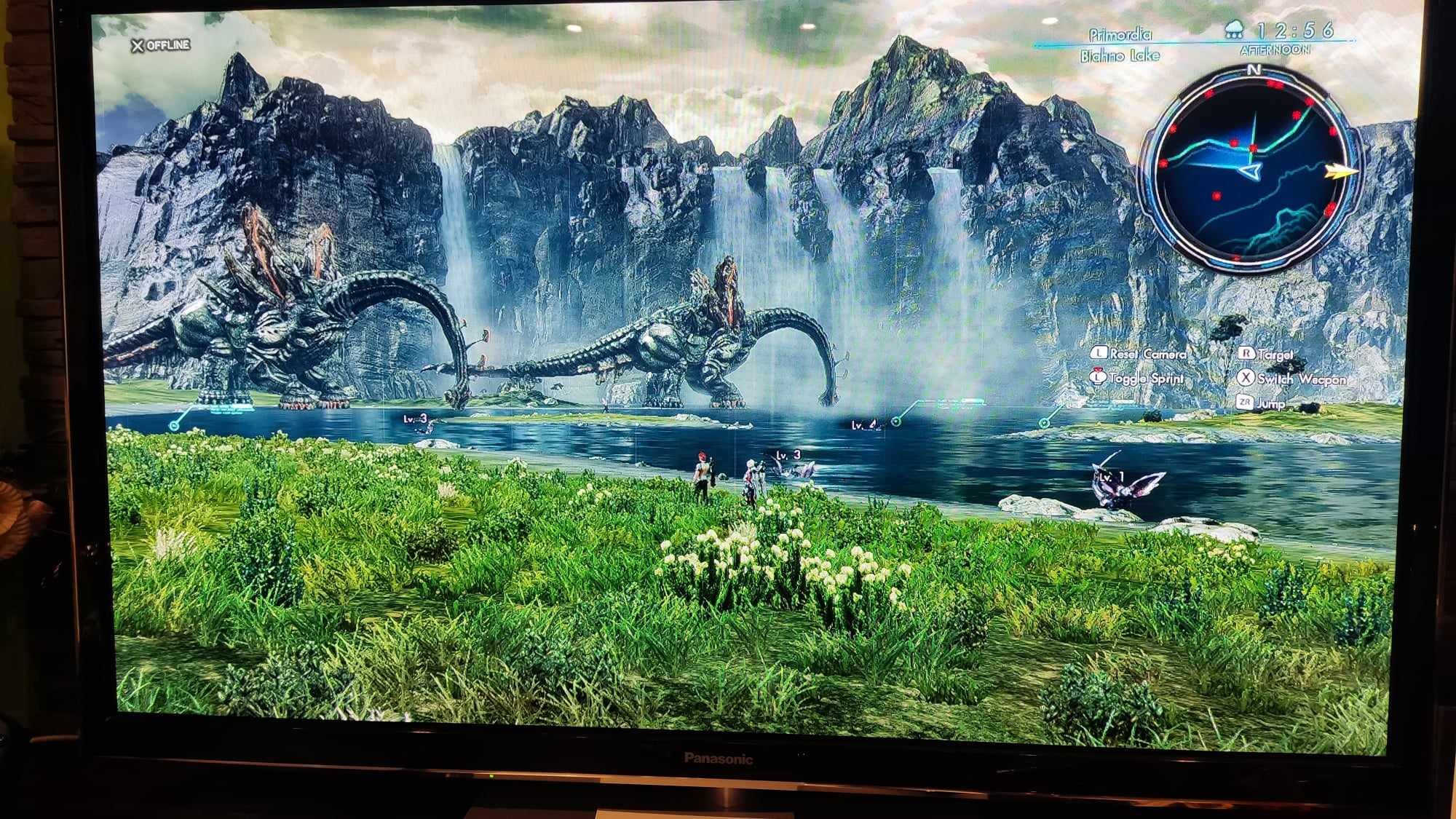



received_236650159136520.jpeg

Account

Navigation

Szukaj

Szukaj

Configure browser push notifications

Chrome (Android)
  1. Tap the lock icon next to the address bar.
  2. Tap Permissions → Notifications.
  3. Adjust your preference.
Chrome (Desktop)
  1. Click the padlock icon in the address bar.
  2. Select Site settings.
  3. Find Notifications and adjust your preference.