Skocz do zawartości
View in the app

A better way to browse. Learn more.

Forum PSX Extreme

A full-screen app on your home screen with push notifications, badges and more.

To install this app on iOS and iPadOS
  1. Tap the Share icon in Safari
  2. Scroll the menu and tap Add to Home Screen.
  3. Tap Add in the top-right corner.
To install this app on Android
  1. Tap the 3-dot menu (⋮) in the top-right corner of the browser.
  2. Tap Add to Home screen or Install app.
  3. Confirm by tapping Install.

Szermac

Dzisiaj o 19:00 najlepsza bijatyka w kosmosie :banderas: a Wy co tam grane ?

devilbot

16:40 klapy boty na kolanach z pełnymi ustami

Pupcio

Rozi_Pl gdy nie wklei nic na ukraińców przez 24h :)


n08A8NO.jpg

KrYcHu_89

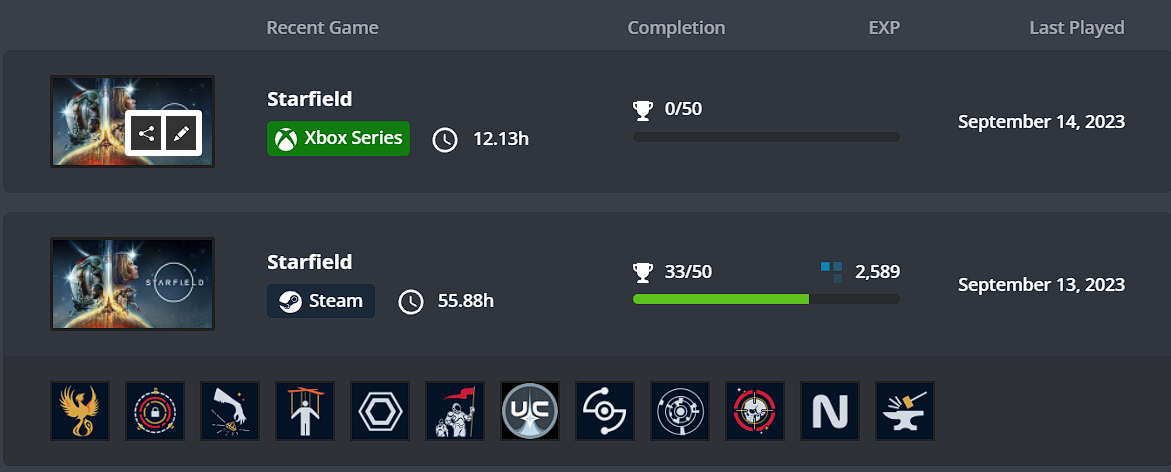
Exophase trackuje w tym tygodniu mi Starfielda, jakbym grał na Xboxie jakimś, a mam tylko wersję Steam, spisek :newell:


image.thumb.png.d88c985d0cb3d3a17df10265aa4868a8.png

LiŚciu

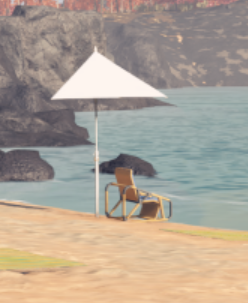
Guess The Game:

image.png.483c3b458a32073d95f32df6de22873c.png

mugen

378019371_858187592329655_34055756801389

Ryuk


Account

Navigation

Szukaj

Szukaj

Configure browser push notifications

Chrome (Android)
  1. Tap the lock icon next to the address bar.
  2. Tap Permissions → Notifications.
  3. Adjust your preference.
Chrome (Desktop)
  1. Click the padlock icon in the address bar.
  2. Select Site settings.
  3. Find Notifications and adjust your preference.