
Skocz do zawartości
View in the app

A better way to browse. Learn more.

Forum PSX Extreme

A full-screen app on your home screen with push notifications, badges and more.

To install this app on iOS and iPadOS
  1. Tap the Share icon in Safari
  2. Scroll the menu and tap Add to Home Screen.
  3. Tap Add in the top-right corner.
To install this app on Android
  1. Tap the 3-dot menu (⋮) in the top-right corner of the browser.
  2. Tap Add to Home screen or Install app.
  3. Confirm by tapping Install.

krupek

Jak mija czwartek? Chciałem tylko przypomnieć, że pewien użytkownik naszego forum zrobił cyganom zakupy za 1500 zł. Niech takie czyny nie zostaną zapomniane. Miłego dnia.


Sven Froost

U mnie wlasnie zaczal sie dlugi weekend. To co chlopaki, ogrywamy dzisiaj Manchester i po drugi tytul z rzedu co nie? ;) 

Bzduras

Codziennie noszę ten skrin jak odznakę, przypięty do klapy
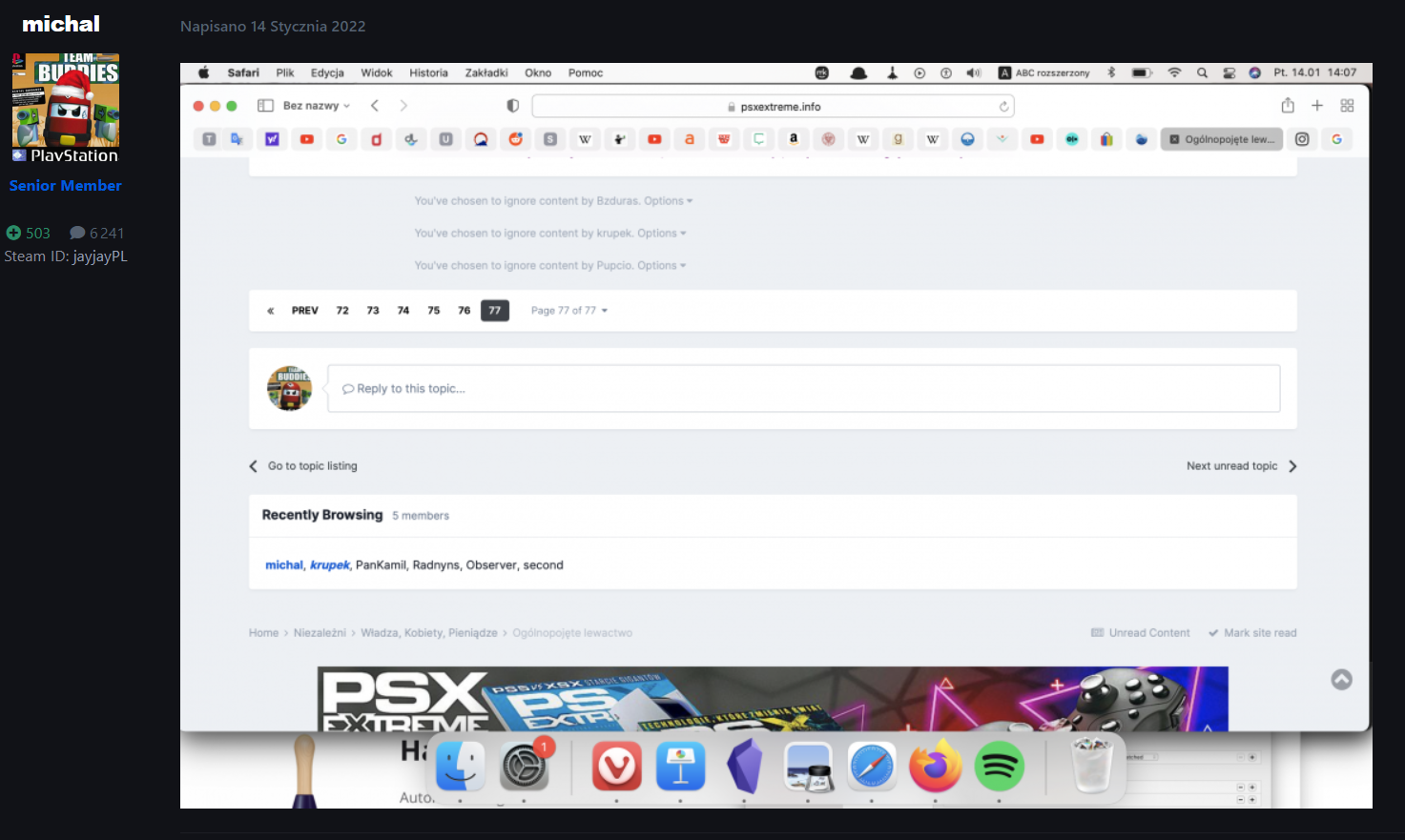
 

image.thumb.png.0bc79b3a2ef230f248428e3db45cdb20.png

michal

czas walnac kilka ocen na RYMie.
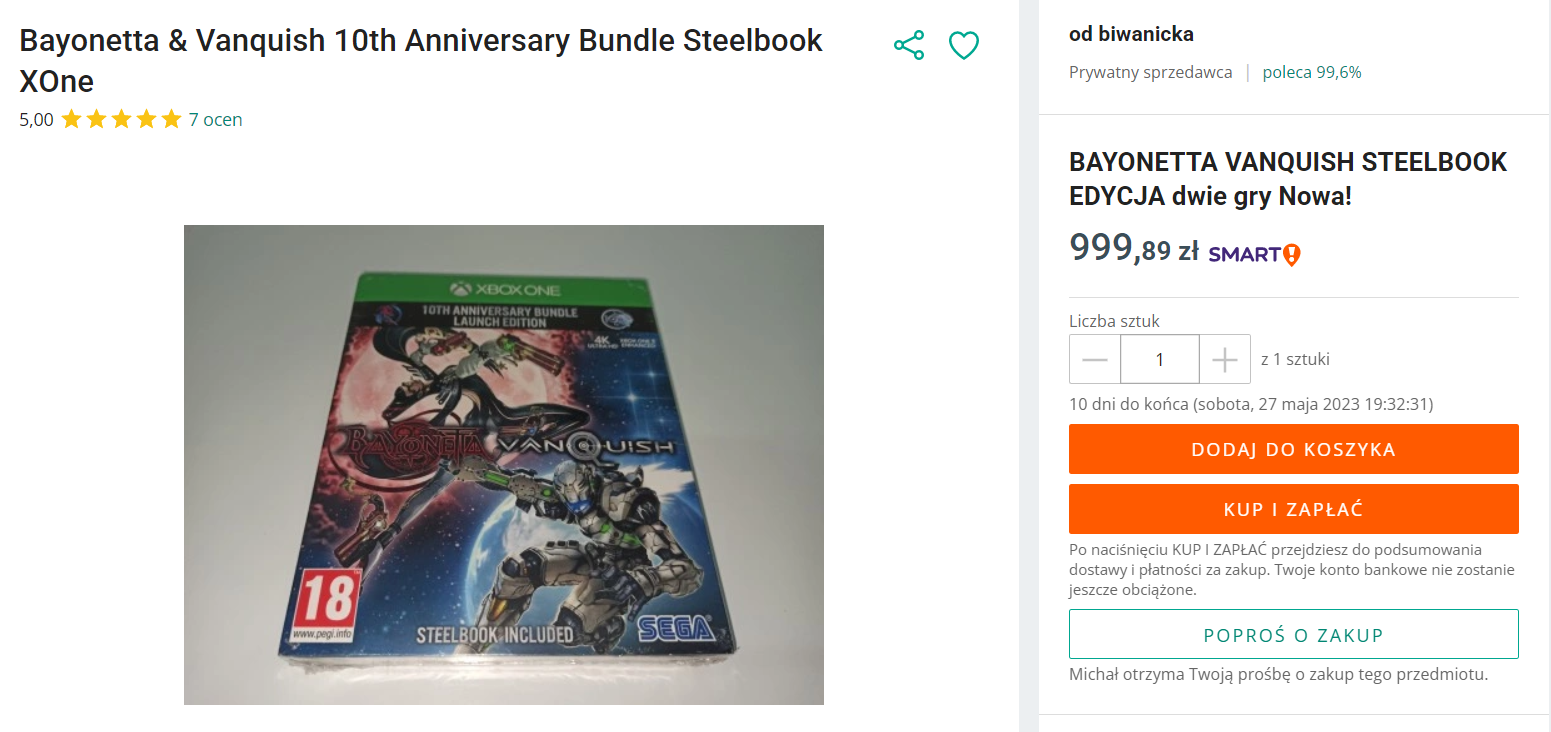
Daddy


Czoperrr

image.thumb.png.a1d2669ee17ae9c4bfa66604c522c4f2.pngC


Cyfra na argentynie jest za 4 euro :kekw:

ASX

FwM7DpKaYAI6yFm.thumb.webp.92b57e991a68eabf2b726a3aeb79b534.webp

Account

Navigation

Szukaj

Szukaj

Configure browser push notifications

Chrome (Android)
  1. Tap the lock icon next to the address bar.
  2. Tap Permissions → Notifications.
  3. Adjust your preference.
Chrome (Desktop)
  1. Click the padlock icon in the address bar.
  2. Select Site settings.
  3. Find Notifications and adjust your preference.