

Skocz do zawartości
View in the app

A better way to browse. Learn more.

Forum PSX Extreme

A full-screen app on your home screen with push notifications, badges and more.

To install this app on iOS and iPadOS
  1. Tap the Share icon in Safari
  2. Scroll the menu and tap Add to Home Screen.
  3. Tap Add in the top-right corner.
To install this app on Android
  1. Tap the 3-dot menu (⋮) in the top-right corner of the browser.
  2. Tap Add to Home screen or Install app.
  3. Confirm by tapping Install.

LiŚciu

@20inchDT nie ładnie wyzywać forumowiczów od grubasów gdy sam jesteś "przy kości"


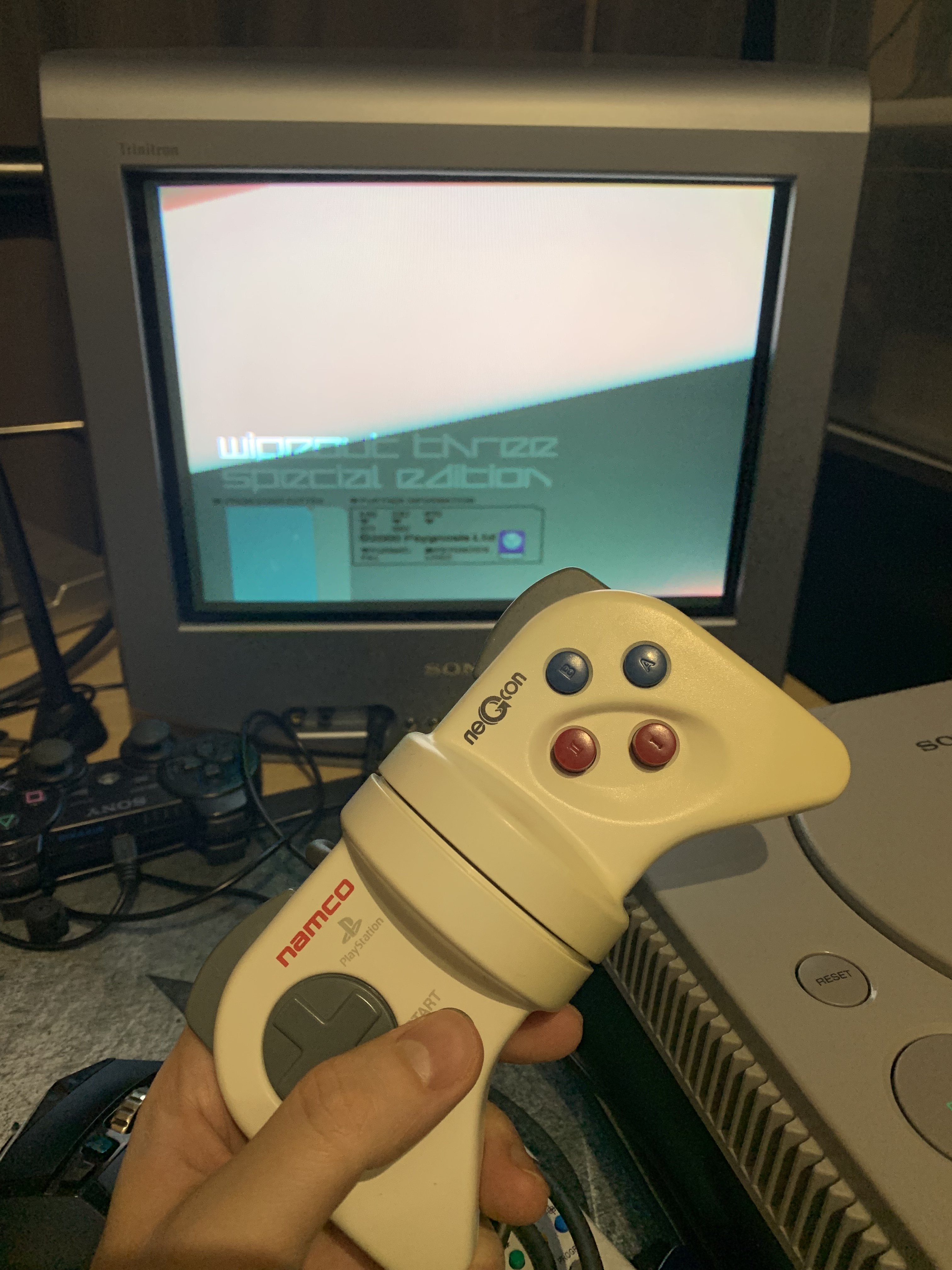
Zrzut_ekranu_2022-11-27_o_12.36.28.png

ping

604054B7-1FBB-425F-8C4F-2DEAFDECD8C4.thumb.jpeg.4fc9c70d09eaf3c340cc1f7f4a358283.jpeg

zero potrzeb 

Figaro

mm zupka fasolowa z kiełbasą z wolnowaru, warzonik 2 wogule takie tam, a jak u was??

Hubert249

Zamykają serwery Onrush. Mendrek trzymaj się tam. :leo:

Shen


Kaczi

strasznie się wkręca :dance2:

Shago

W końcu doczekałem się jakiejś obniżki God of War na steam.


#cebulaTeam

maciucha

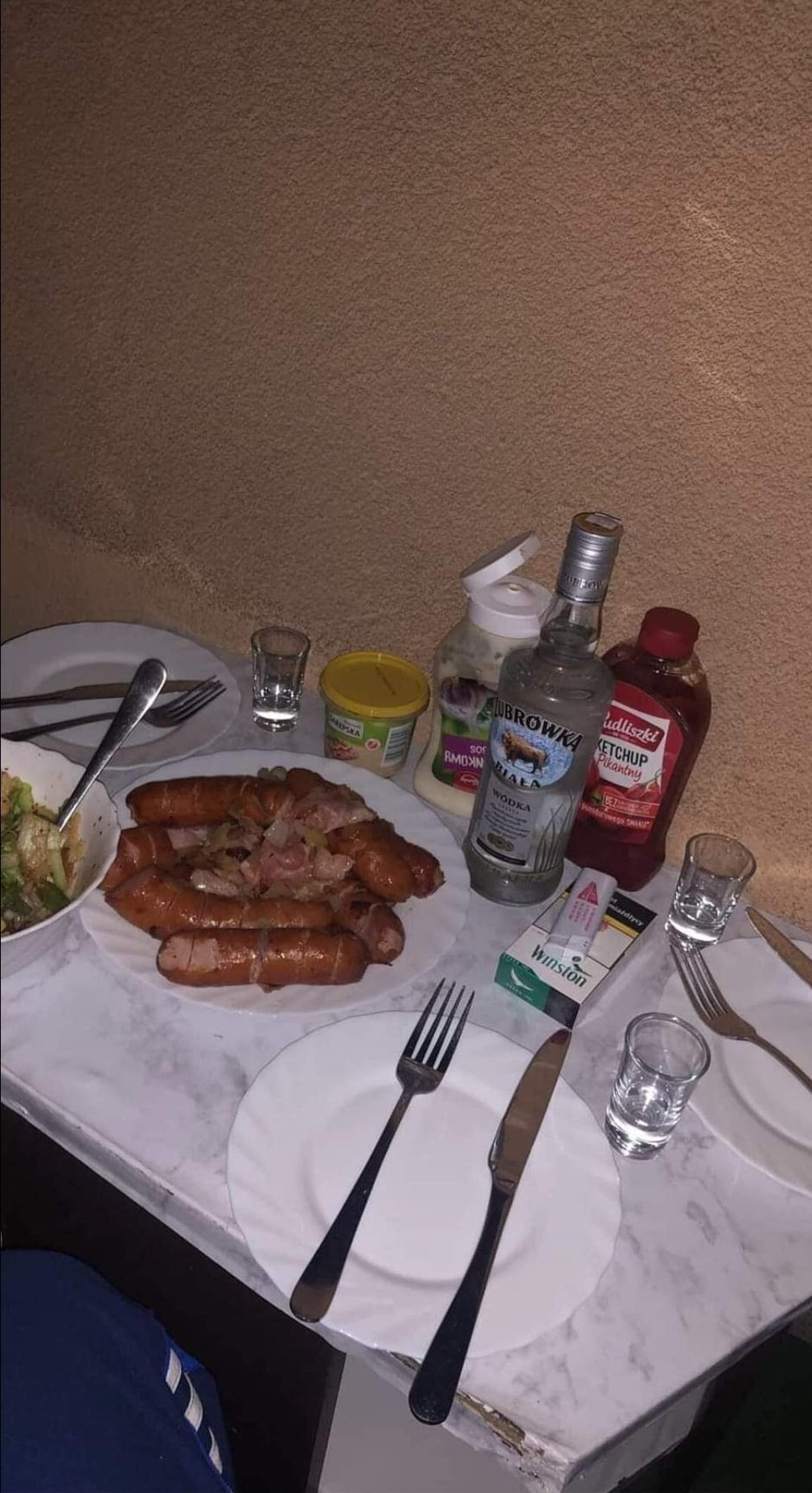
20221126_182451.thumb.jpg.30376dfae3729eefbb20318f2eaa8a4d.jpg

Jak jest okazja, to trzeba świętować :banderas:

Account

Navigation

Szukaj

Szukaj

Configure browser push notifications

Chrome (Android)
  1. Tap the lock icon next to the address bar.
  2. Tap Permissions → Notifications.
  3. Adjust your preference.
Chrome (Desktop)
  1. Click the padlock icon in the address bar.
  2. Select Site settings.
  3. Find Notifications and adjust your preference.