


Skocz do zawartości
View in the app

A better way to browse. Learn more.

Forum PSX Extreme

A full-screen app on your home screen with push notifications, badges and more.

To install this app on iOS and iPadOS
  1. Tap the Share icon in Safari
  2. Scroll the menu and tap Add to Home Screen.
  3. Tap Add in the top-right corner.
To install this app on Android
  1. Tap the 3-dot menu (⋮) in the top-right corner of the browser.
  2. Tap Add to Home screen or Install app.
  3. Confirm by tapping Install.

20inchDT

@GearsUp miał rację, ale został brutalnie uciszony. requiescat in pace słodki aniołku #nintendonajlepsze

ASX

Czuć duszę pawciokratosa w tym dziele
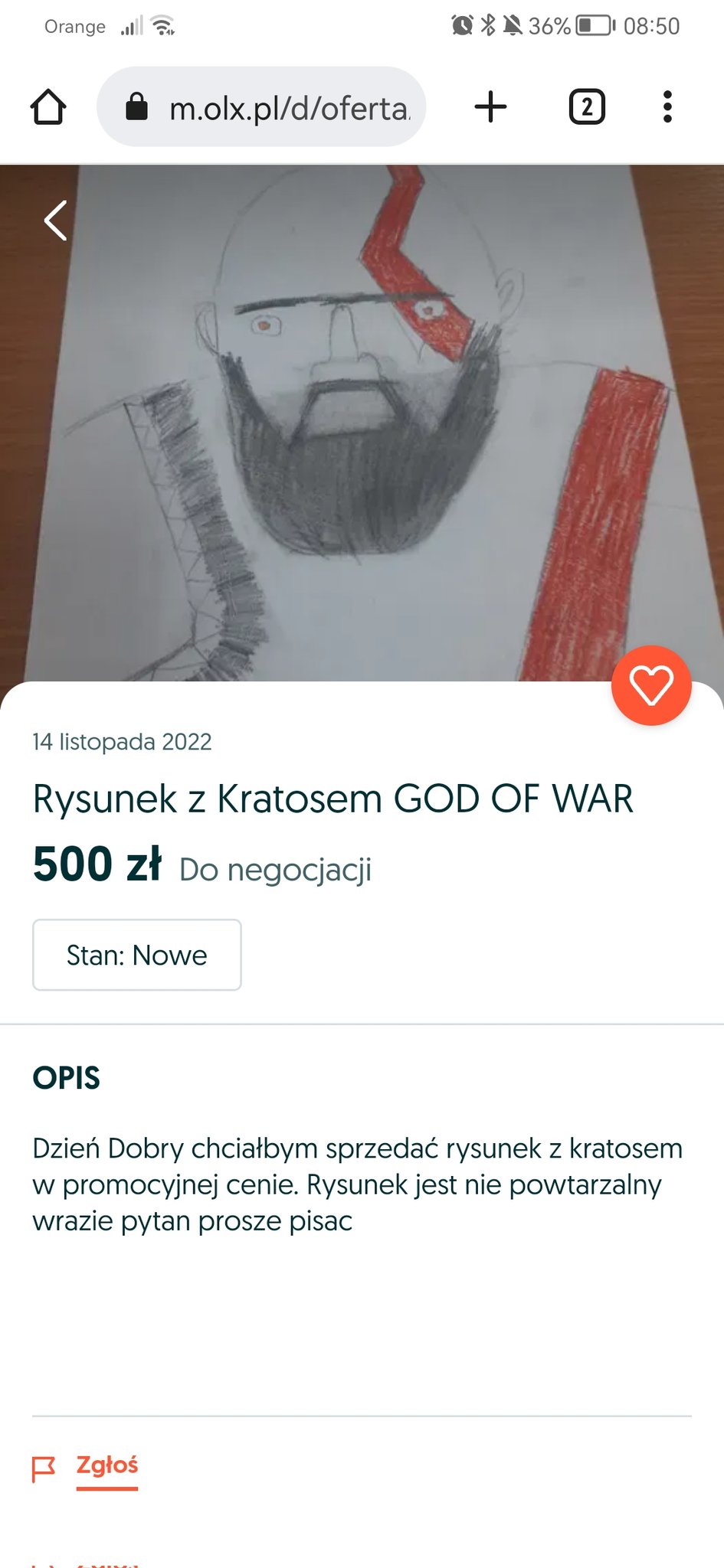
20221125_101059.thumb.jpg.c33c8212417e31b574d0702ac0aa8b2b.jpg

krupek

image.png.c106746ad335348b86fd6358080d4d6d.png


Szalone wyprzedaże od rana.

Kalel


mugen

39Wz5TZ.jpg

krzysiek923

ew.thumb.jpg.f0a85b8dae75e0ef1a1e5c215ffd19a3.jpg


widze Pucio, w głowie czytam Pupcio ;/

Bigby


Grze(pipi)

Wyszły już jakieś gry na PS3?

Account

Navigation

Szukaj

Szukaj

Configure browser push notifications

Chrome (Android)
  1. Tap the lock icon next to the address bar.
  2. Tap Permissions → Notifications.
  3. Adjust your preference.
Chrome (Desktop)
  1. Click the padlock icon in the address bar.
  2. Select Site settings.
  3. Find Notifications and adjust your preference.