Skocz do zawartości
View in the app

A better way to browse. Learn more.

Forum PSX Extreme

A full-screen app on your home screen with push notifications, badges and more.

To install this app on iOS and iPadOS
  1. Tap the Share icon in Safari
  2. Scroll the menu and tap Add to Home Screen.
  3. Tap Add in the top-right corner.
To install this app on Android
  1. Tap the 3-dot menu (⋮) in the top-right corner of the browser.
  2. Tap Add to Home screen or Install app.
  3. Confirm by tapping Install.

Hubert249

Senior Member
  • Dołączył

  • Ostatnia wizyta

Hubert249


Niemcy od 40 minuty. 

Hubert249

Ech chyba czas kupić to Sekiro. 

Hubert249

Wszystkie MAX PEJNY we wstecznej. Powtarzam wszystkie :fsg:


Hubert249

Ten Boberek, to się do każdej gry wciśnie. 

maxresdefault (1)_edit_482136728571.jpg

Hubert249

Niech mnie ktoś uszczypnie, bo mój 7 letni laptop, bez karty graficznej, właśnie stał się gejmingowy :banderas::fsg::obama:

Hubert249

Chuopaki warto dziś zagrać w RE0? To chyba jedyny Resident, którego nie przeszedłem. 

Hubert249

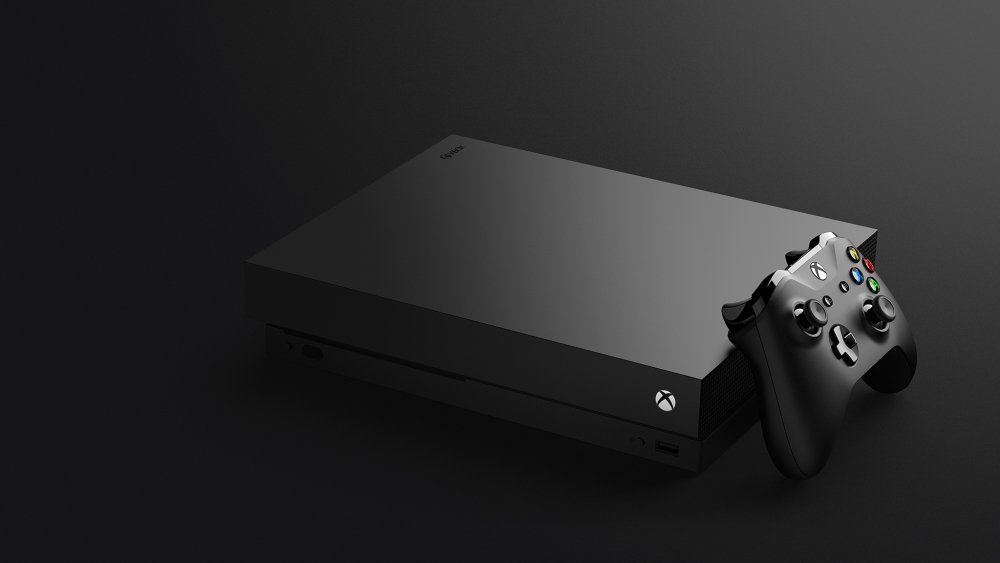
Mmmm ale kobiety na Xboxie.

A w obozie Sonki? Dalej Kinga Kujawska czy inna jakaś brzydula? 


Account

Navigation

Szukaj

Szukaj

Configure browser push notifications

Chrome (Android)
  1. Tap the lock icon next to the address bar.
  2. Tap Permissions → Notifications.
  3. Adjust your preference.
Chrome (Desktop)
  1. Click the padlock icon in the address bar.
  2. Select Site settings.
  3. Find Notifications and adjust your preference.