Rudiok
Senior Member
-
Dołączył
-
Ostatnia wizyta
-
Jakby tak z 10 lat temu powiedzieć, że Biały Dom wydaje stronę z gierkami pixel art gdzie budujemy klocki a'la tetris żeby ułożyc mur dla emigrantów to by do wariatkowa wzięli. The White HouseArcade
-
-
Może stoisko na Gamescomie? 1997-2027. I pokazać tym niedowiarkom, że można wydawać papier przez 30 lat
-
Obsesja - w końcu obejrzane, 7.5/10. Film jest zrealizowany bardzo dobrze, widać ogromne przywiązanie do detali a budżet niemal wymusił wykorzystanie klasycznych efektów specjalnych i kreatywnych sztuczek w kamerze. No i największy plus - nie robi z widza debila i unika wielu klisz znanych z kinematografii, a jak już jest jump-scare to zasłużony i wynikający z sytuacji. I ma ten klimat niepokoju, który wzmaga się w każdej scenie z Nikki. Generalnie nie ma w nim niczego czego już wcześniej by człowiek nie widział, ale podane jest to wszystko w na tyle umiejętny i inny sposób, że aż człowieka dziw miejscami bierze, jak w scenie z
-
Duża zgoda. Mój problem (o czym pisałem wcześniej) jest taki, że nie ma za bardzo już komukolwiek kibicować. W GoT było mnóstwo pozytywnych, albo chociaż niejednoznacznych bohaterów, których perypetie aż chciało się poznawać, a z kolei wszystkim złolom kibicowało się, żeby ich ktoś w końcu dopadł. Tutaj to już powoli wygląda jak podglądanie patologicznej rodziny, która prześciga się w tym kto jest większym zjebem. Nie wiem w jakich badaniach wyszło im, że to jest to co ludzie chcą oglądać.
-
Tomek wraca do Szybkiego jak błyskawica.

-
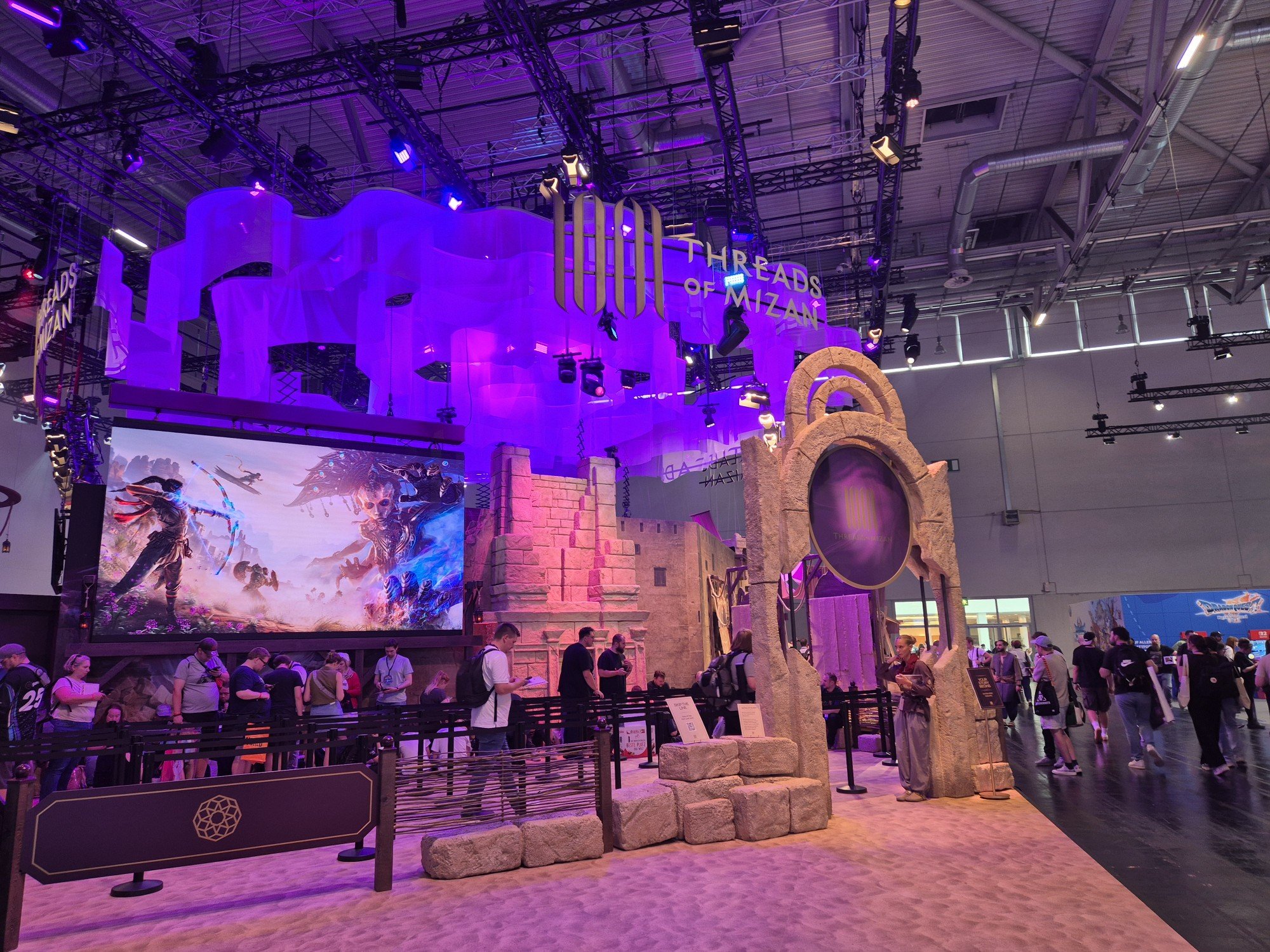
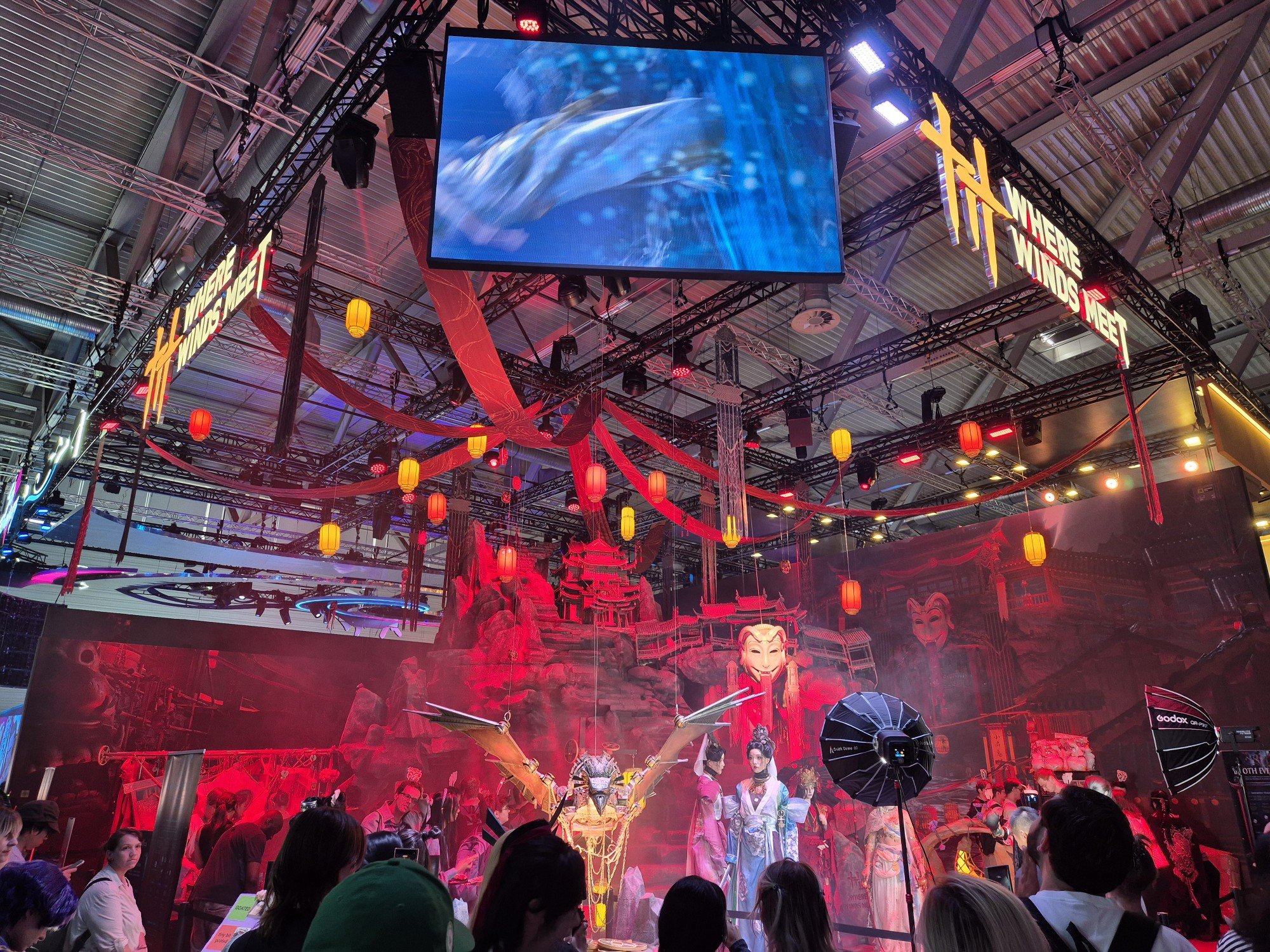
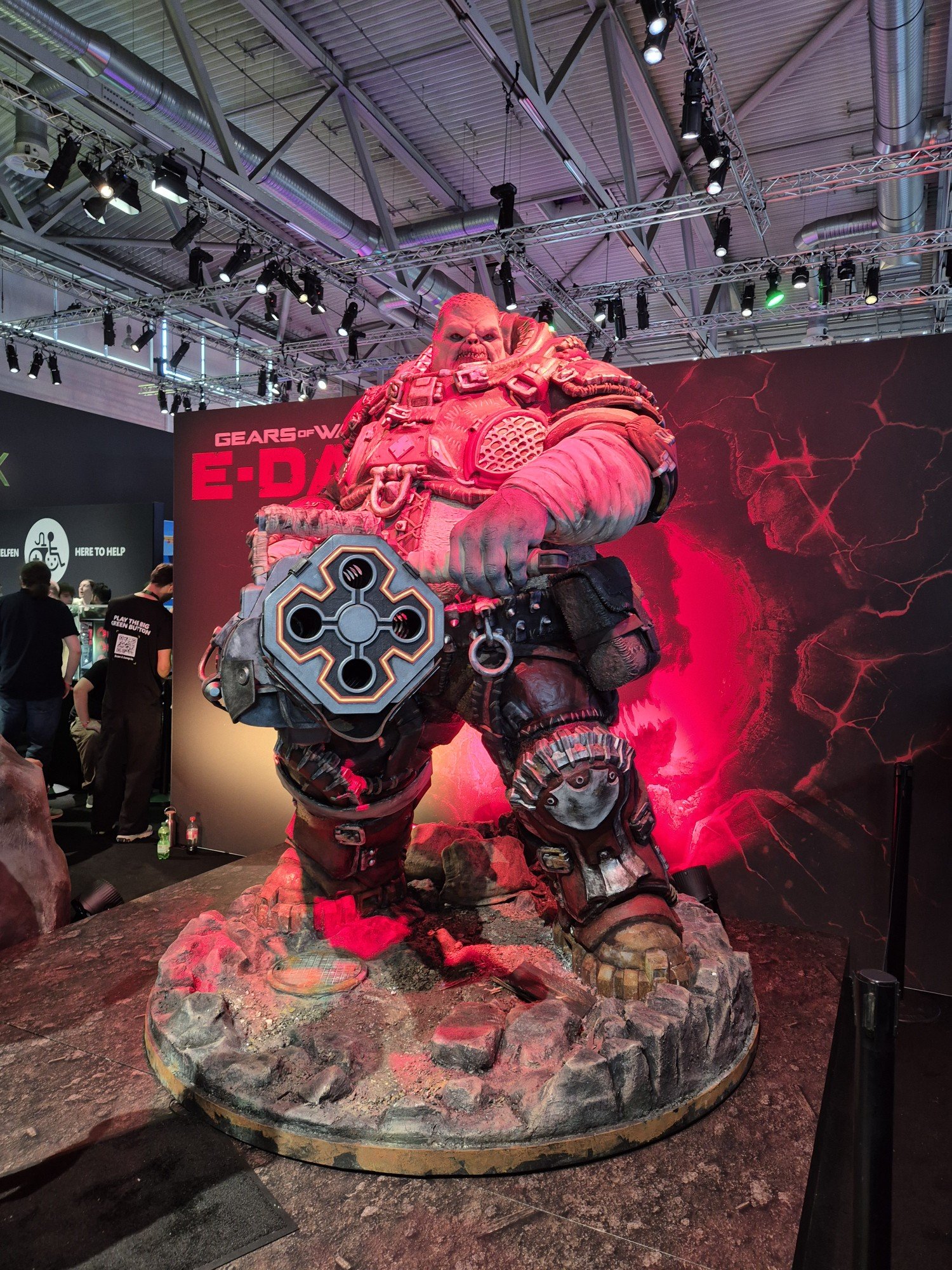
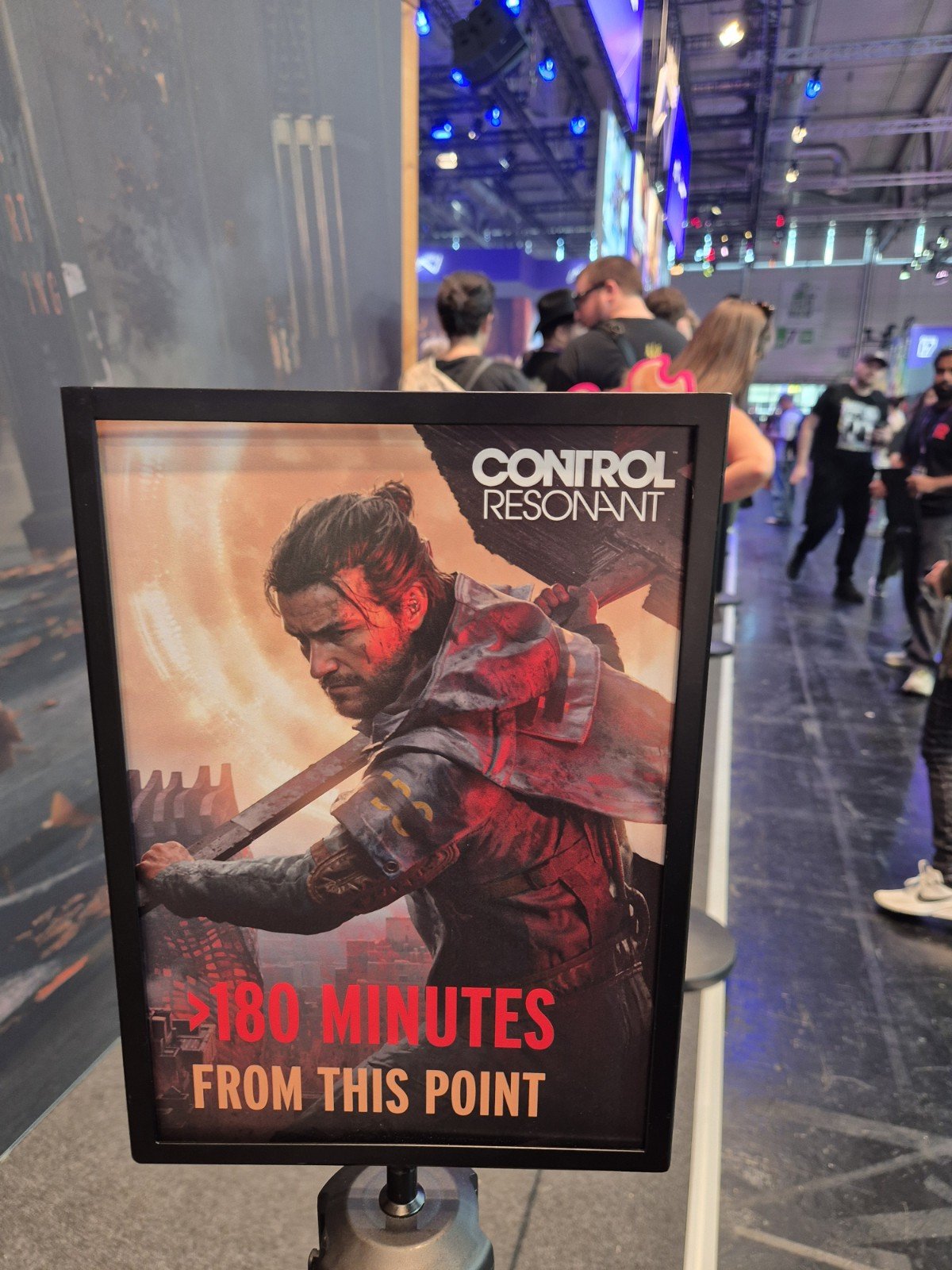
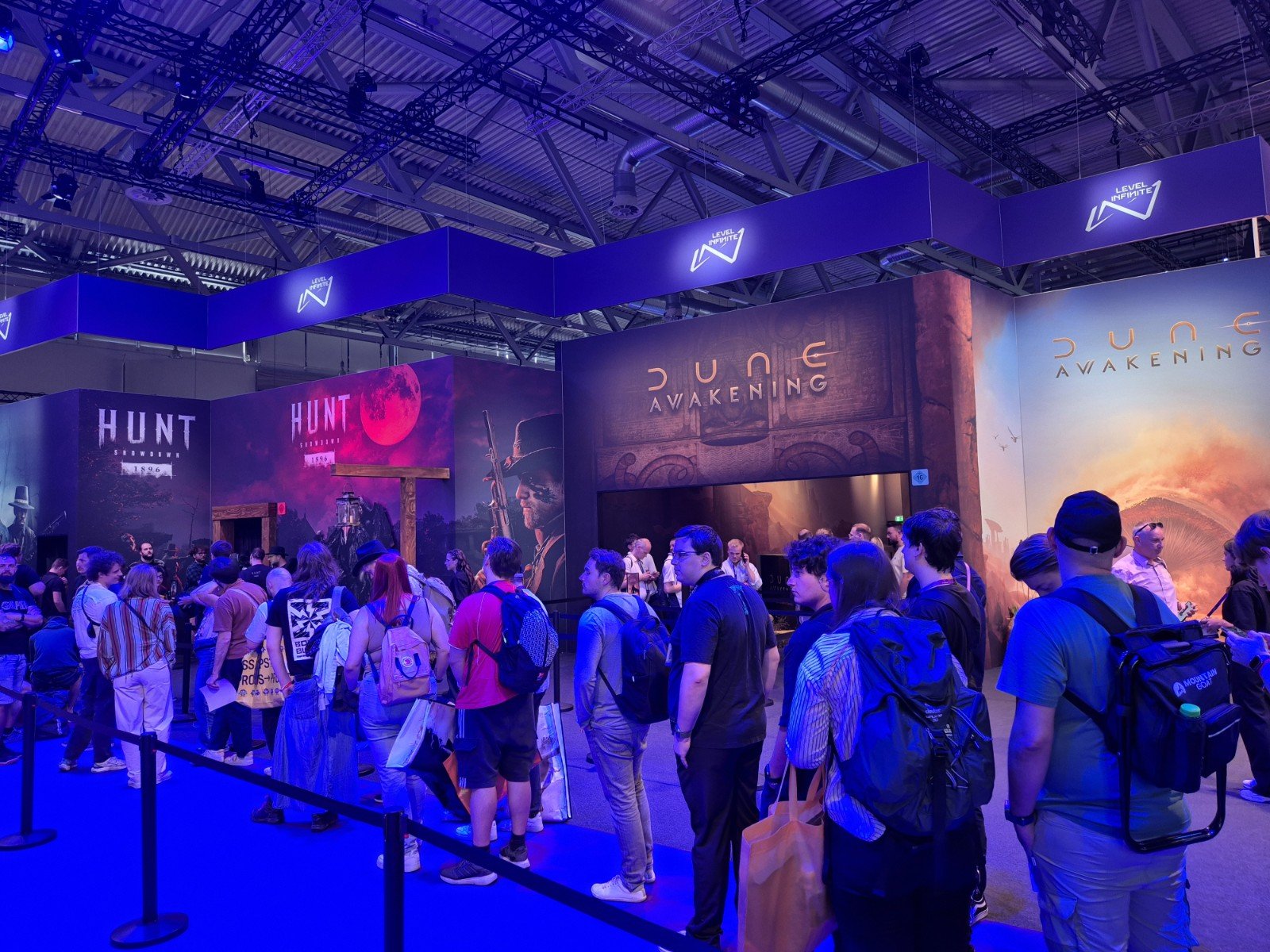
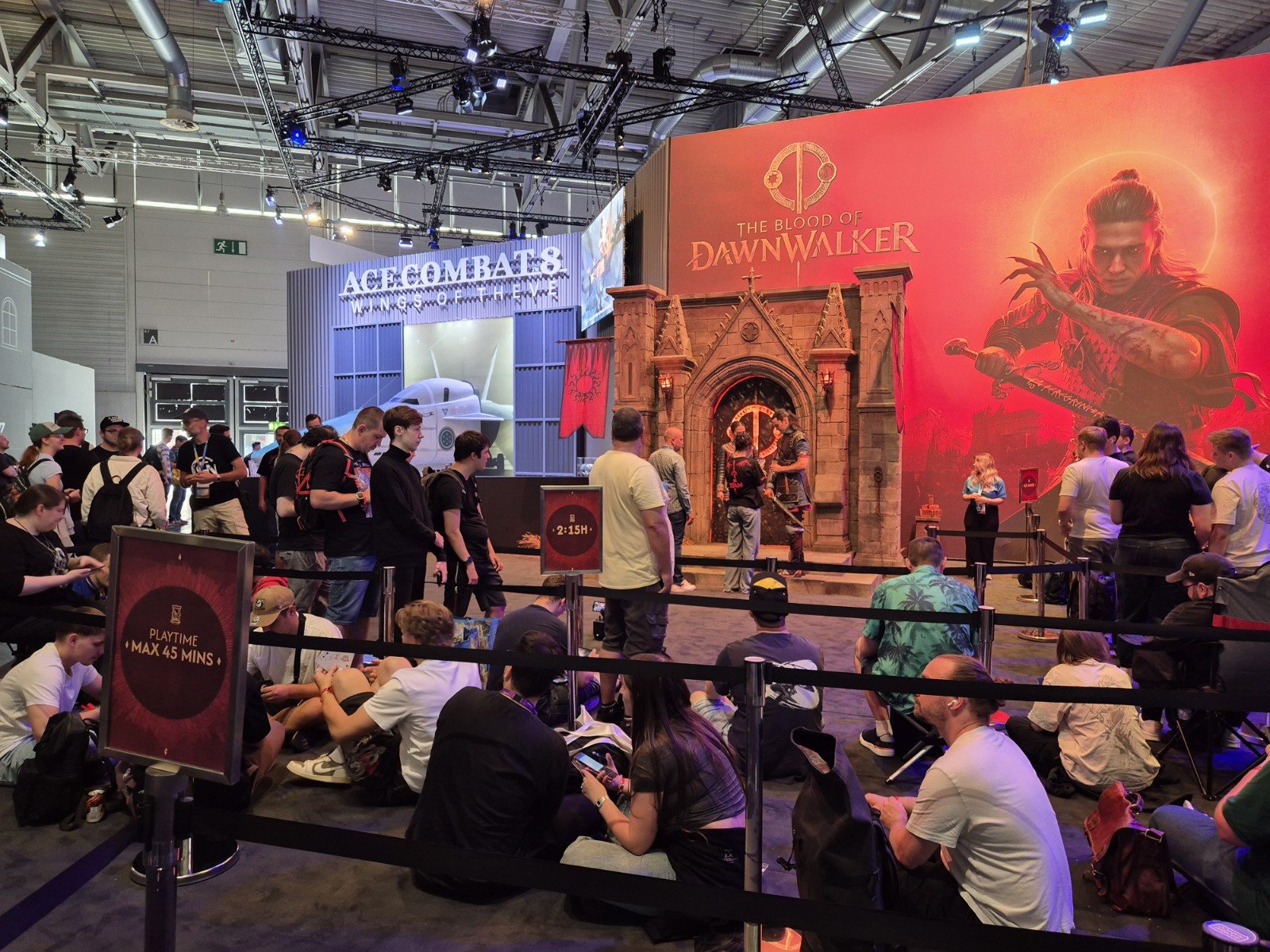
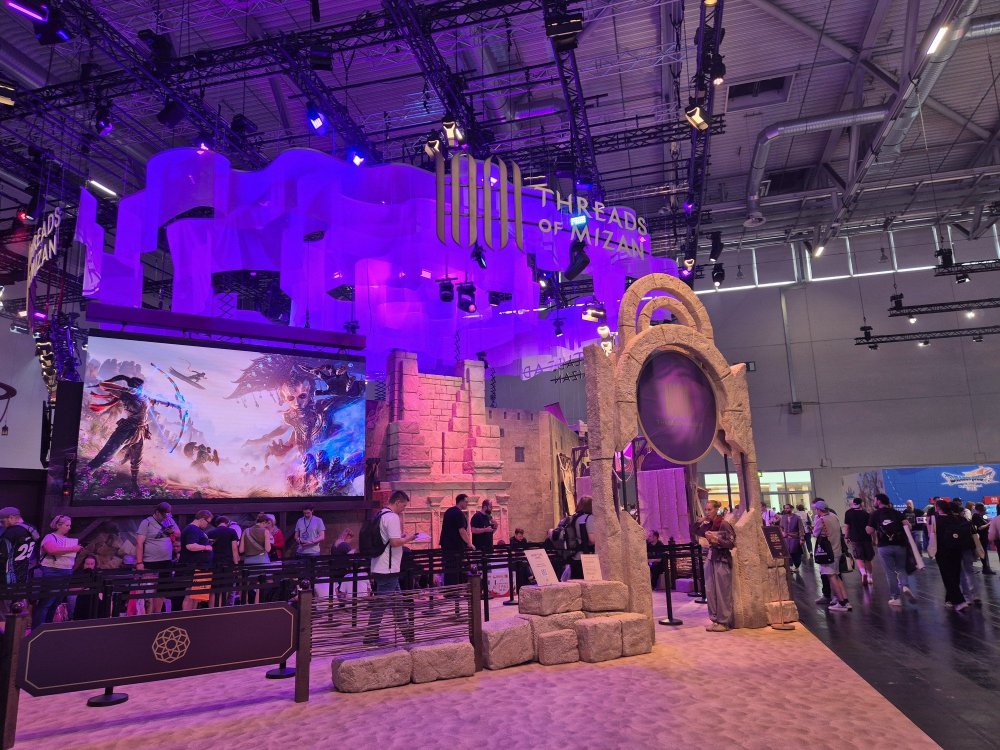
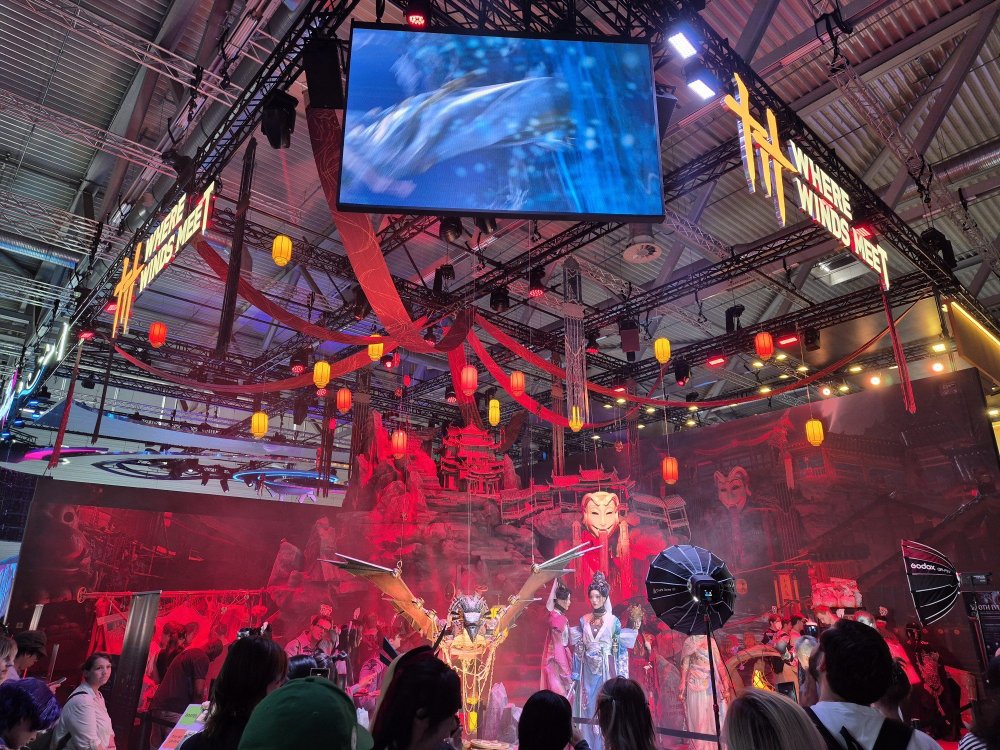
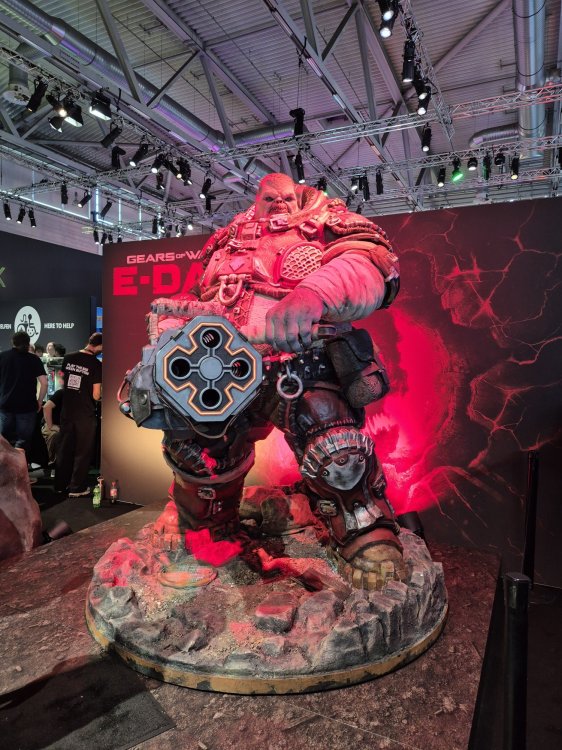
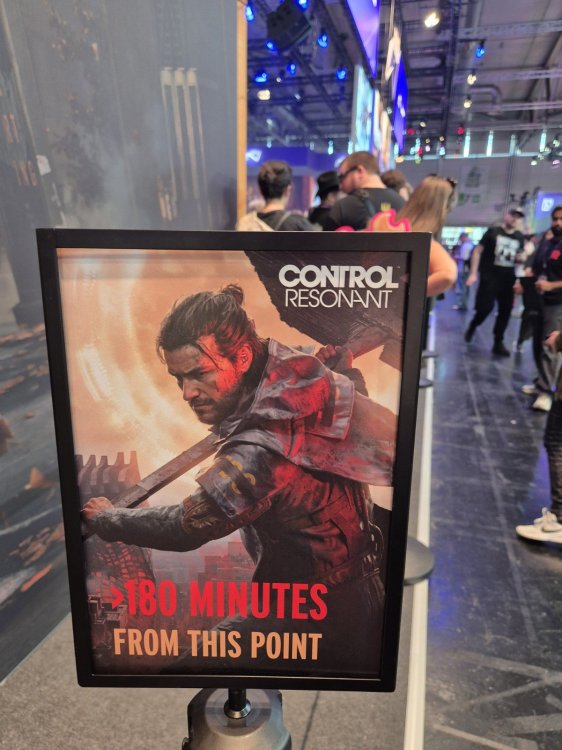
No dobra, udało się trochę więcej pograć, pogadać z devami, zobaczyć różne dema i hands-ony. Control Resonant wysuwa się powoli na grę targów, największe kolejki, największy hype i naprawdę solidny kawałek gierki. Podobnie fajnie wyglądają Gyrosy E-Day. Reszta typu 1001 Threads of Mizan czy Where Winds Meet też spoko, ale one nastawione ma coop albo F2P. Niestety od dziś są już takie tłumy, że koło południa nie ma sensu już się gdziekolwiek zapisywać, chyba że ktoś akceptuje kilka godzin czekania. Szacunek dla tych osób, które koczują tyle żeby jedynie rzucić okiem na gameplay nowej gierki.
-
No fajny ten Gamescom, taki nie za tłumny Krótka relacja: https://www.psxextreme.info/topic/103281-targi-e3-gc-tgs/page/617/#findComment-5622934
-
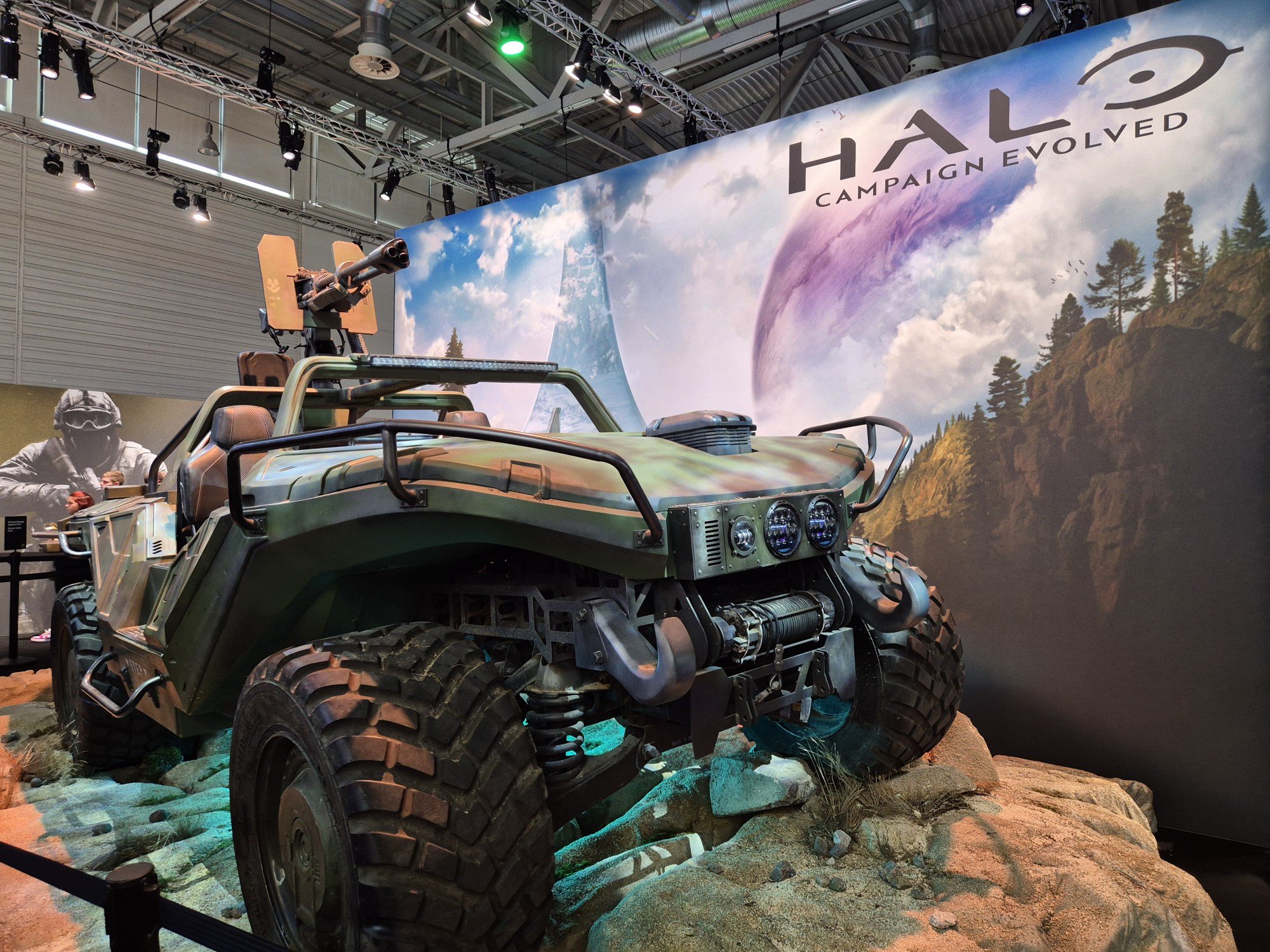
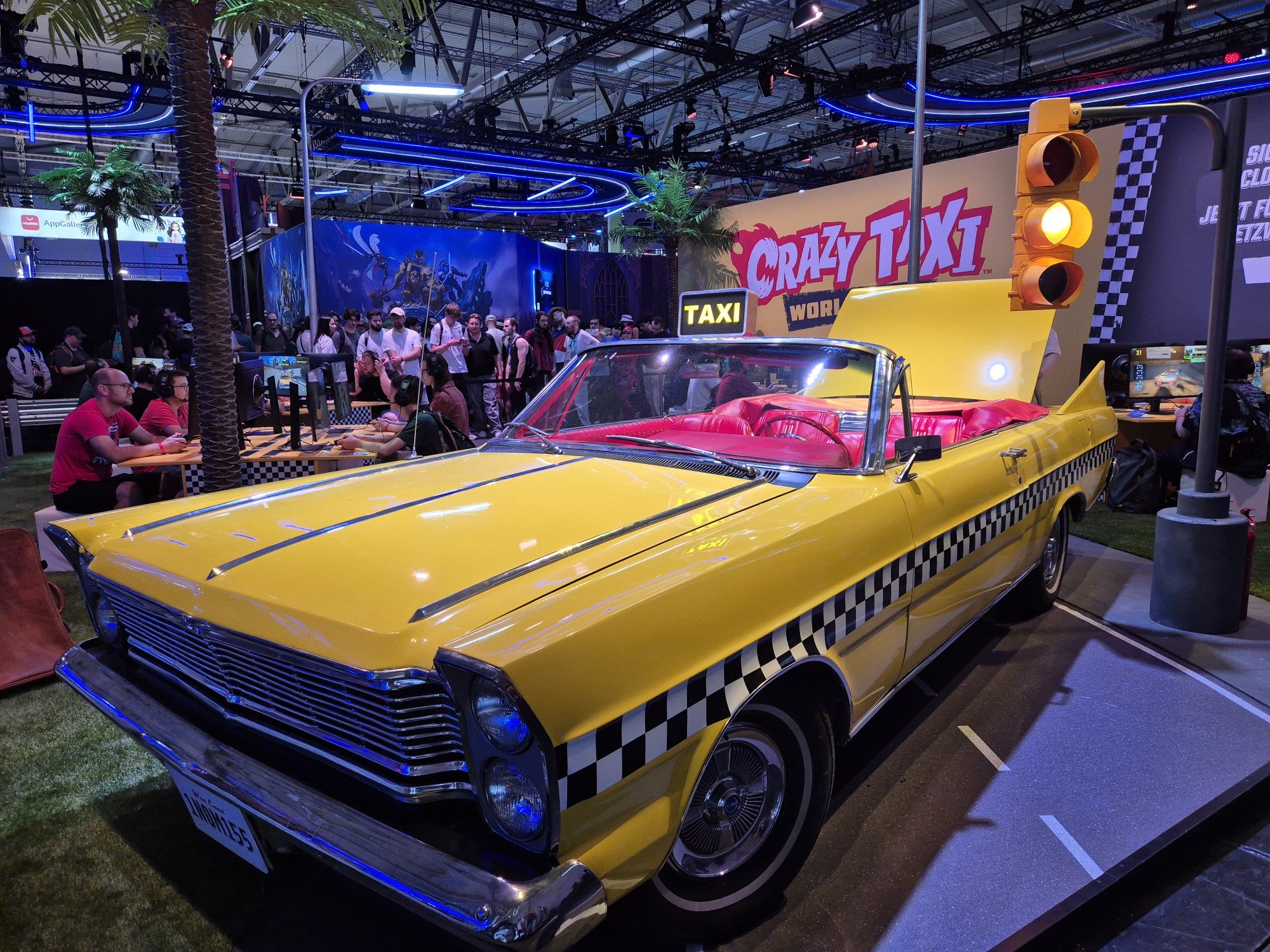
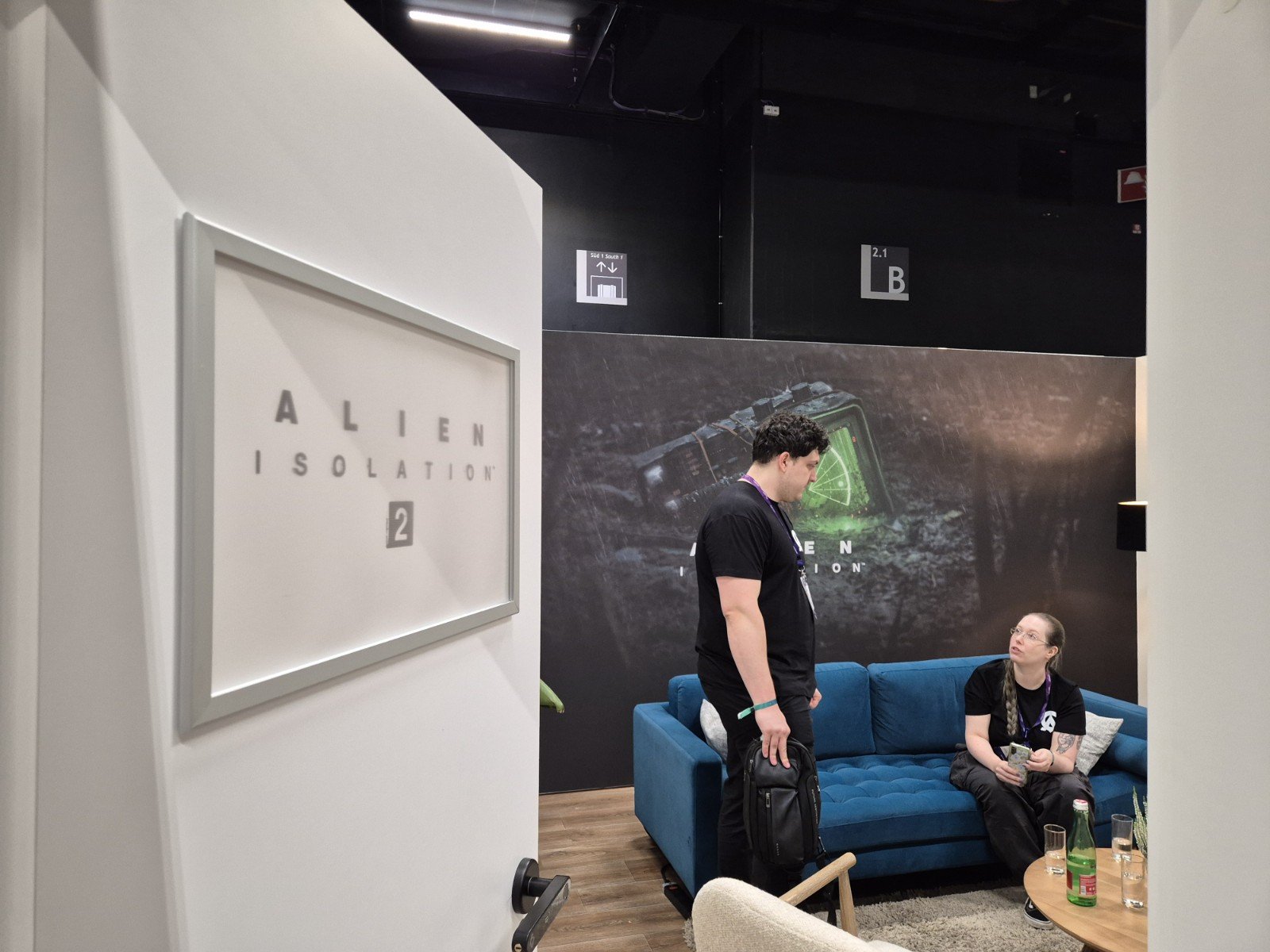
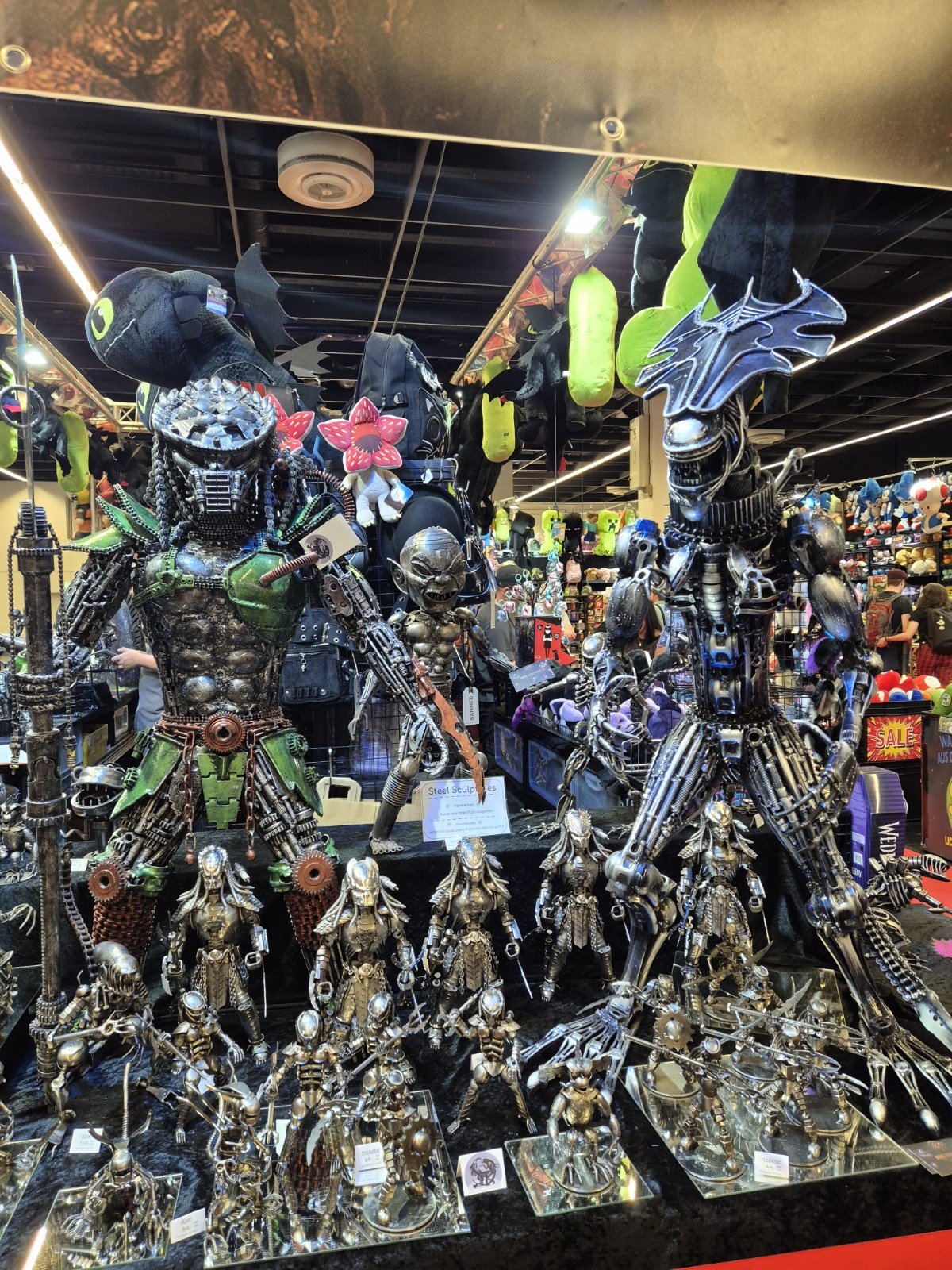
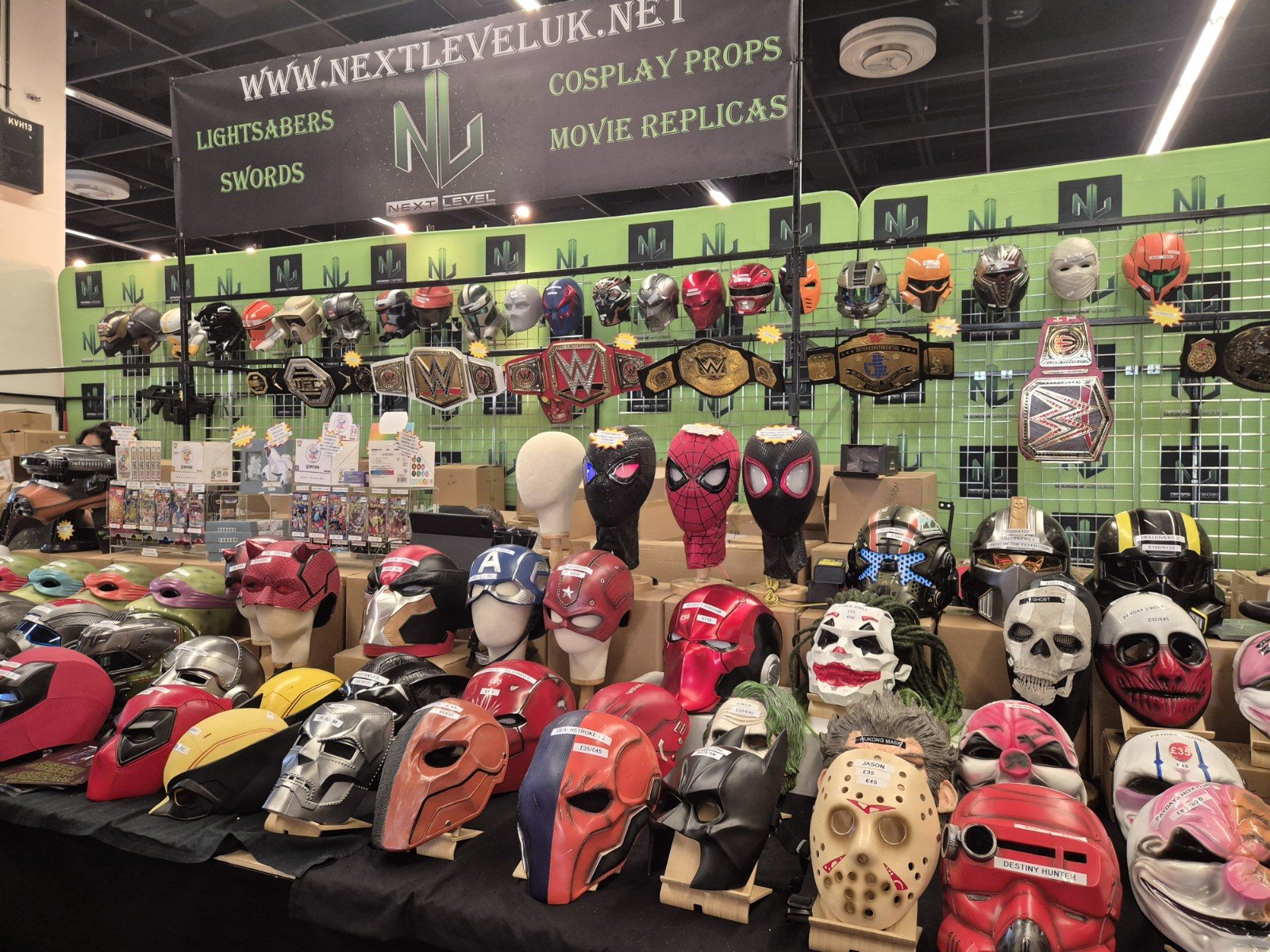
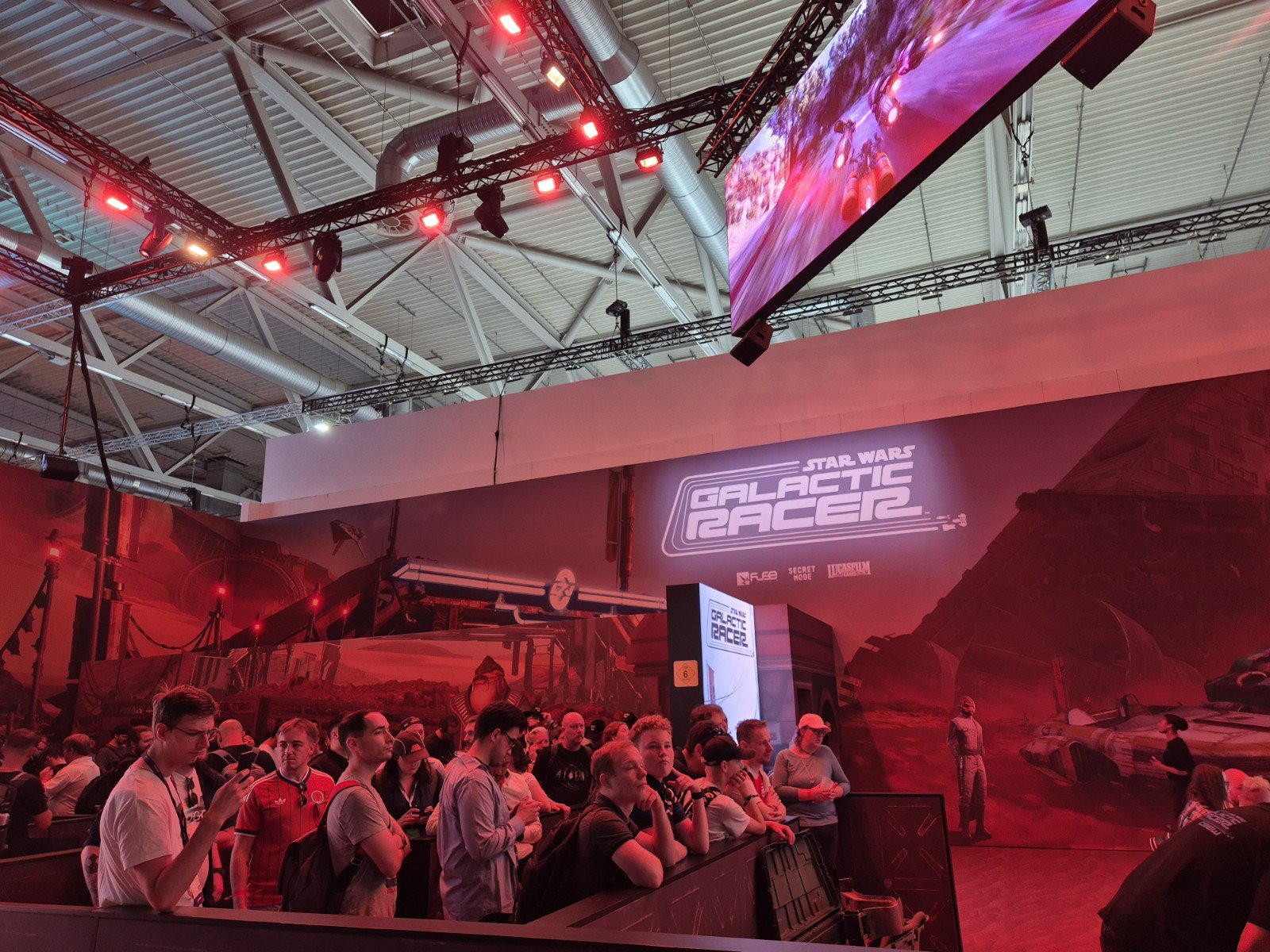
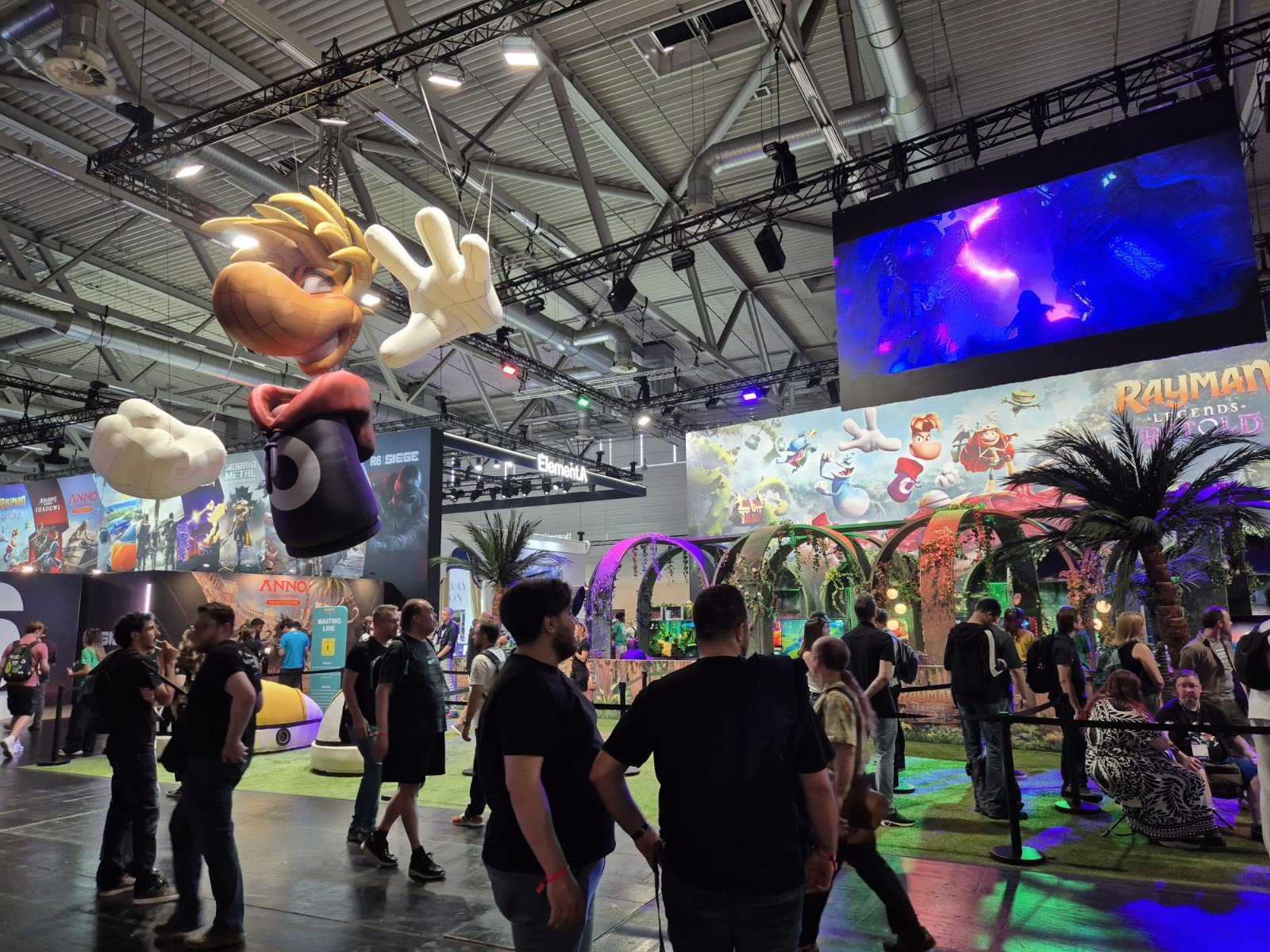
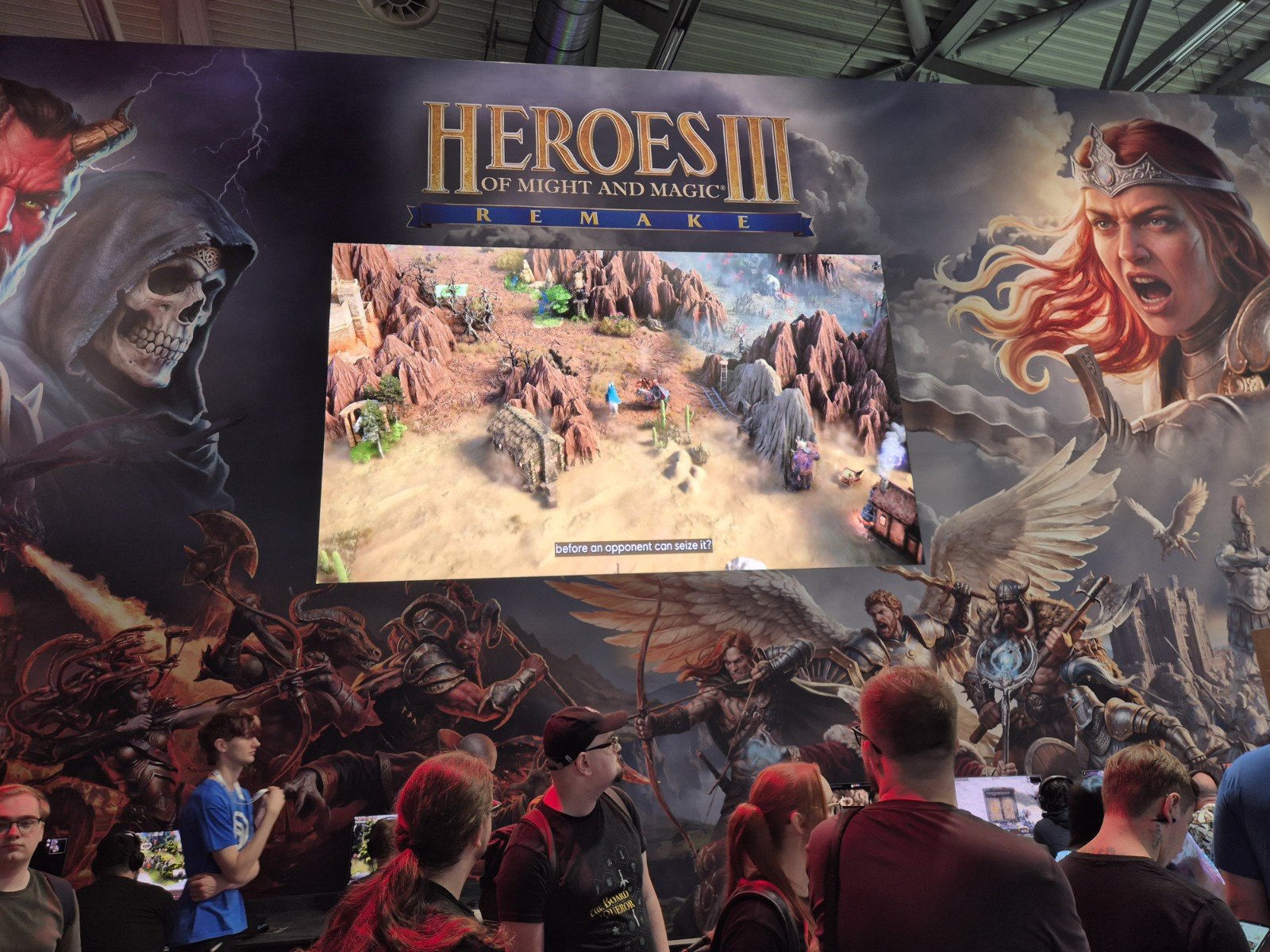
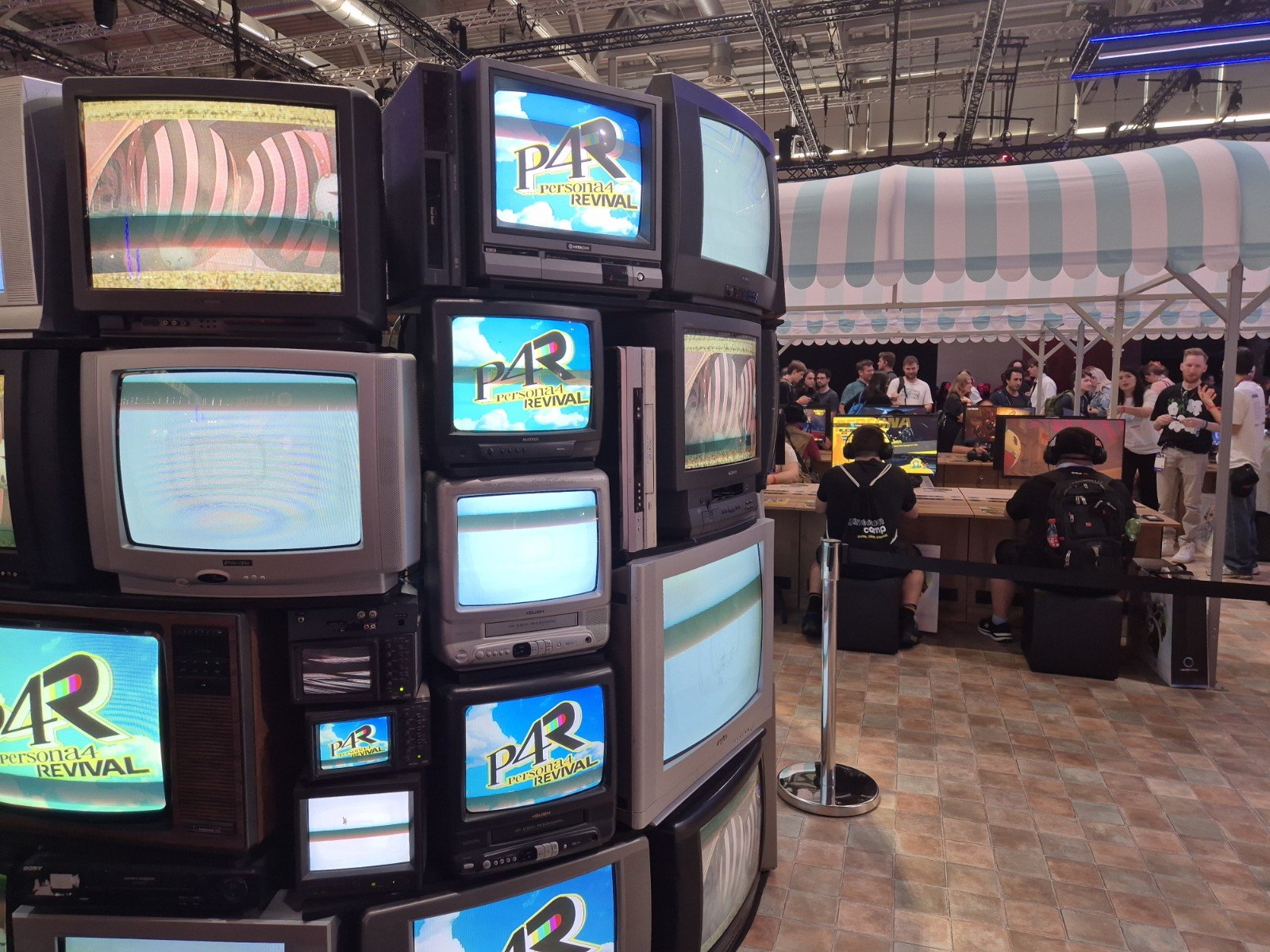
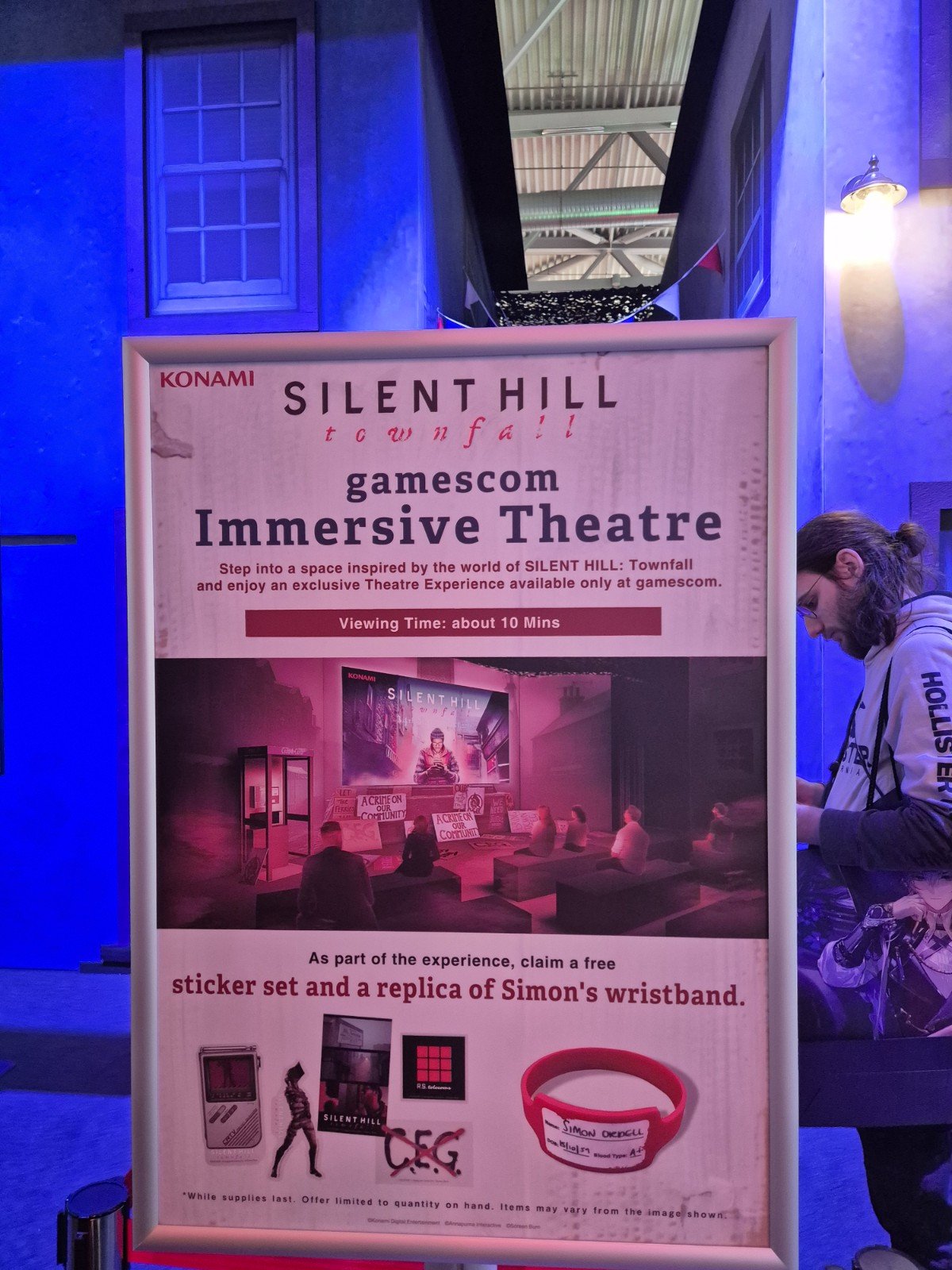
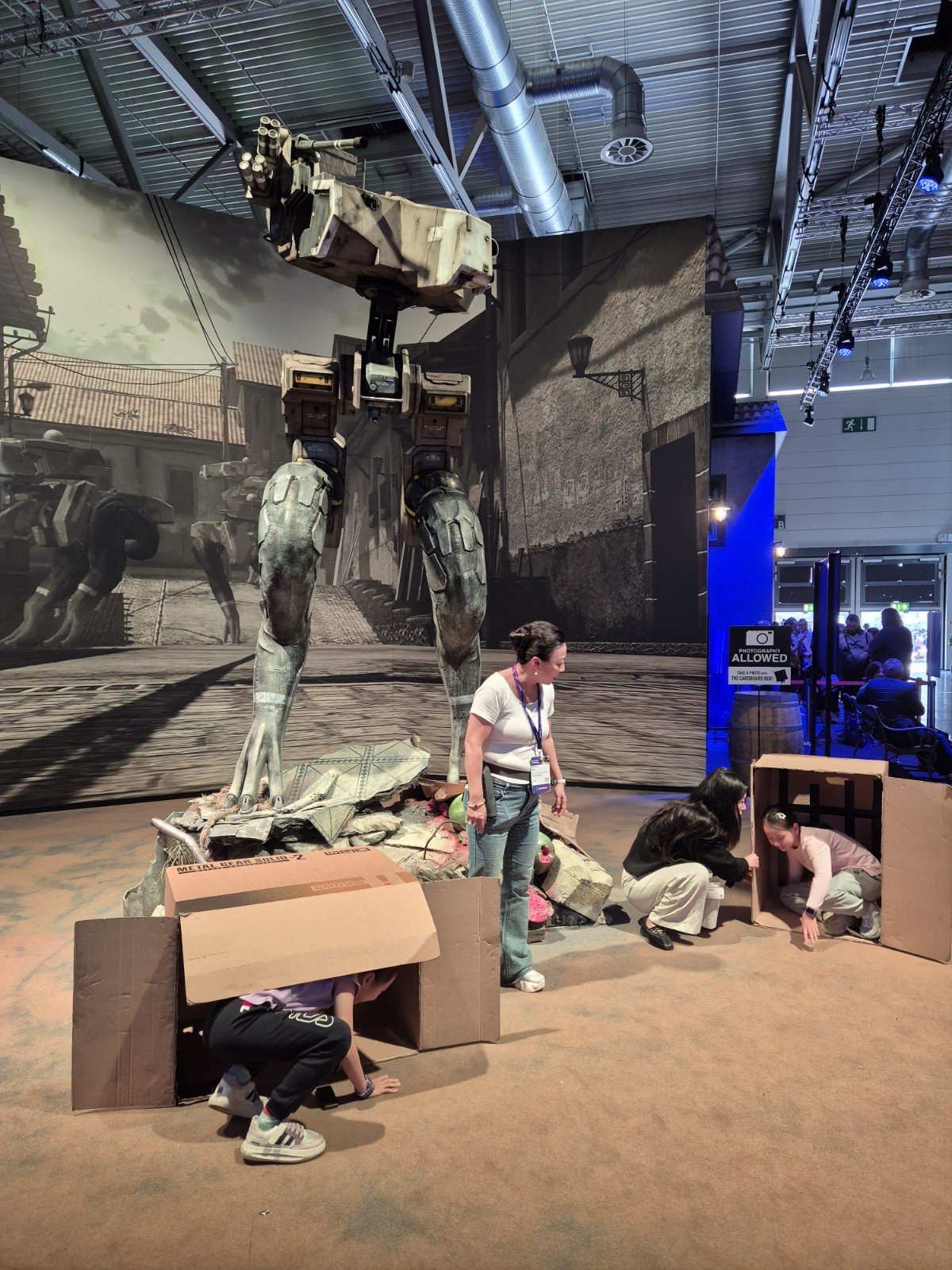
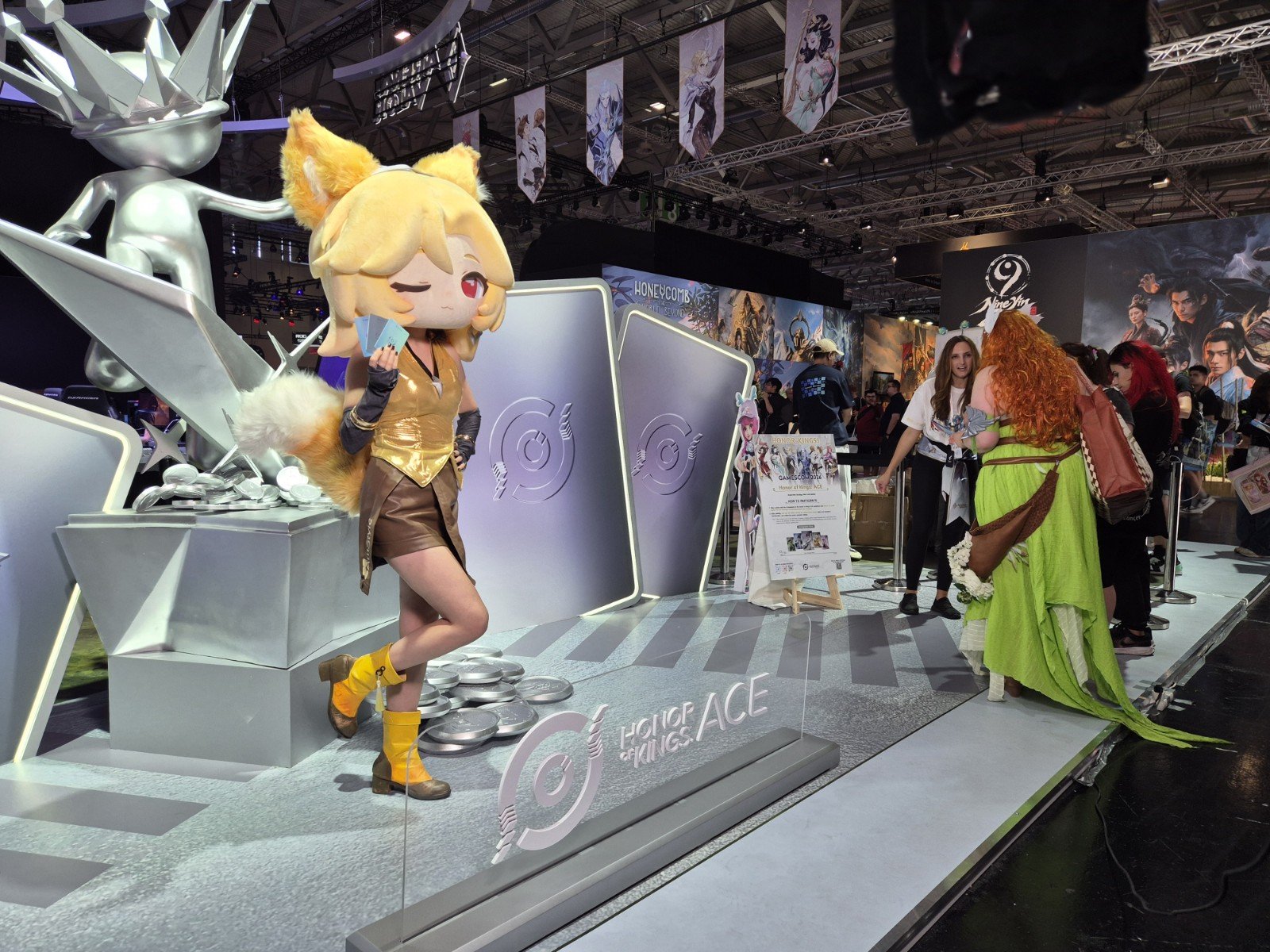
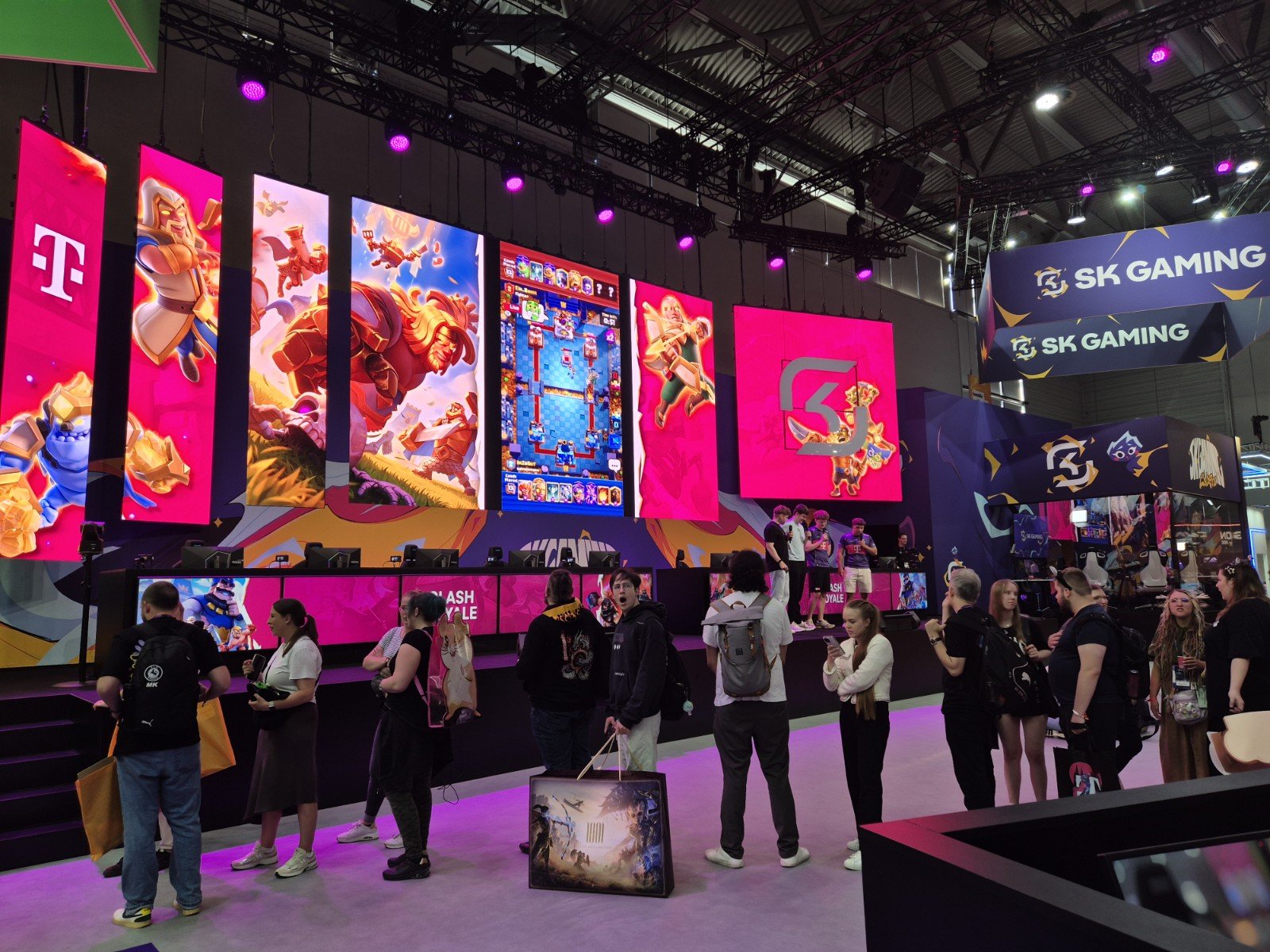
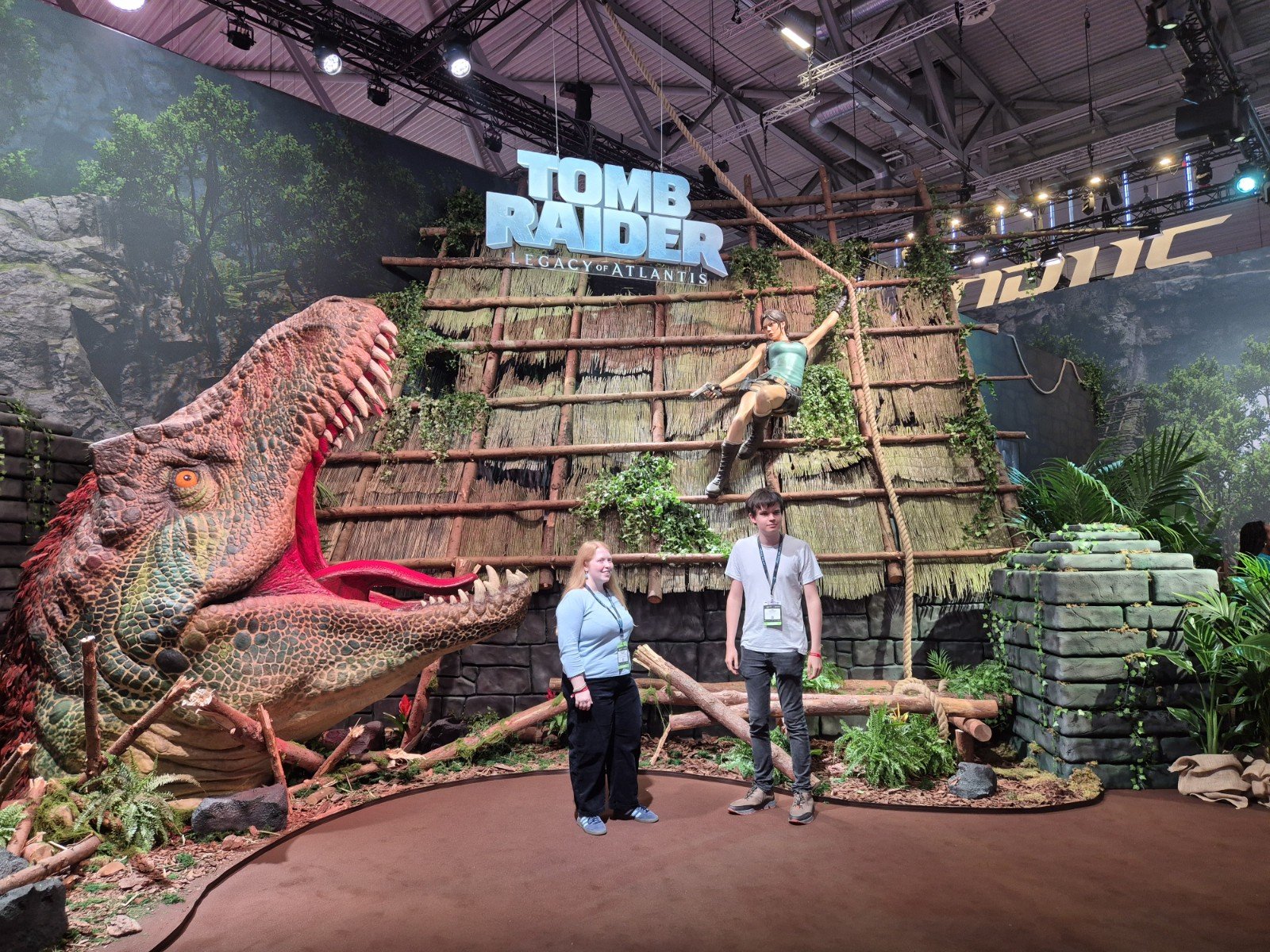
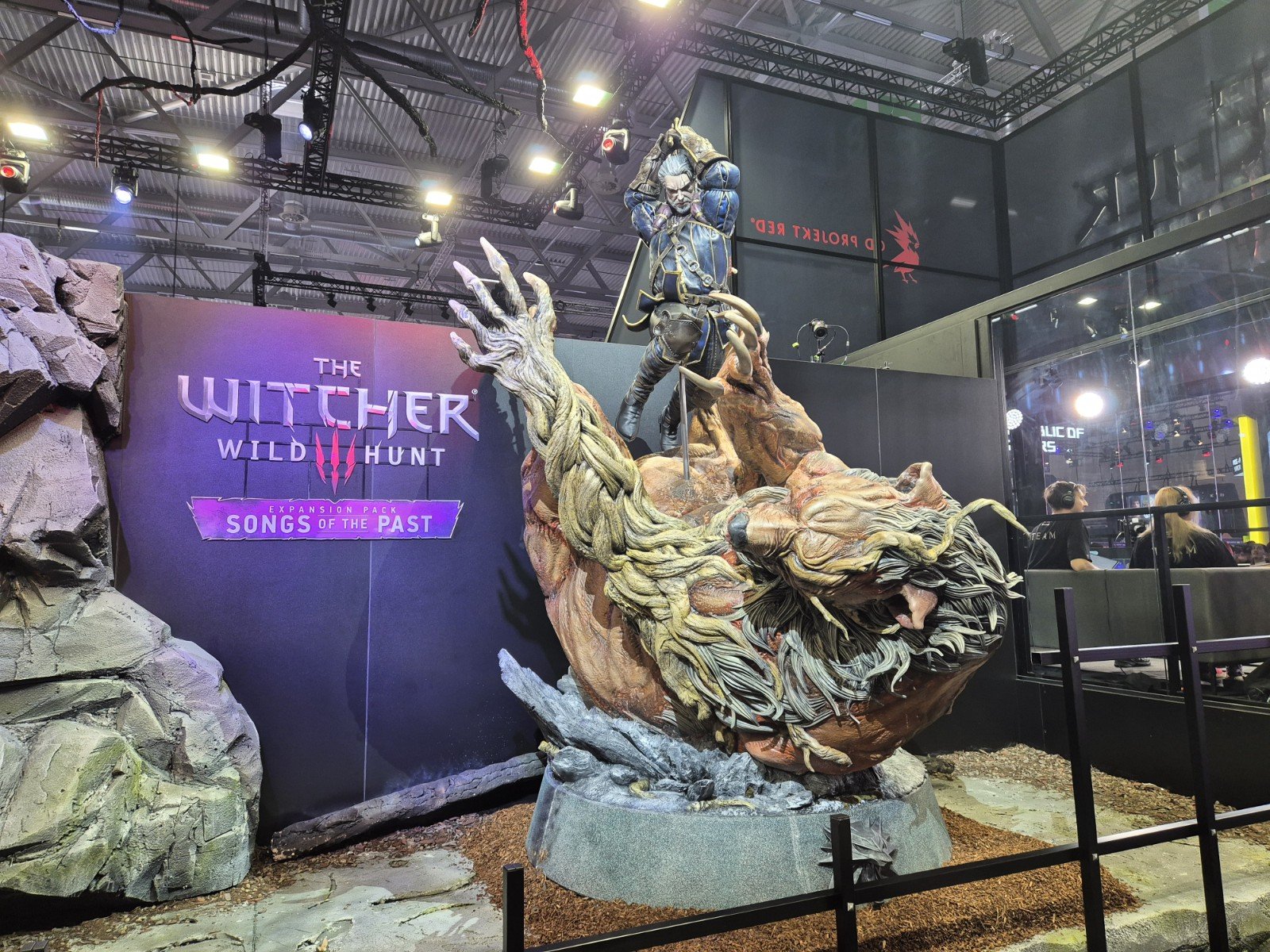
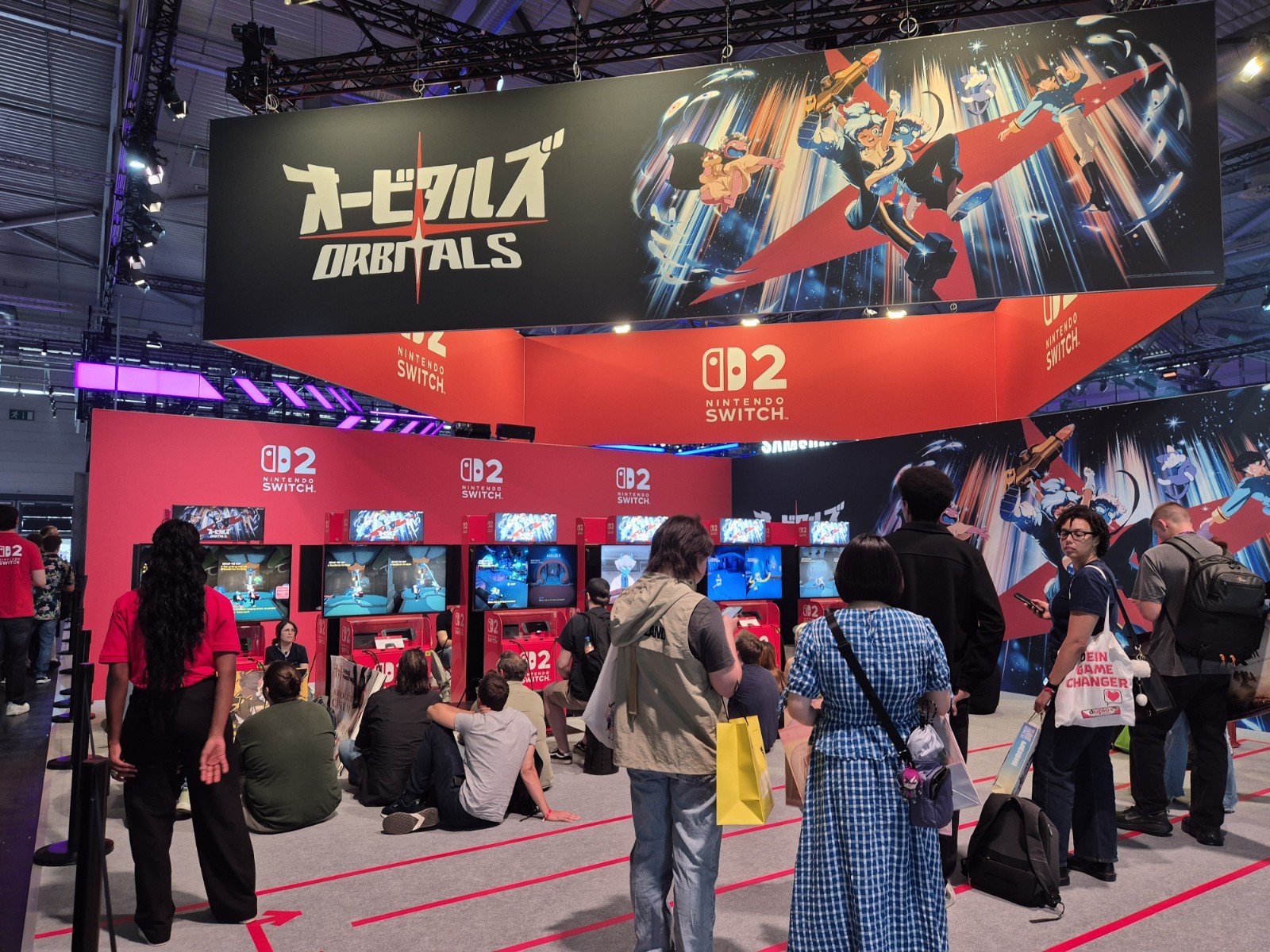
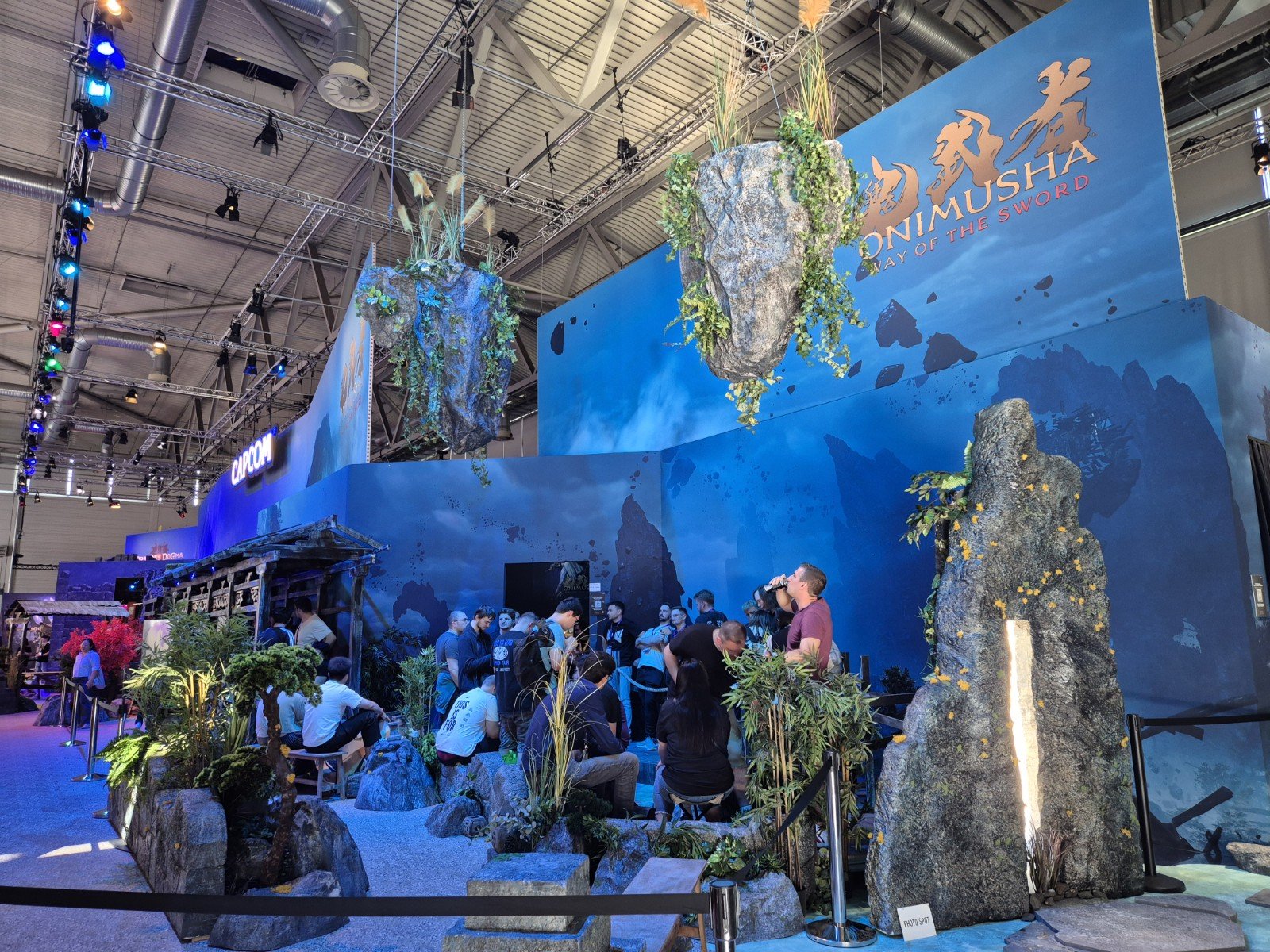
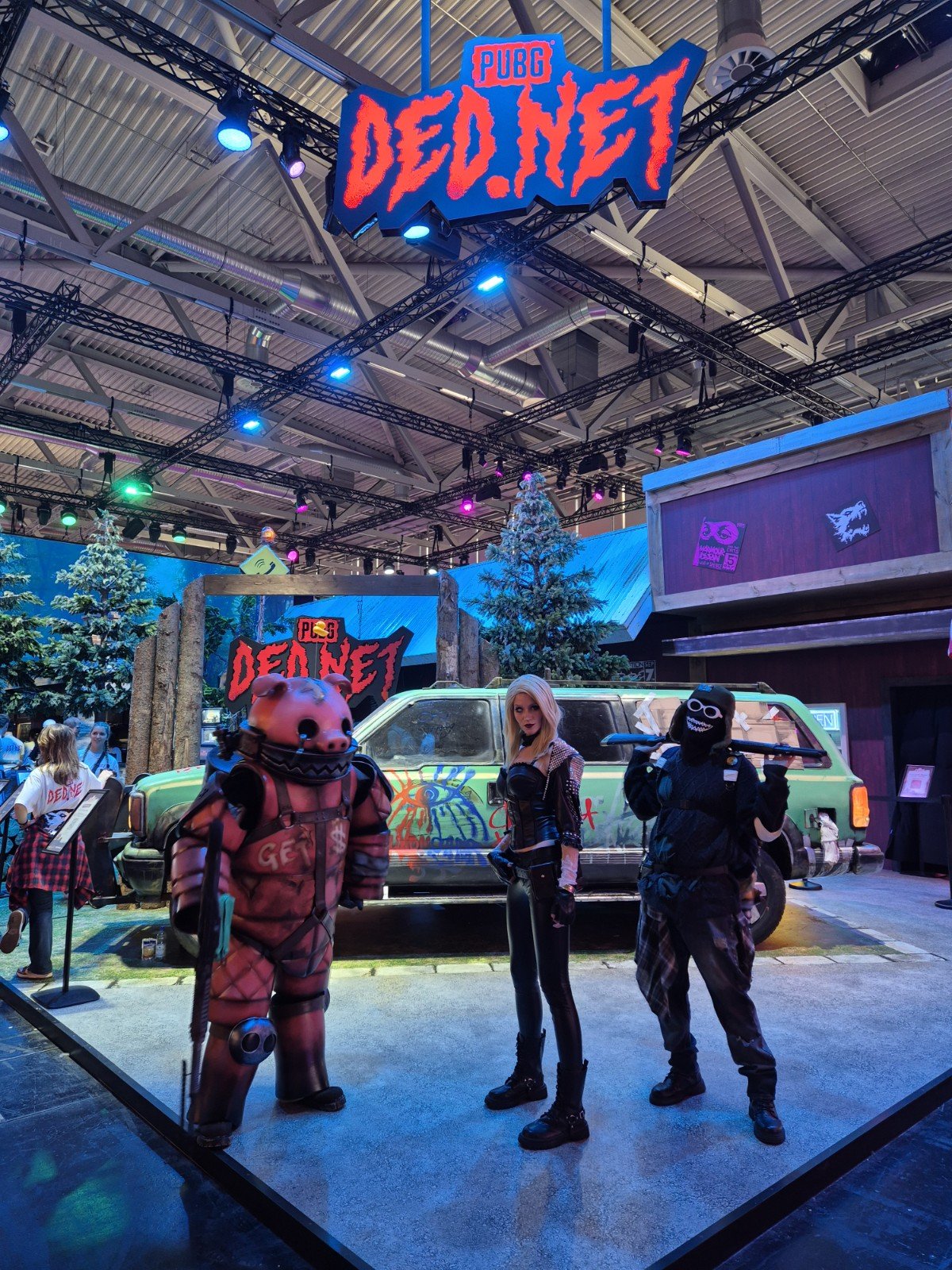
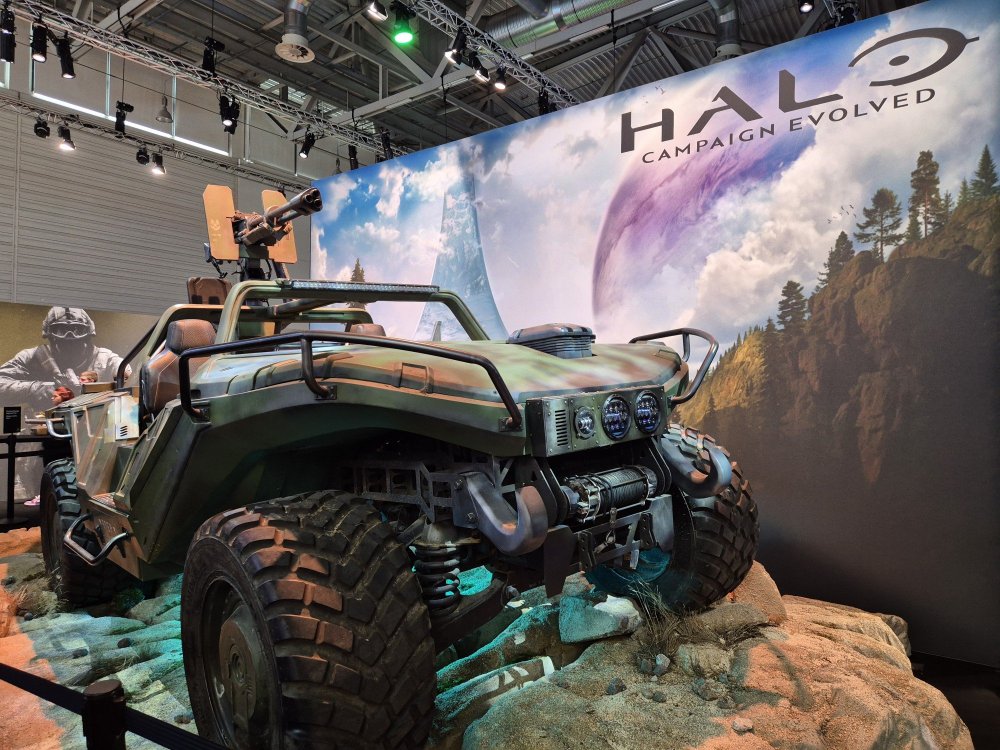
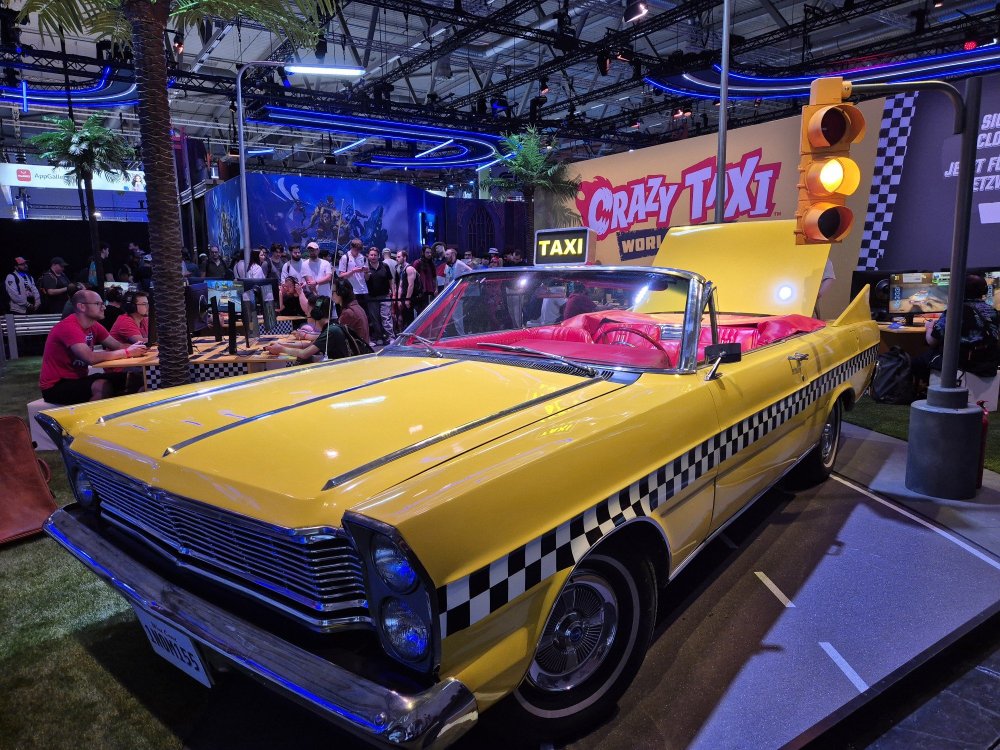
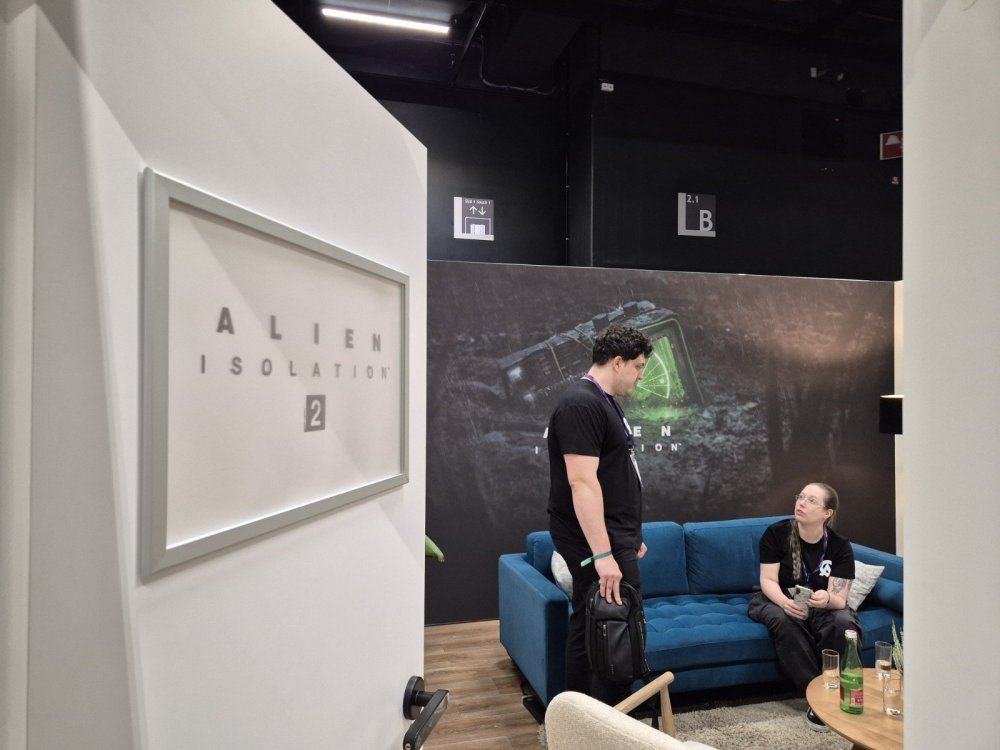
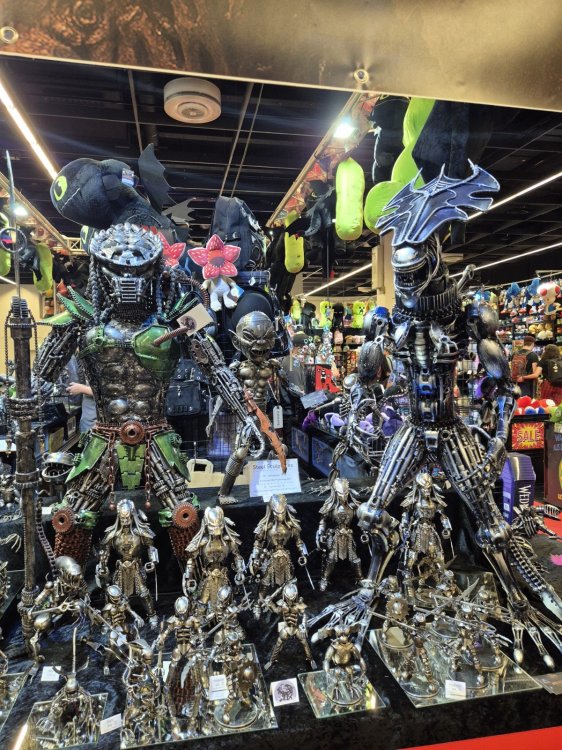
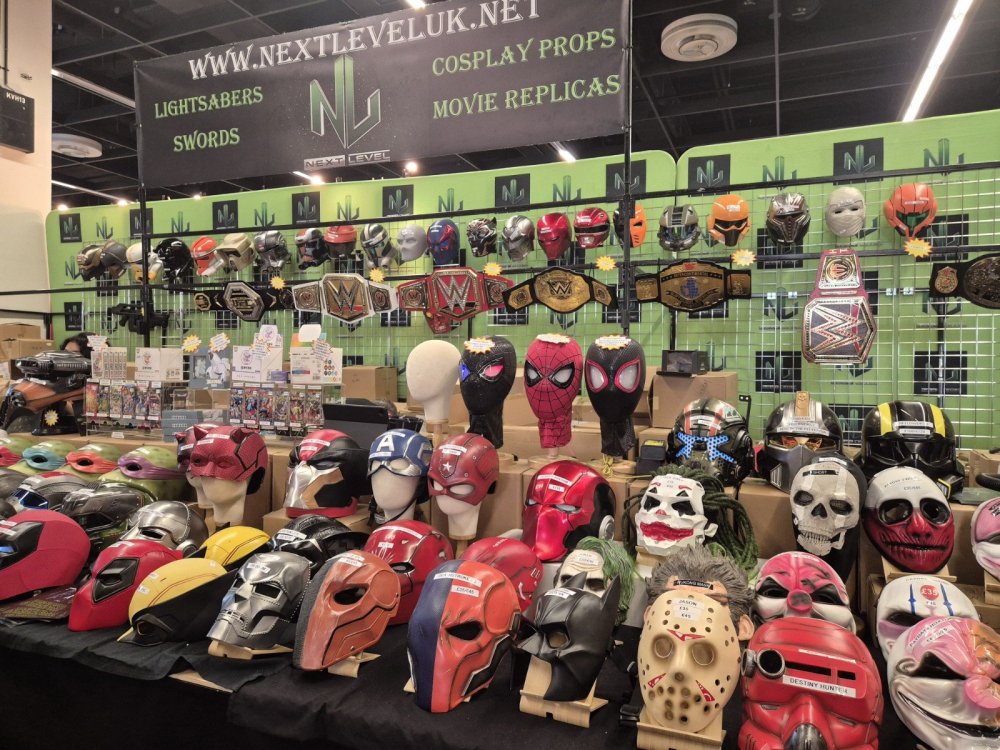
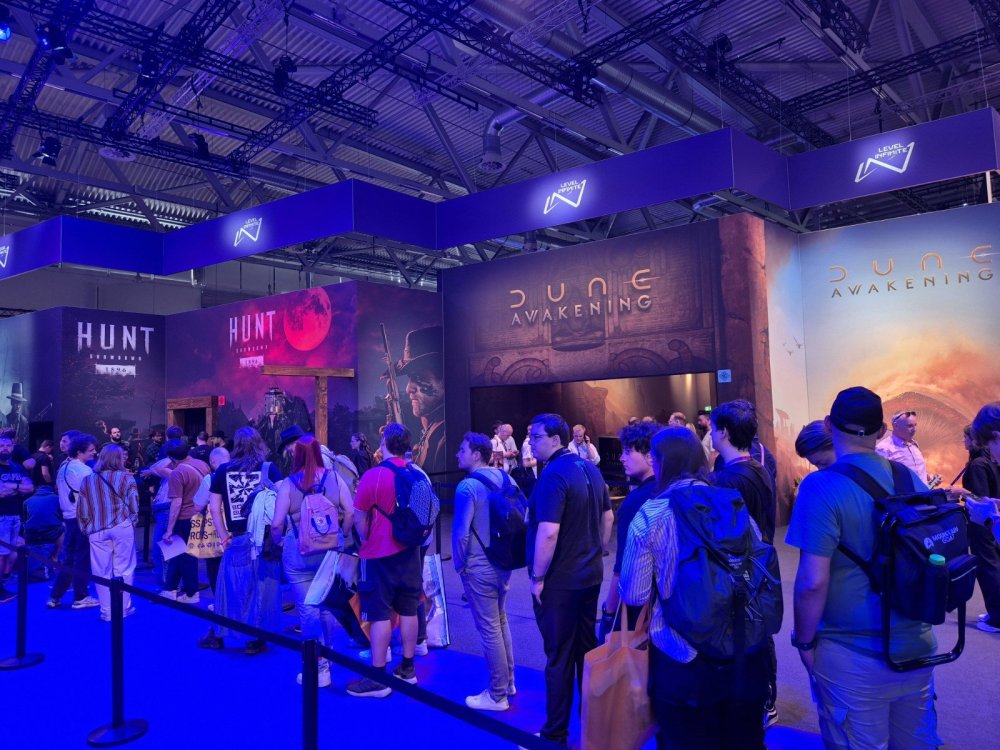
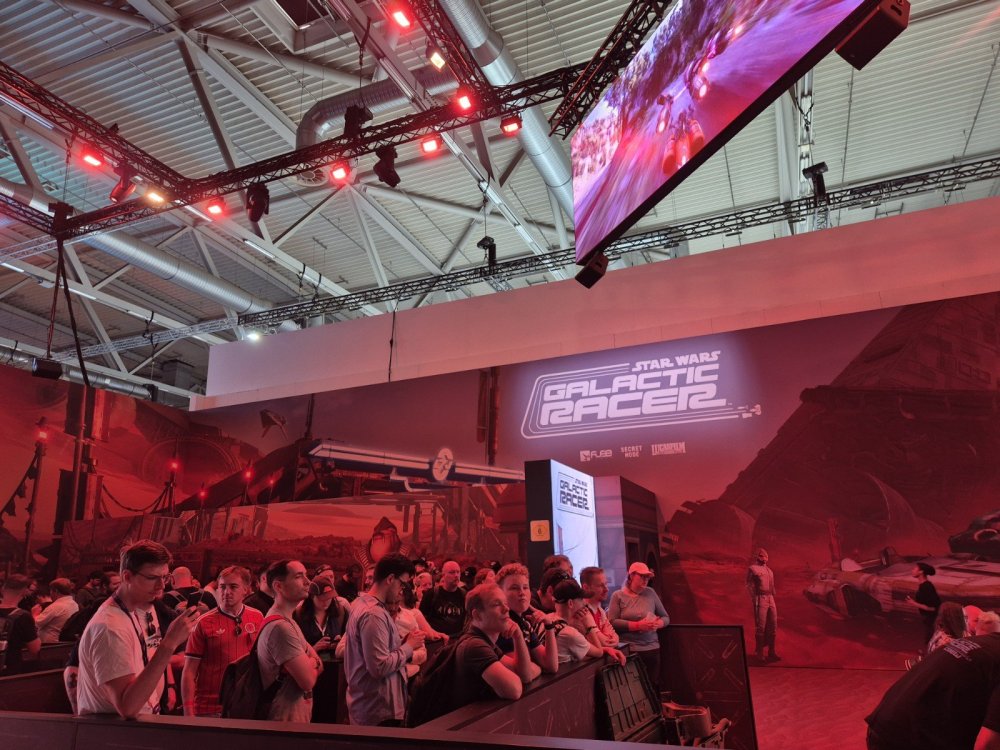
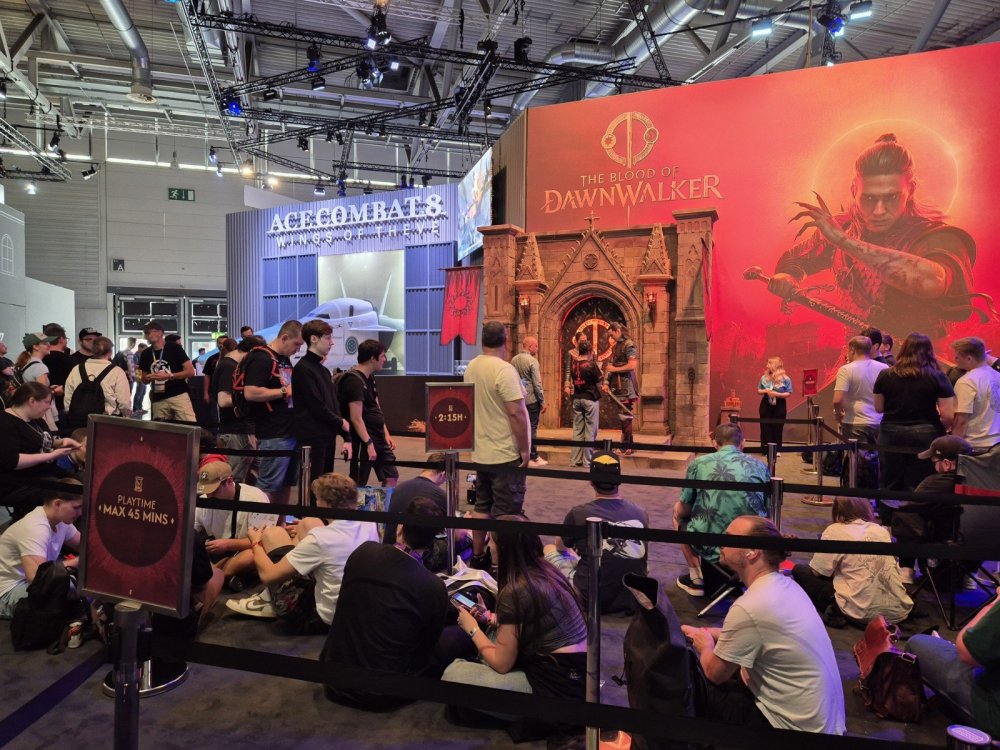
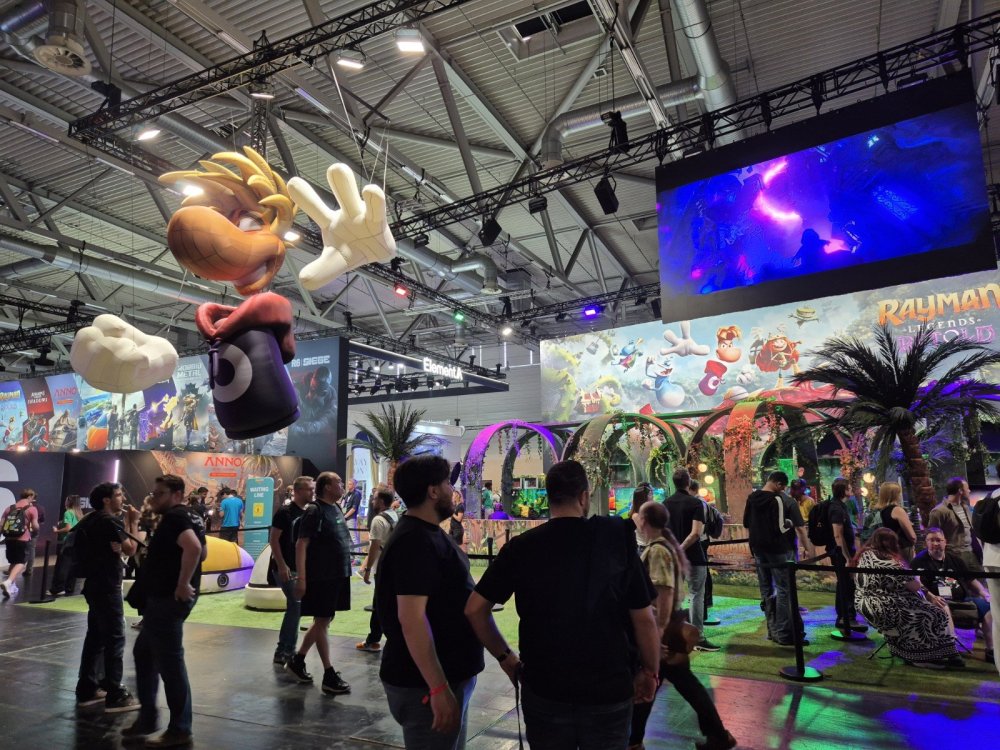
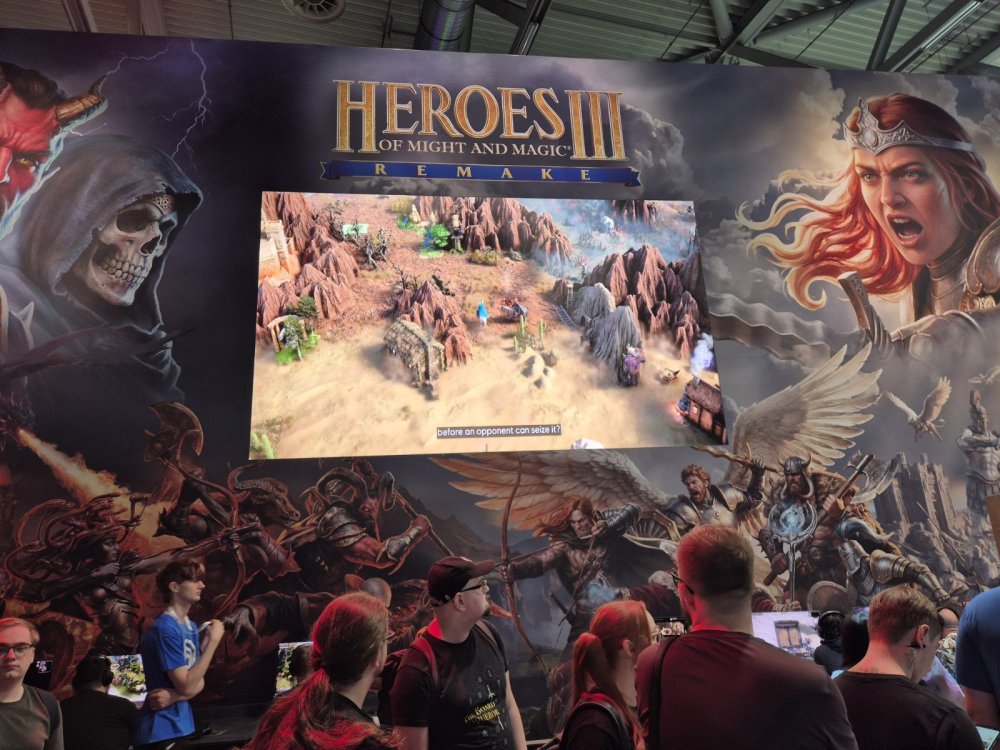
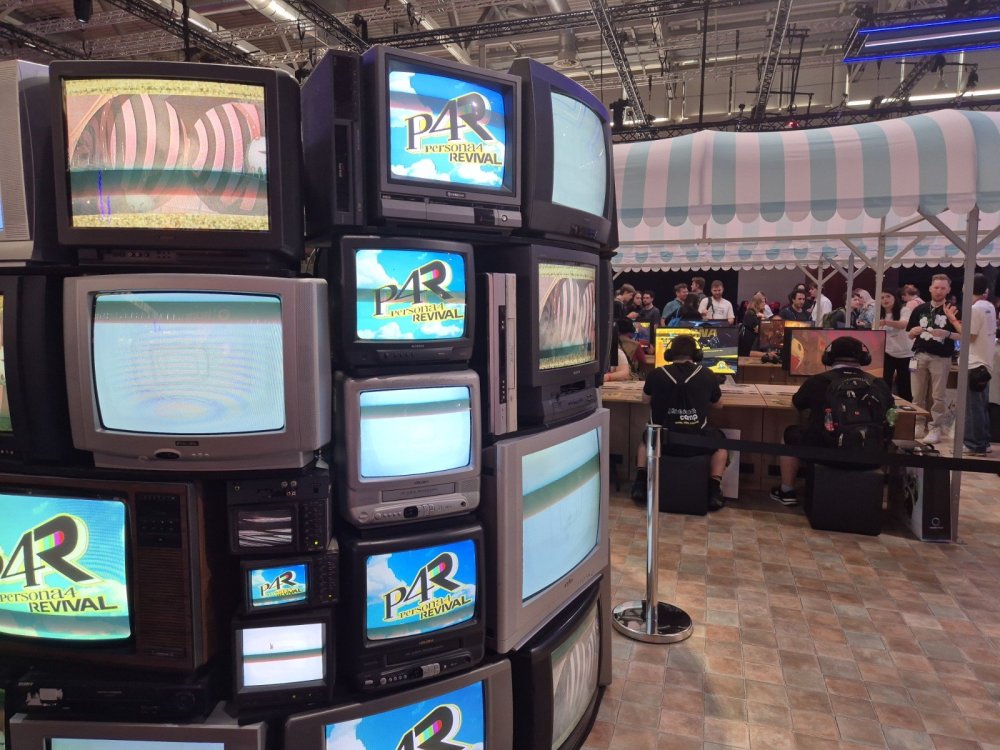
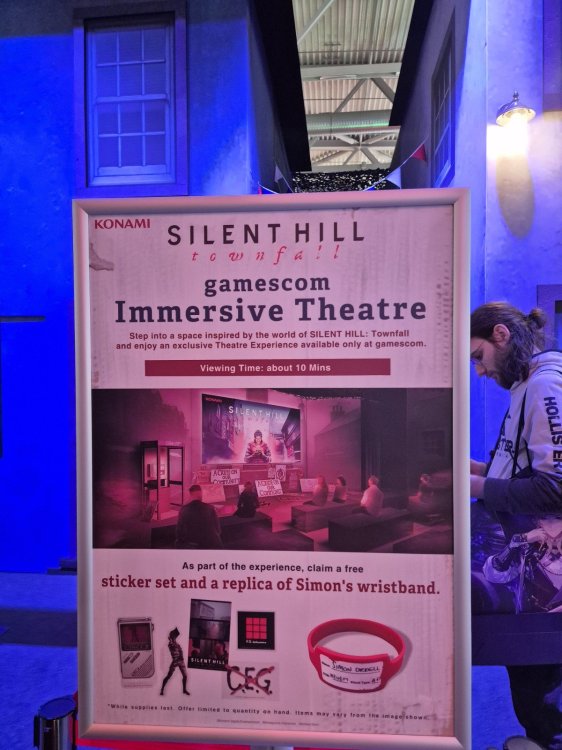
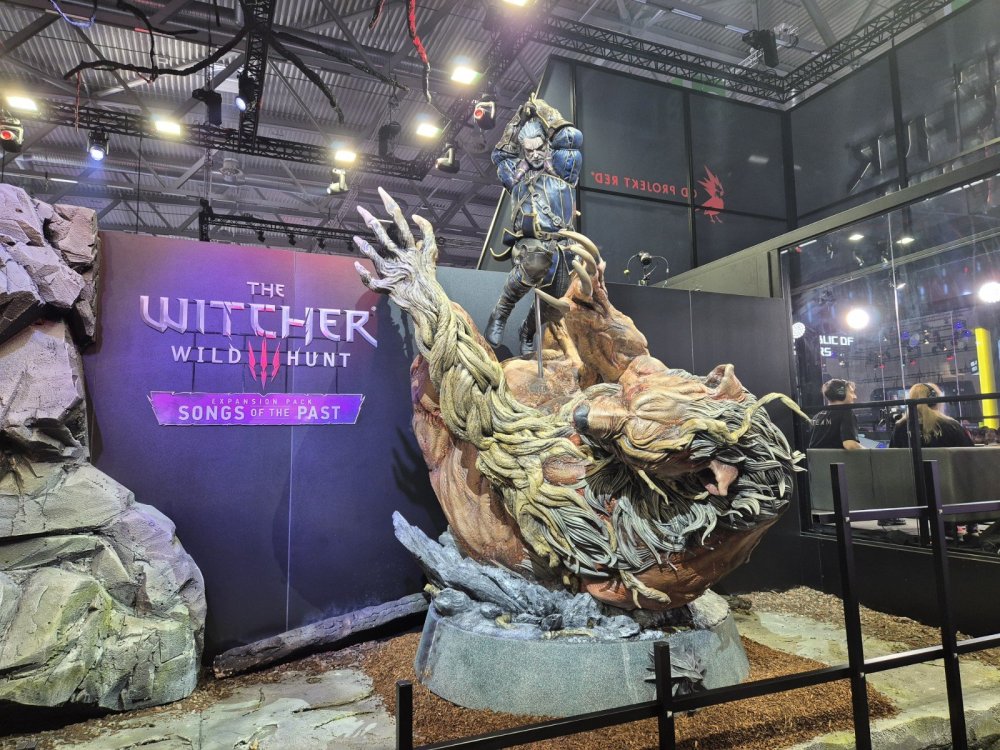
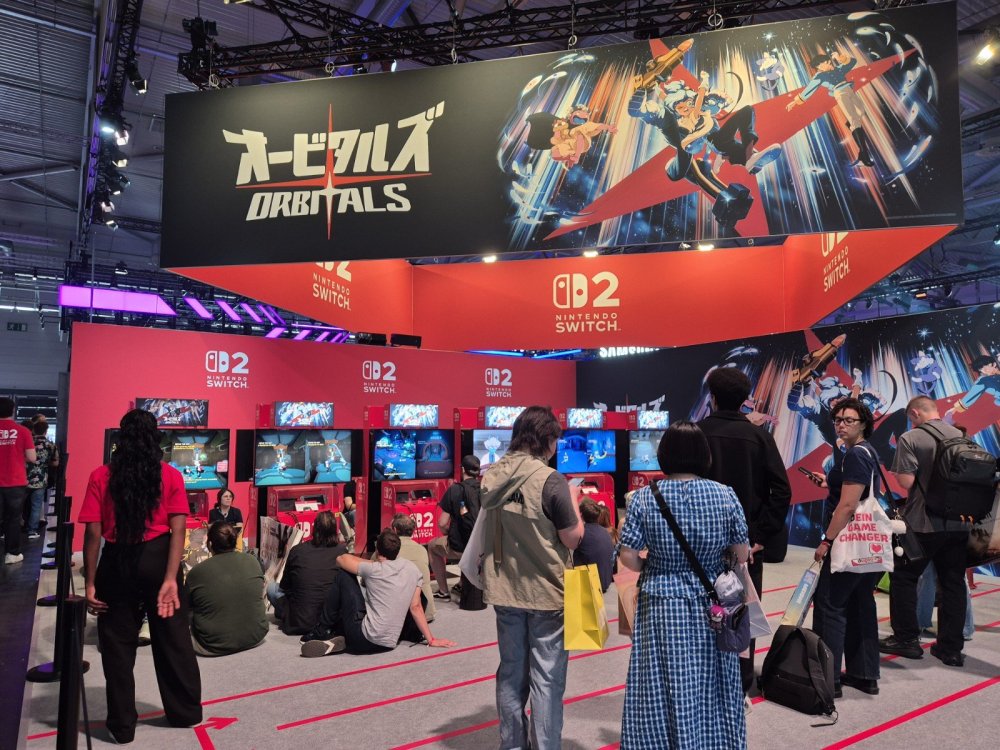
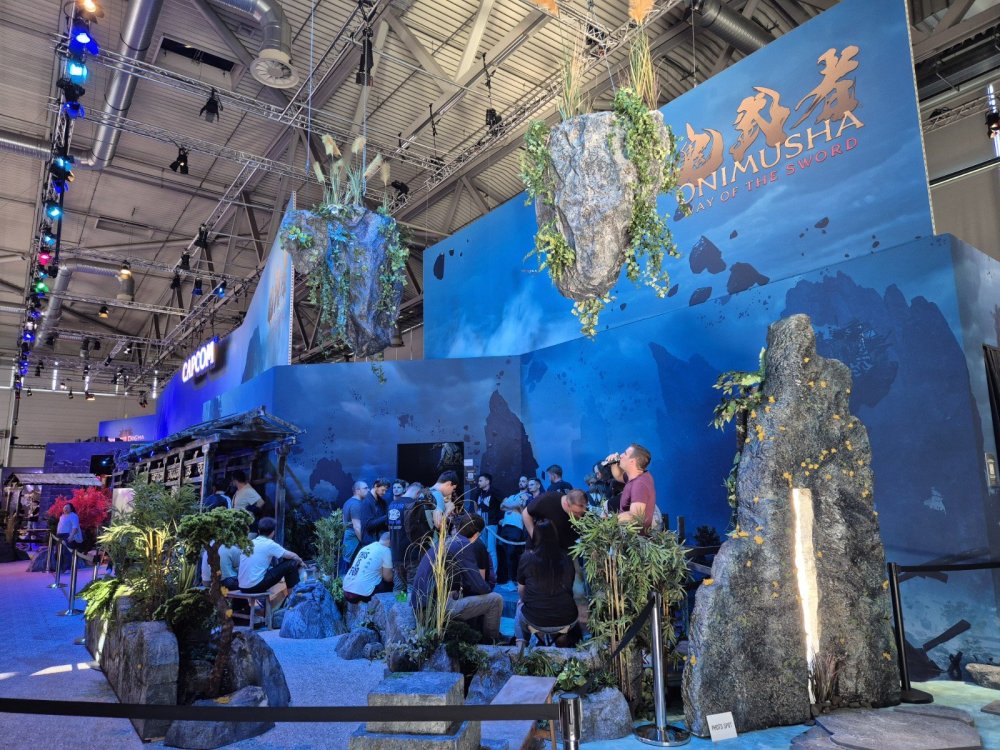
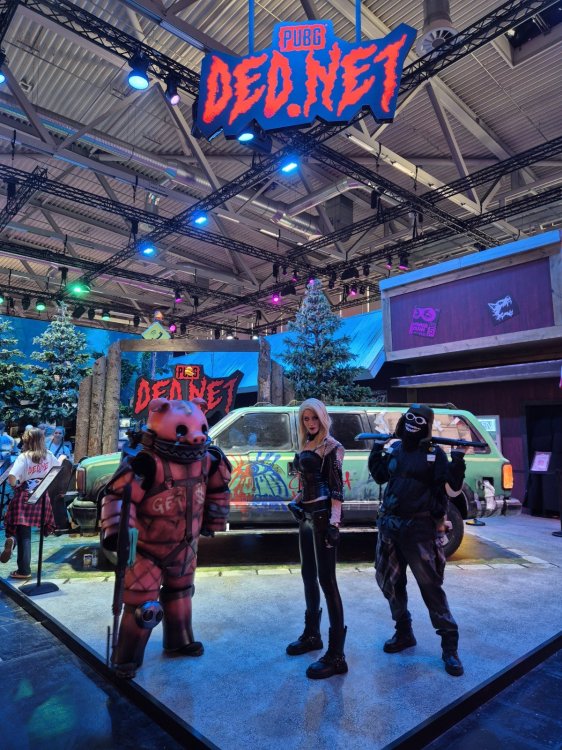
Dzięki splotowi różnych wydarzeń mógł człowiek odwiedzić Gamescom i dorzuci swoje 3 grosze. Generalnie to mam trochę doświadczenia w jeżdżeniu na targi wszelakie, ale Gamescom ewidentnie wychodzi na czołówkę jeśli chodzi o rozmach, wielkość i natężenie ruchu. Dziś był dzień dla prasy, wystawców, influencerów i gości plus posiadaczy wild-card, a ruch był taki, że ciężko było się dopchać do stoisk, nie wyobrażam sobie co się będzie działo jutro... Generalnie to nie ma jakichś wyraźnych potencjalnych sleeper-hitów, czy też zaskakujących pozycji. Widać, że promuje się mnóstwo indie gierek, popierdółek na telefony, online shooterów, a reszta to już tytuły znane z zapowiedzi tu i tam. Jest też sporo stoisk z grywalizacją typu ograj kilka naszych dem, zbierz min. 4 pieczątki i wymień je na kanapkę Subway albo gadżet xdd. Są za to fajne stoiska narodowe różnych krajów gdzie młodzi developerzy albo młode firmy mogą zaprezentować swój dorobek czy też umówić sobie potencjalnego klienta na spotkanie korzystając z infrastruktury danego stoiska. No i klasycznie jedna cała hala z merchem i cosplayem. Prezentowane są różne wersje gier, czy to grywalne dema, czy wersje beta, hands-on z produktem już prawie ukończonym, albo same prezentacje na video czy też oglądanie jak dev sobie gra w demo. Na pewno nie da się nie zauważyć ofensywy Japończyków czy wszechobecnego Control Resonant, Wieśka 3, Dawnwalkera i HoMM3. Dziś jeszcze można było sobie w miarę pograć w to i owo będąc z rana, ale już później kolejka do Control to min. 3h. Udało się trochę pograć w nowego Racera od Star Wars (sztos), Control (nie żałuję preordera), Dawnwalkera, Raymana (zaskakująco świeży remake), plus trochę popierdółek. Obejrzane materiały z Wieśka 3, Dune, Tomb Raider, Silent Hill i Metro 2039. Czekam jeszcze na umówioną Piłę od Blooberów i może coś z obozu XKloca. Ogolnie to mają rozmach skurwysyny. Ale widząc jak to wygląda to albo bym się próbował wkręcić jako prasa/influ/biznes, a jak nie to celował w najwcześniejszą godzinę jaka tylko możliwa bo potem to już tylko stanie.

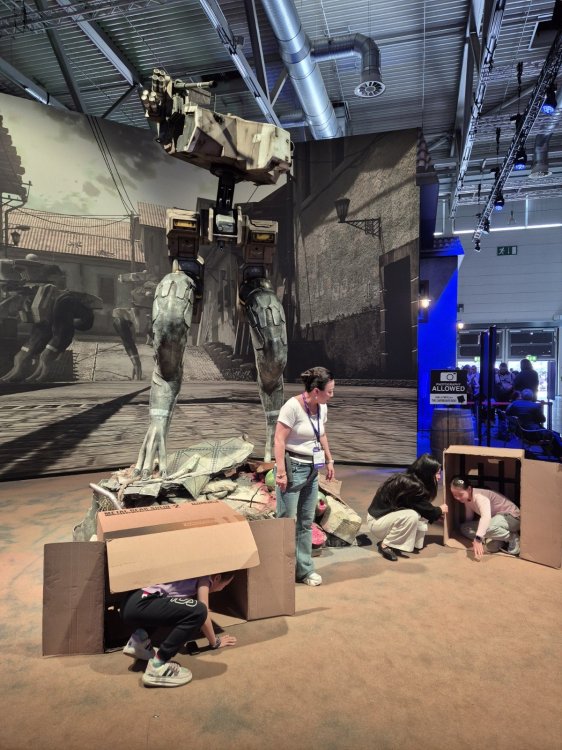
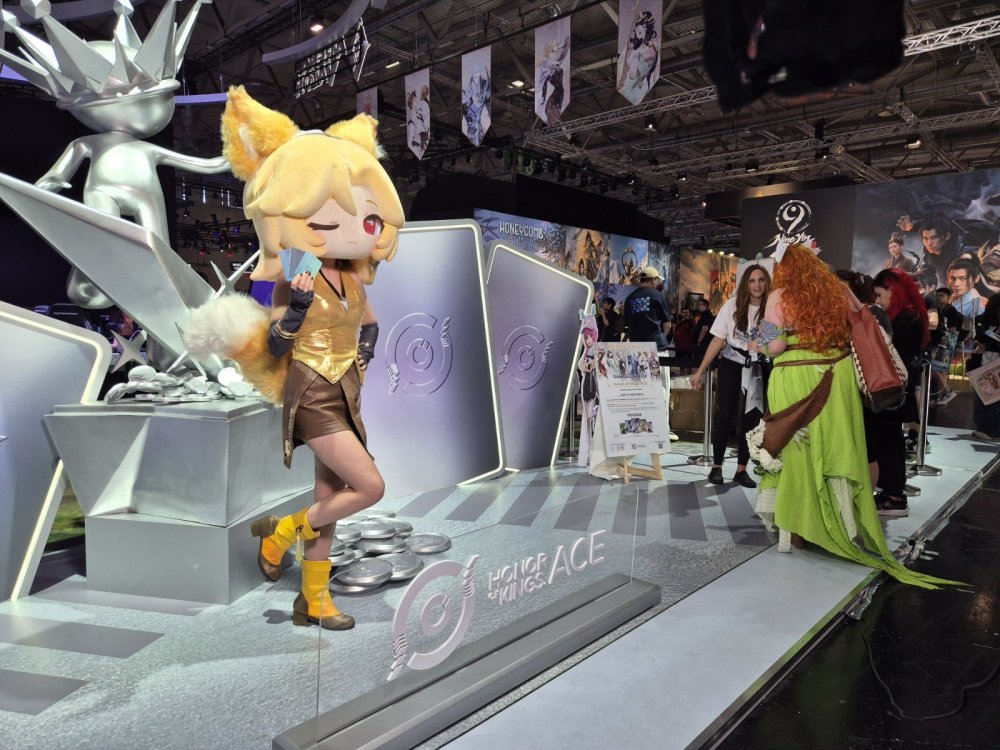
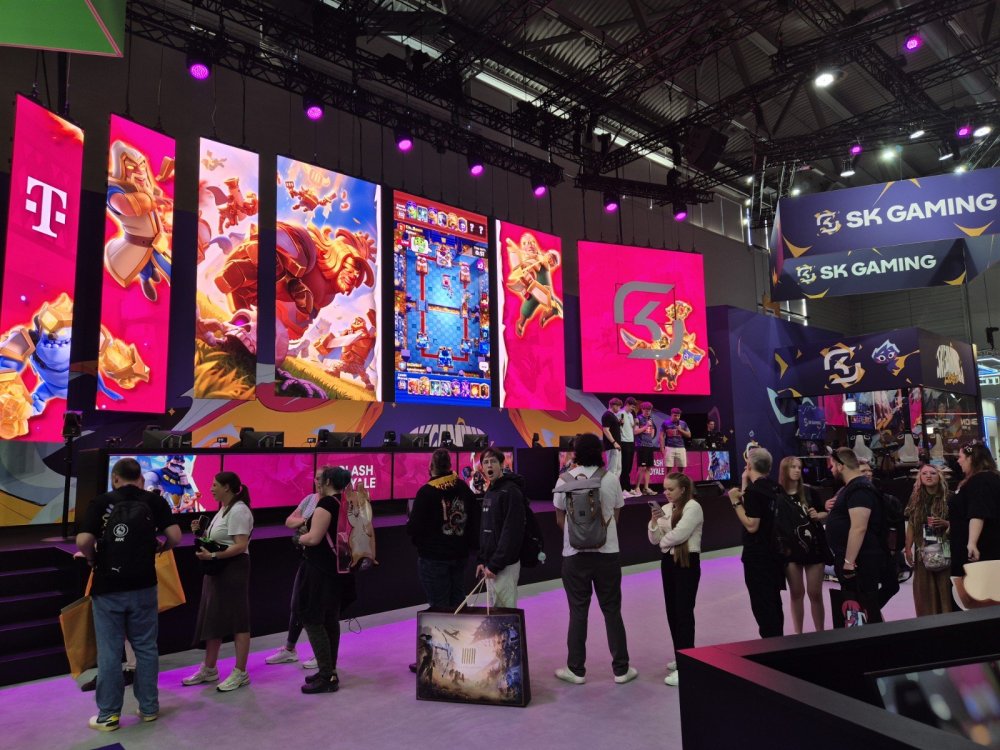
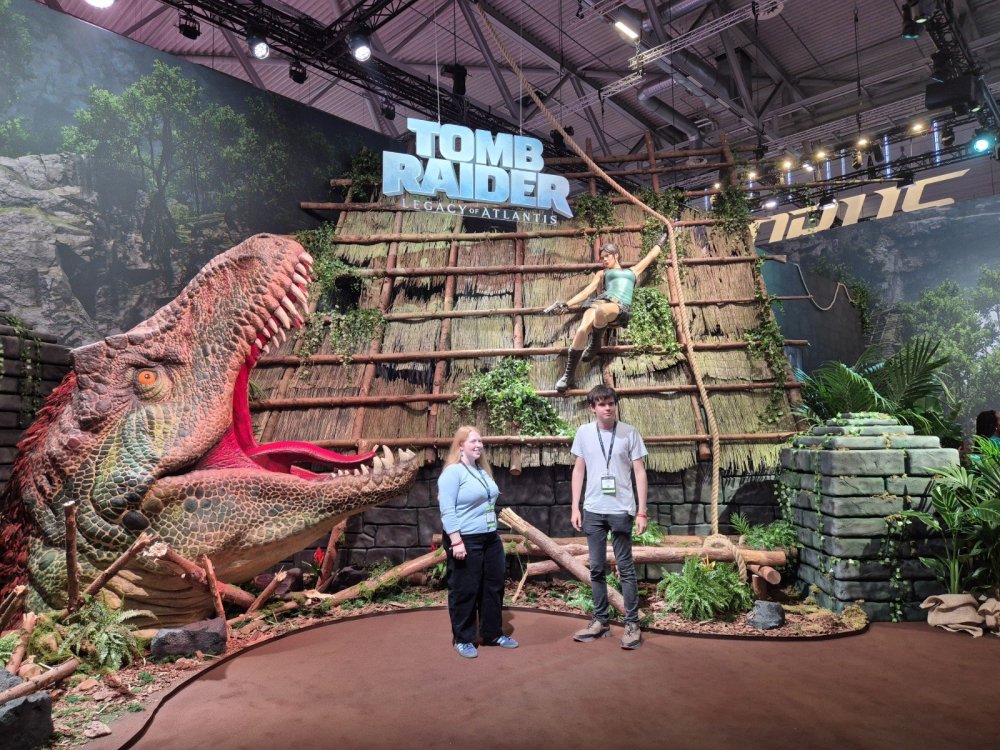
-
Mea culpa. Myślałem, że devy siedzą i liczą kasiurę i śmieją się forumkowiczom w twarz.Przecież co sprzedali to już sprzedali. Ludzie preorderów raczej nie wycofają (no w sumie nie mogą xd). A wierzyć devom, że coś wyjdzie na premierę to jak Ani Lewandowskiej, że to tylko taniec xddSmuteczek, taka przyjemna American next door girl. Ciekawe czy dopadł ją seryjny samobójca. https://people.com/hayden-panettiere-why-didnt-name-hollywood-men-in-book-11981518LG C5 czy Samsung S90F? Celuję raczej w 65. Budżetu starczy akurat na taką klasę i rozmiar.