







Dzisiaj wieczór z Alienem. 35 letni klasyk.

Voytec
Senior Member
-
Dołączył
-
Ostatnia wizyta
Jak na help.ea.com nawiazac chat z "ekspertem"? Wylaczyli ta usluge?
Niestety, ale Vity nie ma już sensu trzymać. Pora sprzedawać i mieć za to Wiedźmina.
Cała wrzawa wokół Watch Dogsów przypomniała mi jak bardzo chce wrócić do Los Santos.
Na Allegro jest duzo ofert gier na PS4 w wersjach cyfrowych. Probowal ktos tego juz kiedys? Konto jest potem do odsprzedania? Jak to dziala na PS4?
Odtworzyli Danie w Minecrafcie w skali 1:1 xD
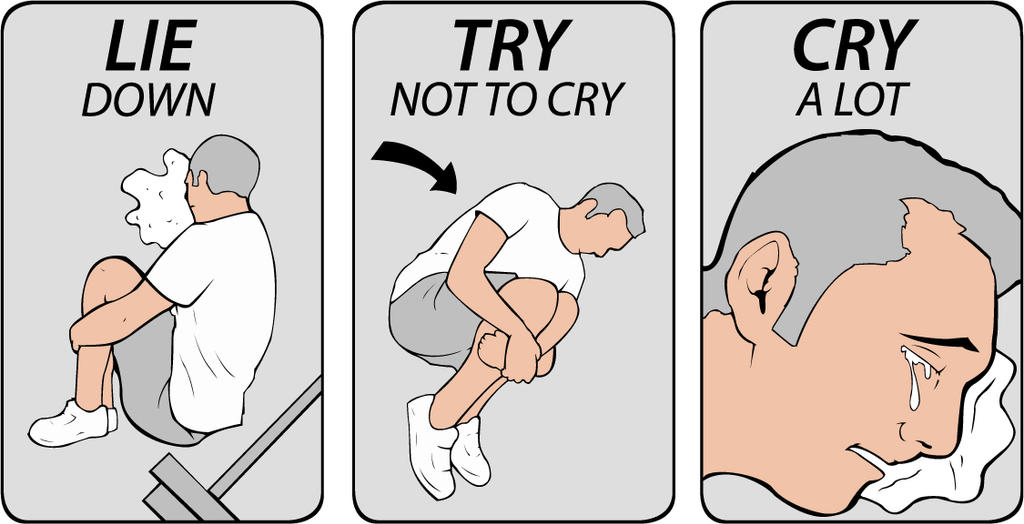
http://fc06.deviantart.net/fs70/i/2013/029/1/0/lie_down__try_not_to_cry__cry_a_lot_combo_by_badflippy-d5t596e.jpg Po przeczytaniu artykułu w GI o anulowanej grze z Darth Maulem. :(
Czemu ta nadkonsola jest tak kurevsko glosna :/
Kiedy ma wyjsc te dark soulsowate Deep Down?