Skocz do zawartości
View in the app

A better way to browse. Learn more.

Forum PSX Extreme

A full-screen app on your home screen with push notifications, badges and more.

To install this app on iOS and iPadOS
  1. Tap the Share icon in Safari
  2. Scroll the menu and tap Add to Home Screen.
  3. Tap Add in the top-right corner.
To install this app on Android
  1. Tap the 3-dot menu (⋮) in the top-right corner of the browser.
  2. Tap Add to Home screen or Install app.
  3. Confirm by tapping Install.

Daffy

Senior Member
  • Dołączył

  • Ostatnia wizyta

Daffy

To co? Za 9min silksong?

Daffy

A pamiętacie takie coś jak vr2?

Daffy

Co bierzecie do plecaka przetrwania?

Daffy

mrwno2afulx91.thumb.png.d147dea97a437fae8aaa7119f12eb0c1.png

Daffy

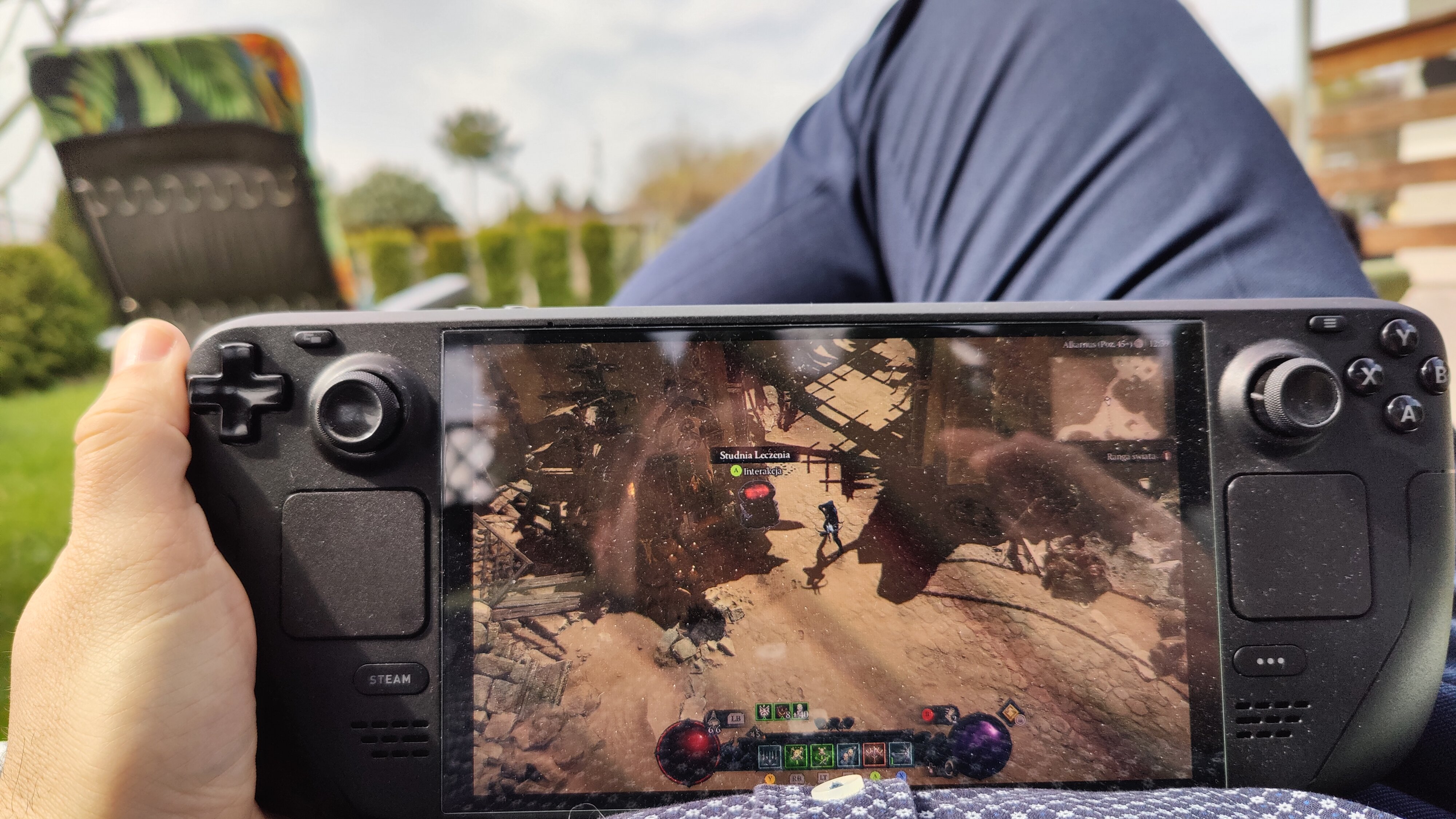
Świątecznie, pierw święcenie, teraz diabełek, zdrowych wesołychIMG20240330123959.thumb.jpg.5dd3e1fc9aee22a85214af33f4d69e22.jpg
Daffy

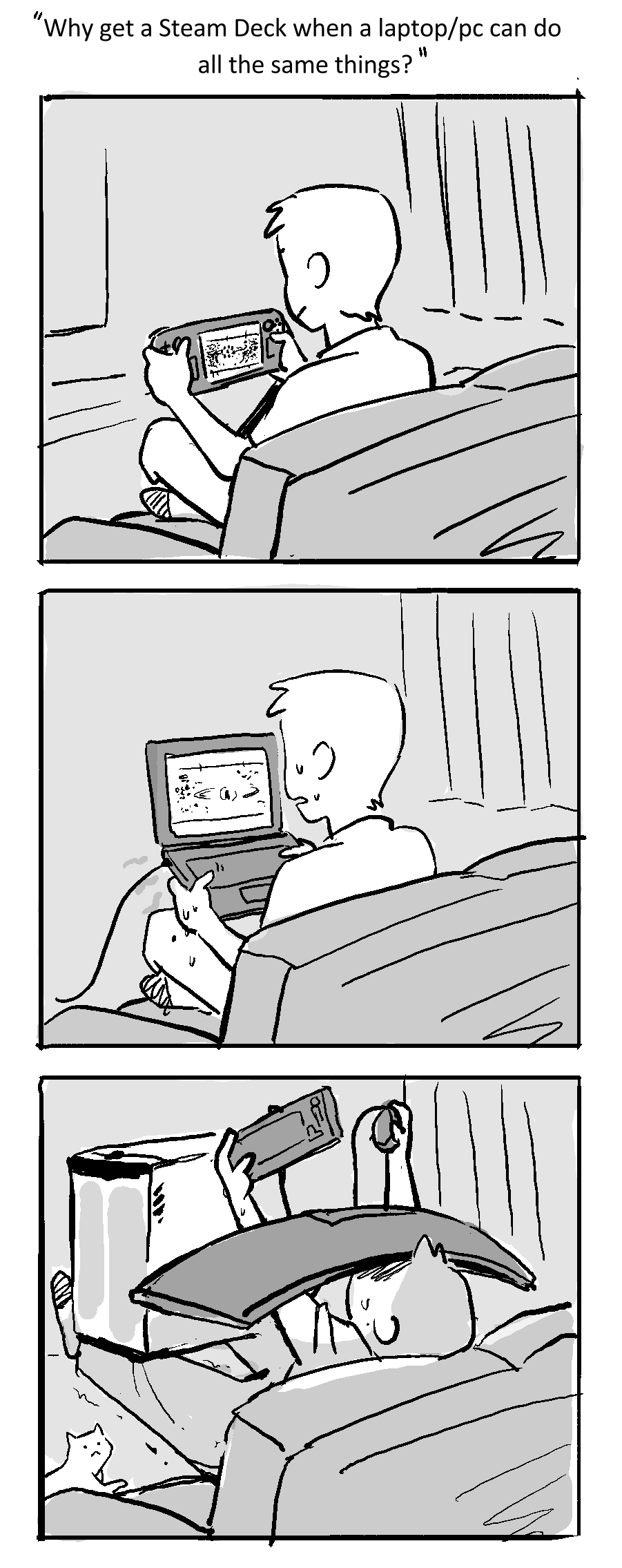
Czujecie grać tylko na lapku z komunii, a lansować się na konsolorza i nintendofaga?

Daffy

Przepraszam za spoilery ale jak wiemy wczoraj minęło 25lat od premiery



FB_IMG_1711390869310.jpg

Daffy

Blur po tylu latach dalej sam miód, mimo tego że online już nieaktywne 

Account

Navigation

Szukaj

Szukaj

Configure browser push notifications

Chrome (Android)
  1. Tap the lock icon next to the address bar.
  2. Tap Permissions → Notifications.
  3. Adjust your preference.
Chrome (Desktop)
  1. Click the padlock icon in the address bar.
  2. Select Site settings.
  3. Find Notifications and adjust your preference.