Skocz do zawartości
View in the app

A better way to browse. Learn more.

Forum PSX Extreme

A full-screen app on your home screen with push notifications, badges and more.

To install this app on iOS and iPadOS
  1. Tap the Share icon in Safari
  2. Scroll the menu and tap Add to Home Screen.
  3. Tap Add in the top-right corner.
To install this app on Android
  1. Tap the 3-dot menu (⋮) in the top-right corner of the browser.
  2. Tap Add to Home screen or Install app.
  3. Confirm by tapping Install.

Daffy

Senior Member
  • Dołączył

  • Ostatnia wizyta

Daffy

To już równo 34 lata

FB_IMG_1751351942524.jpg

Daffy

ud5eqoz2cc9f1.png

Daffy

image0-15.jpg

Daffy

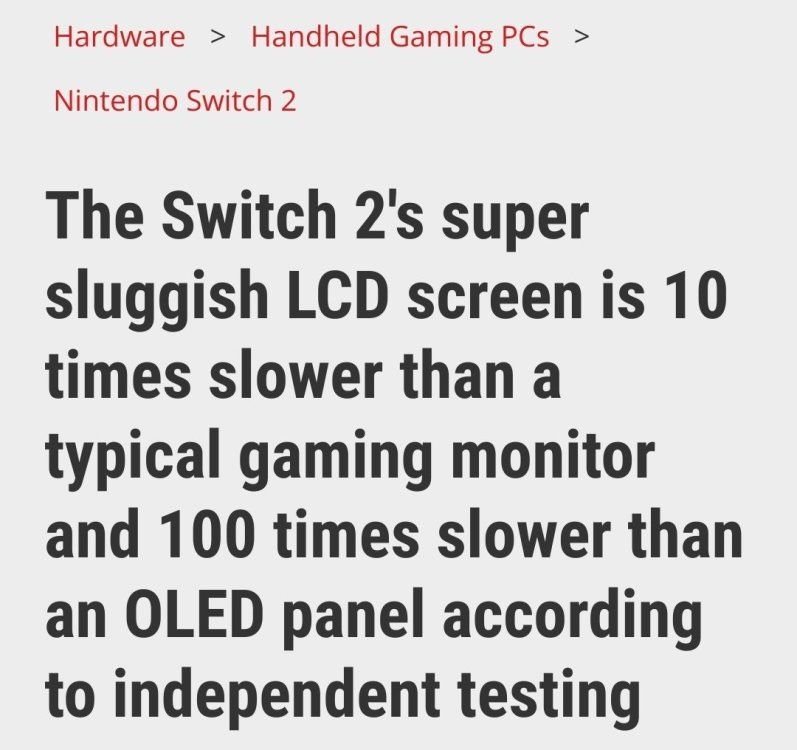
Wskaż urządzenie z najgorszym ekranem LCD:

  • Anberbic w aktualnej promocji za 130zl

  • Wyświetlacz w dowolnym samochodzie

  • Wyświetlacz w dowolnej komórce po 2000 roku

  • Lidlomix

  • Switch 2

Daffy

Screenshot_2025-06-25-10-26-55-26_a23b203fd3aafc6dcb84e438dda678b6.jpg

Daffy

Nintendo Life
No image preview

Best LGBTQ+ Switch Games

Play with pride

Daffy

Panowie, ziomek chce kupić switch2, jakieś obiektywne opinie o ekranie i dojazdach w mkw?co mu powiedzieć?

Daffy

Daffy

Dokładnie 38lat temu debiutował ten dosc dobry film

FB_IMG_1749714260153.jpg

Daffy

Testy w warunkach zewnętrznych

IMG20250606115834.jpg

Account

Navigation

Szukaj

Szukaj

Configure browser push notifications

Chrome (Android)
  1. Tap the lock icon next to the address bar.
  2. Tap Permissions → Notifications.
  3. Adjust your preference.
Chrome (Desktop)
  1. Click the padlock icon in the address bar.
  2. Select Site settings.
  3. Find Notifications and adjust your preference.