Skocz do zawartości
View in the app

A better way to browse. Learn more.

Forum PSX Extreme

A full-screen app on your home screen with push notifications, badges and more.

To install this app on iOS and iPadOS
  1. Tap the Share icon in Safari
  2. Scroll the menu and tap Add to Home Screen.
  3. Tap Add in the top-right corner.
To install this app on Android
  1. Tap the 3-dot menu (⋮) in the top-right corner of the browser.
  2. Tap Add to Home screen or Install app.
  3. Confirm by tapping Install.

Pierre Deck

Użytkownicy

Treść opublikowana przez Pierre Deck

  1. Nowe Joycony
  2. Pierre Deck odpowiedział(a) na ogqozo temat w Switch 2
    .
  3. Nostalgia to nie jest tania rzecz ;)
  4. Ciekawe fizyki sie pojawia w 2026
  5. Pierre Deck odpowiedział(a) na odpowiedź w temacie w Graczpospolita
    Magia nostalgii. Za dzieciaka katowalem, wiec musze miec pudeleczko na polce w folii. Cyfra przeruchana na kazdym sprzecie jak Sasha Grey. Z takich cudakow czekam jeszcze na fizyczne wydanie Front Mission 3 na Switcha od Forever Limited
  6. Pierre Deck odpowiedział(a) na odpowiedź w temacie w Graczpospolita
    Przyjechala dzis paczuszka od Hamburgerow ;) Przy pierwszym rzucie sie wahalem, ale jak dali eventowy dodruk, to zamowilem z miejsca
  7. Pierre Deck odpowiedział(a) na odpowiedź w temacie w Graczpospolita
    Widze, ze na szaraka wjechala abosolutna topka gier, ktore ta konsola dostala. Chcialbym, by OG Front Mission 3 wyszlo na ps5. Przeszedlclbym z checia, mimo, ze remake w tym roku na premiere przeszedlem w 2 scenariuszach.
  8. Na switchu 1 dalej dziala jak gowno
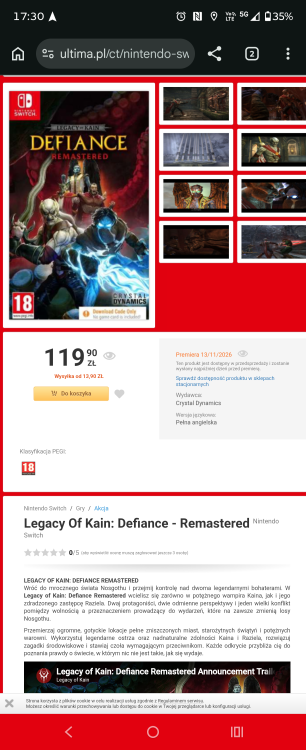
  9. Aktualnie za 50% jest (149.50zl)
  10. I dusze
  11. Dam znac, bo kupie jako pierwszy w najlepszym sklepie Ultima
  12. Ale bez dropow jak na ps5 pro ;)
  13. Jakby co. Jest polskie audio, napisy i 60fps na Switchu 2
  14. Myyyyk
  15. Pierre Deck opublikował(a) a status w Pierre Deck
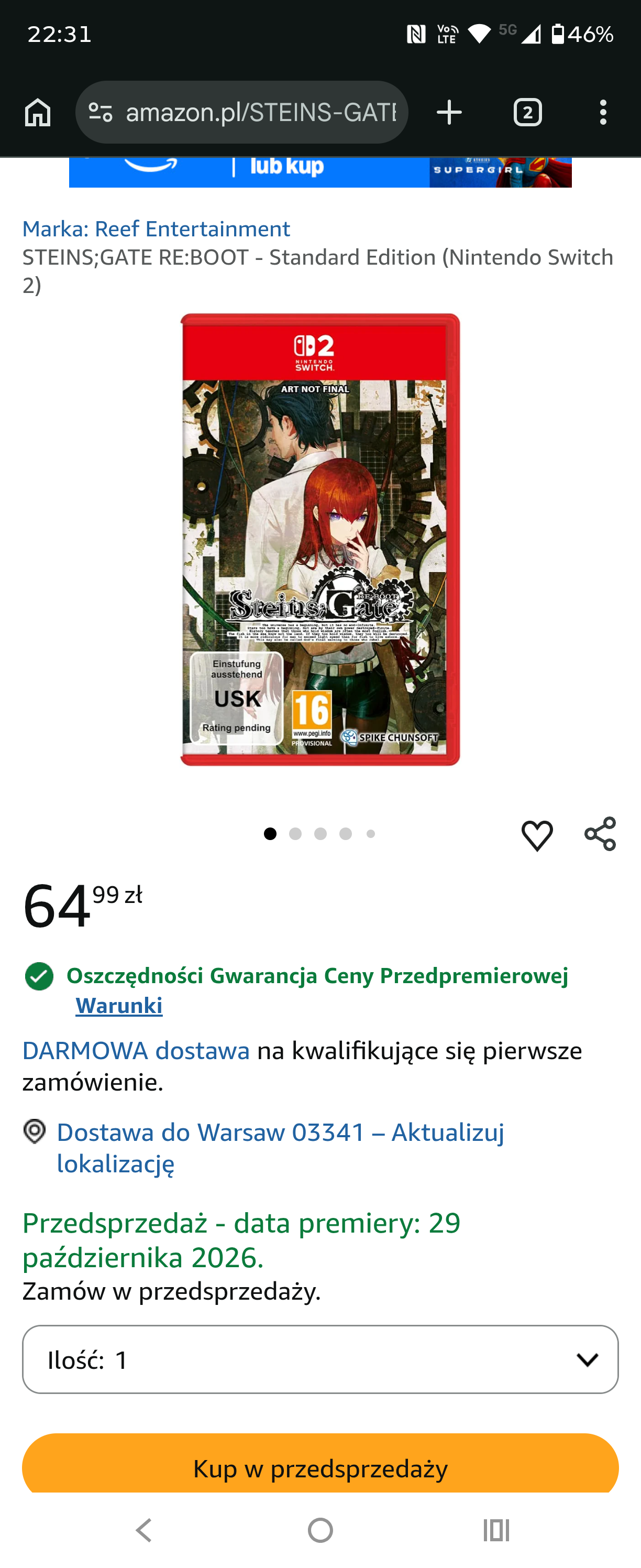
    Preorder zrobiony
  16. Jebac te ich update'y Ogrywajac tego mesjasza ostatnio pojawil sie u mnie ten sam problem.
  17. Szkoda, ze Arena of Valor uwalili. Fajnie sie w to gralo
  18. 10.11.2025 Kyoto - siedziba Nintendo 21:37 czasu lokalnego po dodaniu jezyka polskiego do Switcha
  19. Ej, nintendo jedynie co dodalo, to tylko opcje wyboru xD Zadna gra nie odpala sie w PL. Taki Burnout ma w plikach gry polski (przerobione konsole pozwalaly odpalic ten jezyk), a tu mimo zmiany opcji dalej sie odpala angielski. Czyli gowno dostalismy xD Kochane nintendo
  20. Doom i Burnout bez PL Patch Notes: Added symbols above software icons displayed on the HOME Menu to indicate whether the software is a physical or a digital version. When multiple software downloads are in progress, there is now an option to cancel all. If a console bundle includes a software download, there will now be an icon to “Receive Software.” It will display if the system is connected to the internet. The icon will launch Nintendo eShop and you can proceed to the downloadable software. You can still receive the software by navigating to Nintendo eShop from the HOME Menu directly. When finding users to send a friend request to, the Search for Users You’ve Played With option under Add Friend now includes people you’ve interacted with in your friends’ GameChat rooms. Added the ability to download data for a virtual game card even if the “Use Online License" setting is turned off. This option is available in the Options of a virtual game card when accessed via Virtual Game Cards from the HOME Menu. The information regarding Save Data Cloud Backup that appears when launching certain software has been updated. The option "Platinum Point Notification Settings” was renamed to "Nintendo Switch Online Notification Settings" in the Notifications menu in System Settings. Added the ability to disable the following options when performing a system transfer from a Nintendo Switch system to a Nintendo Switch 2 system using System Transfer to Nintendo Switch 2 in System Settings. Redownload Software on Nintendo Switch 2 and Transfer Album Data. Added the ability to adjust the volume from the Quick Settings menu while in VR mode. General system stability improvements to enhance the user's experience. The following updates have been made for GameChat: The game will not automatically go to sleep while chatting. The option to turn off “Chat Audio Panning” has been added. Chat can continue if the console goes from TV mode (docked) to Handheld or Table mode where this scenario changes the internet from a wired connection to a wireless connection. The following updates have been made in Accessibility in System Settings: When Use Text to Speech is turned on, the description of the predictive conversion character on the Japanese keyboard is now read out loud. The upper limit of Text-to-Speech Speed was increased from 300% to 400% The following updates have been made in Audio in System Settings: The ability to change the audio mode for a wirelessly connected Nintendo Switch 2 Pro Controller was added. “Stable” or “Low Latency” can be selected. "Low Latency" will reduce audio latency when compared to “Stable” but may be more subject to interference in some wireless environments. The following updates have been made in Display in System Settings: “HDR Output” was renamed to “System Screen’s HDR Output.” Improved the screen display when using Adjust Screen Size to make it easier to adjust. The following updates have been made in System in System Settings: “Stop Charging Around 90%” was renamed and updated to “Stop Charging Around 80-90%” Thai and Polish were added to the list of options under Language. Thai and Polish will only be available in software when it supports the respective language.
  21. Potwierdzam. Do tego ikonki zostaly zmienione dla gier cyfrowych i fizycznych. Burnout nie ma PL (sprawdzilem), teraz dooma sprawdze po aktualizacji
  22. Pierre Deck opublikował(a) a status w Pierre Deck
  23. Licze, ze na 30 lecie wrzuca. tak samo, jak pokemony 1-2 generacja wyszly na 3DS

Account

Navigation

Szukaj

Szukaj

Configure browser push notifications

Chrome (Android)
  1. Tap the lock icon next to the address bar.
  2. Tap Permissions → Notifications.
  3. Adjust your preference.
Chrome (Desktop)
  1. Click the padlock icon in the address bar.
  2. Select Site settings.
  3. Find Notifications and adjust your preference.