Skocz do zawartości
View in the app

A better way to browse. Learn more.

Forum PSX Extreme

A full-screen app on your home screen with push notifications, badges and more.

To install this app on iOS and iPadOS
  1. Tap the Share icon in Safari
  2. Scroll the menu and tap Add to Home Screen.
  3. Tap Add in the top-right corner.
To install this app on Android
  1. Tap the 3-dot menu (⋮) in the top-right corner of the browser.
  2. Tap Add to Home screen or Install app.
  3. Confirm by tapping Install.

Czoperrr

Wynająłem sobie górski domek w Sudetach a jak wasz weekend :banderas:

Boomcio

Ileż można grabić te kochane liście?!

 

SmartSelect_20221022-163825_Samsung Internet.jpg

UberAdi

Ale bym pograł w nextgenowego Burnouta. Tylko nie open world jak paradise a coś na wzór 3 lub Revenge. Echhh :frog:

Pupcio

任天堂はあなたを愛しています

Pupcio

@annyhraiko wszystkiego najlepszego! Jakiś seksik coś?? pozdrawiam cieplutko

Plugawy

Gotham Knights wielkim zawodem. Baron PerfectBlue musiał zareagować 

Soban

Najman w formie. 20s i położył się po 1 ciosie xd

Ludwes

użytkownicy psxextreme, jaki jest Wasz ulubiony save theme z serii resident evil?

Dud.ek

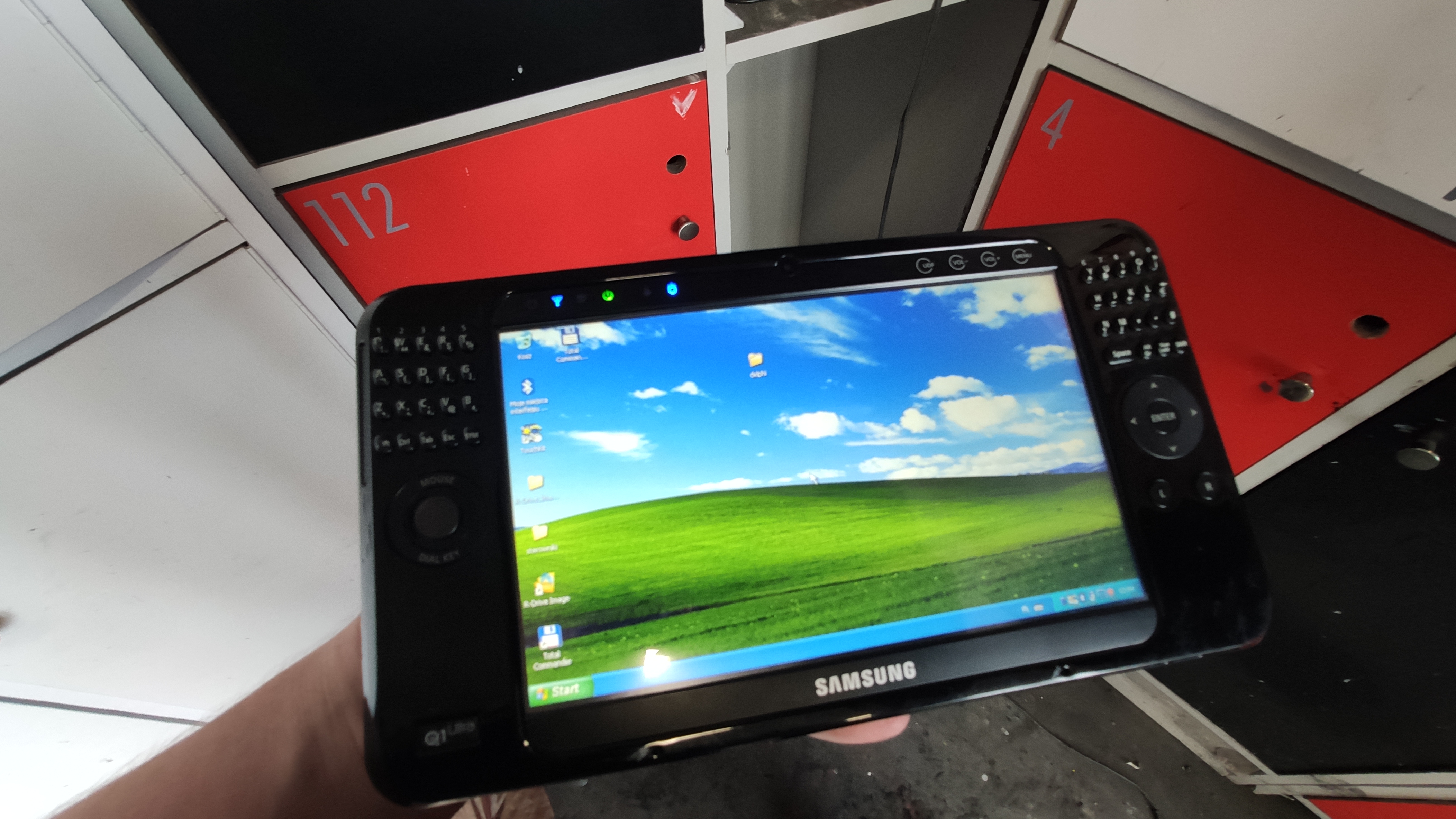
Dzisiaj przyszedł Steam Deck z OLX i troche jestem zawiedziony. Ciężkie to i Windows XP nie obsługuje nowszych tytułów. Kolejny fałszywy mesjasz:sapek:


IMG_20221021_125423.jpg

Figaro

image.png.8c520ec3a036ab0f1daf84efe234b44d.png

Account

Navigation

Szukaj

Szukaj

Configure browser push notifications

Chrome (Android)
  1. Tap the lock icon next to the address bar.
  2. Tap Permissions → Notifications.
  3. Adjust your preference.
Chrome (Desktop)
  1. Click the padlock icon in the address bar.
  2. Select Site settings.
  3. Find Notifications and adjust your preference.