






Dzisiaj DEMONY i SUCKBOY wjechały na SONIACZA. Teraz tylko wystawić w weekend na allegro i wyścig czas zacząć.


.thumb.png.fca9cb24cc681b4a99609f280f21490e.png)
Kto w tym roku bedzie ogarnial forumowego typerka euro 2021? 

Przyznawać sie ktory tutaj jest siubrem?

Panowie, idę dzisiaj na USG brzucha, ale boję się, że będą też sprawdzali pisiora. Co zrobić, żeby nie wyszło, że waliłem konia? 

 czy ktos moze to zatrzymac? prosze

To napięcie czy pojawi się wykrzyknik brrrr
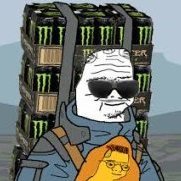
Urlopik w pełni, pusta chata, cisza & spokój, oyebane już 3 Monsterki + super kubełek z KFC, no i expienie od rana w Yakuza: Like a Dragon. Życie jest piękne.
Microsoft ogólnie ma wspaniałych ludzi u siebie
Jeśli myśleliście, że najlepszym co dać nam może Microsoft AI and Gaming Research Summit jest wgląd w technologię jaka w przyszłości napędzać będzie gry to jesteście w błędzie.
Wystarczyło nieco pogrzebać w liście uczestników aby znaleźć to cudo:
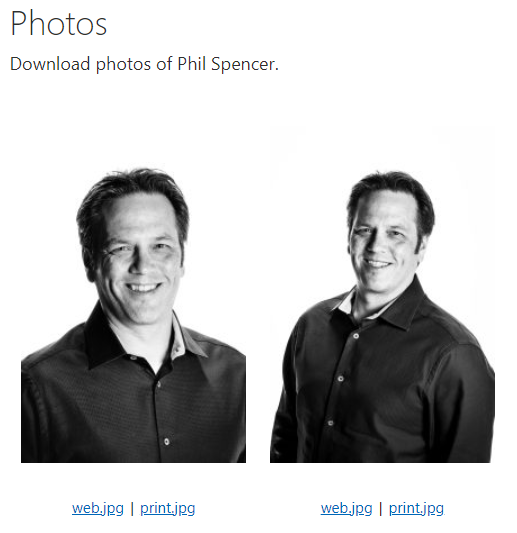
Pełnowymiarowe, plakatowe zdjęcie Króla Spencera w rozdzielczości 3200x2400 px. Nieźle co? Nie wiem jak Wy, ale ja już szykuję ANTYRAMĘ.