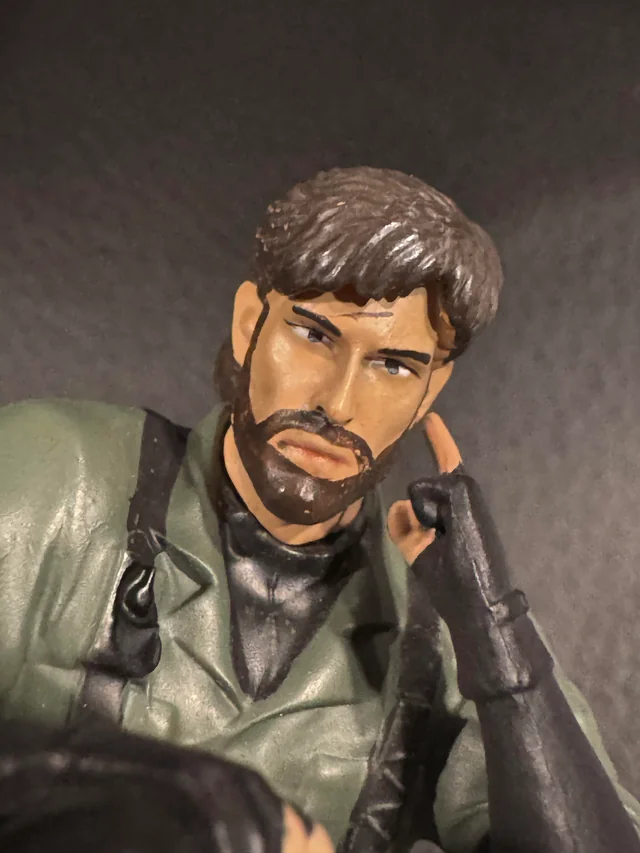
Najlepszy mocap w historii gamingu, what a thrill.


A better way to browse. Learn more.
A full-screen app on your home screen with push notifications, badges and more.


Najlepszy mocap w historii gamingu, what a thrill.
Powrót do WoWa po 15 latach, to jest takie odświeżenie w swoim gierkowym życiu, czego mi ostatnio brakowało. Jest dobrze. Najlepsze mmo jakie Blizzard wypuścił na świat.
 2
2
 1
1
Wróciłem ze stacji benzynowej z 12 piwami marki LECH, pizza PEPPERONI już wjeżdża do piekarnika, odpalamy GEAARS OF WAR REMASTERED i znowu bawimy się jak w 2006. Ciekawe czy BACZEK_PL grasuje na serwerach.
2
 1
1
Rodzina - jest, dom - jest, firma -jest, dwa garaże - są, brak kredytu -jest, OLED - jest, gierki - są.
Żyć nie umierać. Zero potrzeb.
Miłego piątku!
3
1
WTF