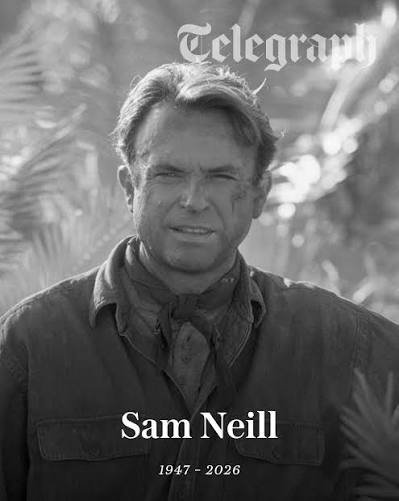

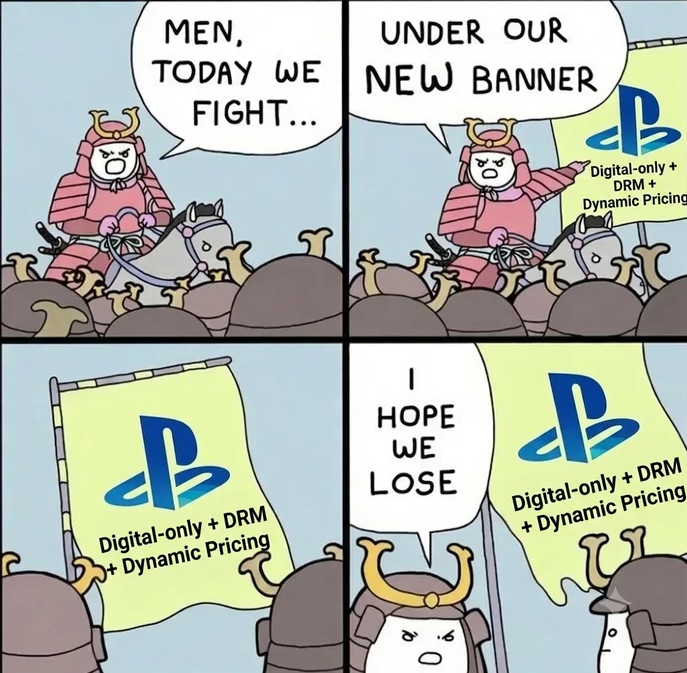
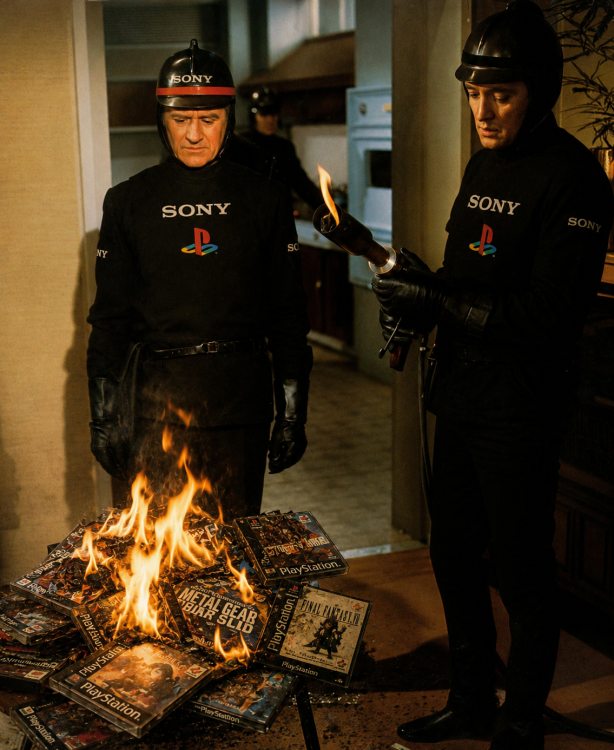
Sony olewa płyty, Sam Neill nie żyje, a Wiśniewski wrócił do Mandaryny. Ten dzień nie może być już gorszy





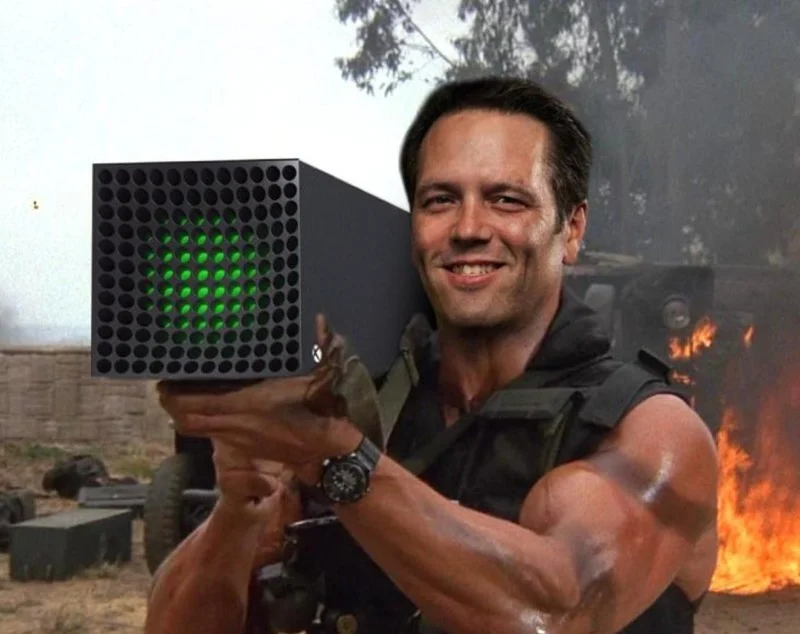
Sluchaj Asha, dajemy z siebie wszystko. Dopiero co 3 lata temu zrobiliśmy Starfielda. Tuż za rogiem w 2029 premiera nowego TESa. A potem już w 2038 będzie nowy Fallout, akurat na premierę nowego jedenastego sezonu serialu. Nie musisz się martwić, pompujemy content non stop.



A Sony to naprawi kiedyś te profile PSN czy już na zawsze straciłem moje 140h w personie?

WRPG, które chcielibyście ograć w całości, ale nigdy nie mieliście czasu/ ominęły Was i nie wróciliście do tematu, a chcecie wrócić.
Moje:
Arcanum - czekałem aż naprawią bugi xD
Neverwinter Nights - zawiodłem się na tej grze na premierę i nigdy nie wróciłem, a ponoć DLC (nowe z 2025 i stare) jak i EE są tego warte
Fallout 1 i 2 - grałem lata temu, nie skończyłem, czekam 20 lat na remaster
Gothic 2 - to teraz to już czekam na remake, który prawdopodobnie będzie soon
Deus Ex - również to samo, grałem ale to nie był ten moment, a teraz miał być remaster, ale chyba coś tam problemy mają z produkcją po wstępnym ubernegatywnym feedbacku
-
 2
2


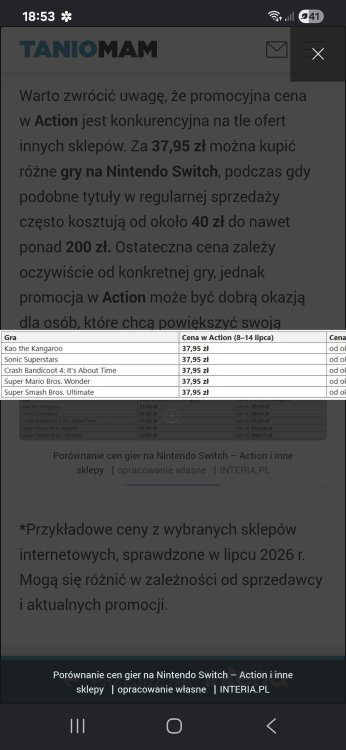
O kurwens, jakie ceny w Action