




Skocz do zawartości
View in the app

A better way to browse. Learn more.

Forum PSX Extreme

A full-screen app on your home screen with push notifications, badges and more.

To install this app on iOS and iPadOS
  1. Tap the Share icon in Safari
  2. Scroll the menu and tap Add to Home Screen.
  3. Tap Add in the top-right corner.
To install this app on Android
  1. Tap the 3-dot menu (⋮) in the top-right corner of the browser.
  2. Tap Add to Home screen or Install app.
  3. Confirm by tapping Install.

Shen

Streamable
No image preview

Watch unnamed | Streamable

KrYcHu_89

FRVR
No image preview

Final Fantasy 7 Remake Part 3’s “multiplatform approach”...

Final Fantasy 7 Remake Part 3 director Naoki Hamaguchi reveals that Steam Deck and Nintendo Switch 2 is helping optimisation.

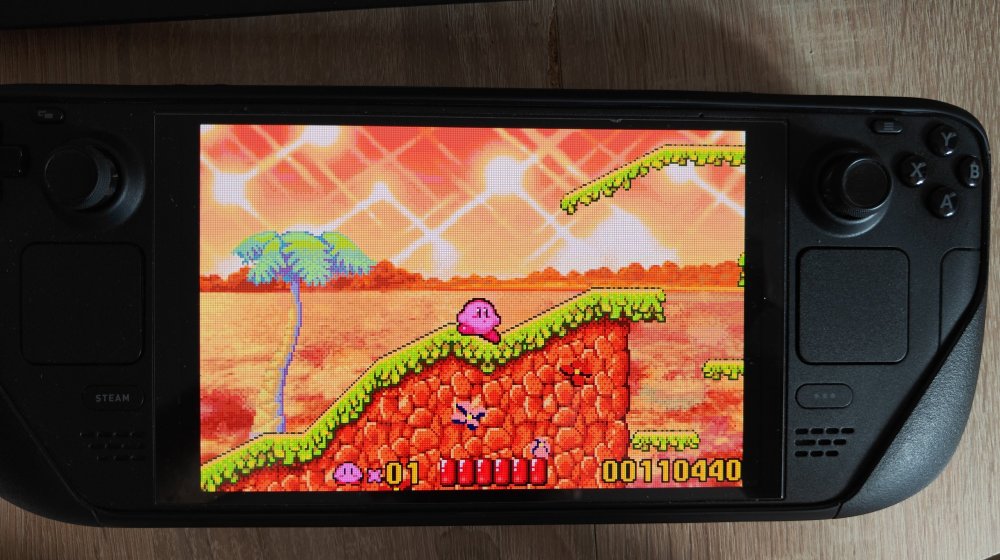
Steamdeck in mind banderas

Pierre Deck

LUaUrJfa1p70K7diiTBbRtN555nxuG8m.jpg

Czoperrr

Steam Deck wub

jimmy

Kupujcie dalej na promkach -90% to gość zaraz zniknie

20251017_155424.jpg

nero2082

nie przegapcie tego GOATowego wydarzenia

Rozi

Wow, @oFi, ładnie ciśniesz w tego Battlefielda!

IMG_20251017_150612.png

Pure Bladestone

Ma ktoś zainstalowanego Elden Ringa na Xboxa? Kolega potrzebuje amulet Rotten Winged Sword Insignia. Zapłaci blikiem.

Rozi

Josh

Następne w kolejce są wszystkie zwierzęta na świecie, bo to plagiat pokemonów

obraz_2025-10-17_100619496.png

Configure browser push notifications

Chrome (Android)
  1. Tap the lock icon next to the address bar.
  2. Tap Permissions → Notifications.
  3. Adjust your preference.
Chrome (Desktop)
  1. Click the padlock icon in the address bar.
  2. Select Site settings.
  3. Find Notifications and adjust your preference.