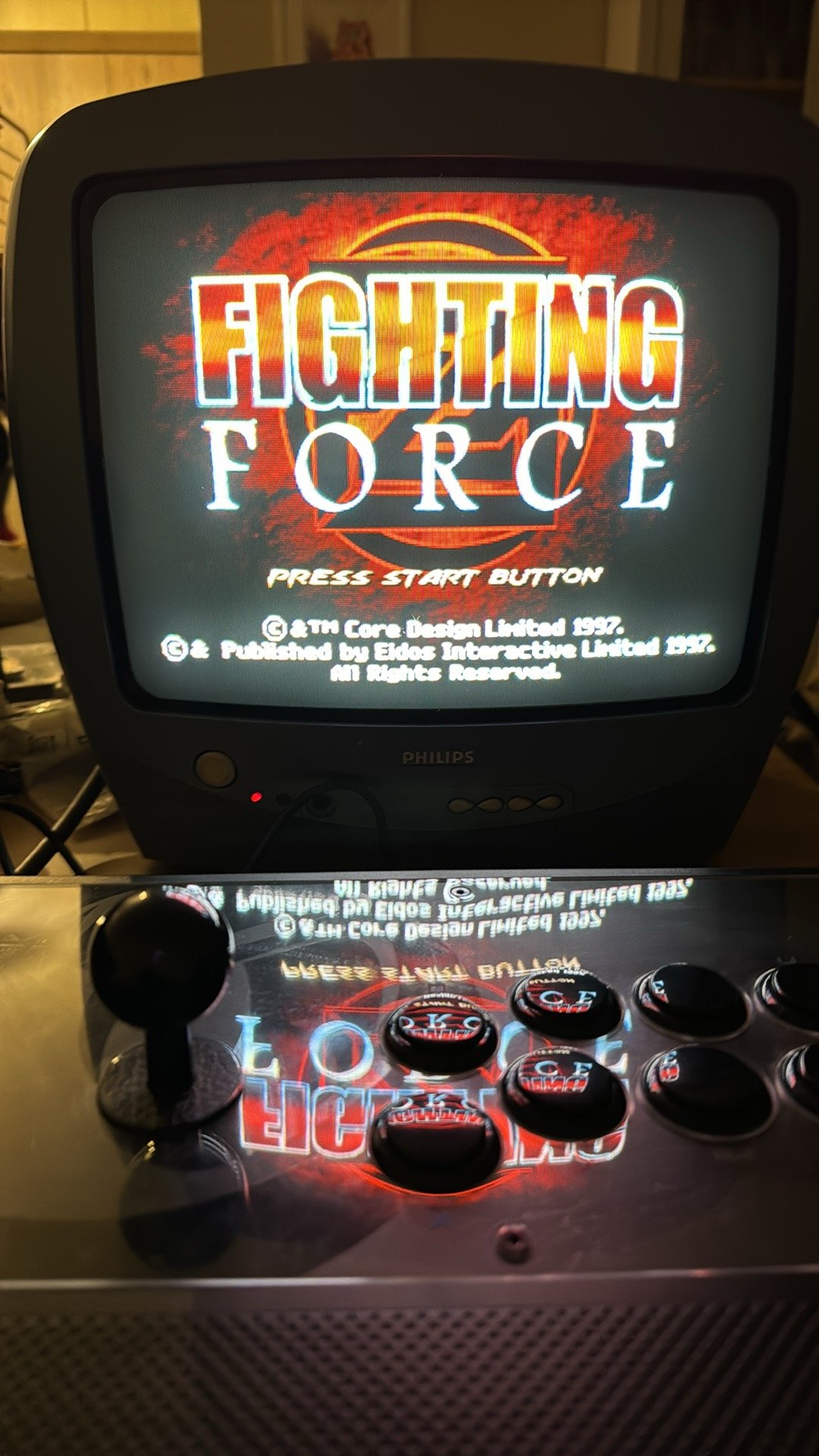
.thumb.jpeg.61f8c1e8e03d4884da35ffe4624012b9.jpeg)
Ale to był kocur 
.jpeg.d2163faf5e49934baaf4eefb11449086.jpeg)

A better way to browse. Learn more.
A full-screen app on your home screen with push notifications, badges and more.


Ale to był kocur
Pierwszym układem 3d procesora jaki został kiedykolwiek zastosowany komercyjnie byl eDRAM memory chip w PSP.
Konsola pełna nowinek technologicznych wyprzedzająca swoje czasy.
https://en.m.wikipedia.org/wiki/Three-dimensional_integrated_circuit
Polecam nakladki na deske klozetowa, czym blizej futerka tym lepiej. Zamiast chlodnej deski pod dupa wspolczesny komfort 
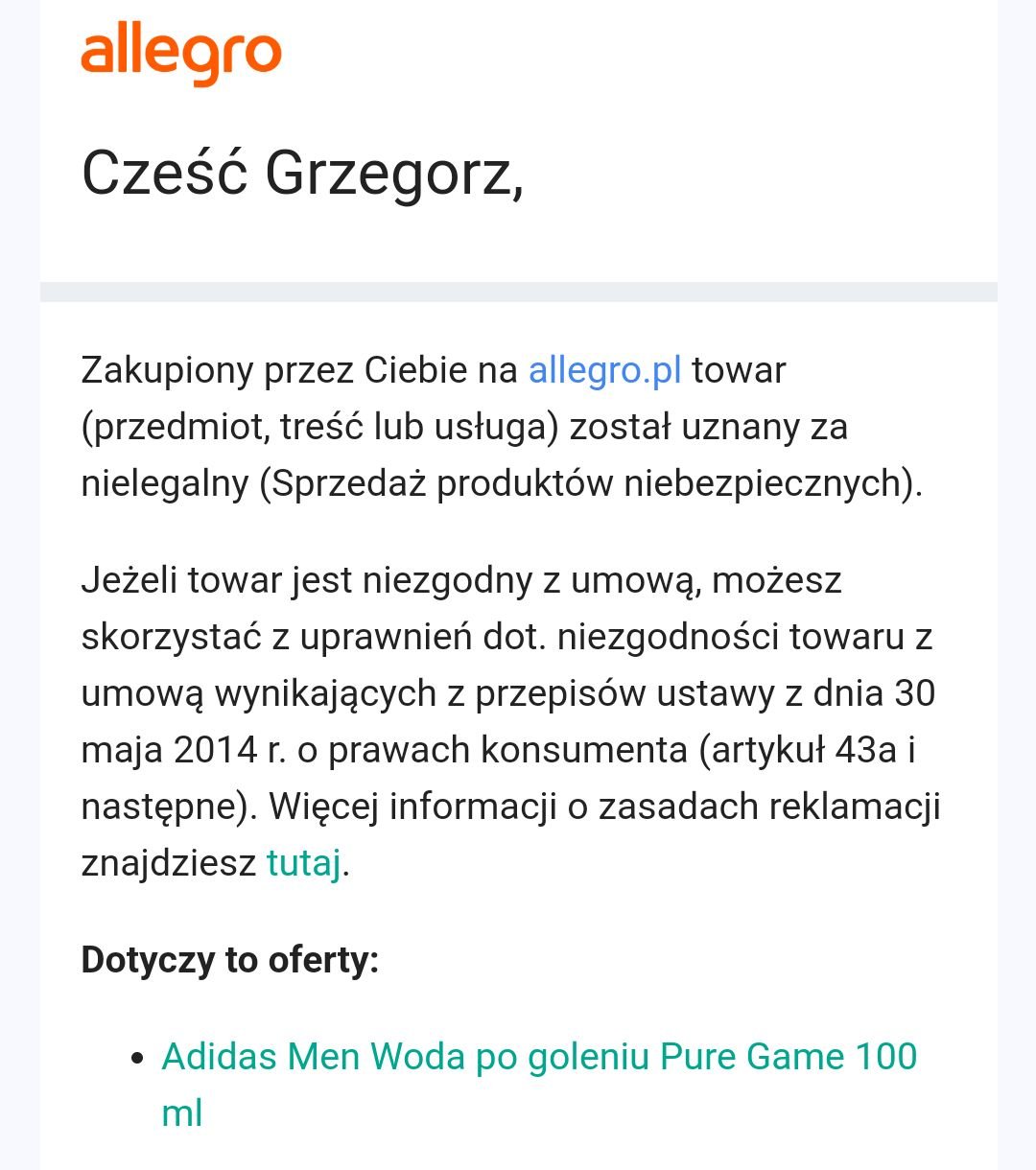
Pytanie do ekspertów. Ile odsiadki grozi mi za zakup nielegalnych towarów jak poniżej i jakie giereczki warto ograć w więzieniu
Quincy Jones [*]
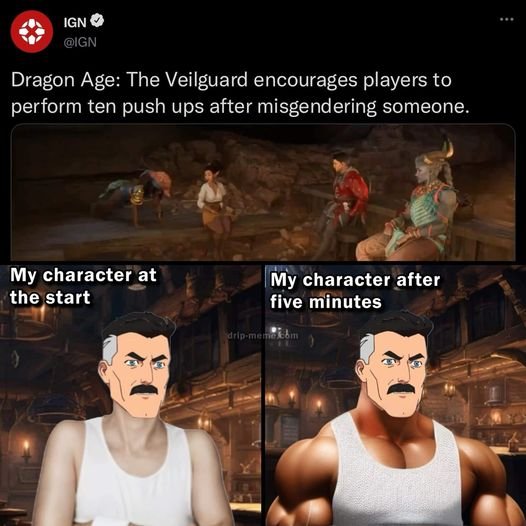
UNLIMITED POWER
Myślicie, że W4 na UE5 będzie lepiej wyglądać, niż to?