Skocz do zawartości
View in the app

A better way to browse. Learn more.

Forum PSX Extreme

A full-screen app on your home screen with push notifications, badges and more.

To install this app on iOS and iPadOS
  1. Tap the Share icon in Safari
  2. Scroll the menu and tap Add to Home Screen.
  3. Tap Add in the top-right corner.
To install this app on Android
  1. Tap the 3-dot menu (⋮) in the top-right corner of the browser.
  2. Tap Add to Home screen or Install app.
  3. Confirm by tapping Install.

Pupcio

Robi wrażenie ta generacja :niki:


sph!

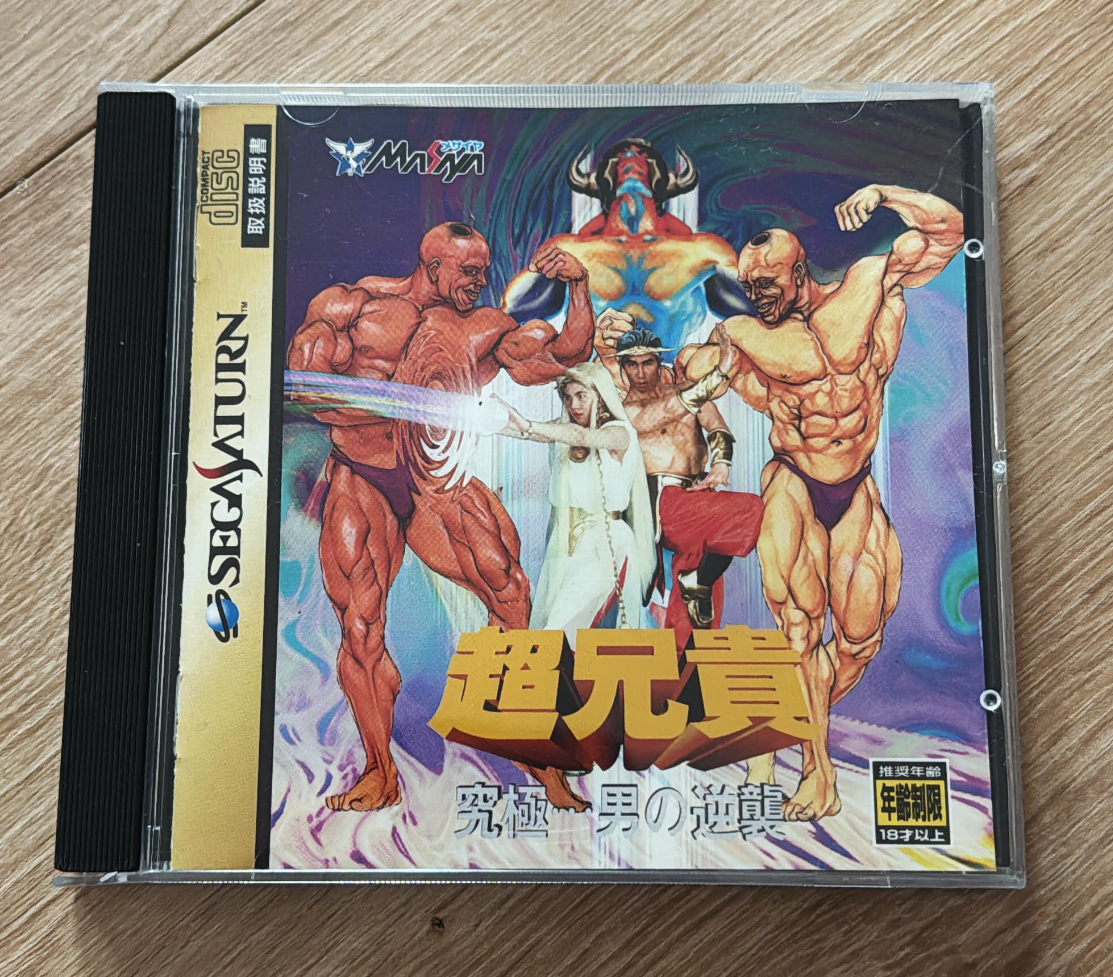
GGkQ8CNWcAAr9fM.thumb.jpg.bf19d9e445b59aa072811076a7f63ba9.jpg

Soban


Daffy

Gral tu ktoś w blood bowl 2?

second

Komuś gołąbka? 

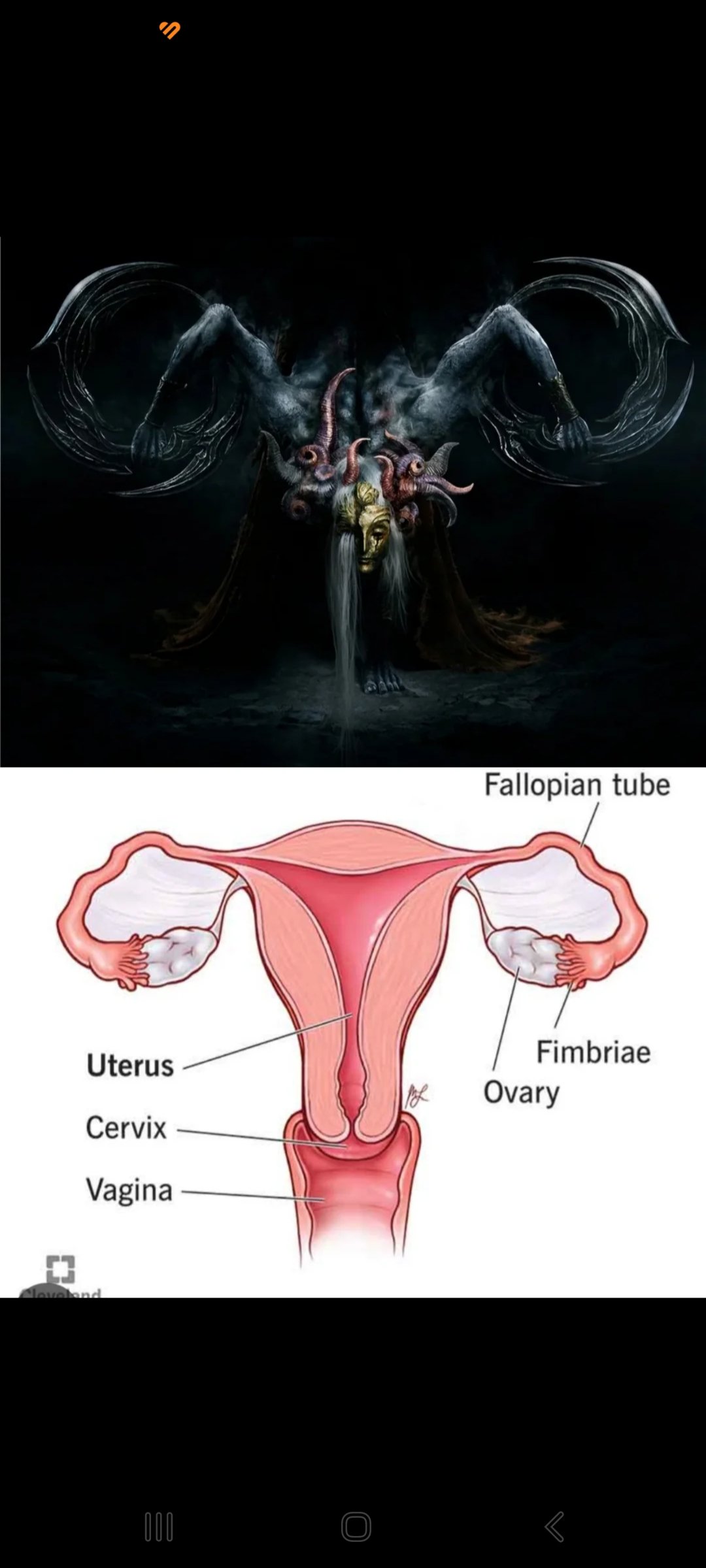
SmartSelect_20240218-113538_Chrome.thumb.jpg.28c8c6295509015cd413fdc50bc18553.jpg

Quake96

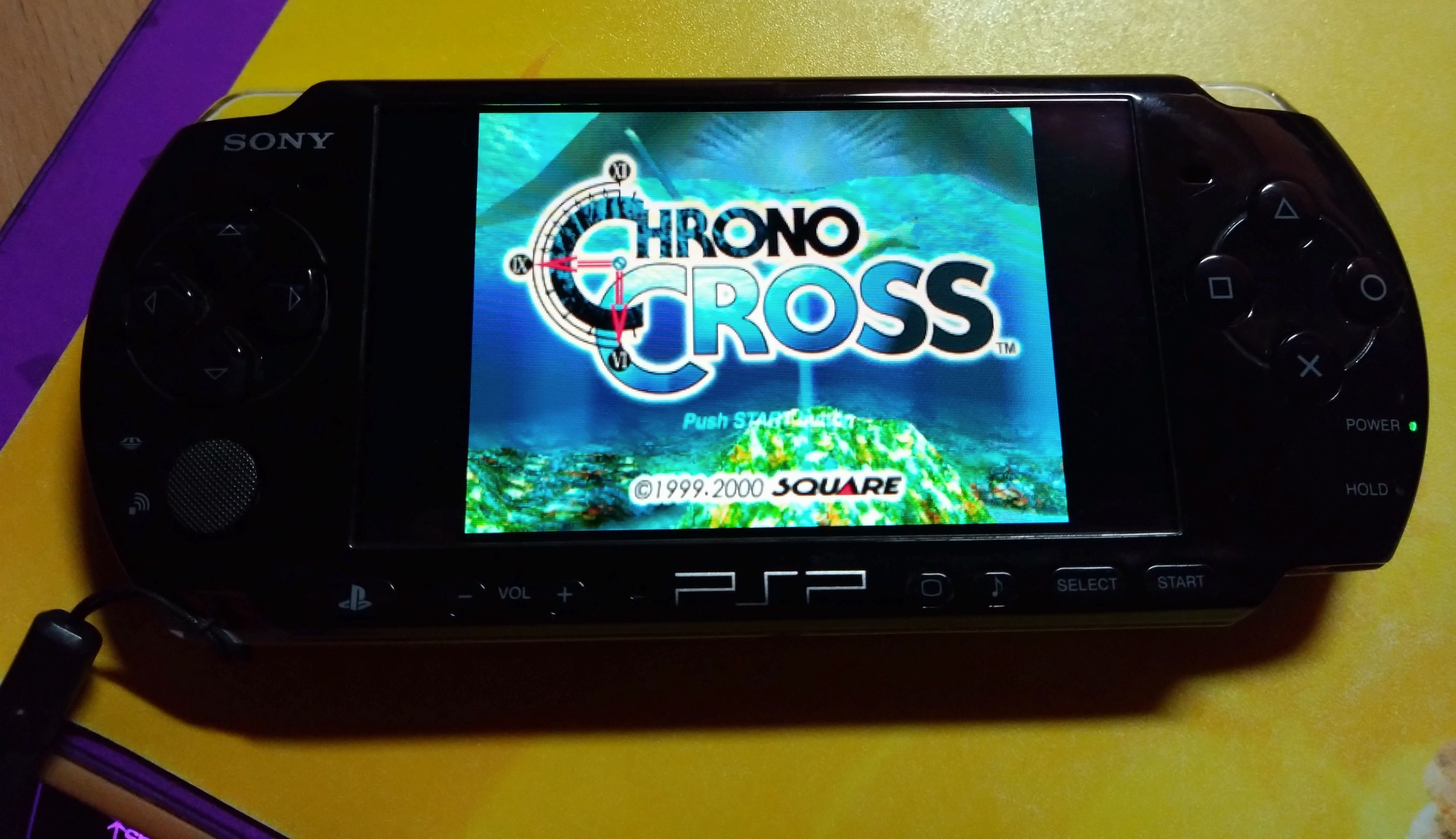
423105893_2087378011631988_8608212604230873281_n.thumb.jpg.5806897f604ef20b082f1106538a4319.jpg


Król rajdówek jest tylko jeden!

Tokar

Składał już ktoś pita przez e-PIT? Po kliknięciu że zgadzam sie i chcę wysłać, bez żadnego komunikatu przenosi mnie na górę strony i nic się nie dzieje. Próbowałem z telefonu i komputera na 2 przeglądarkach :huh:

Account

Navigation

Szukaj

Szukaj

Configure browser push notifications

Chrome (Android)
  1. Tap the lock icon next to the address bar.
  2. Tap Permissions → Notifications.
  3. Adjust your preference.
Chrome (Desktop)
  1. Click the padlock icon in the address bar.
  2. Select Site settings.
  3. Find Notifications and adjust your preference.