







Bartg
Senior Member
-
Dołączył
-
Ostatnia wizyta
-
Dodane :)
-
1/4 aktywna, zapraszam do typowania. Może beda mniej losowe wyniki niz w 1/8 i coś się nadrobi.
-
Kanada - Maroko 0:2 Paragwaj - Francja 0:3 [złoty mecz] Brazylia - Norwegia 2:2 Meksyk - Anglia 1:1 Portugalia - Hiszpania 1:2 USA - Belgia 1:1 Argentyna - Egipt 2:1 Szwajcaria - Kolumbia 1:2Dla mnie spoko takie analizy, niech trwają nawet 5 minut, jak mają wypaczać wynik ważnego meczu w imię ducha gry. I te narzekania wszędzie, że czubek buta na spalonym to nie spalony. No albo jest przepis i stosujemy, albo gwiżdżemy jak akurat się sędziemu wstanie. z ciekawostek do tej pory wszystkie mecze 1/16 wygraly kraje, ktore maja wiecej lotnisk niż ich rywalWskoczyły
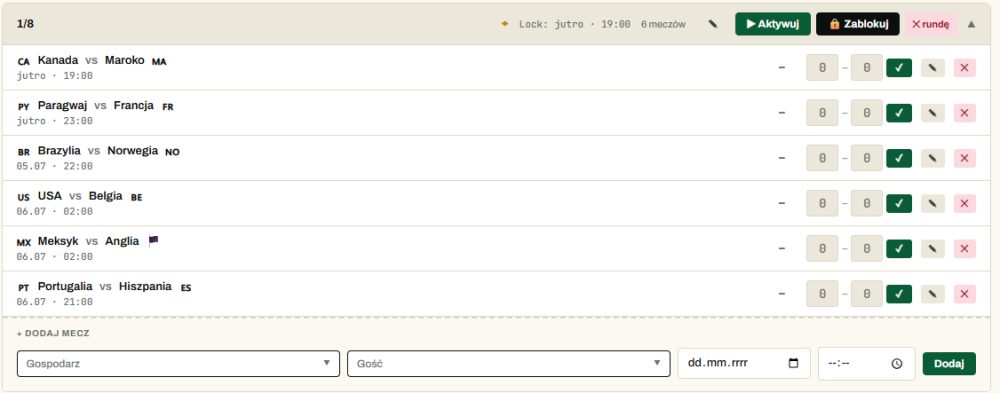
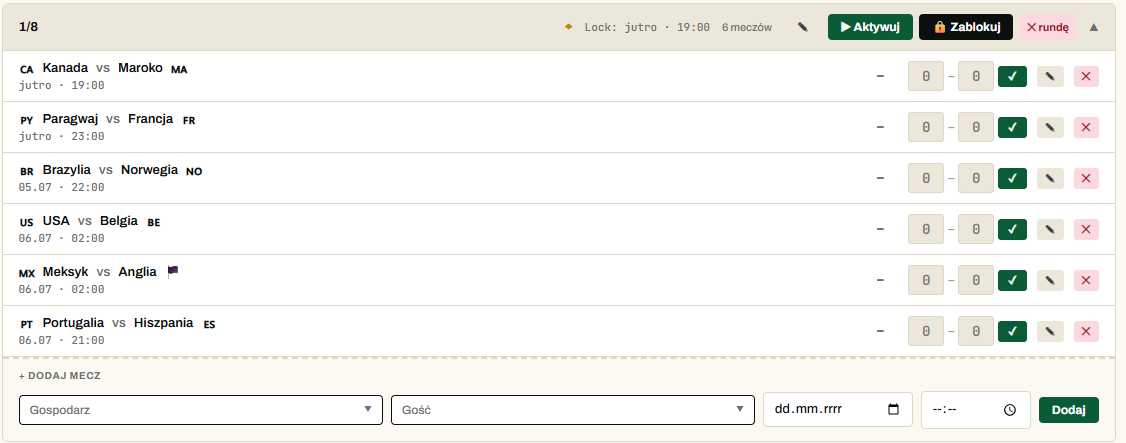
 Oby chociaż to 40, nie chcę znowu po 13 latach grać na premierę nowego GTA w niestabilnych 30Nagrodą dodatkową będzie ostatnia wyprodukowana na płycie gra na playstation Wpadły, dodał się ten mecz jako pierwszy w kolejce, z datami coś skynet pomieszał. 1/8 rusza jutro wieczorem, postaram się jutro rano dodać brakujące 2 ostatnie mecze 1/8 i odpalić typowanie do południa w trakcie podróży na urlop
 Eh i po co ta 3 bramka, na co ja się pytam, nikt nie prosił, nikt nie potrzebował.Natomiast w obu przypadkach należała się czerwona w opinii większości ekspertów i sędziów.Zagadka - jaką kartkę dostał Messi, a jaką Balogun.Luzno gramy 132 minutyLwy Frajerni






Account
Navigation
Szukaj
Configure browser push notifications
Chrome (Android)
- Tap the lock icon next to the address bar.
- Tap Permissions → Notifications.
- Adjust your preference.
Chrome (Desktop)
- Click the padlock icon in the address bar.
- Select Site settings.
- Find Notifications and adjust your preference.
Safari (iOS 16.4+)
- Ensure the site is installed via Add to Home Screen.
- Open Settings App → Notifications.
- Find your app name and adjust your preference.
Safari (macOS)
- Go to Safari → Preferences.
- Click the Websites tab.
- Select Notifications in the sidebar.
- Find this website and adjust your preference.
Edge (Android)
- Tap the lock icon next to the address bar.
- Tap Permissions.
- Find Notifications and adjust your preference.
Edge (Desktop)
- Click the padlock icon in the address bar.
- Click Permissions for this site.
- Find Notifications and adjust your preference.
Firefox (Android)
- Go to Settings → Site permissions.
- Tap Notifications.
- Find this site in the list and adjust your preference.
Firefox (Desktop)
- Open Firefox Settings.
- Search for Notifications.
- Find this site in the list and adjust your preference.