Skocz do zawartości
View in the app

A better way to browse. Learn more.

Forum PSX Extreme

A full-screen app on your home screen with push notifications, badges and more.

To install this app on iOS and iPadOS
  1. Tap the Share icon in Safari
  2. Scroll the menu and tap Add to Home Screen.
  3. Tap Add in the top-right corner.
To install this app on Android
  1. Tap the 3-dot menu (⋮) in the top-right corner of the browser.
  2. Tap Add to Home screen or Install app.
  3. Confirm by tapping Install.

XM.

Senior Member
  • Dołączył

XM.

Naszła mnie ochota na ponowne przejście Mesjasza tlou. Chyba będzie grane dziś wieczorkiem.

XM.

JAK MI SIE DZIŚ NIC NIE CHCE:frog:

XM.

Przyjaciele, jakie anime polecacie na netflixie?

XM.

I wleciało :xboxssie:


IMG_20211002_010338.jpg

XM.


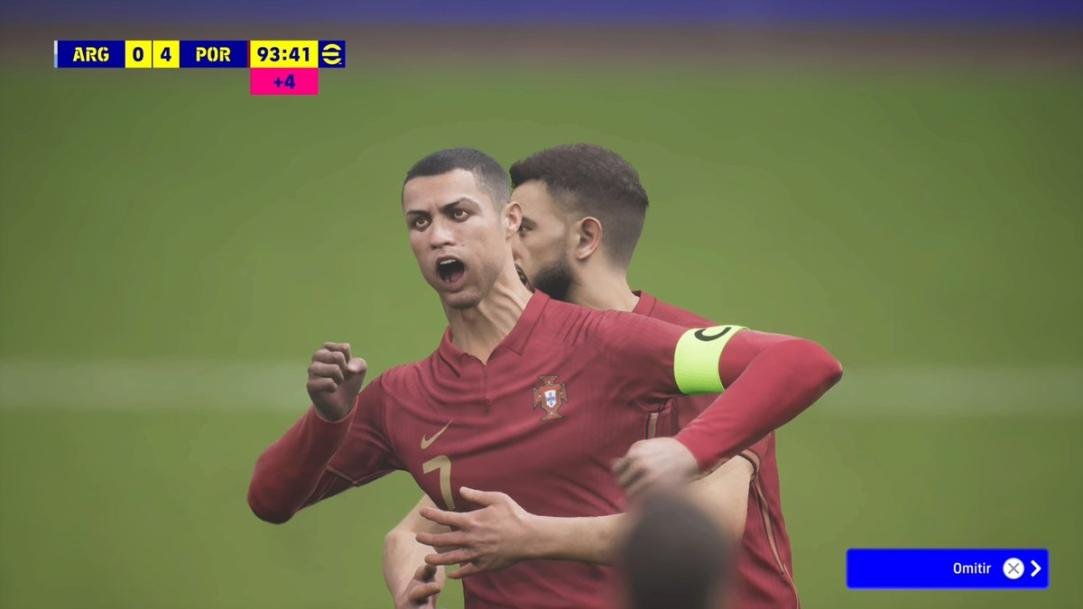
FAg8S14XMAEkdpI.jpg

XM.

Kurde, odpaliłem sobie do roboty flasha i w dwa dni pierwszy sezon poszedł. Bardzo fajny serialik.

XM.

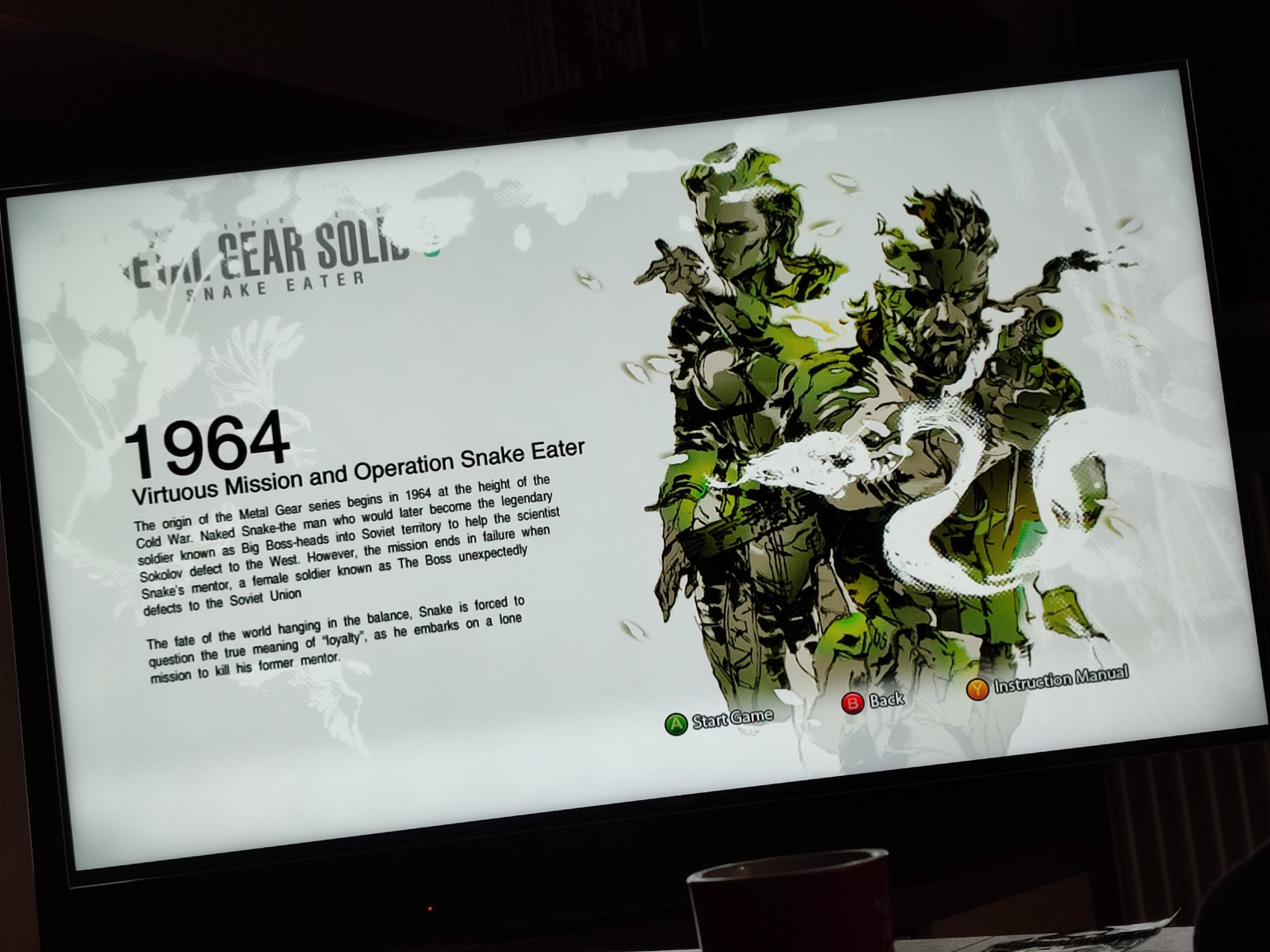
MGS collection za 17plnow. :xboxssie:

XM.

Pany, to gdzie się dziś napyerdalamy?

XM.

Kurva dziś lighthousik wszedl na netflixa, ale będzie seansik :xboss:

XM.

:)

Account

Navigation

Szukaj

Szukaj

Configure browser push notifications

Chrome (Android)
  1. Tap the lock icon next to the address bar.
  2. Tap Permissions → Notifications.
  3. Adjust your preference.
Chrome (Desktop)
  1. Click the padlock icon in the address bar.
  2. Select Site settings.
  3. Find Notifications and adjust your preference.