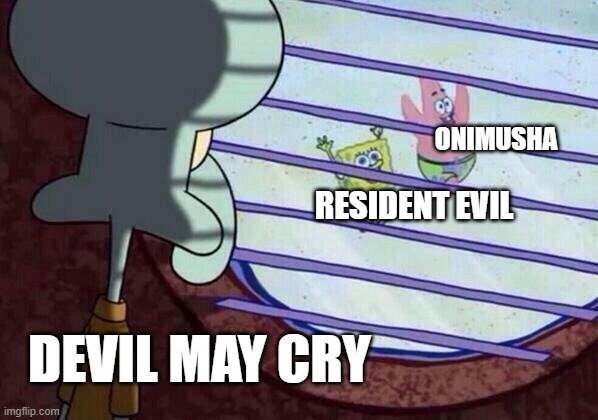
Josh 17 lutego17 lut MBeniek 17 lutego17 lut a co mają powiedzieć fani Dino Crisis Josh 17 lutego17 lut Przecież dopiero co dostali Code Violet oFi 17 lutego17 lut ale tą onimushe to date premiery mogli juz dać konkretną ;/ XM. 17 lutego17 lut W sumie grafika trochę z dupy bo ostatnia onimusha wyszła 20 lat temu, a przez ten czas dostaliśmy 3 pełnoprawne gry i 4 wersję specjalne gry z serii DMC.
XM. 17 lutego17 lut W sumie grafika trochę z dupy bo ostatnia onimusha wyszła 20 lat temu, a przez ten czas dostaliśmy 3 pełnoprawne gry i 4 wersję specjalne gry z serii DMC.










MBeniek
a co mają powiedzieć fani Dino Crisis
Josh
Przecież dopiero co dostali Code Violet
oFi
ale tą onimushe to date premiery mogli juz dać konkretną ;/
XM.
W sumie grafika trochę z dupy bo ostatnia onimusha wyszła 20 lat temu, a przez ten czas dostaliśmy 3 pełnoprawne gry i 4 wersję specjalne gry z serii DMC.