Idziemy na ryby? 

Okami czy No More Heroes w prawilnej wersji, nigdy nie ograłem, ale dzięki systemowi elektronicznej rozrywki Nintendo Switch jest to możliwe. Wspaniały sprzęt.

Pamiętajcie, do jutra PIT do wypełnienia
.thumb.jpg.186df2e9162342610fd4d2e1d38cdb05.jpg)

Laptop przeznaczony do pracy, internetu, obsługi programów, edytorów. Jeśli gry, to mało wymagające, jakieś leniwe klikadełka, ale to nie jest priorytet. Cena: okolice 3k zł.
Za czym się rozglądać, a czego wystrzegać?

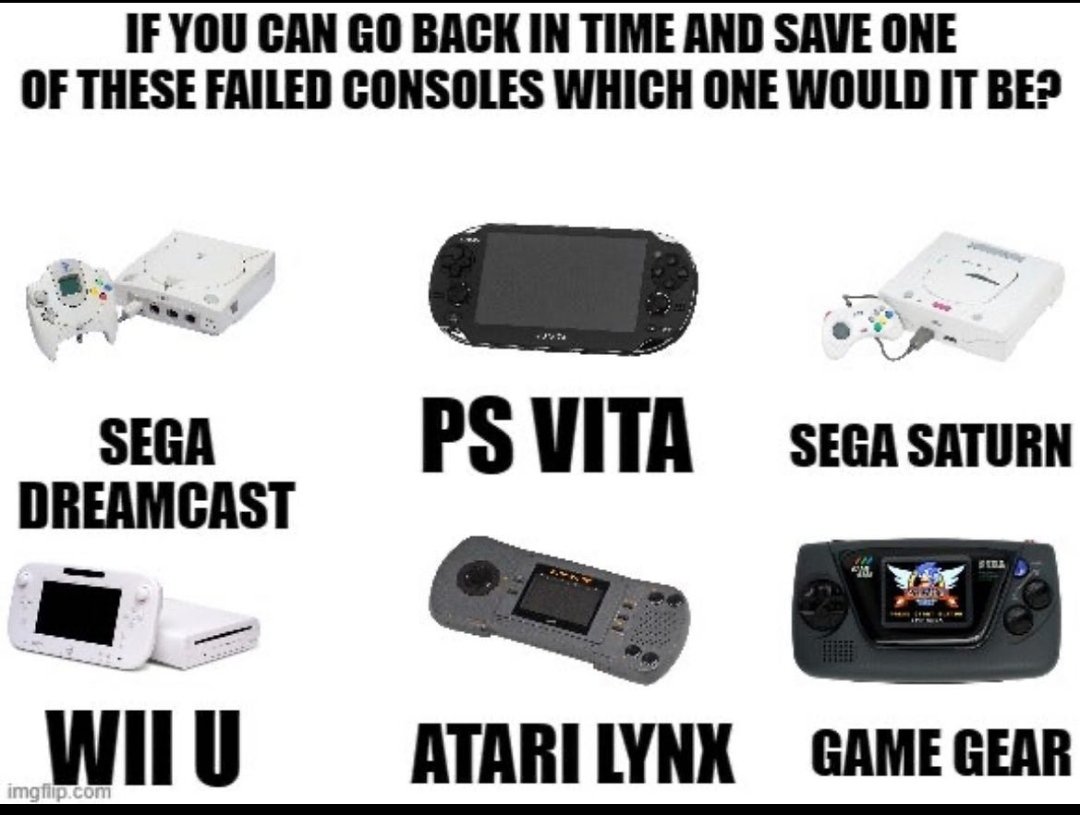
U mnie byłaby to Vitunia. Zbrodnia jest jaki los ja spotkał, a jeszcze gorszą jest to, że Sony wycofało się z przenośniaków i zostaliśmy jedynie ze Switchem. 
a u Was jak to wygląda?




szaleństwo, bierzcie póki jest!!
https://jatu.eu/pozostale/46123788-lego-horizon-forbidden-west-zyraf-76989-5702017156491.html