






Panowie, co braliście z sobą na pierwsze szczepienie? Kwiaty, bombonierkę czy może wino?


chyba mój ulubiony memiczny format ostatnich miesięcy

ALE JAK TO NIE JADE?

.thumb.png.fca9cb24cc681b4a99609f280f21490e.png)
Zaraz zaraz. Czy ja dobrze widze ze Mass Effecty w gamepassie ale niektorzy tutaj i tak placili 2 i pol bomby za 4k i 11 letnie bugi?
Gracze 

Posiadacze PlayStation w przeszłości, teraźniejszości i przyszłości.
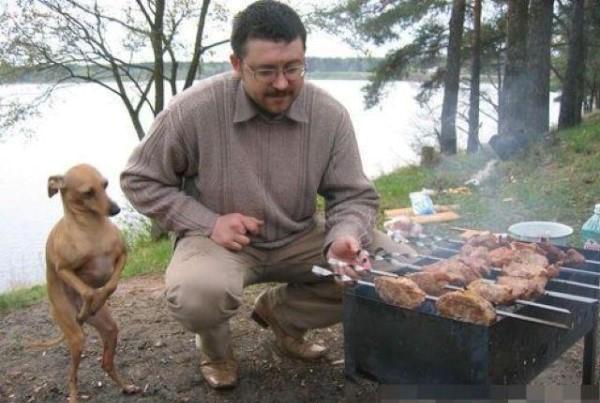
Phil Spencer i wygłodniali posiadacze xboxa, A.D. 2021 koloryzowane

Forumku, z jakiego serwisu korzystacie jak chcecie wrzucić krótkie filmy na forum?

Dzień Dobry
Chciałem wam pokazać starą niemiecką pozytywkę
https://i1.jbzd.com.pl/contents/2021/04/7SUcVyrKjNMTfHOwrCymuaIIjzyVBhJR.mp4
Temat o covidzie niedługo będzie miał 600 stron 