




Skocz do zawartości
View in the app

A better way to browse. Learn more.

Forum PSX Extreme

A full-screen app on your home screen with push notifications, badges and more.

To install this app on iOS and iPadOS
  1. Tap the Share icon in Safari
  2. Scroll the menu and tap Add to Home Screen.
  3. Tap Add in the top-right corner.
To install this app on Android
  1. Tap the 3-dot menu (⋮) in the top-right corner of the browser.
  2. Tap Add to Home screen or Install app.
  3. Confirm by tapping Install.

Josh

492417464_957060816507349_5256874244992606376_n.jpg

Czoperrr

o co chodzi z tymi "bożymi" gierkami? Musicie wymyślić coś nowego, to już się oczytało.

oFi

Stop right there, criminal scum! Nobody breaks the law on my watch! I'm confiscating your stolen goods. Now pay your fine or it's off to jail.

Tokar

Na znak żałoby flaga nintendofagów zostanie opuszczona do połowy masztu

dia-do-pedagogo.gif

I to nie w lubieżny sposób przypominający poledancing.

jimmy

Trochę wzrusz thanks

20250422_180604.jpg

SpacierShark123

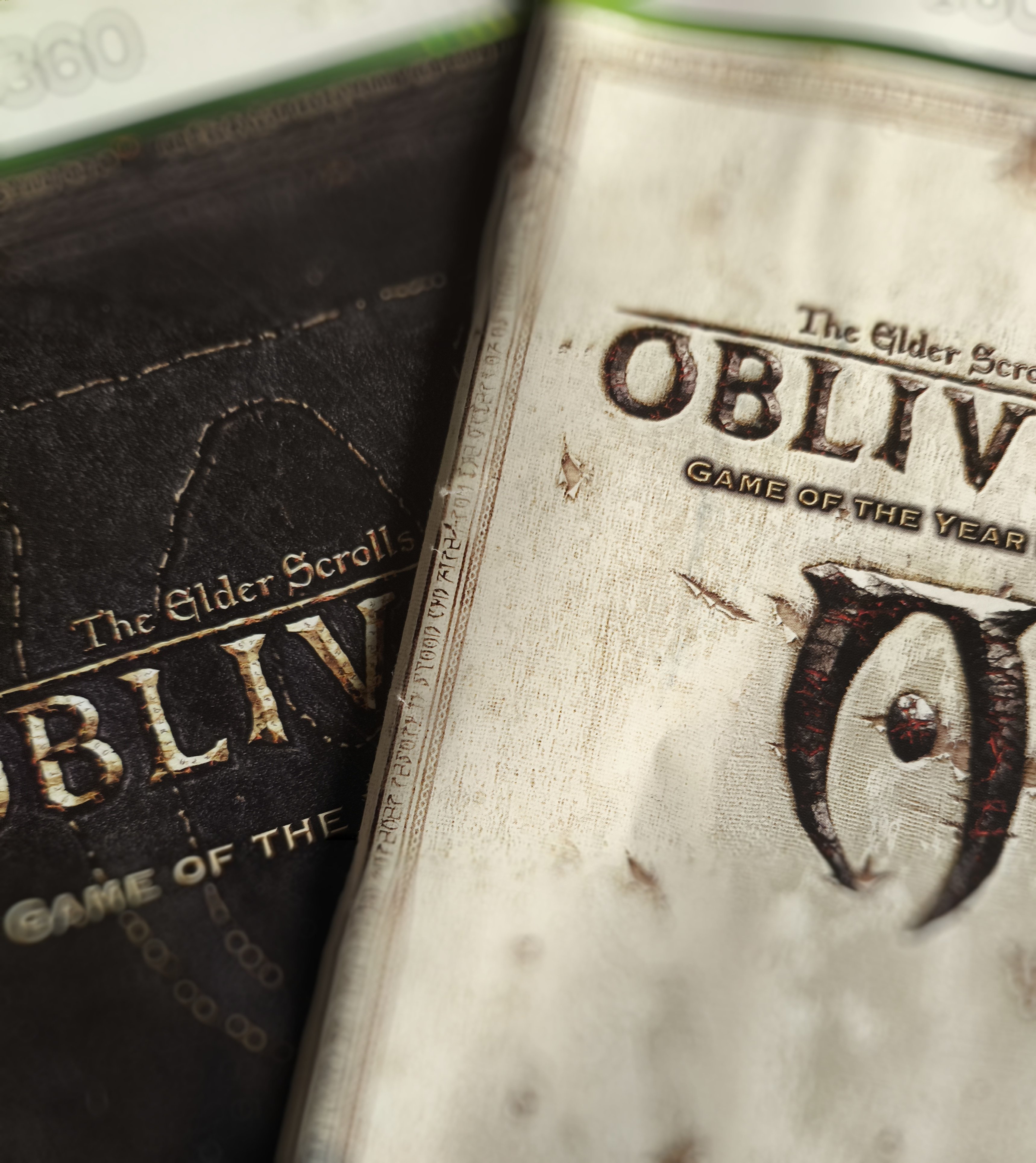
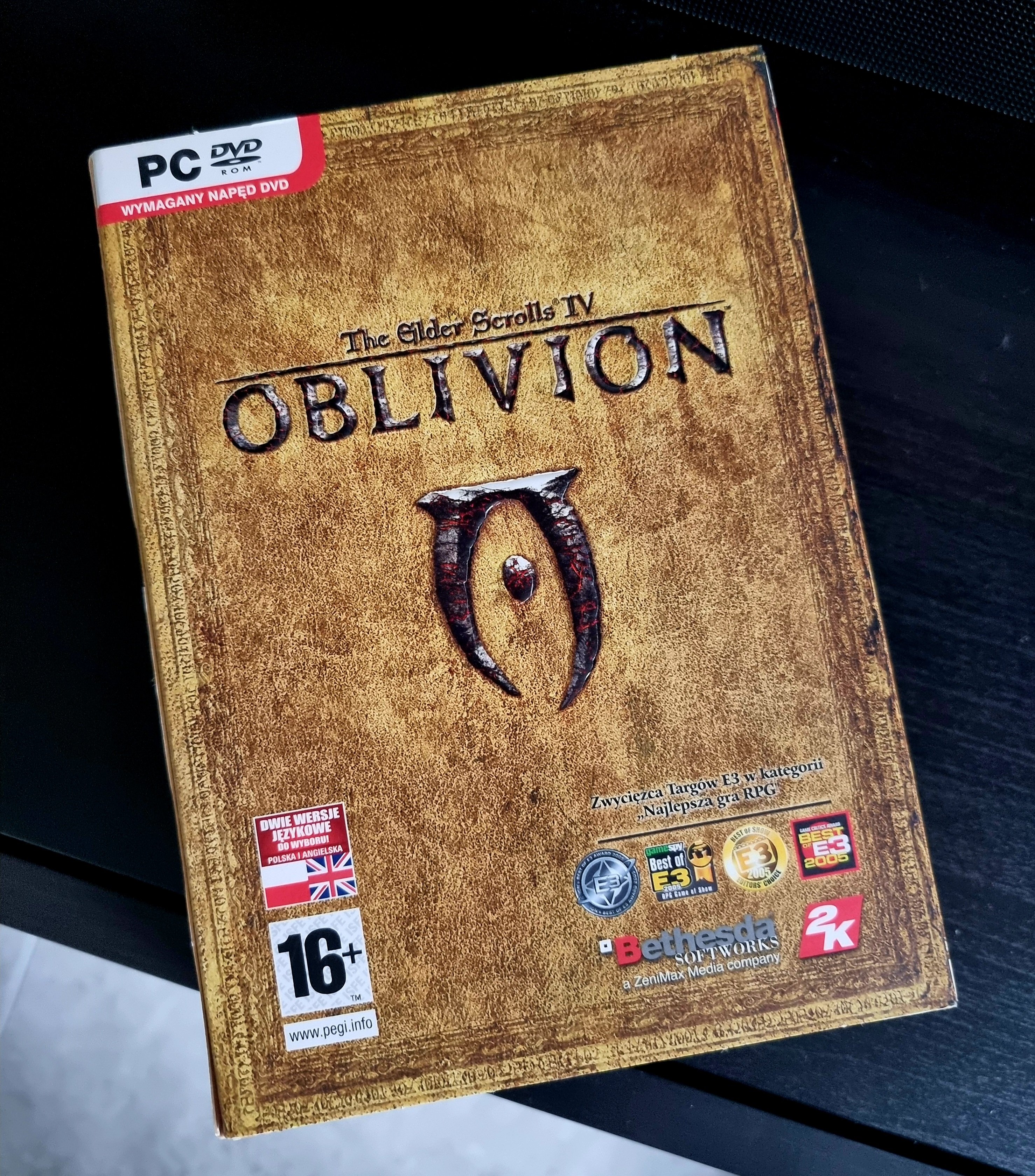
Ogrywany Monster Hunter Wilds na ps5 do tego nadrabiany Mario 3d land na WiiU a tutaj wpada Oblivion Remastered i za 2 dni Obscure. Ło matko bosko życie na zasiłku Holenderskim jest piękne

Account

Navigation

Szukaj

Szukaj

Configure browser push notifications

Chrome (Android)
  1. Tap the lock icon next to the address bar.
  2. Tap Permissions → Notifications.
  3. Adjust your preference.
Chrome (Desktop)
  1. Click the padlock icon in the address bar.
  2. Select Site settings.
  3. Find Notifications and adjust your preference.