Jakim
Użytkownicy
-
Dołączył
-
Ostatnia wizyta
-
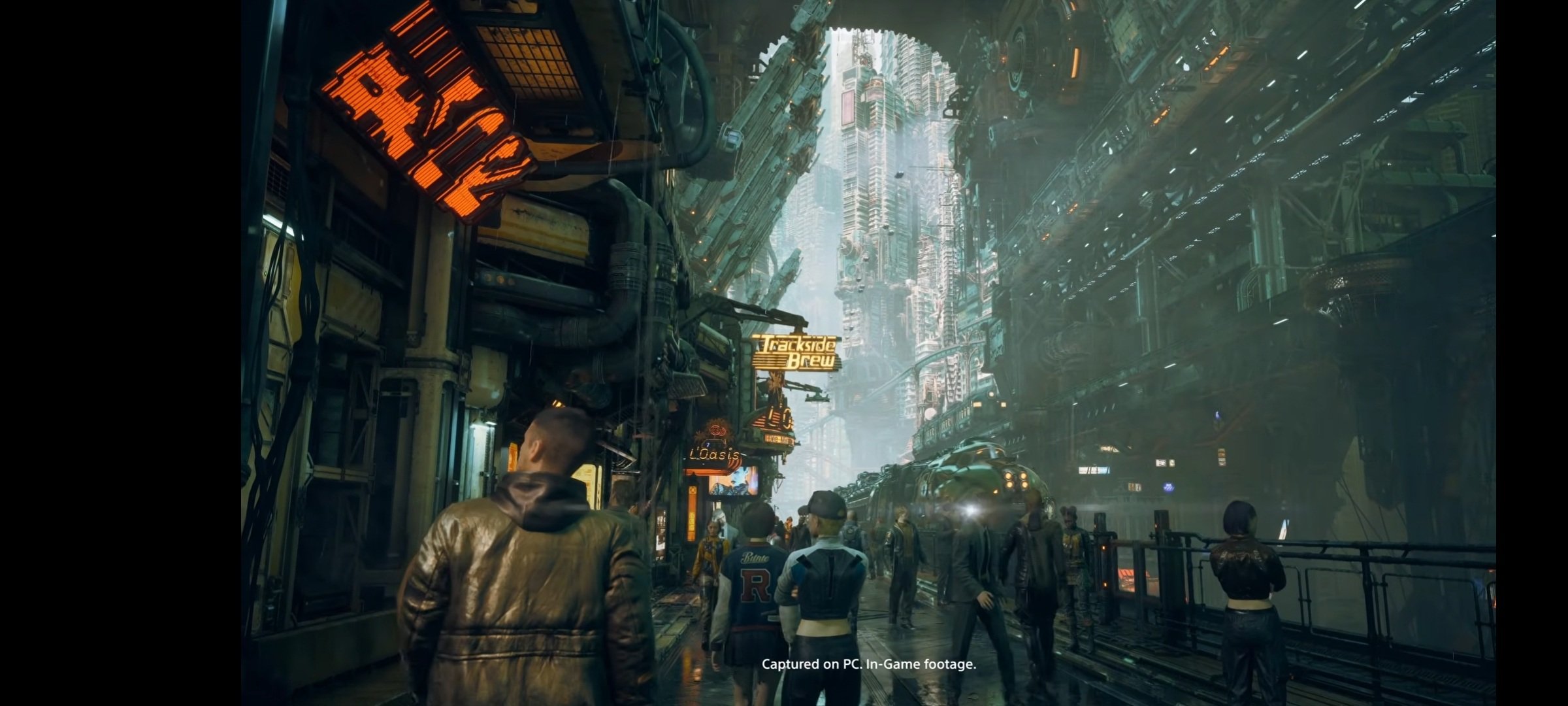
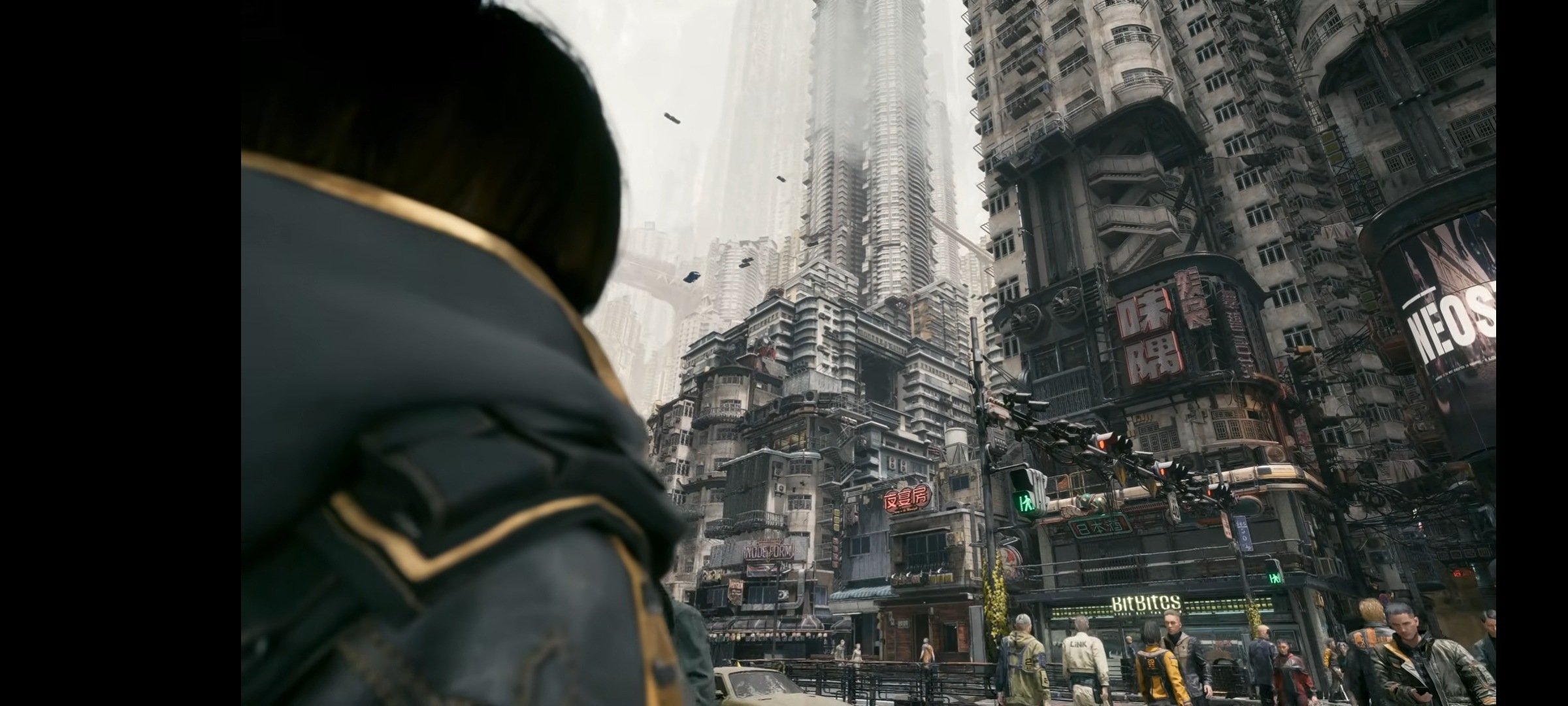
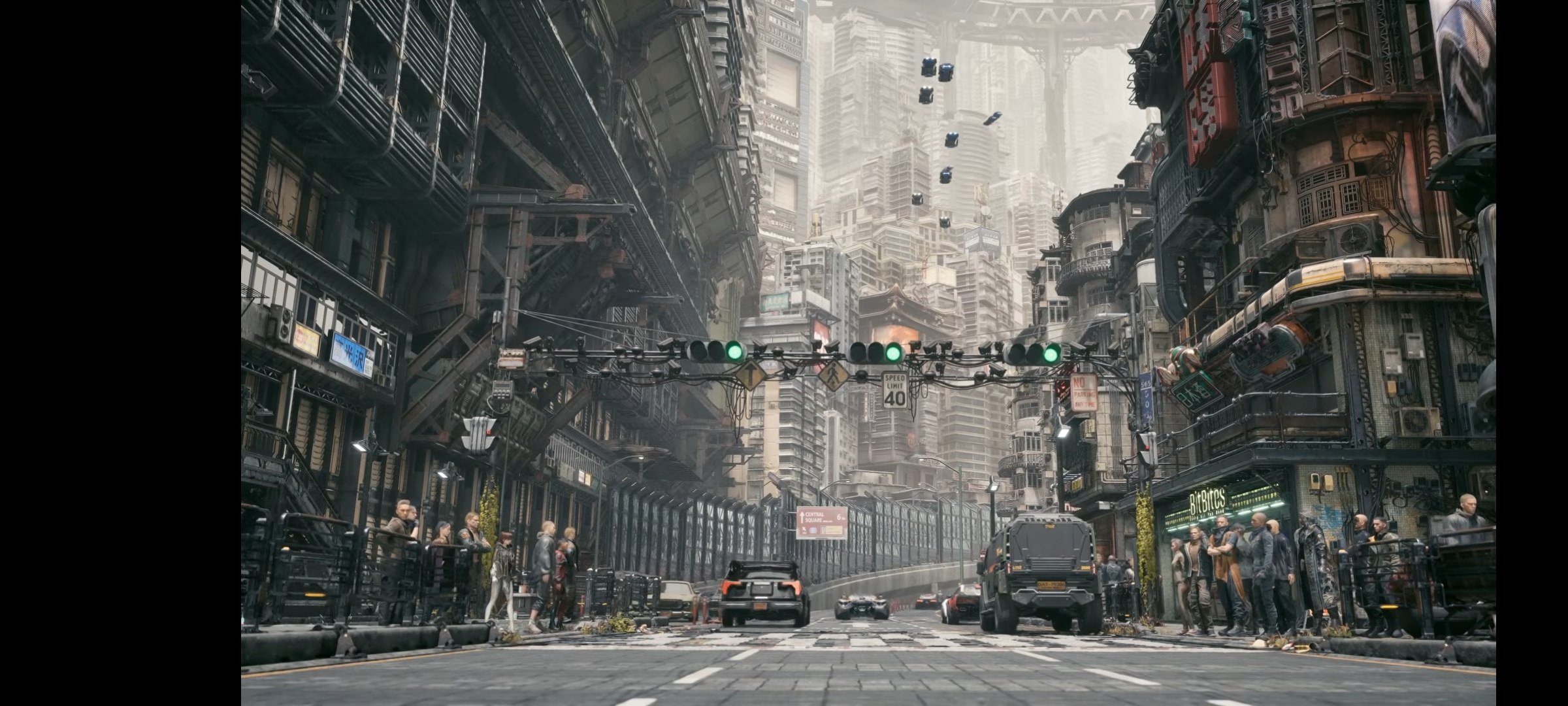
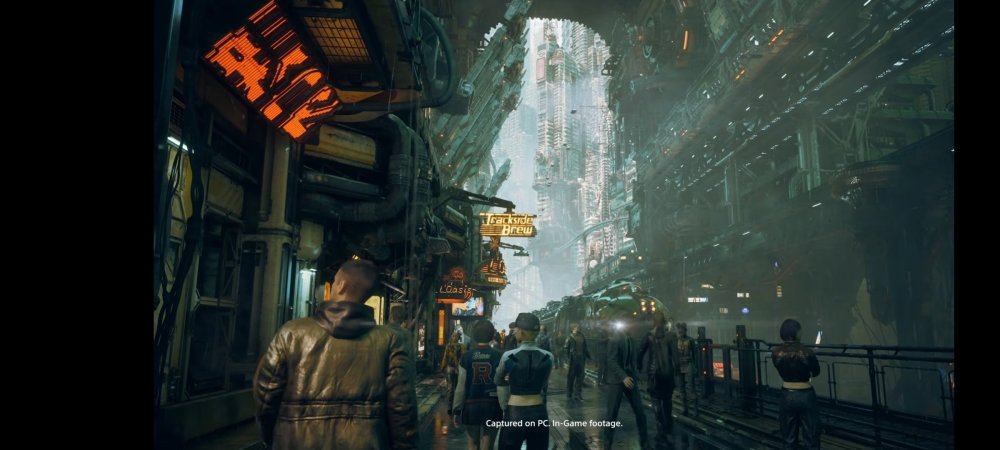
W tym przypadku to w takiej jakości to na bank ps6 remake/remaster nas czeka.
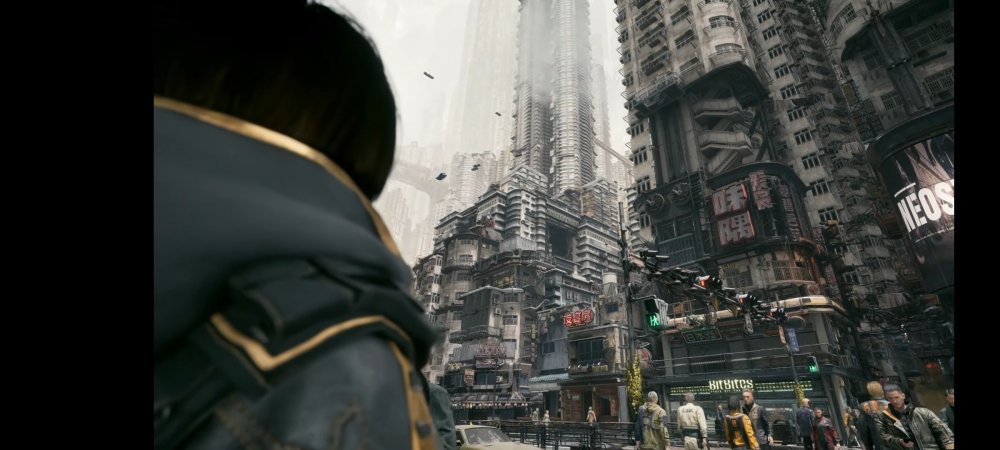
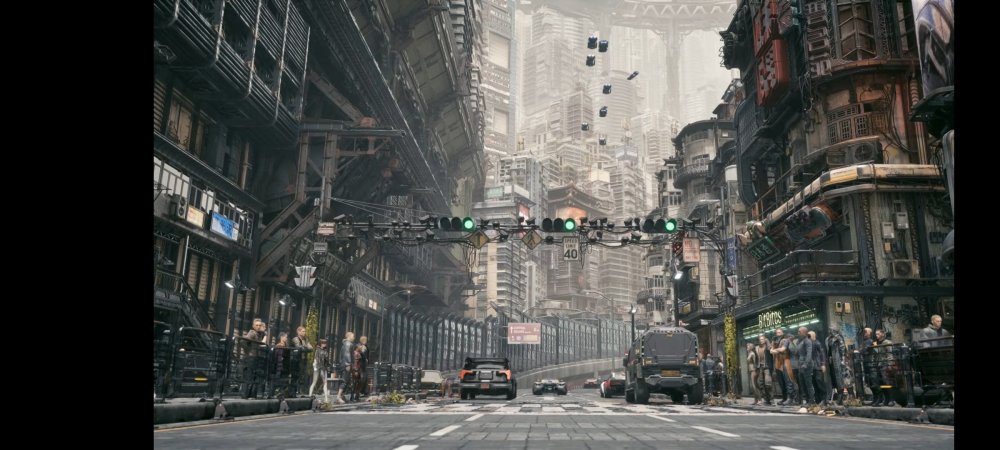
-
I też wrzesień. Pojebana jesień się szykuje.
-
Bloobery ?
-
Crossfire dobre. Grafa z kosmosu
-
Nieźle Co tu się odpierdala
-
Właśnie zapowiedziano oficjalny sequel, robiony przez Firesprite
-
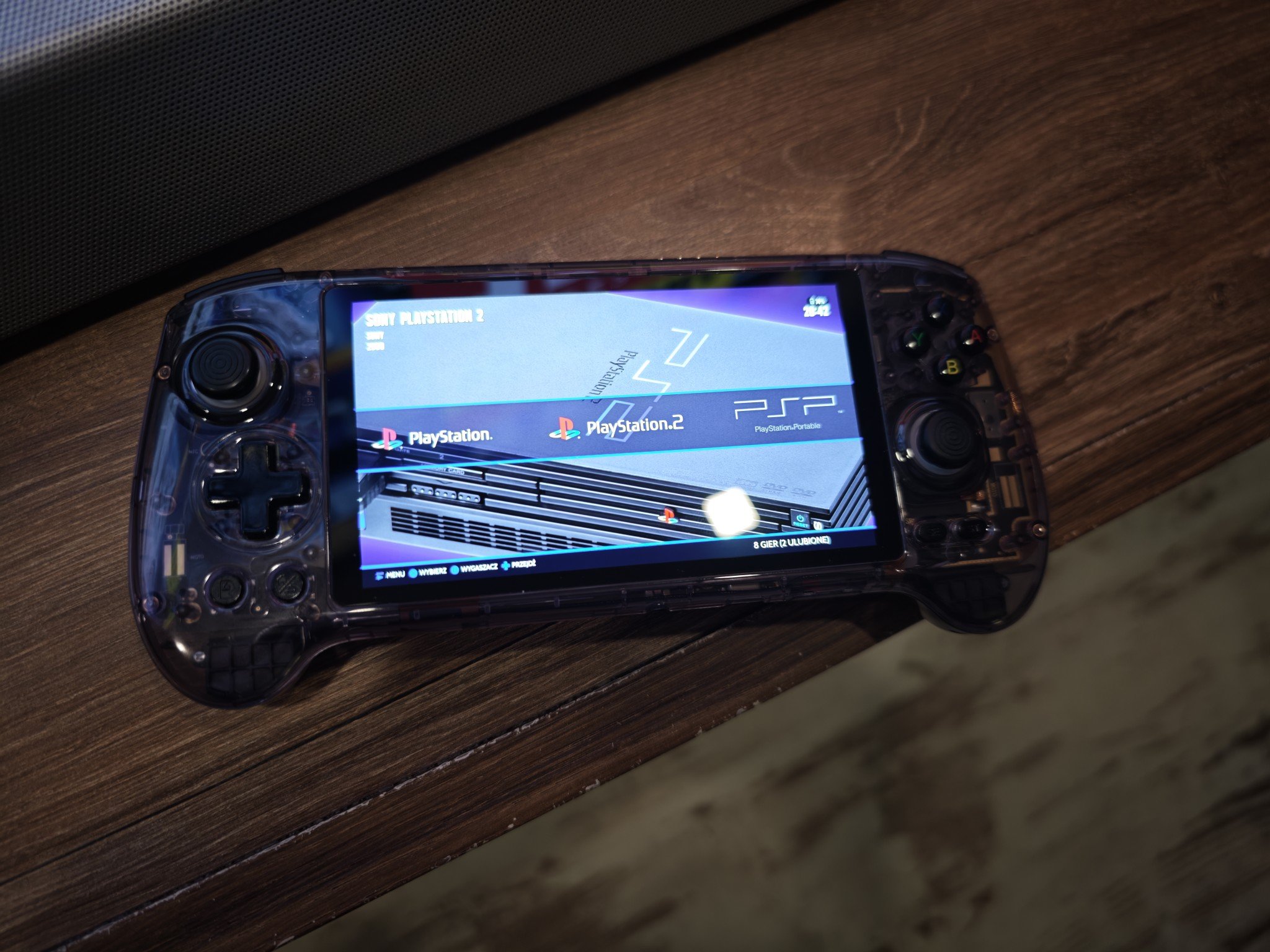
Posiadam Samsunga i nie ma jakiejś wybitnej trgedii. Wszystkie apki działają. Nie mam porównania do LG, ale jak mówi stare przysłowie, "czego oczy nie widza tego sercu nie żal"Poinstalowalem sobie co trzeba i póki co śmiga jak ta lala. Konsolka jest poręczna, bateria jest średnia, jakośc obrazu bdb, chociaż nie mam porównania z innymi konkurentami. Ogółem zależało mi na wszystkim od GC w dół więc sprawdzi się idealnie bo sporo mnie ominęło.
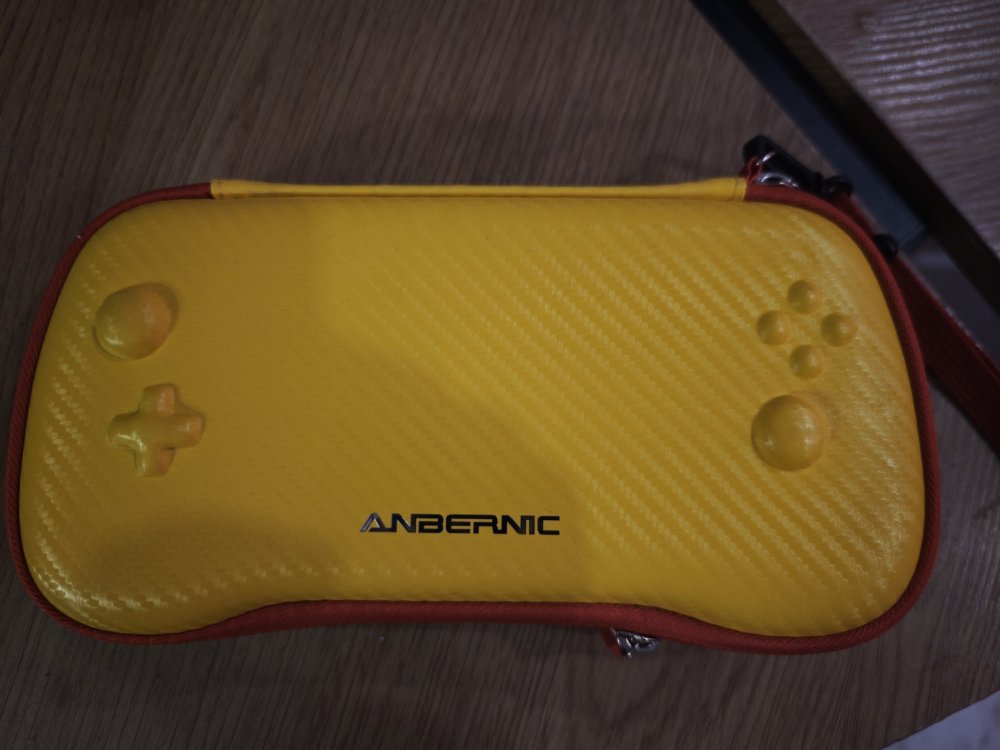
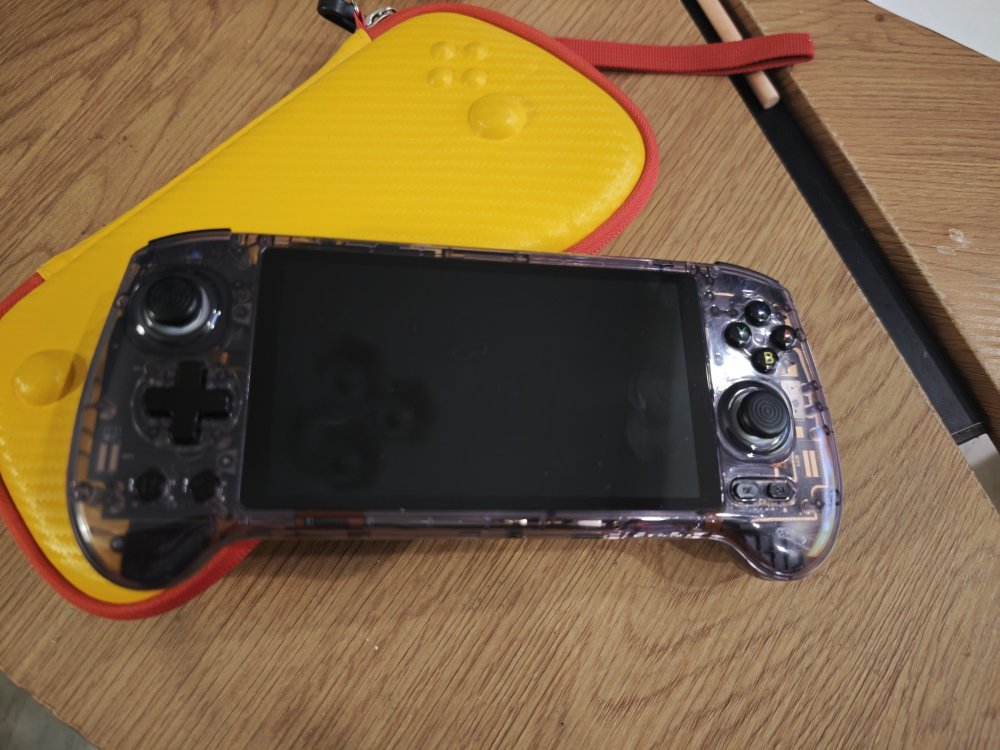
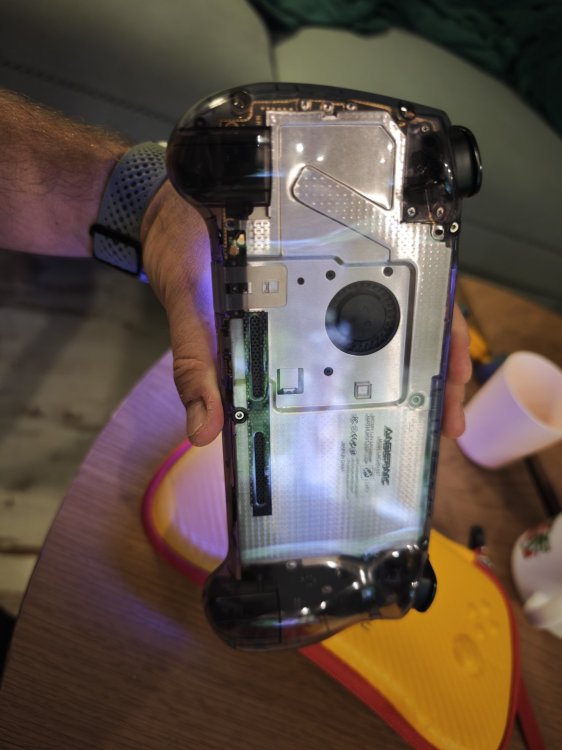
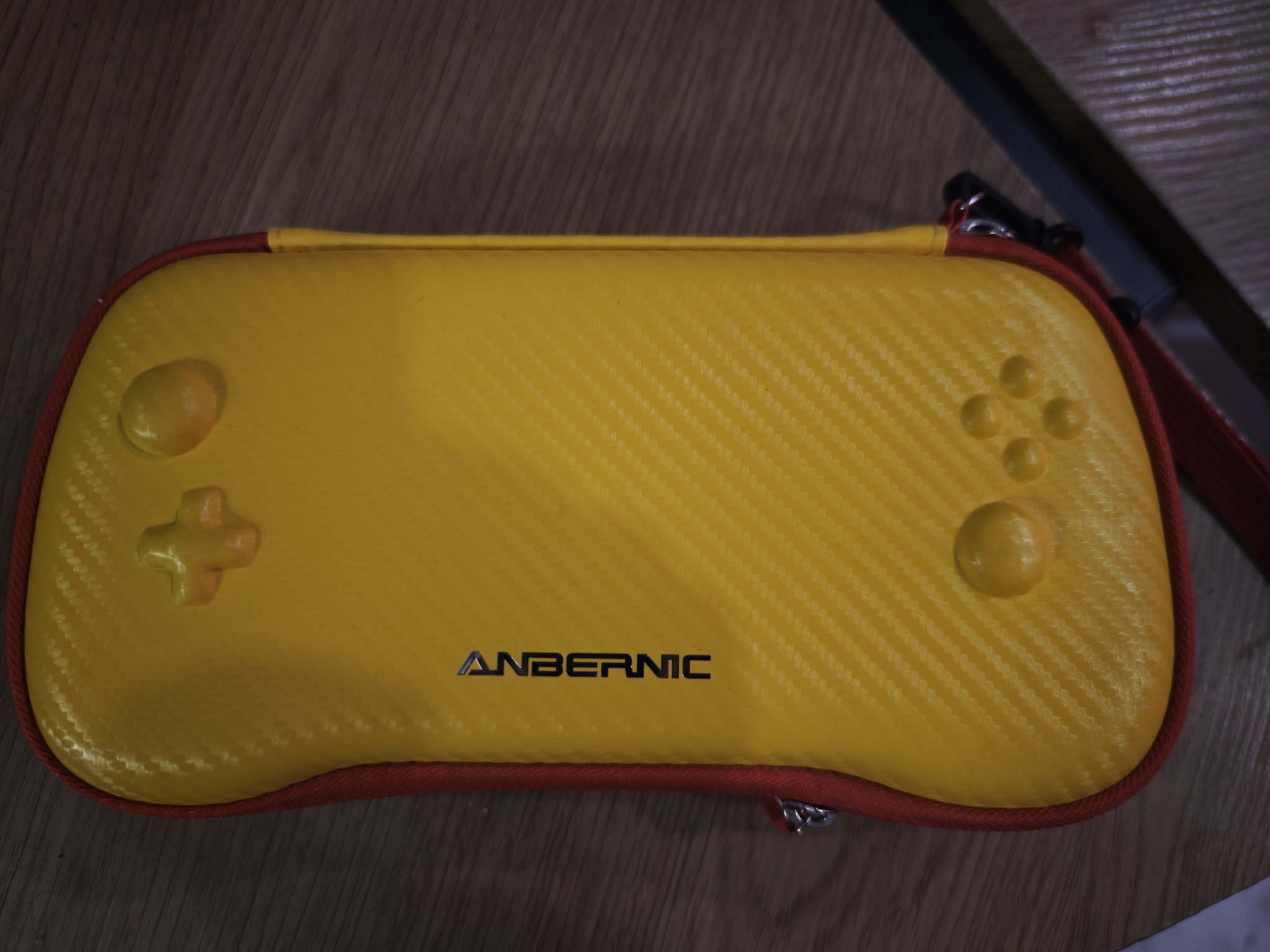
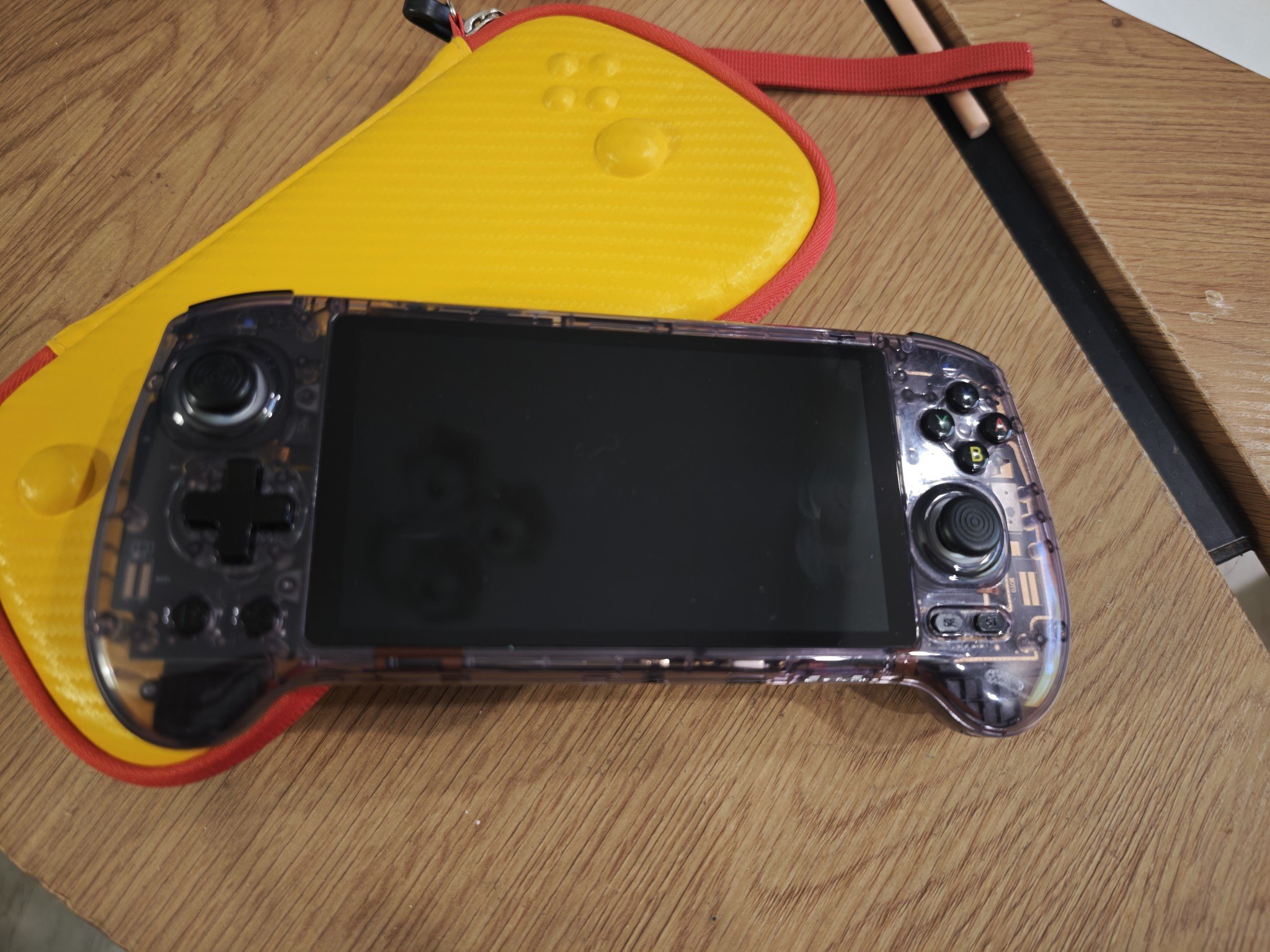
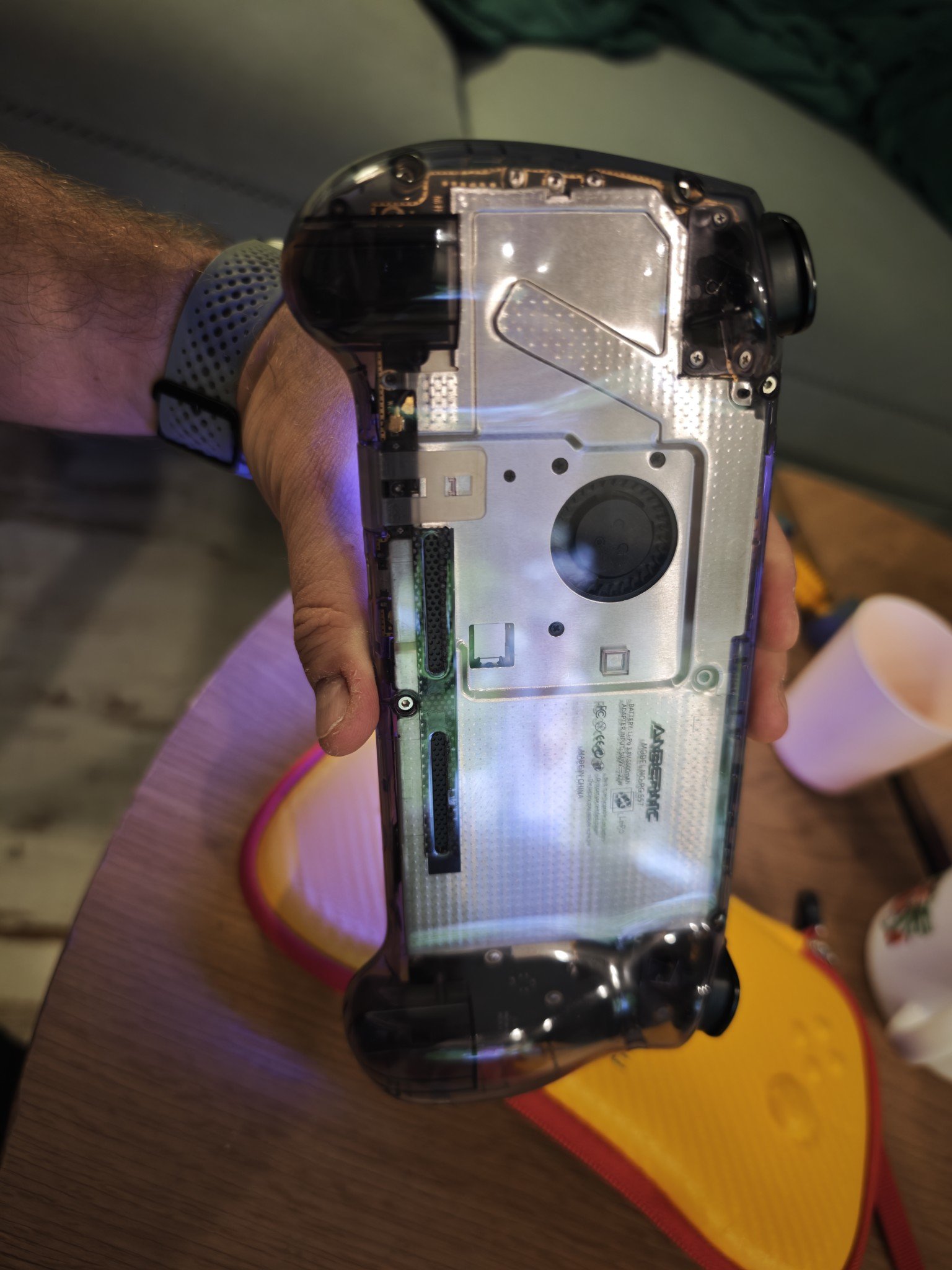
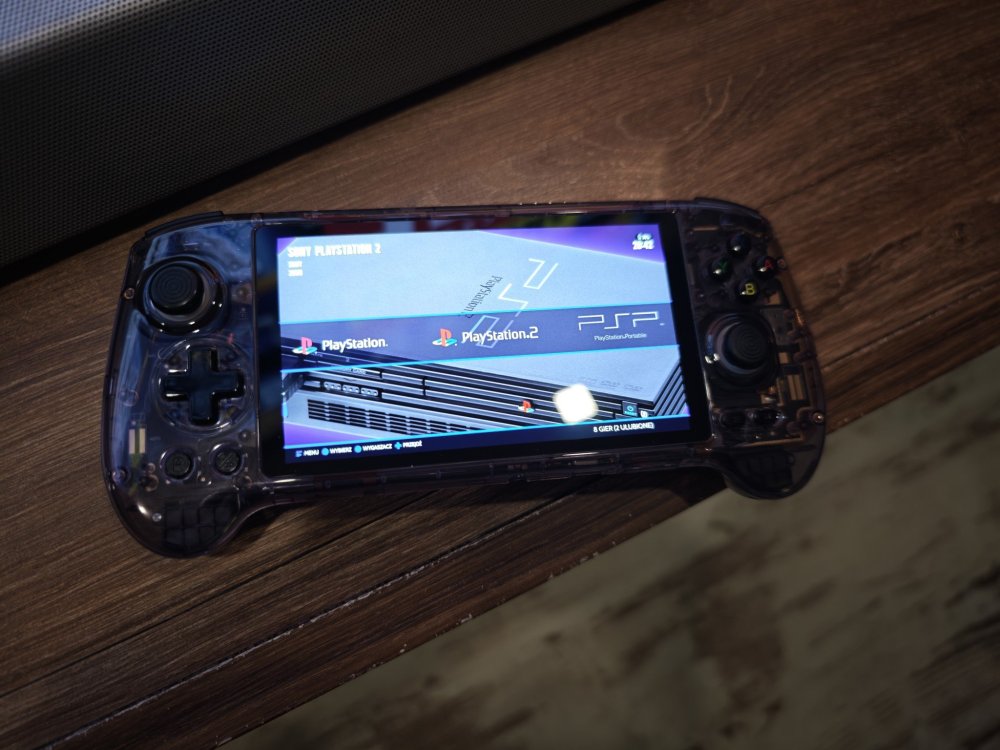 Zakupiłem ostatnio Anberbica 557. Mega wygodna i dość mocna konsolka z Amoledem, który może nie najlepszy na rynku, ale robi robotę. Problem mam tylko z odpalaniem gierek z GC, więc trzeba trochę poczytać. PS2 odpala idealnieTo był mój ostatni Assassin's, którego zmęczyłem do końca. I jedna z pierwszych Gierek na PS4 więc jakiś tam sentyment mam do tego tytułu. Ale przy takim backlogu musiałbym srogo zaryć głową w kant stołu aby to brać pod uwagę.Na mapie najedz na jakiś dom, wille, cokolwiek i wtedy trójkąt.Spokój ile rób main questy aż do obozu.Dłuższy gameplay ze Starfielda. Jak dla mnie to akurat tutaj to DLSS robi dobra robotę