wet_willy
Admini
-
Dołączył
-
Ostatnia wizyta
-
Zeby Trophy za 30 Assassinatiions szybciej wpadlo xD Pre Orderowego do Damage Atak Bonus I Blazing Bonus
-
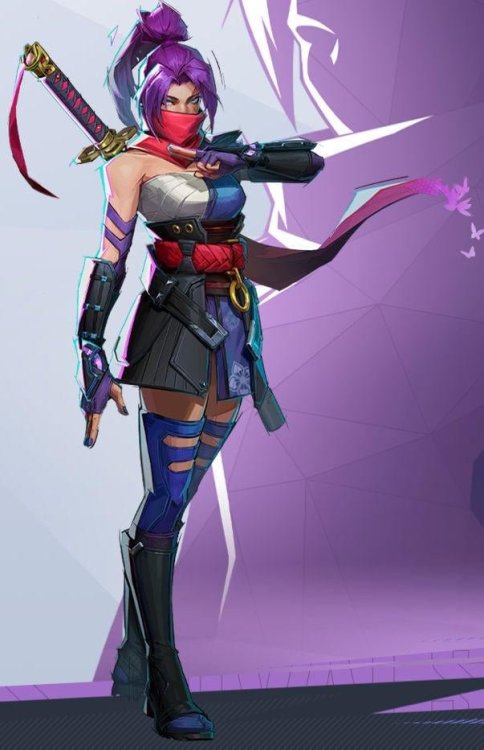
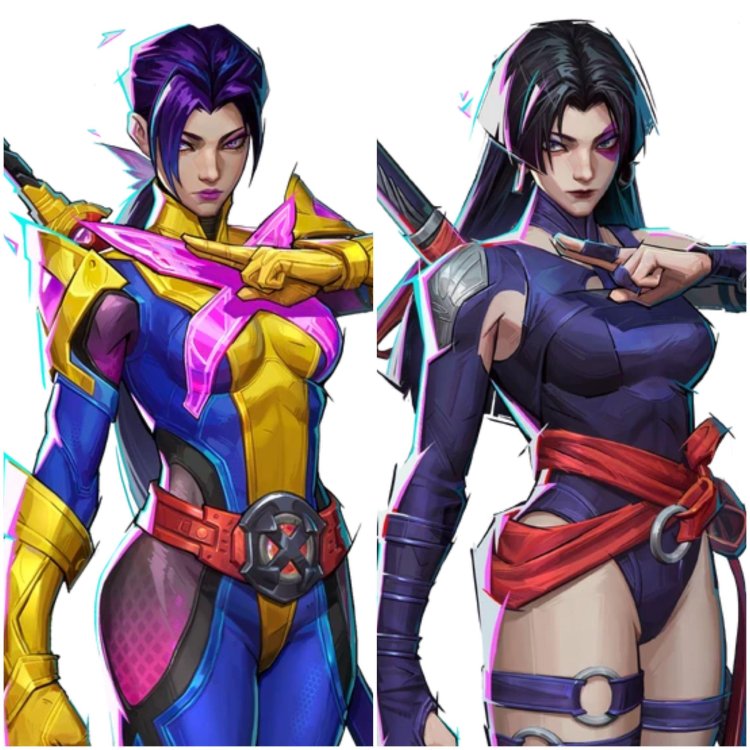
Dla przypomnienia tak sie robi postacie jak sie chce zrobic swoj twist na ich temat a nie wsadzac self inserta bo jest sie z Insomniac. Dobrze ze ta Onimusha wyszla i nie bede musial Chujverina press x to awesome kupowac zeby dotrwac do Castlevani i Phantom Blade.
-
Ja na razie z polowe gry zrobilem i juz teraz trzeba robic bossow po 2/3x ale poziom Khazana to to na pewno nie jest. Wielki plus ze grasz z bananem na ryju wpatrzony w TV a nie YOLO R1 w Stun Lock jak w Soulsach xD Musa postac 10 na 10 Mimika twarzy w tej grze 11 na 10 Mix Trauma Dumpingu i Clown Fiesty bardzo mi sie podoba. Glowna linia fabularna tez lepsza niz wymagana w normalnym Slasherku. Questy poboczne sredniaczek, system upgrade smutny ale dziala. O dziwo co mnie wkurwia na razie najbardziej to dziwnie sie gra po Japonsku bo czasami nie ma czasu czytac napisow ><Sylvanowi leki sie skonczyly?Zajebiscie po tym jak poswiecilem 70h na platyne i ponad 2 przejscia xDOk Platyna zrobiona ggTrzeba NG++ zaczac za pierwszym razem 3 na NG+ 4 Shelle zrobilem na maxa. Garbaty Smok w sumie Ez jak sie go juz ogarnia do tego w Night Mode mozna zrobic quest na Itemek ktory redukuje Cosmic Damage wiec w dupie masz te ognie garbatego co dosc bardzo pomagaJeszcze 19 Glimpsow i Platyna @_@No nic bede wolal grac 350h w Wiedzimina niz WokeTA6Z cyklu niedojebanie w grach jest duzo za malo Tarcore i nie da sie nawet zrobic wszystkich dobrych Tarstone na Max nie mowie juz nawet o bardziej sytuacyjnych czy nawet smieciach. Mozna zdobyc 300 Tarcores + 1 na przejscie za zabicie NPC od Maszyny zeby zrobic wszystkie Tarstone potrzeba ich 450. Troche duzy oversight biorac pod uwage ze mozna grac kazda klasa i bronia kiedy tylko chcesz.Nic nie powinni nerfic tylko powinni buffowac... Ostatni Bossowie to taki BS ze 50% ludzi by gry nie przeszlo xDAkurat Eredrim ci pozwoli napierdalac czolem w parry i to zrobic3 mozesz zmaxowac na jednym przejsciu i mam chyba 6 wolnych Glympsow