
Skocz do zawartości
View in the app

A better way to browse. Learn more.

Forum PSX Extreme

A full-screen app on your home screen with push notifications, badges and more.

To install this app on iOS and iPadOS
  1. Tap the Share icon in Safari
  2. Scroll the menu and tap Add to Home Screen.
  3. Tap Add in the top-right corner.
To install this app on Android
  1. Tap the 3-dot menu (⋮) in the top-right corner of the browser.
  2. Tap Add to Home screen or Install app.
  3. Confirm by tapping Install.

easye

Senior Member
  • Dołączył

  • Ostatnia wizyta

easye


Taki tam dzień dziecka w Łodzi, a u Was co? Świnka Peppa i Fasolki na mikrofonie?

easye

image.png.04917765077f9a217cdfb59fb1114b4d.png


a wy wolicie informacje na wesoło czy na smutno?

easye

Sony dało swój serwis vod...

na którym nie można przewijać...


easye

image.png.65ff1726602d3515f36039b814f07722.png


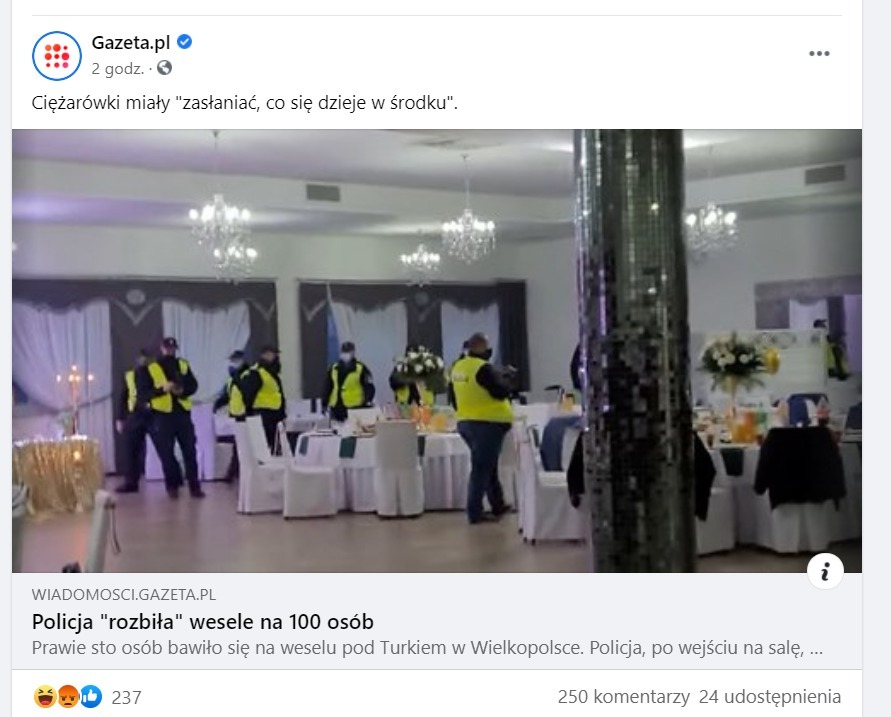
Kolejny sukces polskiej policji!

ABW - Agencja Bezpieczeństwa Weselnego! Najlepsi z naaajlepszych!
easye

Mam nadzieję, że użytkownik @secondzostał właściwie ukarany za udostępnianie prywatnych profili FB!

easye

image.png.009c309248863daa2a131e18aa31f4af.png


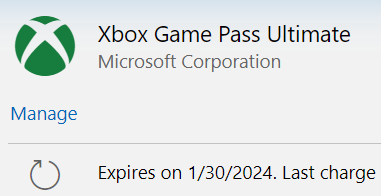
Tylko co ja zrobię z tymi chipsami?

Account

Navigation

Szukaj

Szukaj

Configure browser push notifications

Chrome (Android)
  1. Tap the lock icon next to the address bar.
  2. Tap Permissions → Notifications.
  3. Adjust your preference.
Chrome (Desktop)
  1. Click the padlock icon in the address bar.
  2. Select Site settings.
  3. Find Notifications and adjust your preference.