Skocz do zawartości
View in the app

A better way to browse. Learn more.

Forum PSX Extreme

A full-screen app on your home screen with push notifications, badges and more.

To install this app on iOS and iPadOS
  1. Tap the Share icon in Safari
  2. Scroll the menu and tap Add to Home Screen.
  3. Tap Add in the top-right corner.
To install this app on Android
  1. Tap the 3-dot menu (⋮) in the top-right corner of the browser.
  2. Tap Add to Home screen or Install app.
  3. Confirm by tapping Install.

Ukukuki

Patroni
  • Dołączył

  • Ostatnia wizyta

Ukukuki

Świetny Humble Choice w tym miesiącu: 
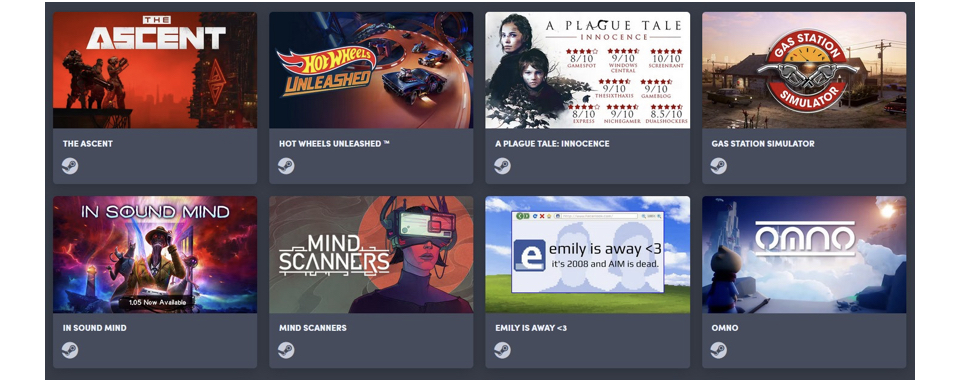
0C8B093B-18DB-4CEB-B78B-2264AC47A66B.jpeg.c28b4bd18ce7b27586fd9a0685458d52.jpeg

Ukukuki

LIVE A LIVE warto czy nie bardzo? 

Ukukuki

Wczorajsza wycieczka rowerowa, 45 minut czekania na policję.
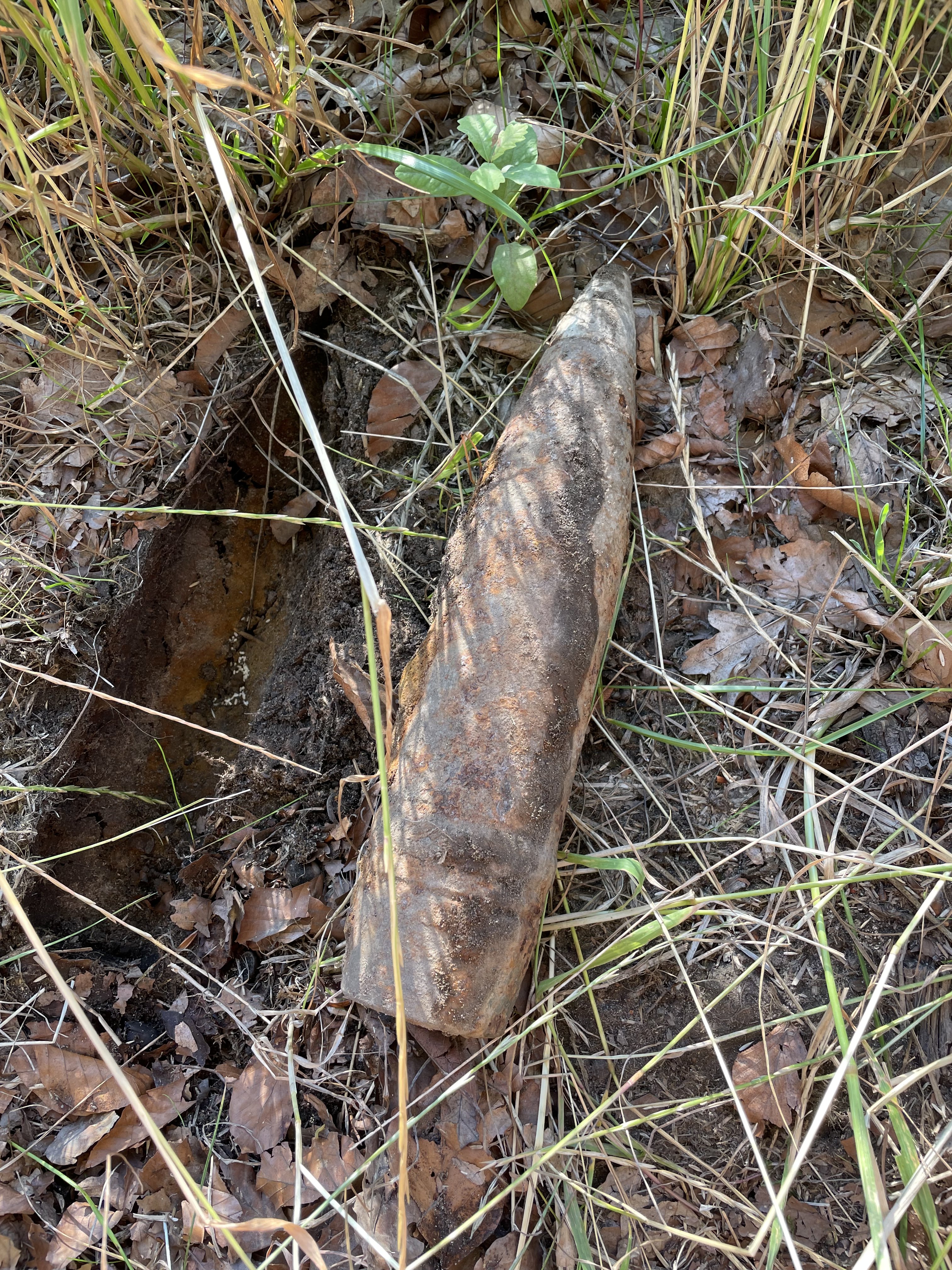
632DCEBC-85D8-4203-A4F8-F63B45A85022.thumb.jpeg.b27454c594f231383d3a7e9c3bd951c8.jpeg

Ukukuki

Jak kogoś interesuje praca w branży lotniczej to Wrocławski WAMS ostro rekrutuje przez wakacje po całej Polsce. Fajna opcja na zmianę zawodu. 

image.thumb.jpeg.3180c940df10f28993b2b95ff16c12ae.jpeg

Ukukuki

Znalazłem podsłuch na parkingu pod blokiem, z początku myślałem ,że to pendrive ale nie pasowała mi migająca dioda :obama: 

Ukukuki

Zaczynam się bać o nową część The Elder Scrolls :/

Account

Navigation

Szukaj

Szukaj

Configure browser push notifications

Chrome (Android)
  1. Tap the lock icon next to the address bar.
  2. Tap Permissions → Notifications.
  3. Adjust your preference.
Chrome (Desktop)
  1. Click the padlock icon in the address bar.
  2. Select Site settings.
  3. Find Notifications and adjust your preference.