Przenośne granie? Tylko z zapasowym monitorem OLED (koniecznie 30Hz, Switch nie lubi więcej!) i oczywiście zapasowe joycony jakby któryś złapał drifta :> 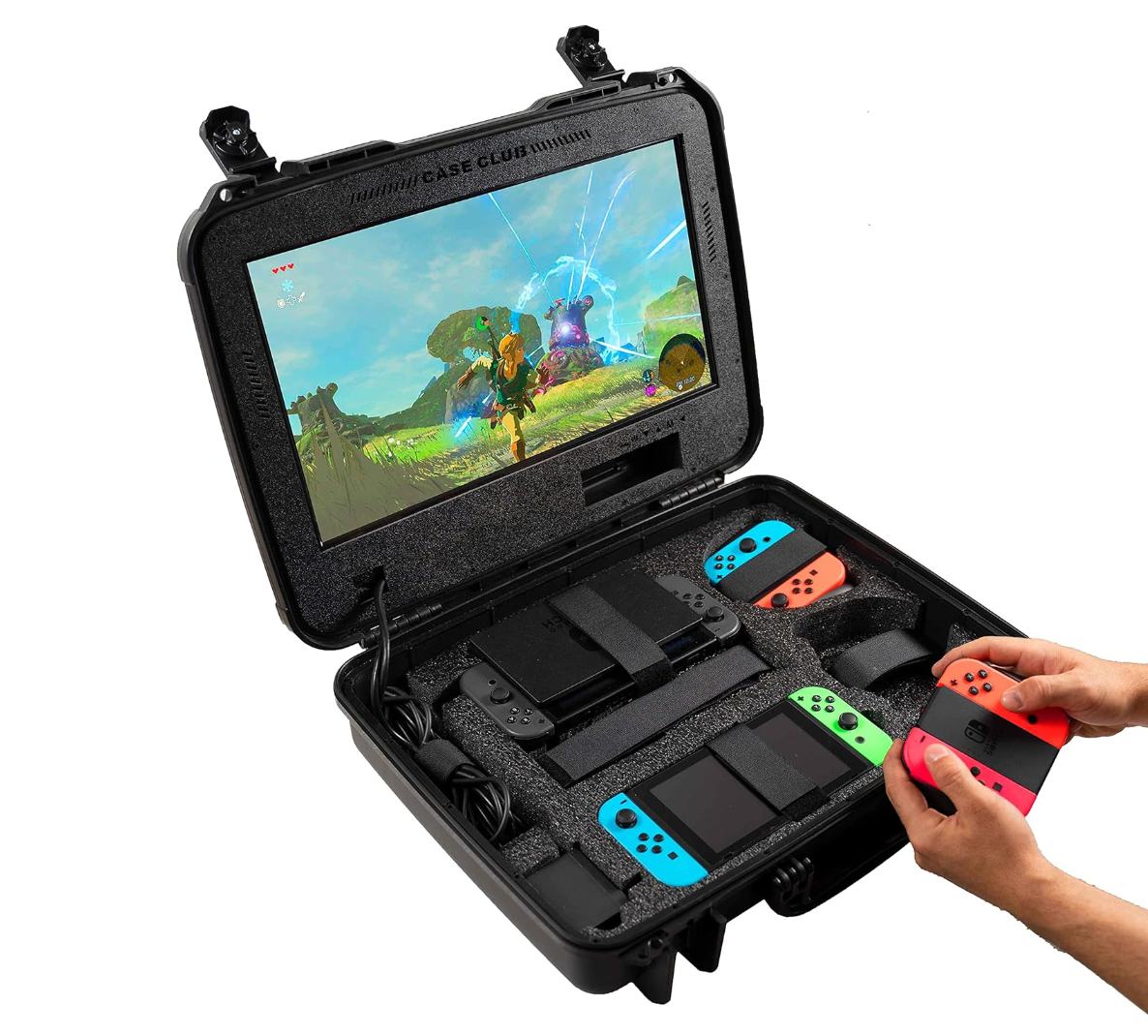

Ukukuki
Patroni
-
Dołączył
-
Ostatnia wizyta
Curva ponad 500 zł na licytacji za samą obwolutę xD https://allegrolokalnie.pl/oferta/black-white-creature-isle-wyspa-chowancow-element-big-box-brak-plyty?fbclid=IwZXh0bgNhZW0CMTEAAR0LDglwZ0iVqRMVzYtsYDd_9Hdct_uQDPI4AhBp02_aLMSze6A3EMxCiyg_aem_HkTZas682AuEXq8zcupLsw
A obszczany big box Książę i Tchórz ponad 2000 zł.

Trochę absurd ile się dopłaca do ostrego obrazu bez mleka.
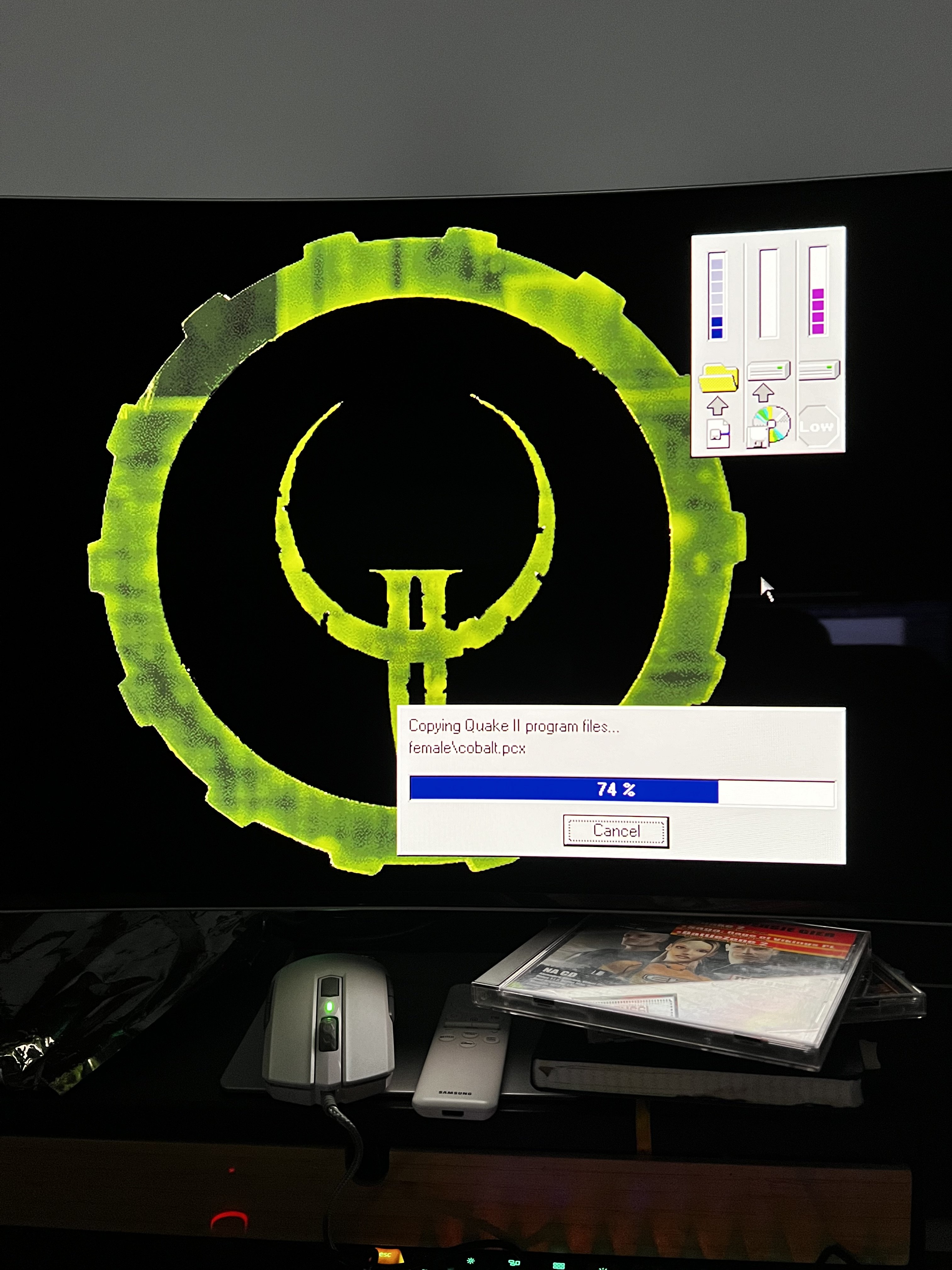
Zaraz będzie nocka z testowaniem Voodoo Banshee 
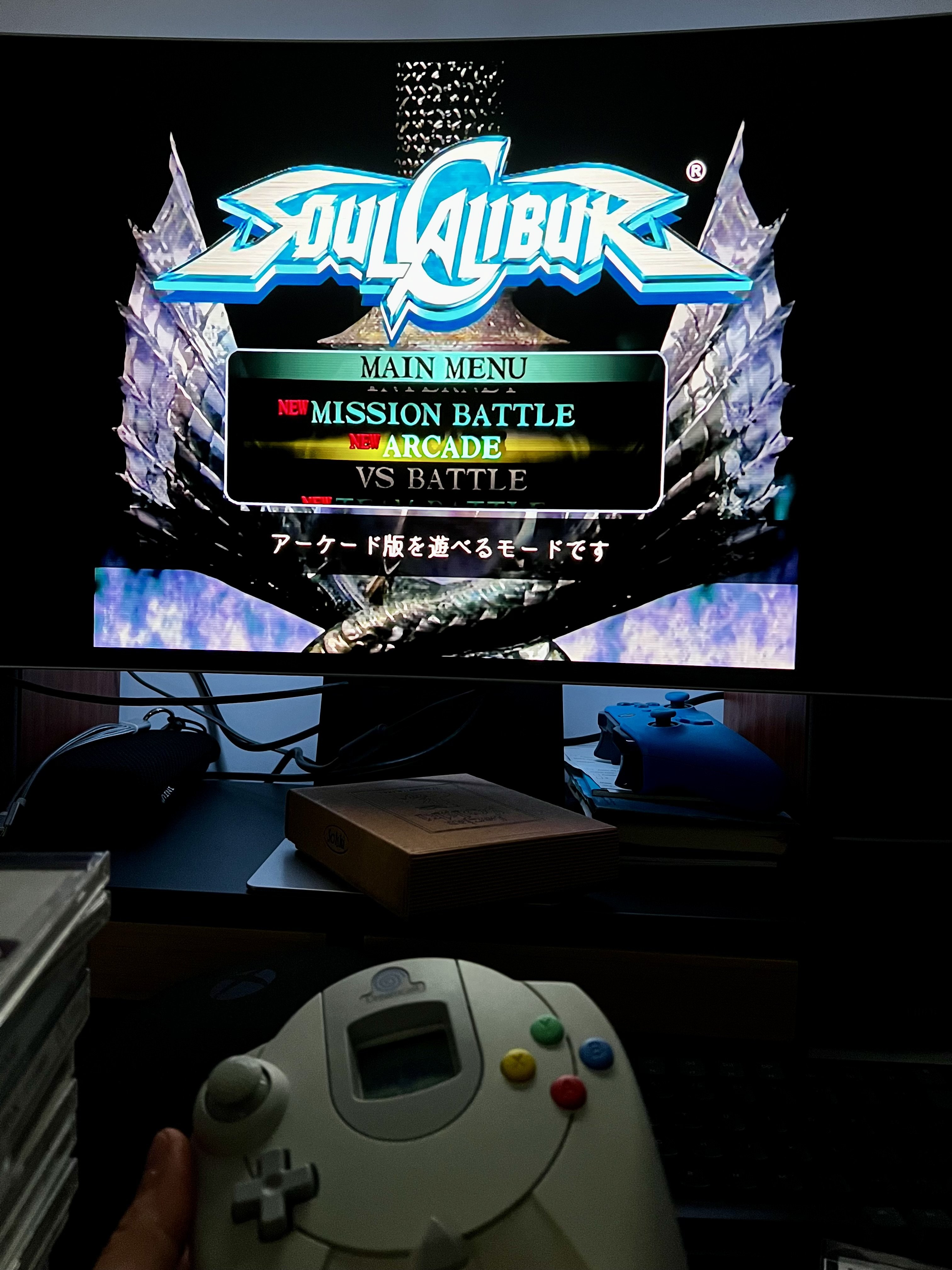
Testuję OSSC i kozak sprzęt z DC działa pięknie po VGA. Myślałem ,że pogram jeszcze na oledzie w jakieś gierki z PSXa ale okazało się ,że muszę kupić kabel RGB