








Figuś
Senior Member
-
Dołączył
Treść opublikowana przez Figuś
-
-
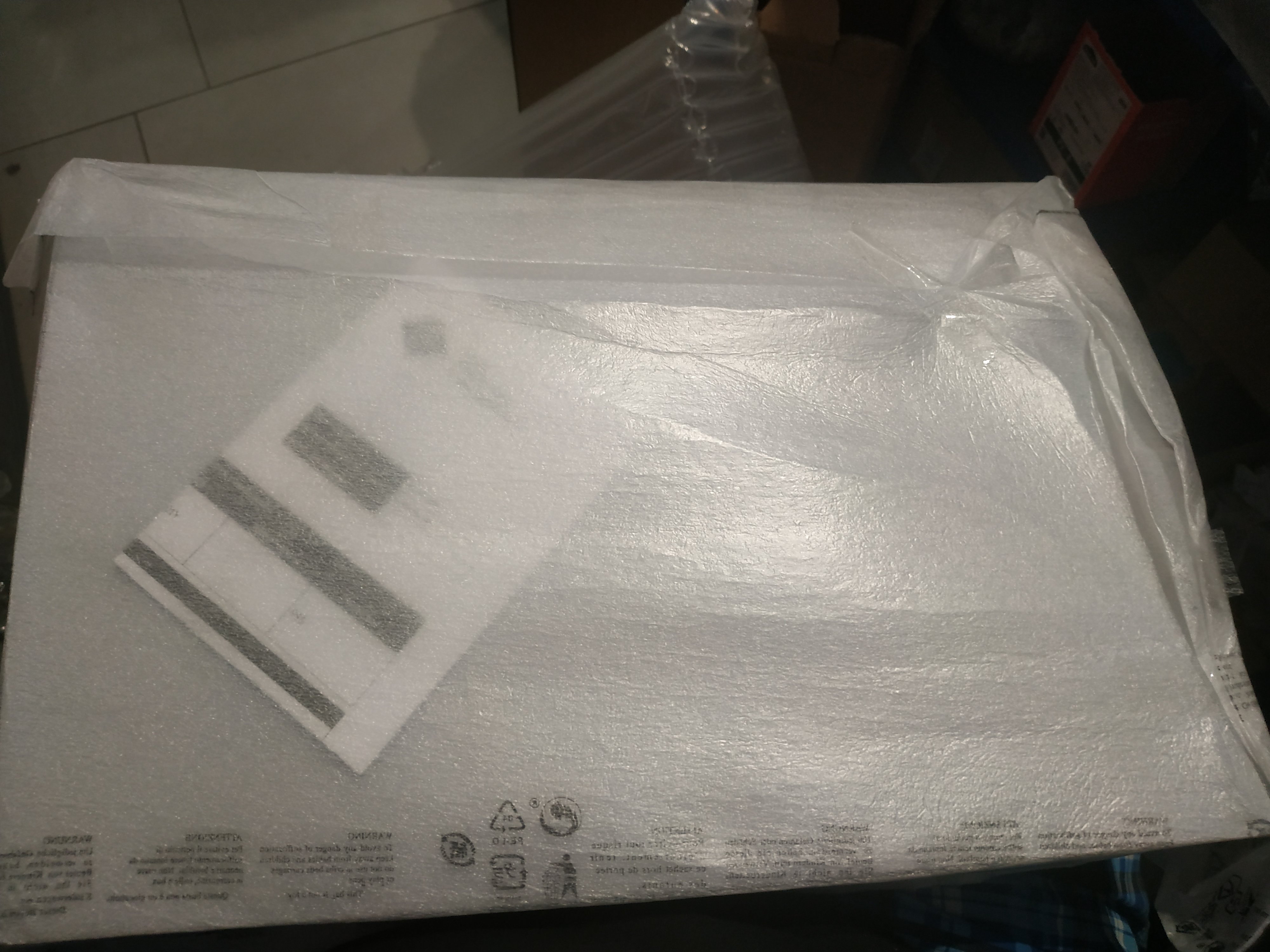
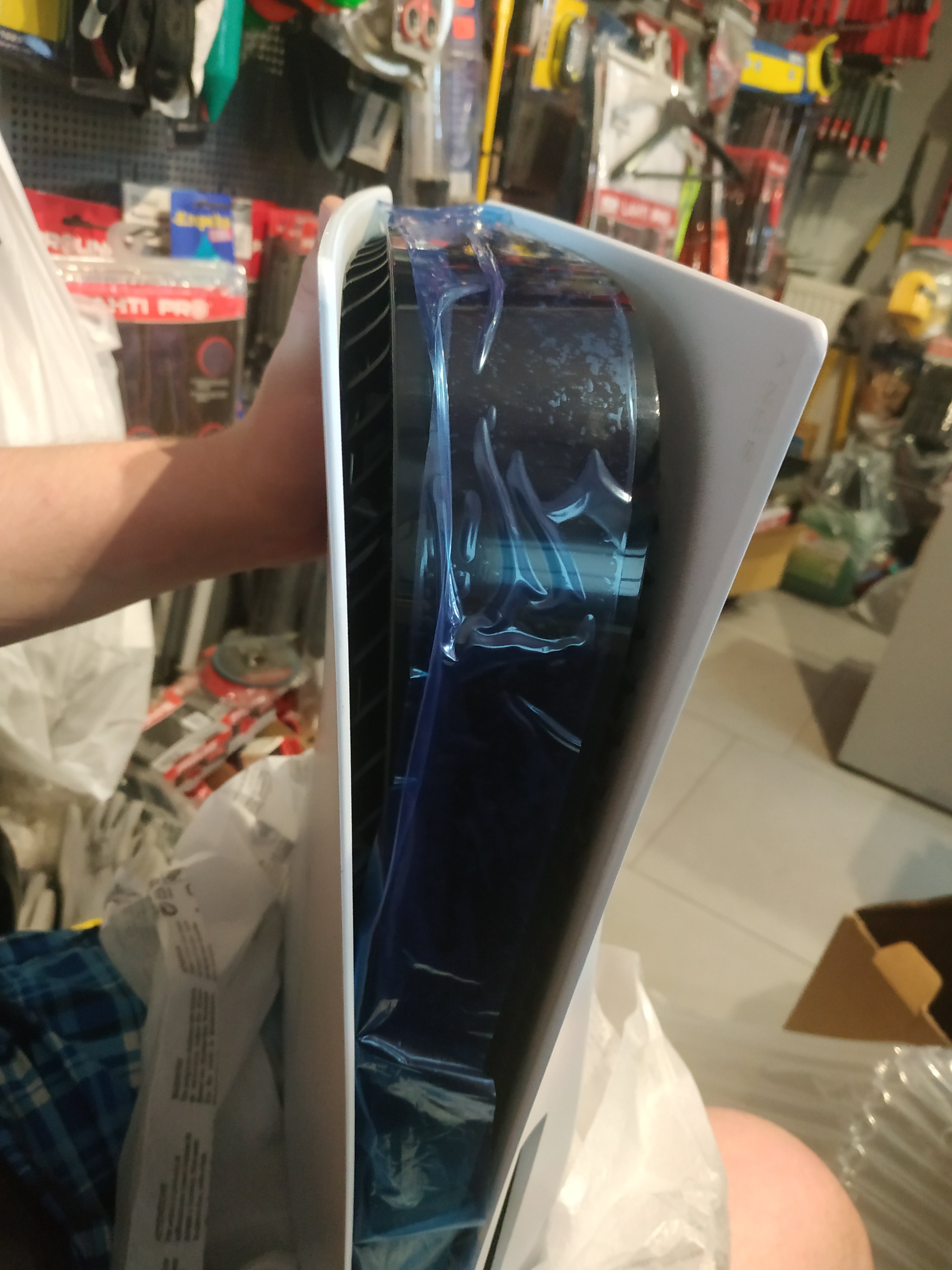
Ekscytujące... Zdjęcia wyglądają jak jakiś template domu projektowegoPograłby w taki remake porządny, bo remaster po łepkach niech sobie darują. żeby nie było to fanmadeTymczasem CP2077 po powrocie do PSS na pierwszym miejscu w czerwcu jeżeli chodzi o gry z PS4 https://blog.playstation.com/2021/07/09/playstation-store-june-2021s-top-downloads/Ma być tylko jeden przewód według tych wcześniejszych plotek.Jak grasz to zwalnia kopiowanie z płyty.Tak, nie miałem problemu z cewkami.Konsola wróciła, nowka sztunia. Czy działa i jak dowiem sie dopiero jak wrócę na chatę
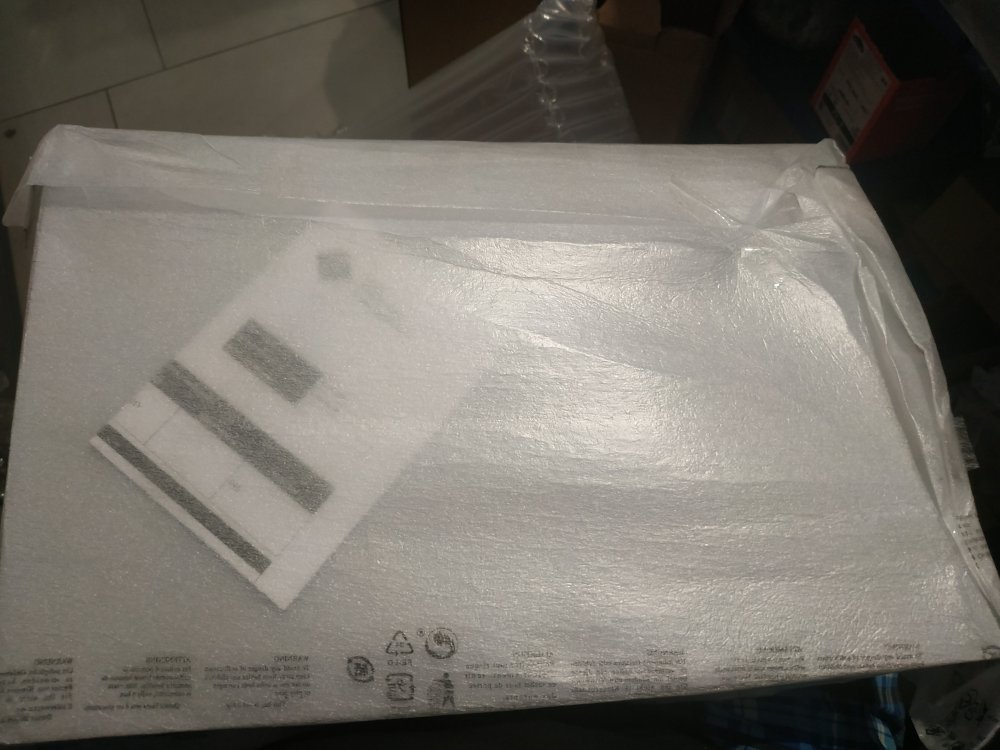
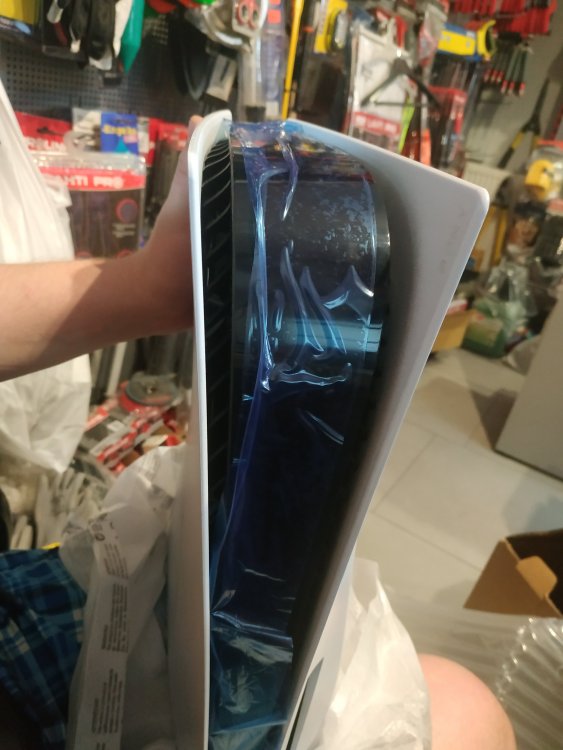 Przeczytaj jeszcze raz ze zrozumieniem co Brutto napisał mała podpowiedź, jakby był problemPierwszy tytuł z sierpniowej oferty już znamy





Account
Navigation
Szukaj
Configure browser push notifications
Chrome (Android)
- Tap the lock icon next to the address bar.
- Tap Permissions → Notifications.
- Adjust your preference.
Chrome (Desktop)
- Click the padlock icon in the address bar.
- Select Site settings.
- Find Notifications and adjust your preference.
Safari (iOS 16.4+)
- Ensure the site is installed via Add to Home Screen.
- Open Settings App → Notifications.
- Find your app name and adjust your preference.
Safari (macOS)
- Go to Safari → Preferences.
- Click the Websites tab.
- Select Notifications in the sidebar.
- Find this website and adjust your preference.
Edge (Android)
- Tap the lock icon next to the address bar.
- Tap Permissions.
- Find Notifications and adjust your preference.
Edge (Desktop)
- Click the padlock icon in the address bar.
- Click Permissions for this site.
- Find Notifications and adjust your preference.
Firefox (Android)
- Go to Settings → Site permissions.
- Tap Notifications.
- Find this site in the list and adjust your preference.
Firefox (Desktop)
- Open Firefox Settings.
- Search for Notifications.
- Find this site in the list and adjust your preference.