Skocz do zawartości
View in the app

A better way to browse. Learn more.

Forum PSX Extreme

A full-screen app on your home screen with push notifications, badges and more.

To install this app on iOS and iPadOS
  1. Tap the Share icon in Safari
  2. Scroll the menu and tap Add to Home Screen.
  3. Tap Add in the top-right corner.
To install this app on Android
  1. Tap the 3-dot menu (⋮) in the top-right corner of the browser.
  2. Tap Add to Home screen or Install app.
  3. Confirm by tapping Install.

Daffy

Senior Member

Daffy

Dead cells z wszystkimi dlc czy Rogue legacy 2?

Daffy

18:00 Eurosport, męski sport, finał ligi mistrzów Kielce vs Magdeburg, serdecznie polecam, pozdrawiam

Daffy

Dyskutujmy


FB_IMG_1686862330475.jpg

Daffy

Xddddddd


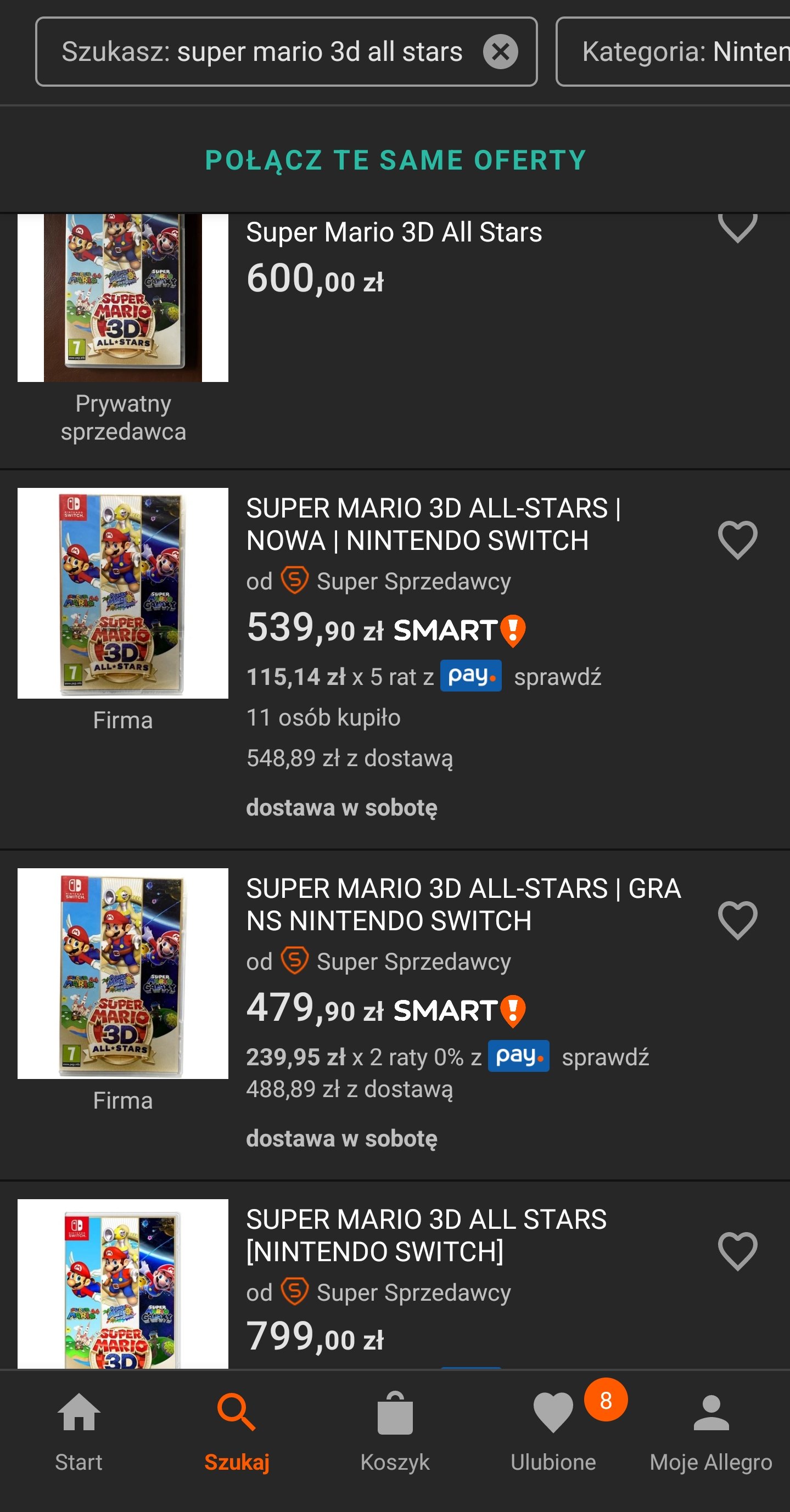
Screenshot_2023-06-15-19-59-07-54_a038fdda0361bc57fee075193df50ddc.thumb.jpg.c7578af30e0bd613613afcaa52d46ce2.jpg

Daffy

No kurcze ale dobry giereczkowo jest ten 2023 jak na razie :wub:

Daffy

Vita2 hahahaha może dział założycie osobny? Xdddd
Daffy

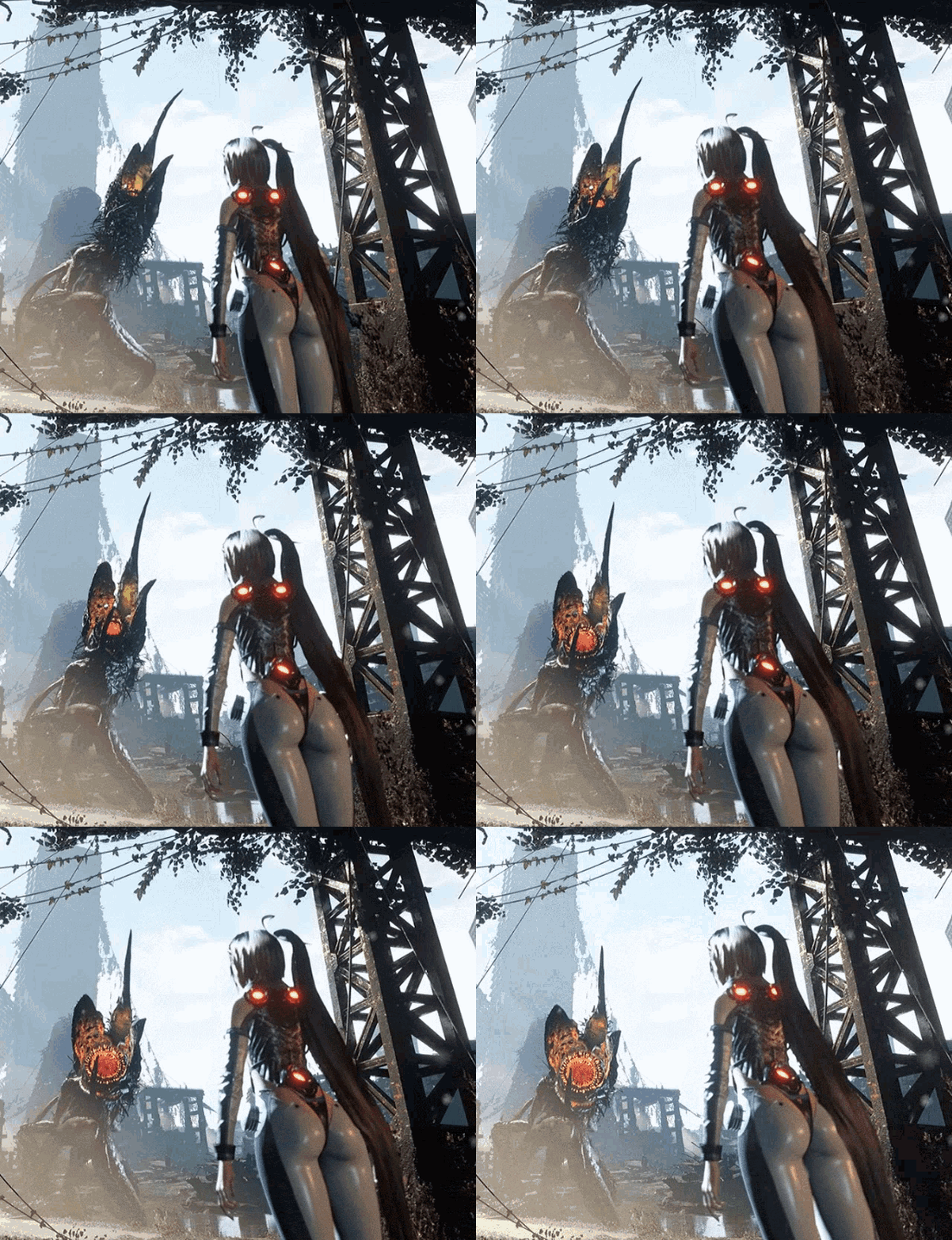
Proszę proszę jakie wyróżnienie, ale mogliby wymienić nazwę sklepu


Screenshot_2023-05-10-14-22-13-46_a23b203fd3aafc6dcb84e438dda678b6.jpg

Account

Navigation

Szukaj

Szukaj

Configure browser push notifications

Chrome (Android)
  1. Tap the lock icon next to the address bar.
  2. Tap Permissions → Notifications.
  3. Adjust your preference.
Chrome (Desktop)
  1. Click the padlock icon in the address bar.
  2. Select Site settings.
  3. Find Notifications and adjust your preference.