Skocz do zawartości
View in the app

A better way to browse. Learn more.

Forum PSX Extreme

A full-screen app on your home screen with push notifications, badges and more.

To install this app on iOS and iPadOS
  1. Tap the Share icon in Safari
  2. Scroll the menu and tap Add to Home Screen.
  3. Tap Add in the top-right corner.
To install this app on Android
  1. Tap the 3-dot menu (⋮) in the top-right corner of the browser.
  2. Tap Add to Home screen or Install app.
  3. Confirm by tapping Install.

schabek


Tak wlasnie konczy sie oddawanie wladzy w rece smieci ktorzy nie beda chcieli jej pozniej oddac. Dobrze ze kumate p0ljaki nigdy do tego nie dopusc... O boze o kurwa


Paolo de Vesir

Pykło 700h w Awesomenauts na PC, pozdrawiam ekipę z Ronimo Games!

Colin

Amerika ist wunderbar :whistling:

Kalel


Odpowiedziano

Coś słabo, to już na otwarciu salony xiaomi były lepsze dymy.

Czoperrr

Fajnie się bawią w tym Waszyngtonie

Labtec

EP2GRGo.png

Odpowiedziano

image.jpeg.b288ebe468ed0de70932f1269fcd7ce5.jpeg

20inchDT

Jest tylko jedna trylogia

Odpowiedziano

Dokładnie - tylko "Back to the Future" - trylogia idealna i zamknięta :fsg:

michal

Kto chce szczepionke? More sprzedać za 5pln znajomym z forum pe

japco

Da się jakoś włączyć opcję ignorowania na statusy? 

Odpowiedziano

hej, niestety nie :)

Figuś


Odpowiedziano

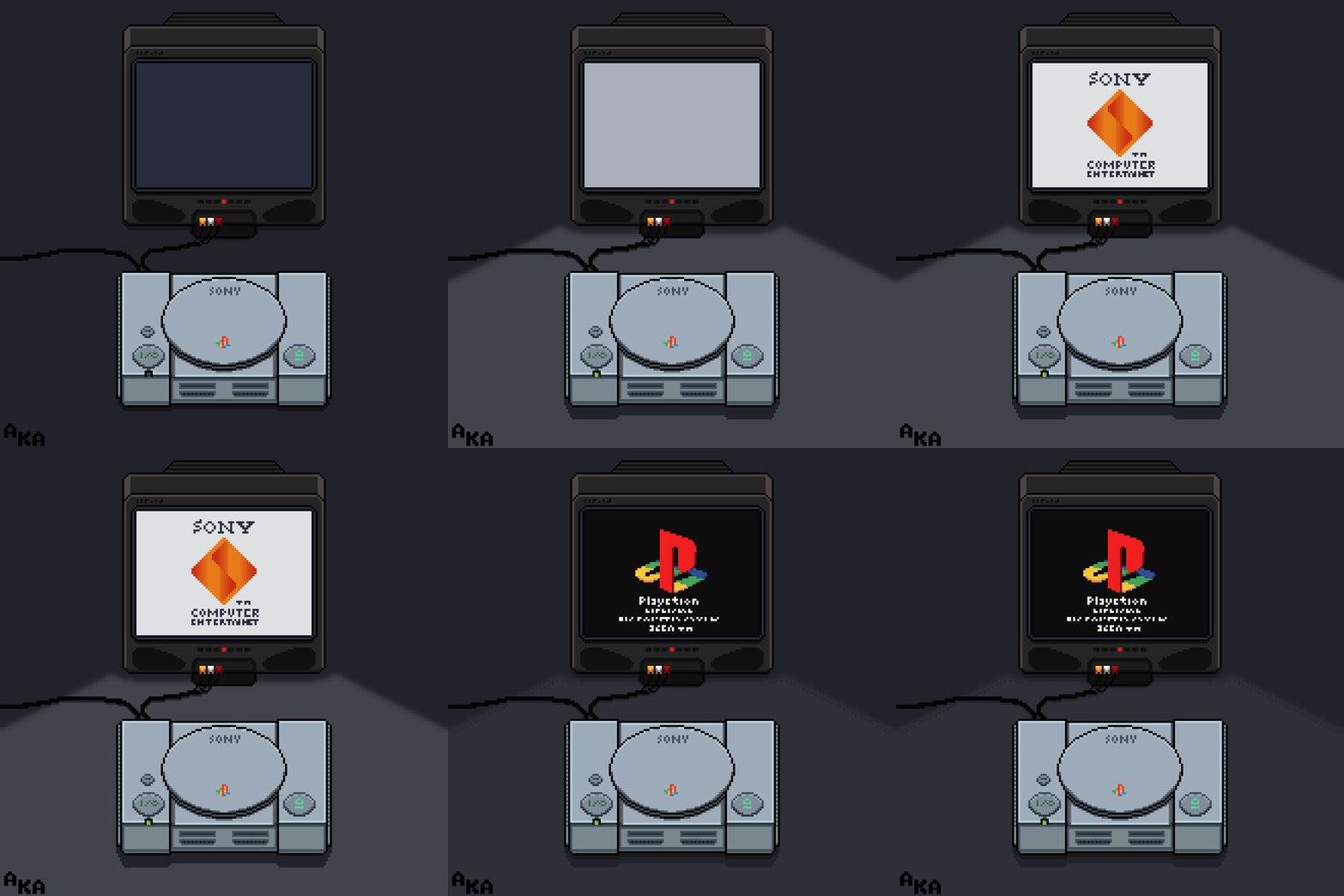
boty i ich konsola

Configure browser push notifications

Chrome (Android)
  1. Tap the lock icon next to the address bar.
  2. Tap Permissions → Notifications.
  3. Adjust your preference.
Chrome (Desktop)
  1. Click the padlock icon in the address bar.
  2. Select Site settings.
  3. Find Notifications and adjust your preference.